Website Builder & Template Comparisons
Honest, side-by-side comparisons of the website builders, template strategies, and build approaches we work with at Waida Studio. We sell Webflow and Framer templates, customization services, and custom websites — so we have working knowledge of every option here, and a vested interest in helping you choose the one that genuinely fits your project rather than the one that fits our sales pitch.
Updated
Articles in this guide
Framer Marketplace: How Buying a Template Works in 2026
How the Framer Marketplace works in 2026: who sells the templates, what the free and paid licences allow, and how buying direct from a studio differs.
Framer vs WordPress: Which to Choose in 2026
Framer vs WordPress in 2026: Framer for designed marketing sites with no upkeep, WordPress for content-heavy sites, stores and full control of your hosting.
Webflow vs Wix: Which to Choose in 2026
Webflow vs Wix in 2026: Webflow for designers and agencies who want full control, Wix for business owners who want bookings, payments and an easy editor in one place.
Framer vs Squarespace: Which to Choose in 2026
Framer vs Squarespace in 2026: Framer for designed marketing sites and portfolios, Squarespace for selling, bookings and an all-in-one setup.
How Much Does a Website Cost in 2026? Real Numbers by Route
What a website really costs in 2026, route by route: domain, hosting, template, freelancer or custom build, with first-year totals from prices checked today.
Framer vs Wix: Which Builder Is Right for Your Site in 2026?
Framer vs Wix in 2026 — design control, e-commerce, AI features, learning curve, and pricing. Honest comparison from a Framer studio.
Framer vs Figma Sites: Which Is Right for Your Site in 2026?
Framer vs Figma Sites in 2026 — production maturity, design environment, CMS, animations, and pricing.
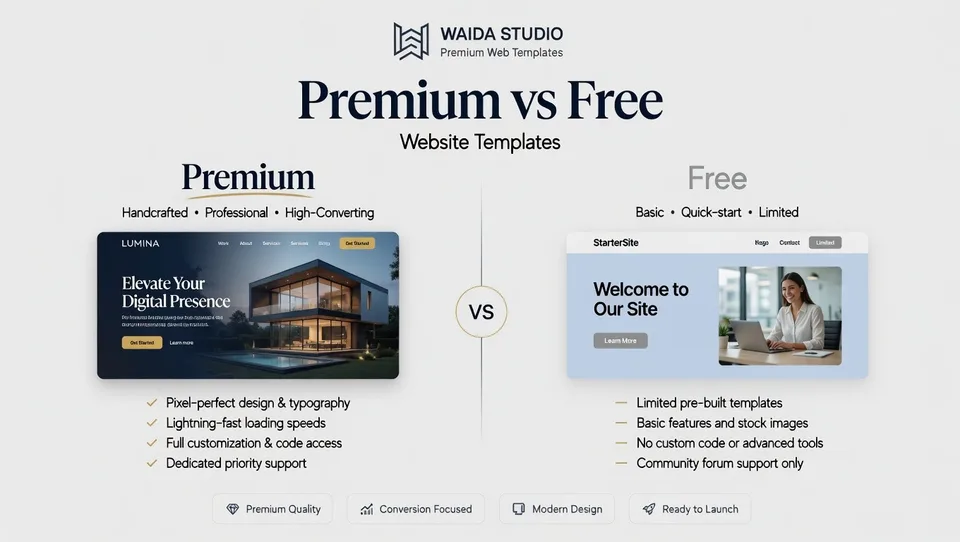
Premium vs Free Website Templates: Which Should You Choose in 2026?
Premium vs free website templates in 2026 — what's actually included, hidden costs of free, and when each is genuinely the right choice. From a template studio.
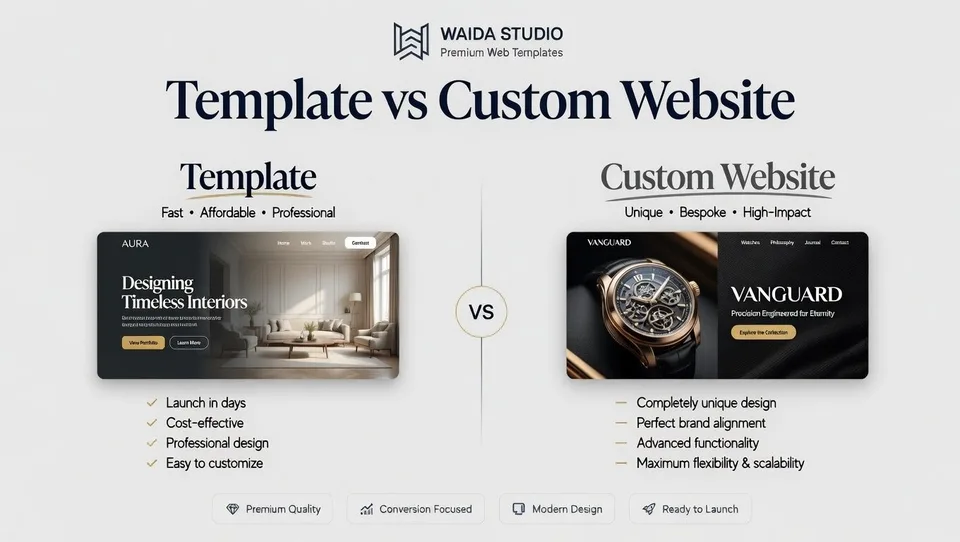
Template vs Custom Website: Which Should You Choose in 2026?
Template vs custom website in 2026 — real costs, timelines, and when each is worth it. Plus the middle path of template customization that most articles miss.
Webflow vs Squarespace: Which Builder Is Right for Your Site in 2026?
Webflow vs Squarespace in 2026 — design control, ease of use, e-commerce, SEO, and AI features. Honest comparison from a Webflow studio.
Webflow vs WordPress: Which Platform Is Right for Your Site in 2026?
Webflow vs WordPress in 2026 — pricing, CMS, e-commerce, SEO, plugins, and the recent WordPress governance drama.
Webflow vs Framer: Which Platform Should You Choose in 2026?
A neutral, dual-platform comparison of Webflow and Framer — pricing, CMS, e-commerce, SEO, animations, and use cases. Built by a studio that ships in both.
Short version: Webflow suits content-heavy sites and online stores, Framer suits portfolios and landing pages that need to ship fast, and Framer beats Figma Sites on production readiness. Wix and Squarespace win on ease, WordPress on ecosystem and ownership. Premium templates suit commercial projects; custom builds suit brands whose positioning justifies the cost.
What's in this hub
Most "X vs Y" articles online are either platform-affiliated marketing or freelancers pushing whichever option the writer happens to use. Neither is neutral, and neither is genuinely useful when you're trying to make a real decision.
We've written these comparisons differently. Each one covers current 2026 pricing, real feature trade-offs, recent product changes, and explicit guidance on when the platform we don't sell is genuinely the better answer. The bias is acknowledged upfront in every article so you know what to discount.
If you read one of these and disagree with the recommendation for your specific case, that's the point. Comparisons aren't supposed to give you a universal answer — they're supposed to give you the information to make a confident decision.
Which comparison should you read?
Use this guide to find the comparison that matches what you're actually trying to decide.
Choosing a website platform
If you're picking the platform you'll commit to for the next several years, start here. These cover the major no-code and CMS platforms most projects evaluate.
- Comparing the two designer-favorite platforms? Read Webflow vs Framer — both are excellent, they prioritize different things.
- Considering moving away from WordPress, or picking between WordPress and a modern builder? Read Webflow vs WordPress — covers the WordPress governance situation honestly.
- Comparing Webflow with the easier all-in-one option? Read Webflow vs Squarespace — Squarespace is genuinely the right answer more often than design-led articles admit.
- Picking between Framer and the most popular all-in-one builder? Read Framer vs Wix — covers Wix's 2025/2026 AI updates and Wix Studio.
- Curious about Figma's new website publishing tool? Read Framer vs Figma Sites — why beta status matters more than features for production decisions.
Choosing a build approach
If you've picked a platform (or want to defer that decision) and you're now choosing between buying a template, customizing one, or going custom, start here.
- Deciding between free and paid templates? Read Premium vs Free Templates — when free is genuinely the right answer and what premium actually delivers.
- Deciding between a template and a custom website? Read Template vs Custom Website — including the middle path of template customization that most articles miss.
Once you've decided
Once you've picked a platform and a build approach, the next step is finding the right design.
- Browse our Webflow templates — 30+ designs across portfolios, agencies, SaaS, and business sites
- Browse our Framer templates — 30+ designs covering the same categories
- Or see the full template library — Framer, Webflow, HTML, Next.js, Astro and Figma combined
Need help adapting a template to your brand? Our Customization service handles it for $499. For fully bespoke builds where strategic differentiation justifies the investment, our Custom Website service starts at $5,000.
Have questions about which comparison applies to your specific situation? Get in touch — we typically reply within 24 hours.




