Every Figma template, one payment.
All 44 Figma templates as design files, lifetime access, future releases included. Or start a plan and unlock templates with credits.
Figma Website Templates
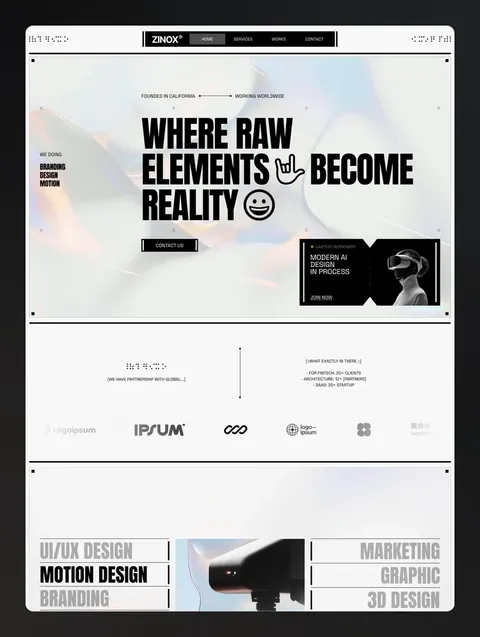
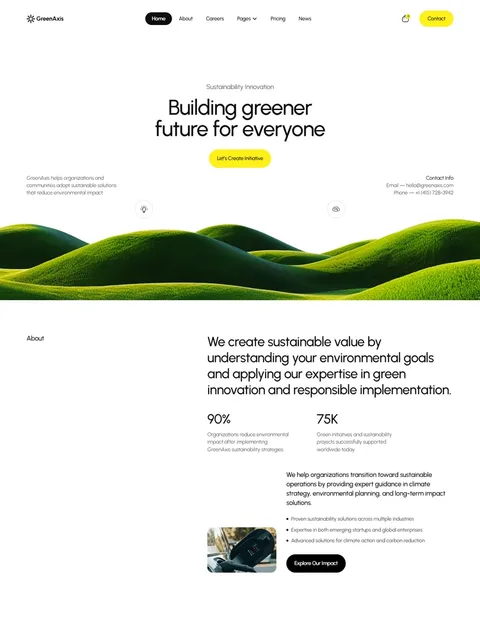
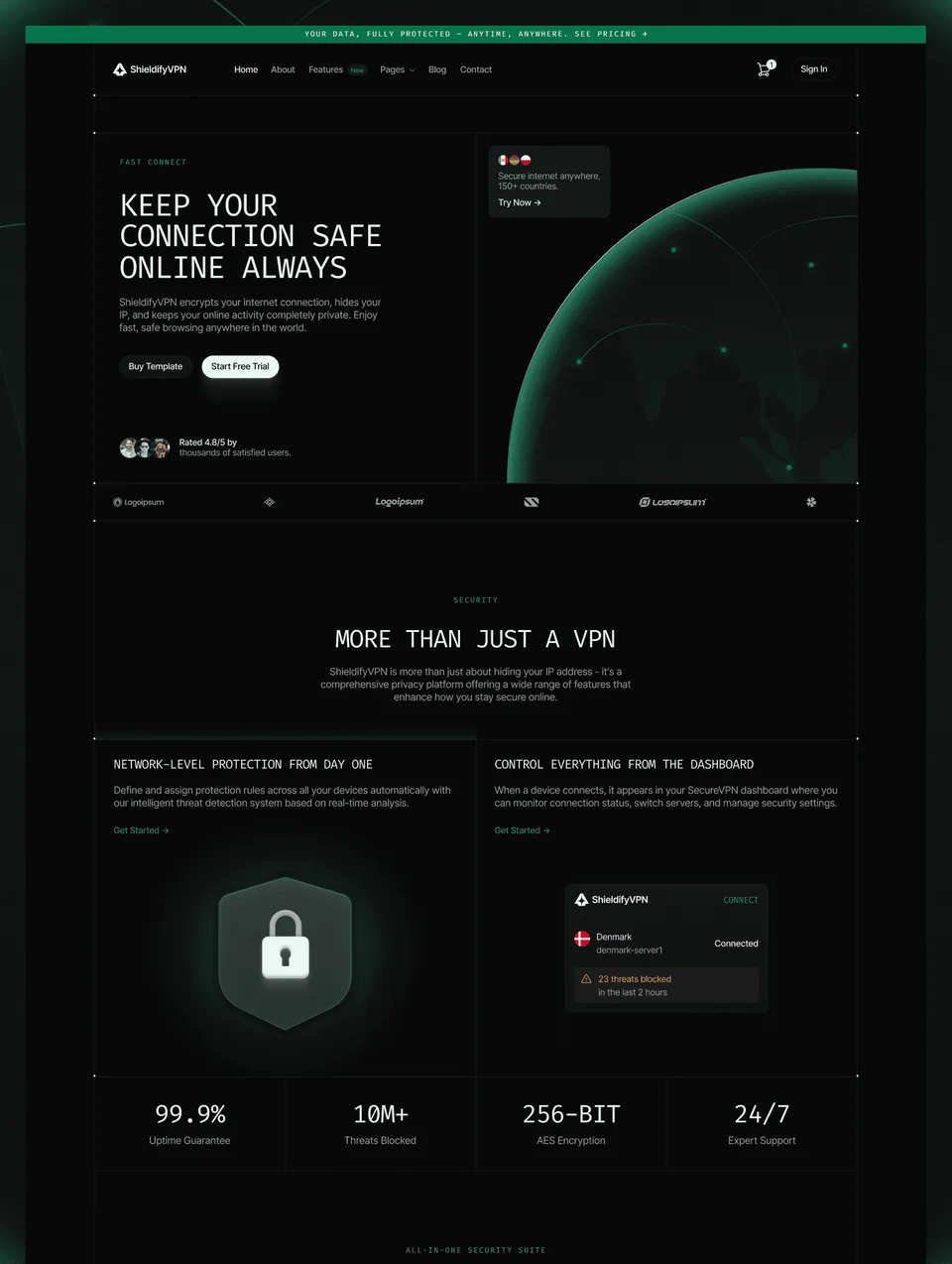
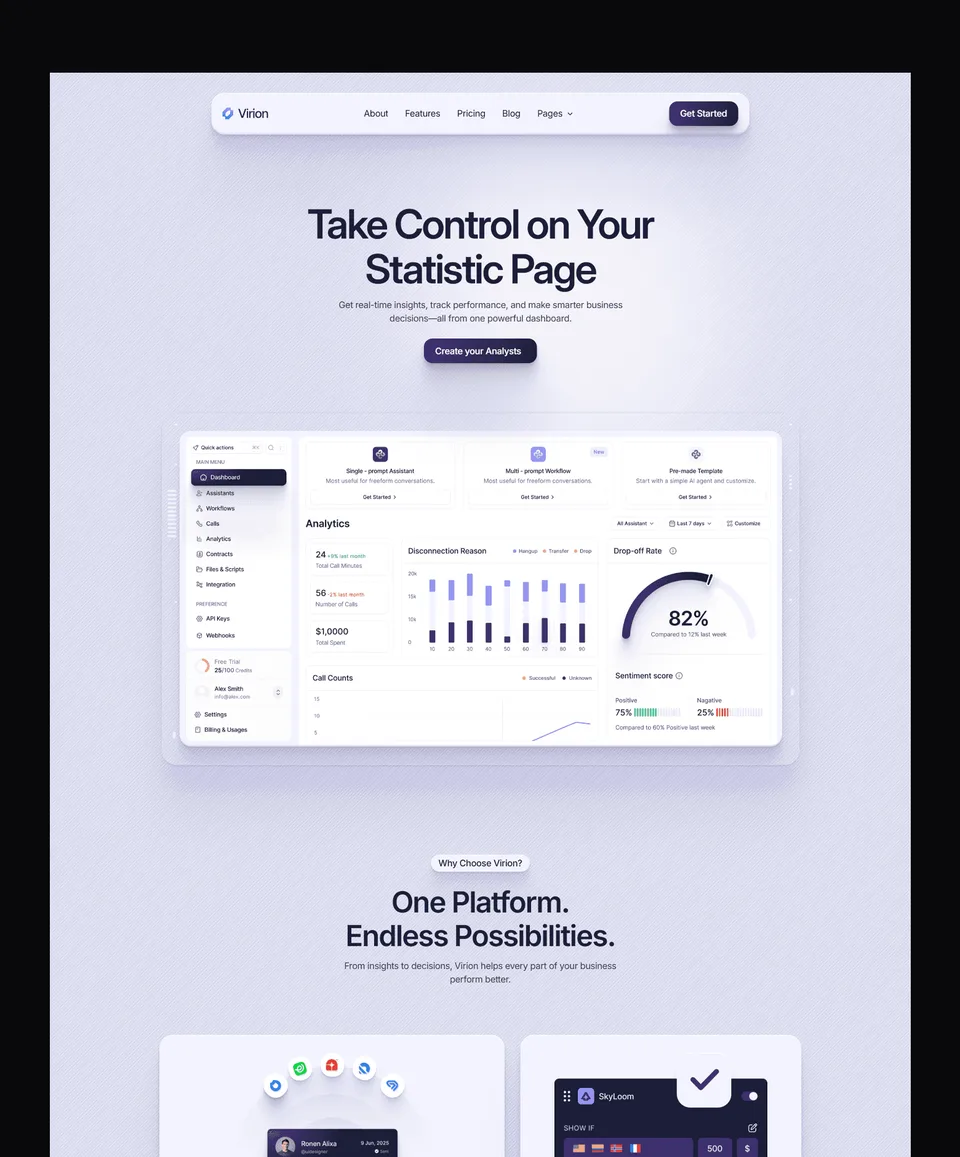
The Figma design file behind each Waida Studio template. Buy the one you need on its own, or get all of them in the Figma Bundle. Zelda's and Medonix's are free.
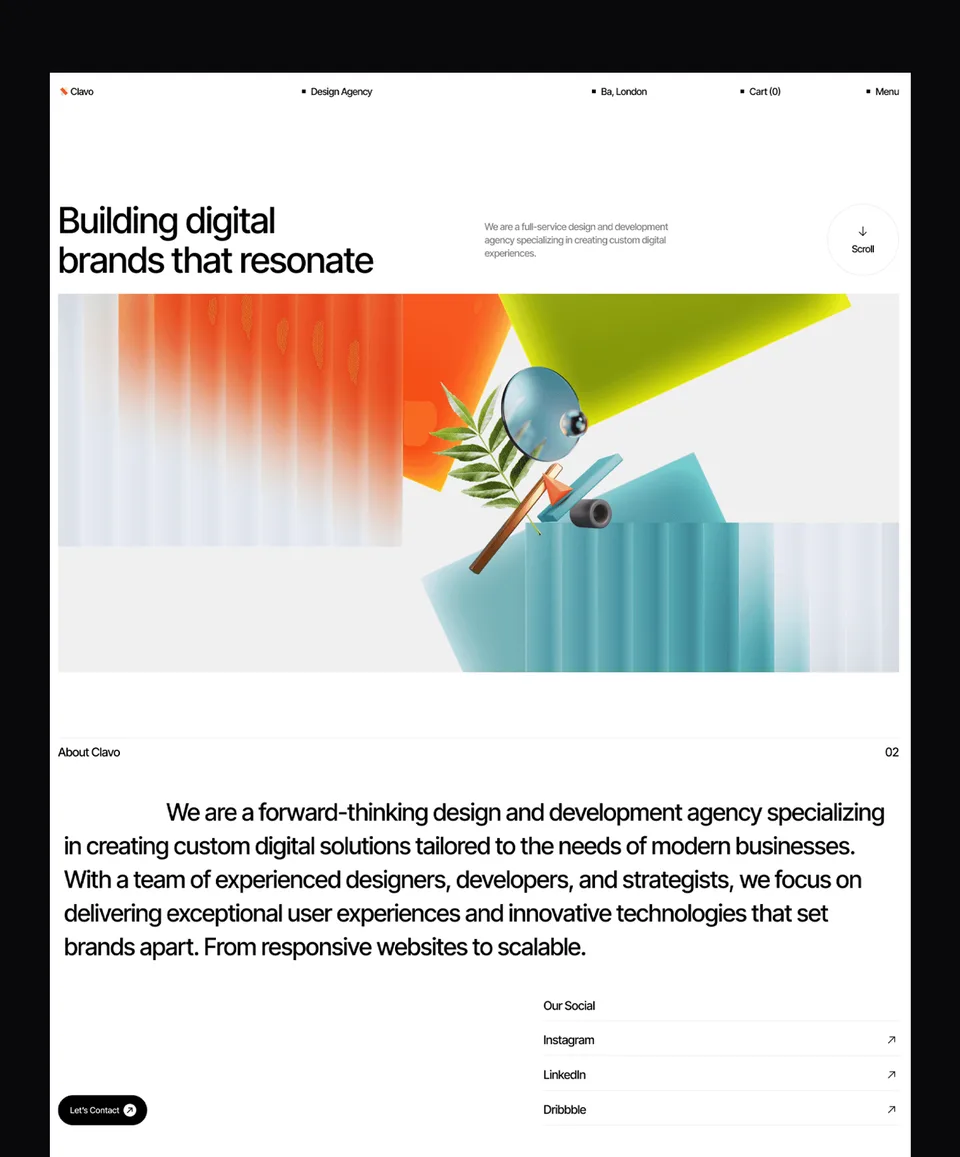




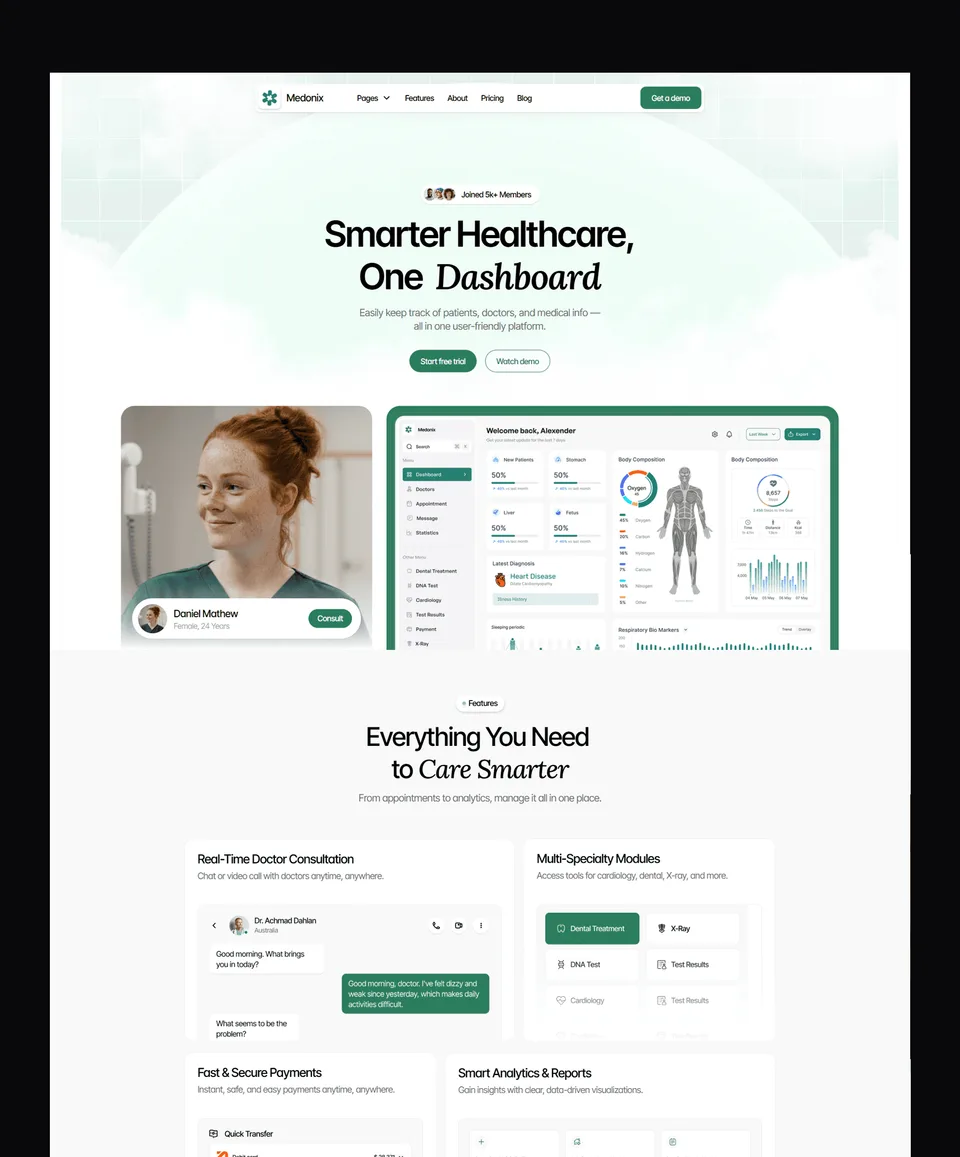



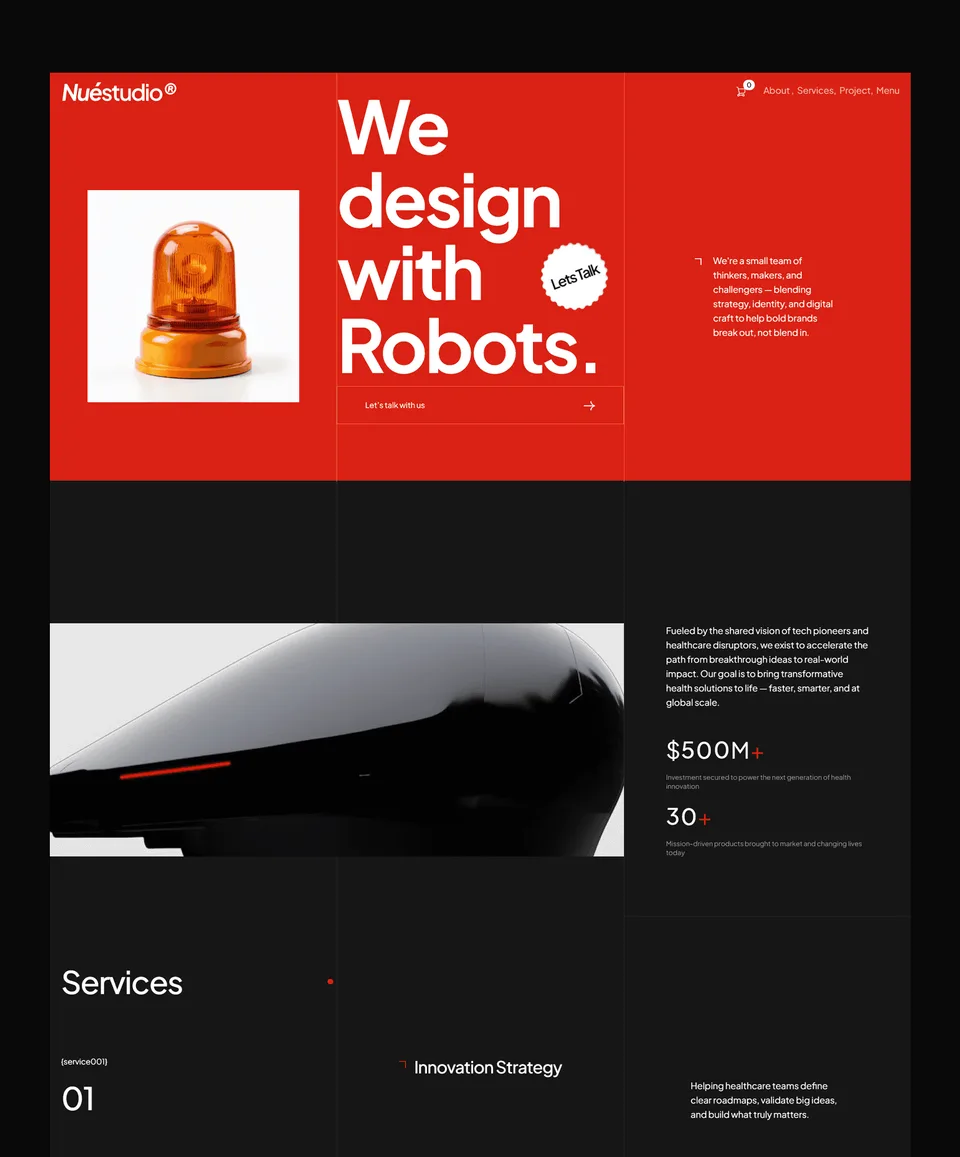





-1-480x360.webp)


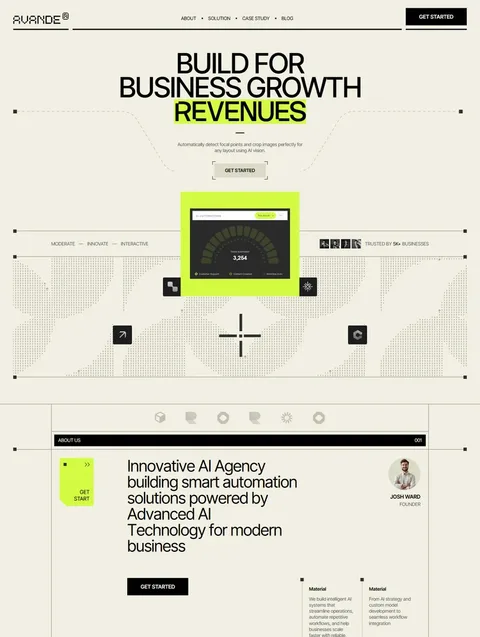

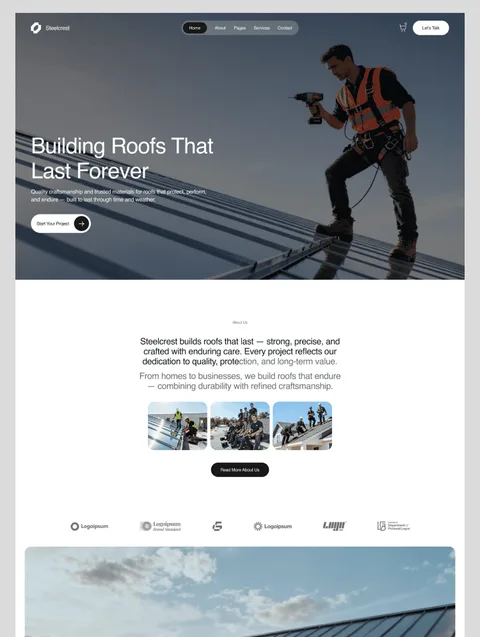

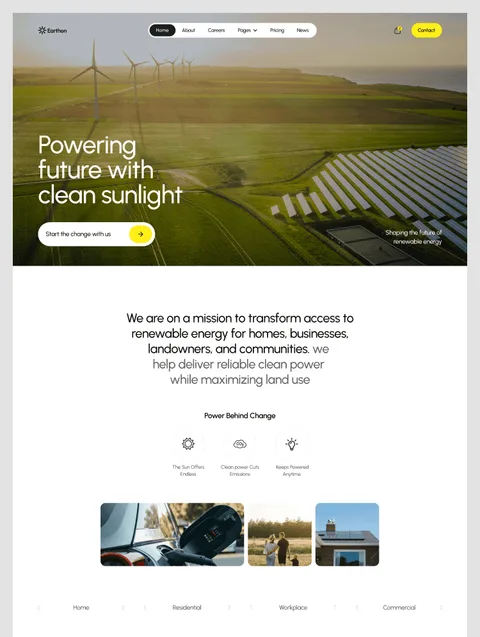

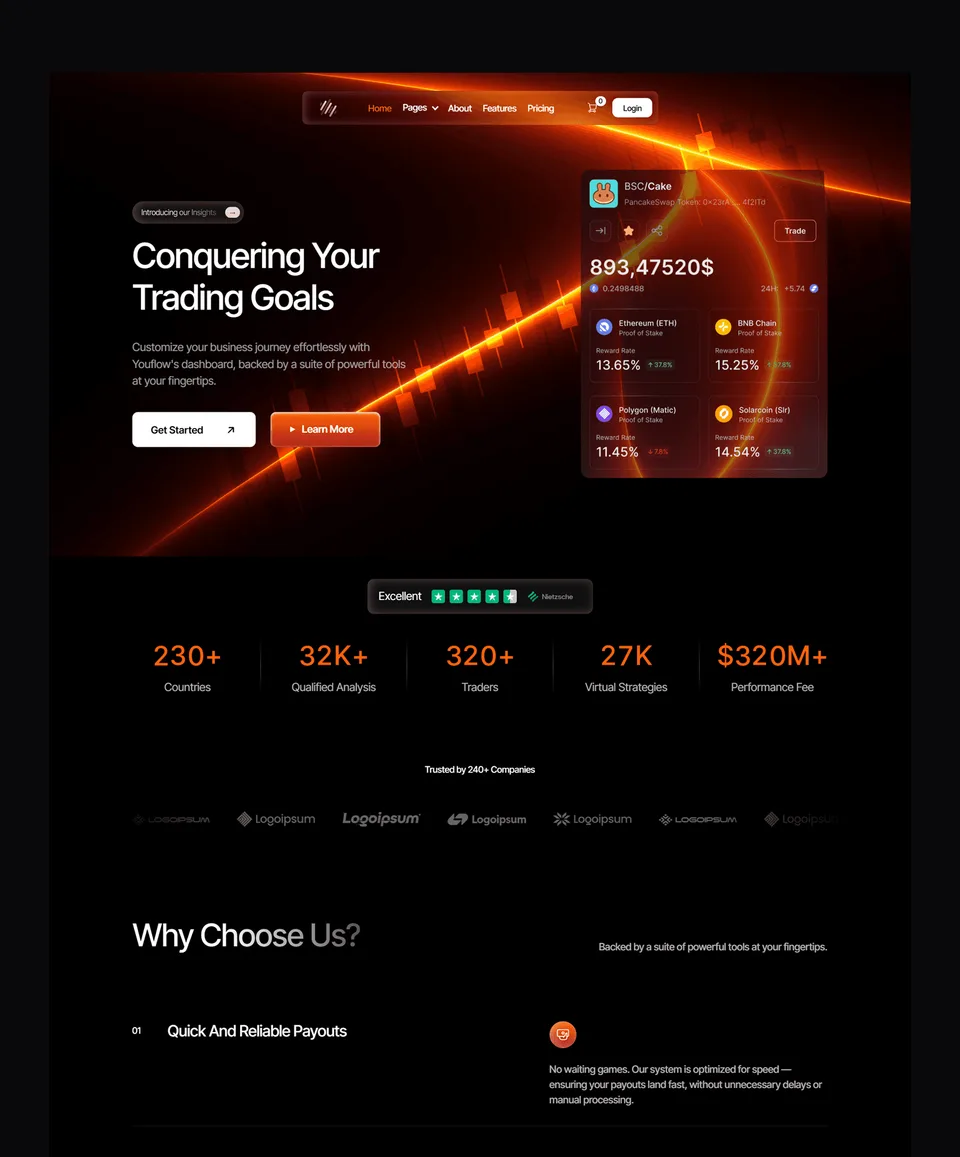

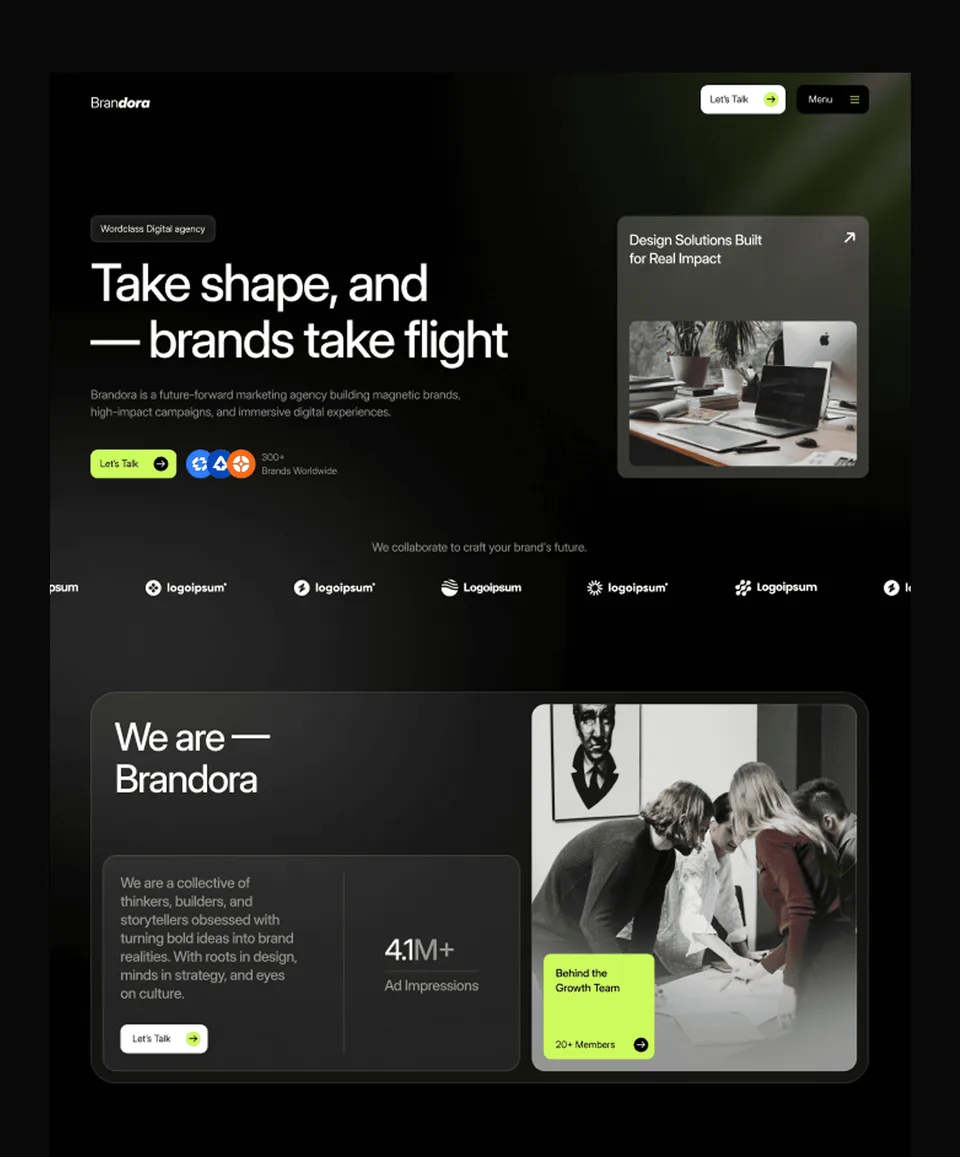

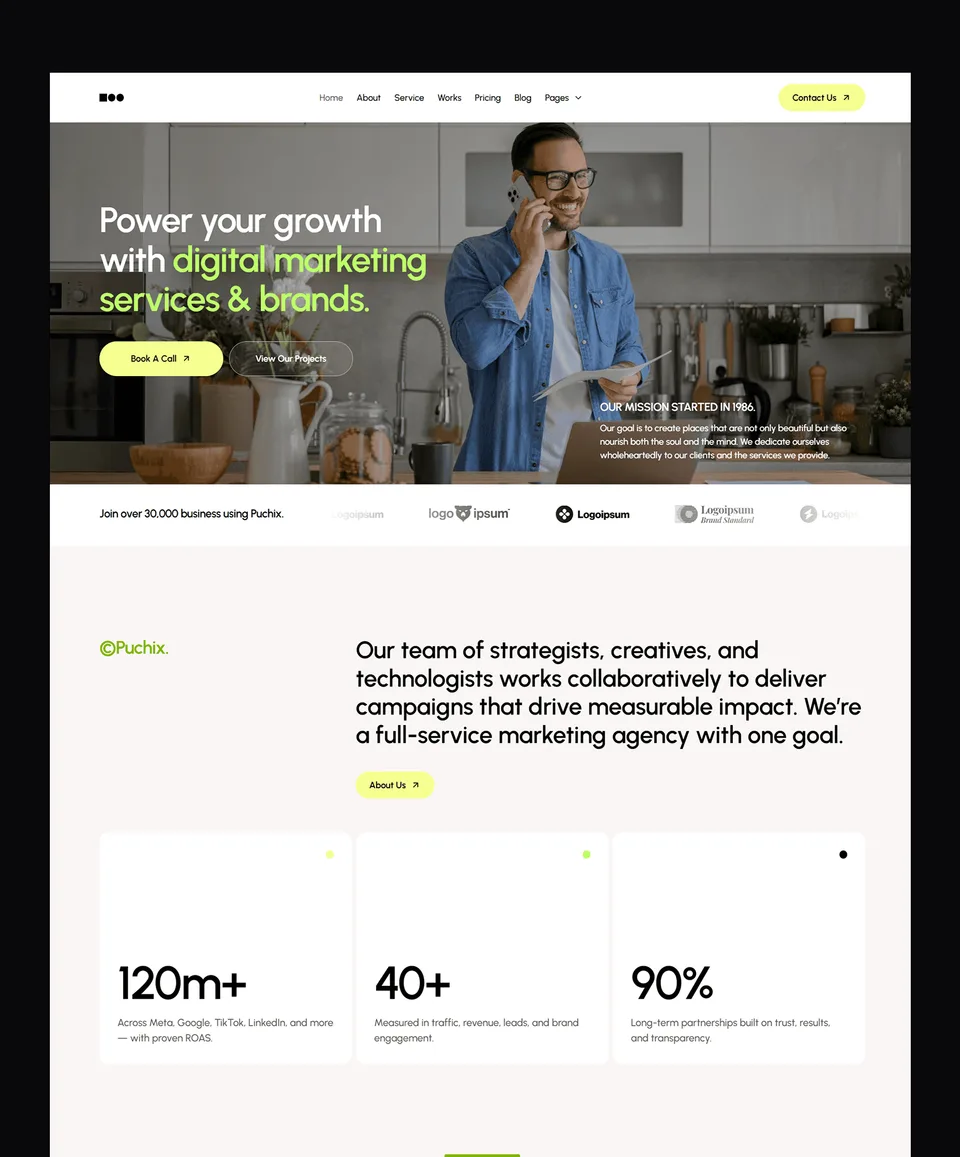

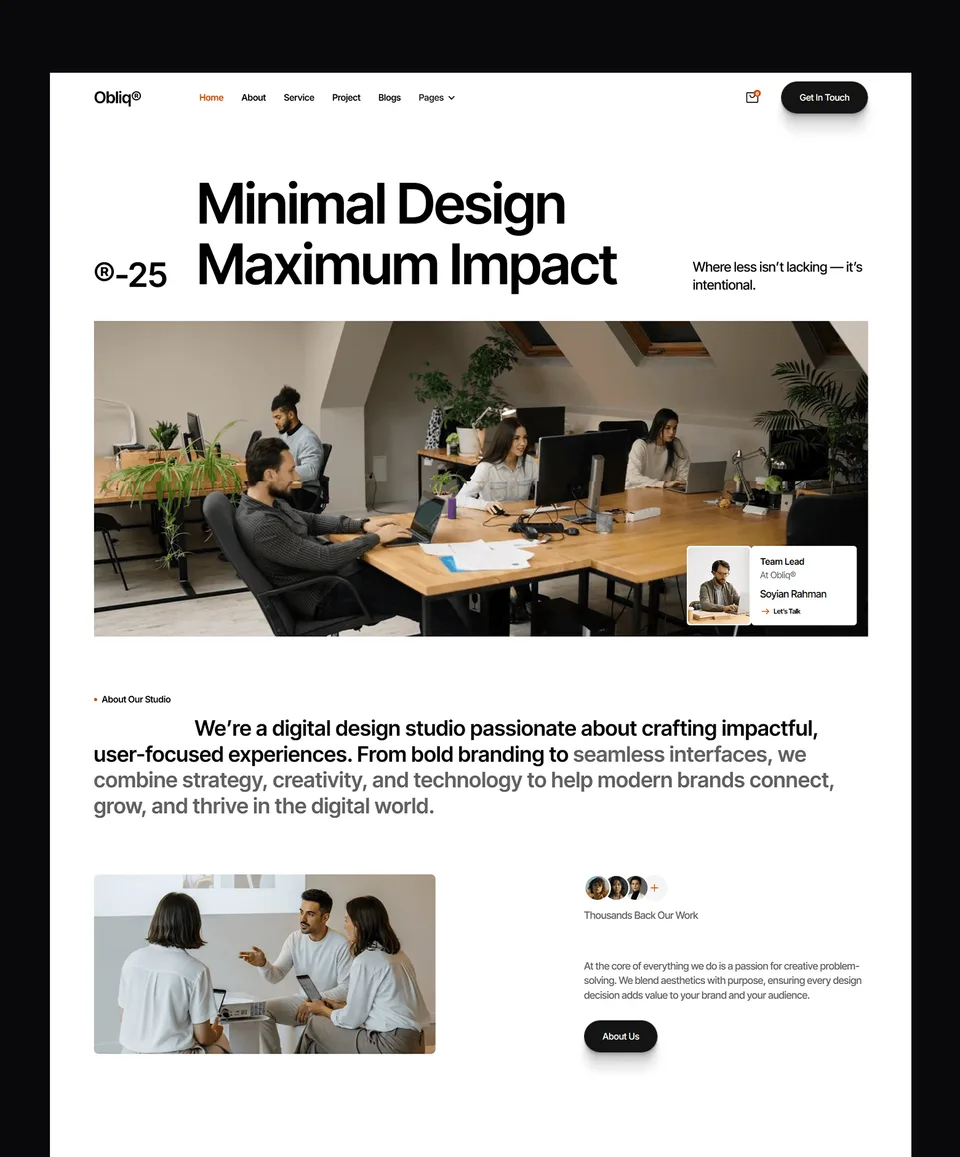

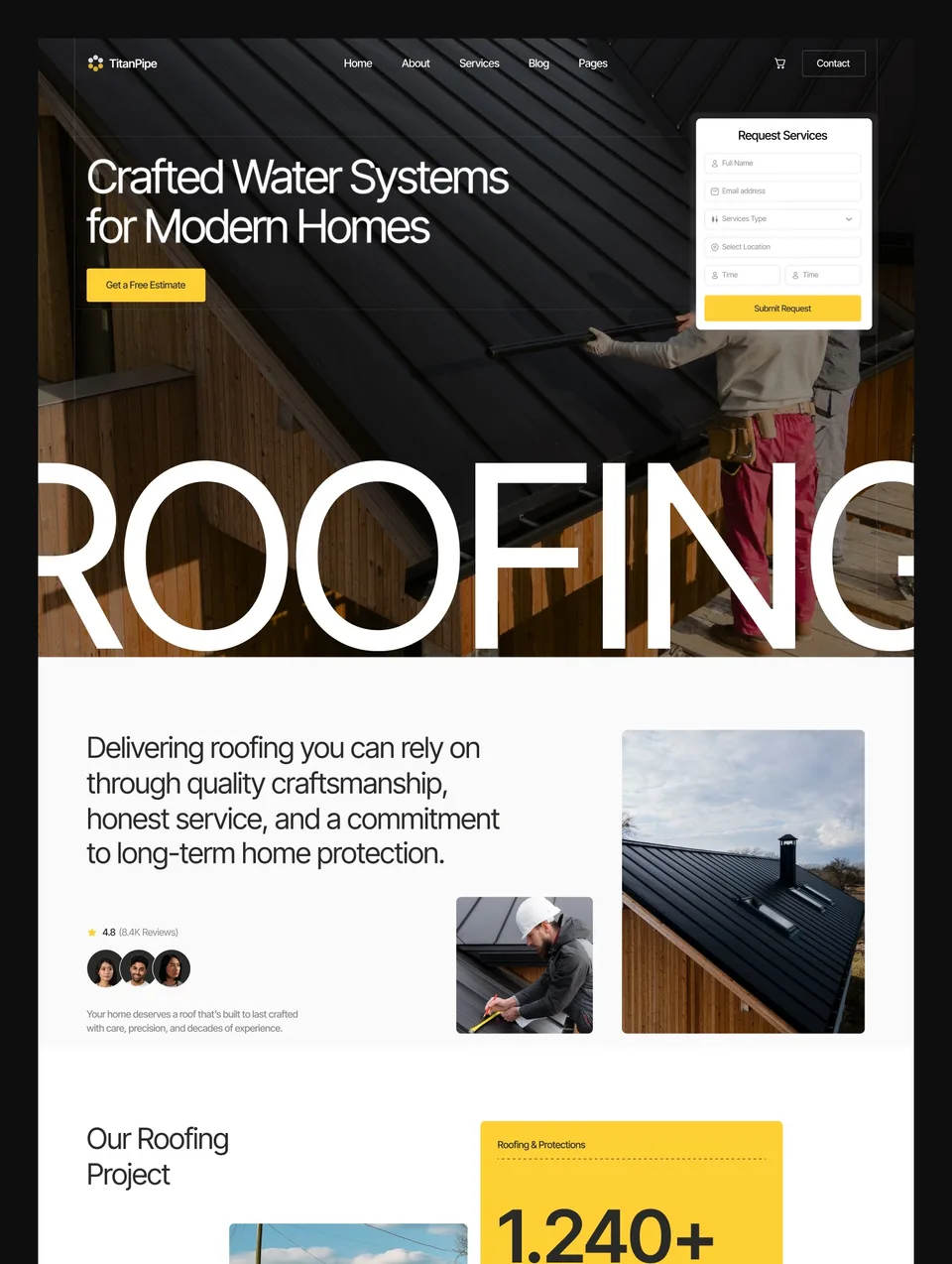



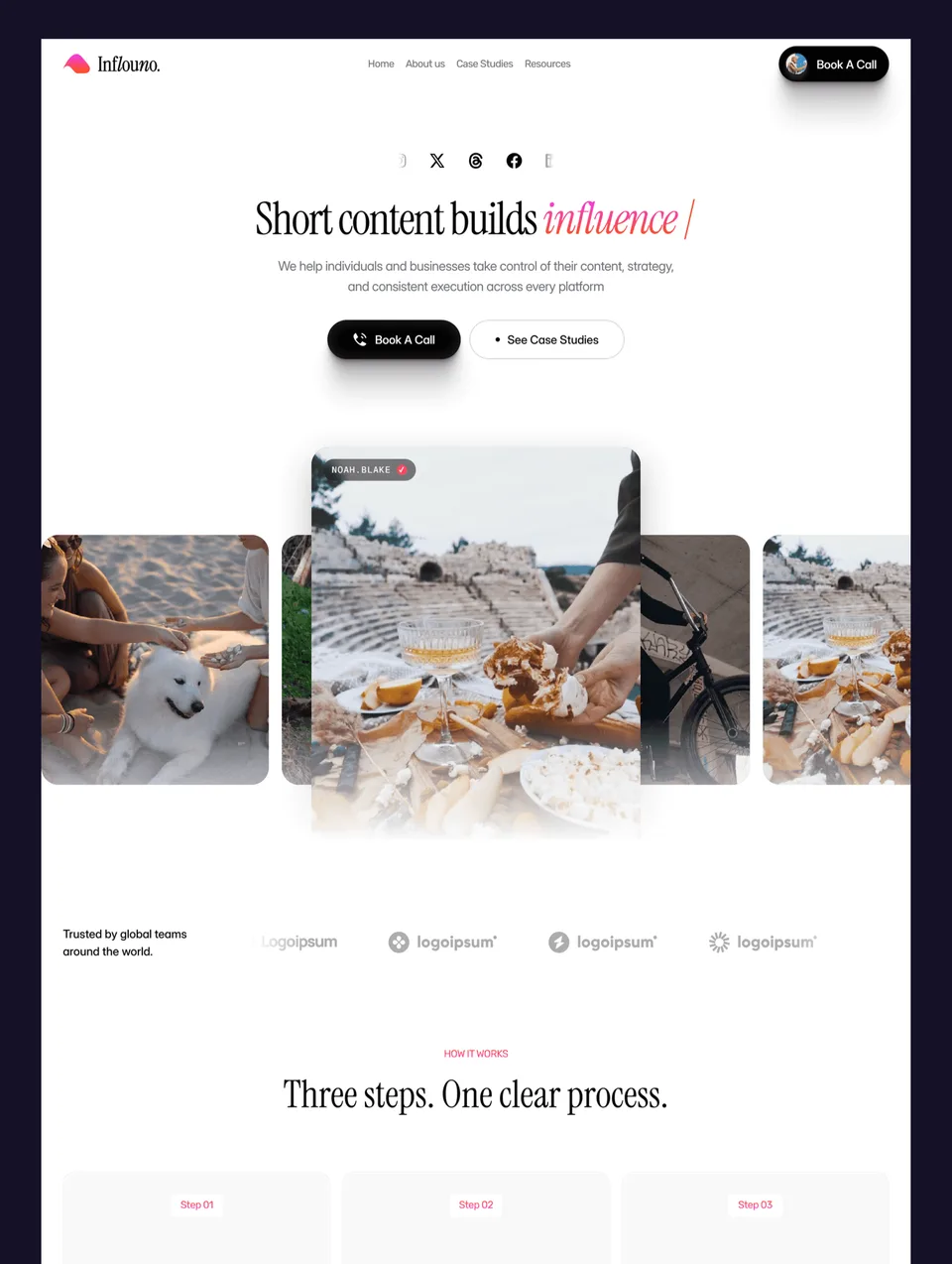

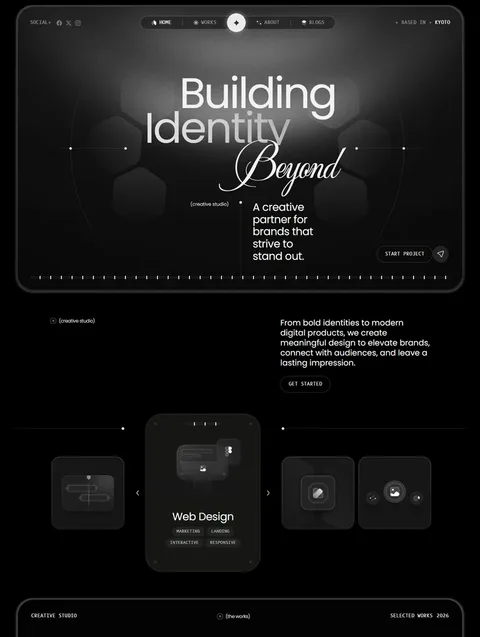

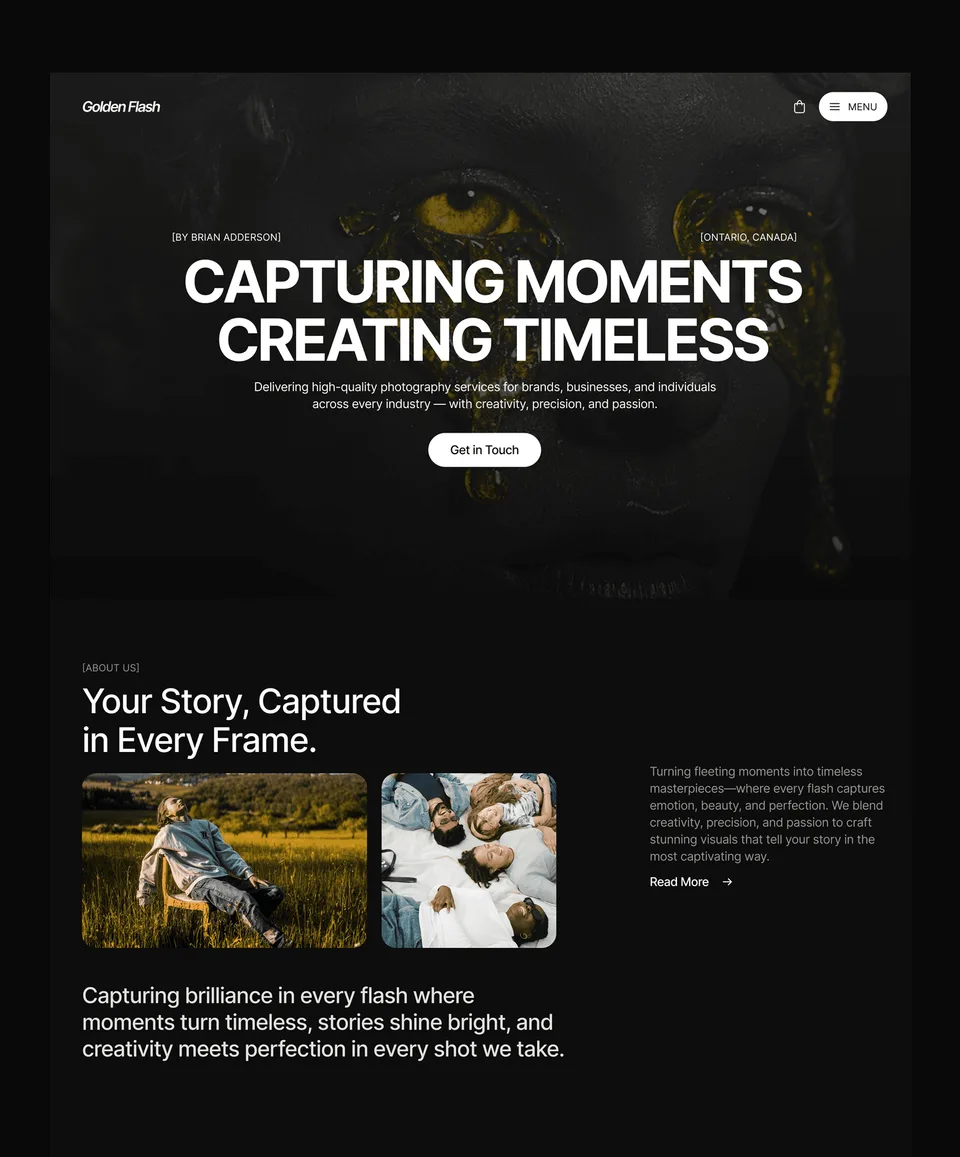

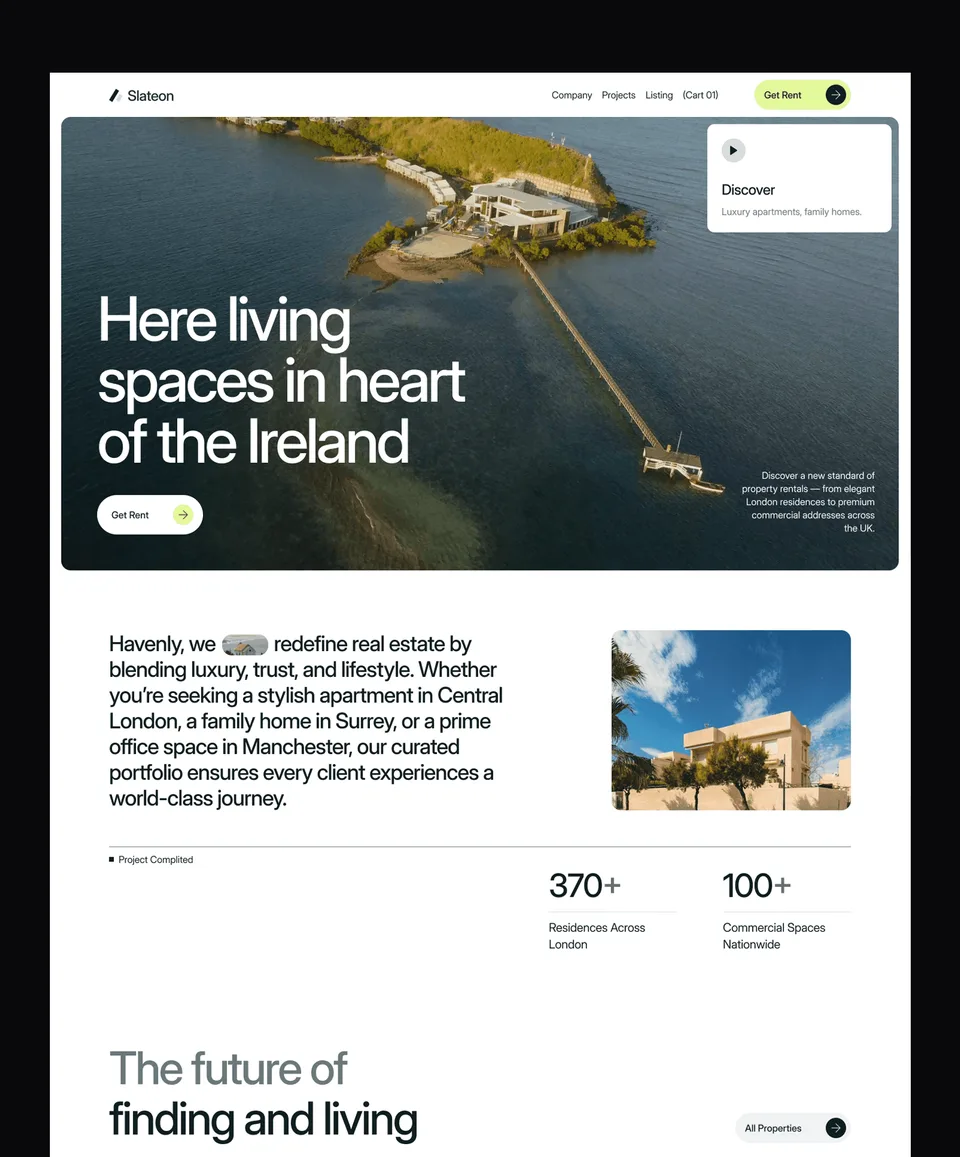

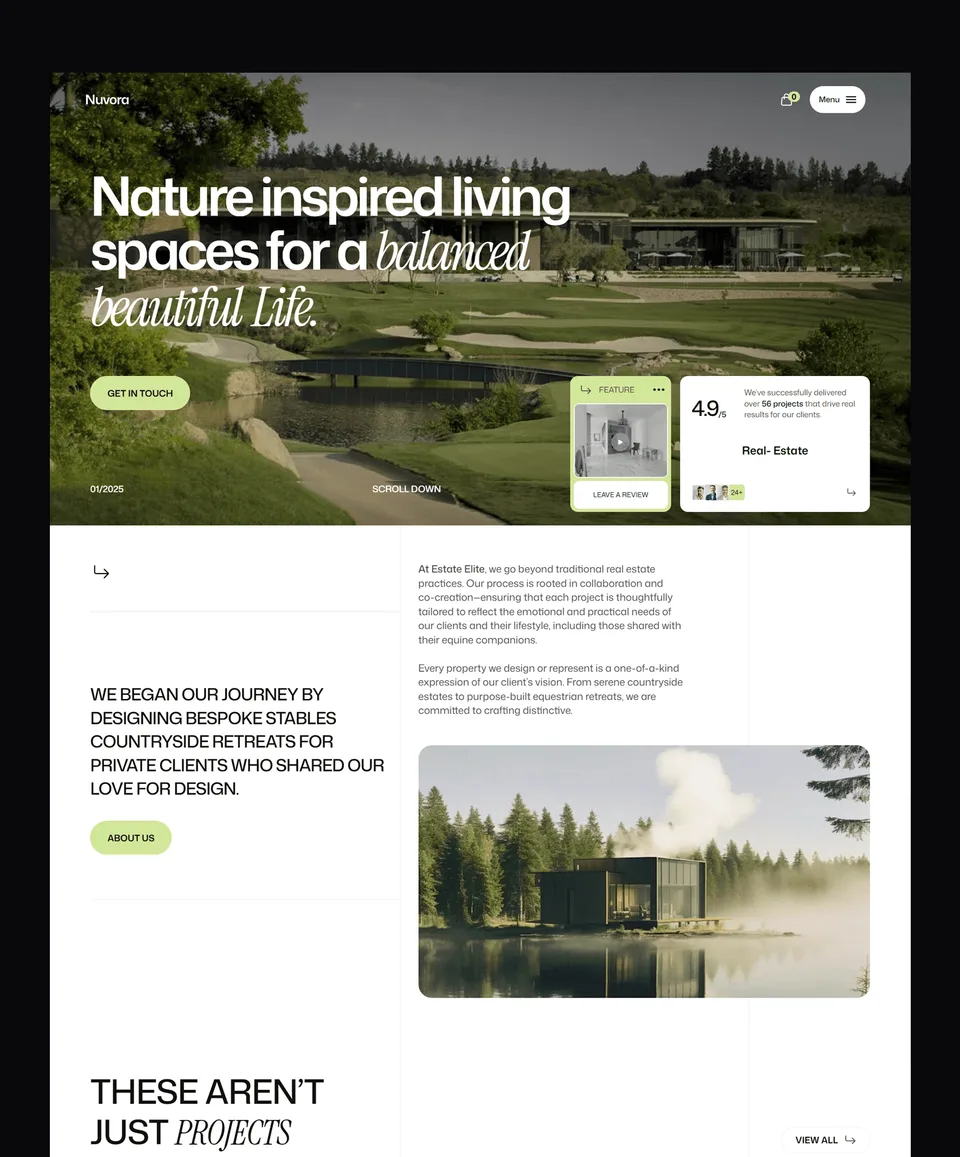

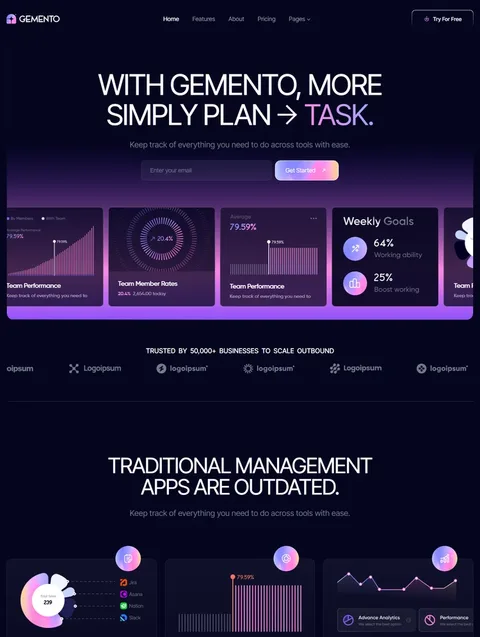

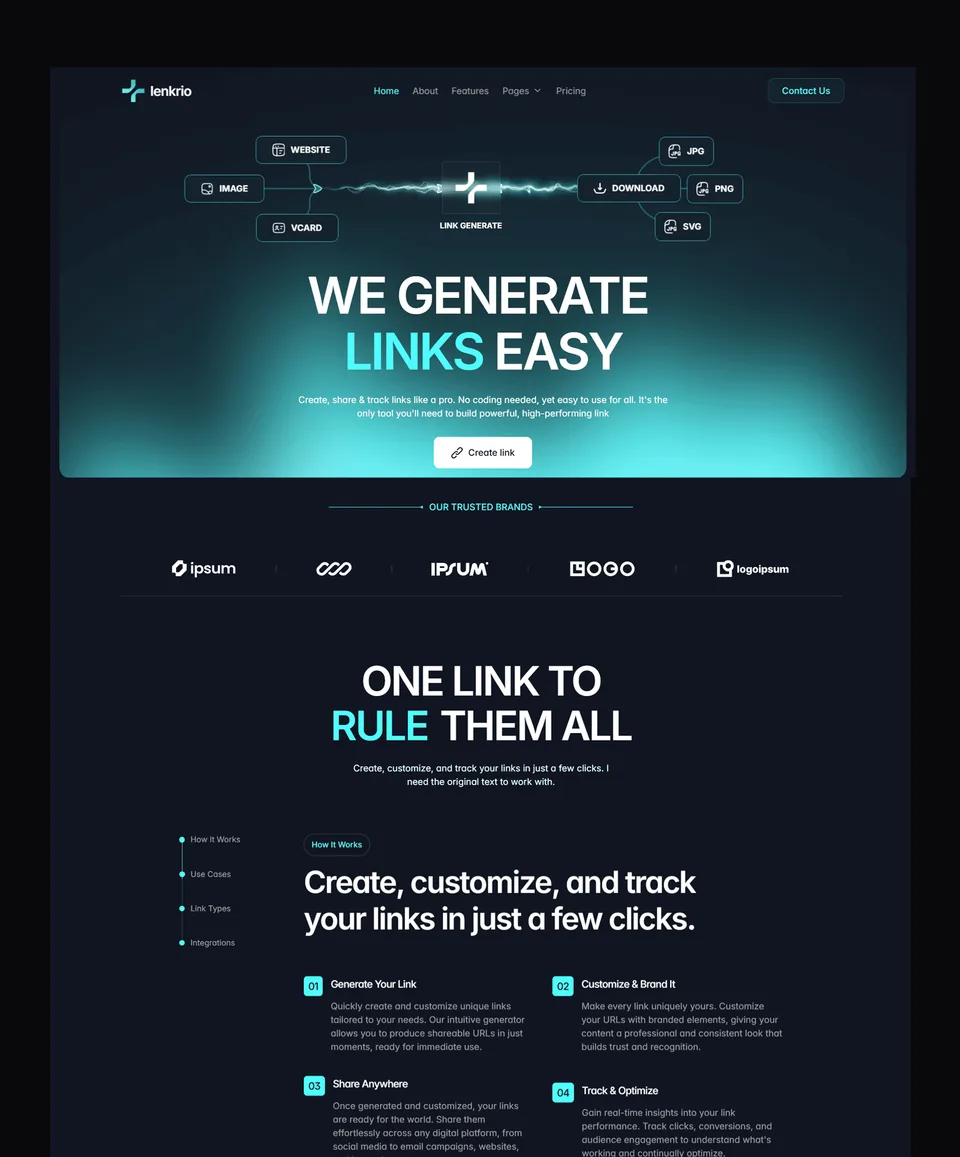

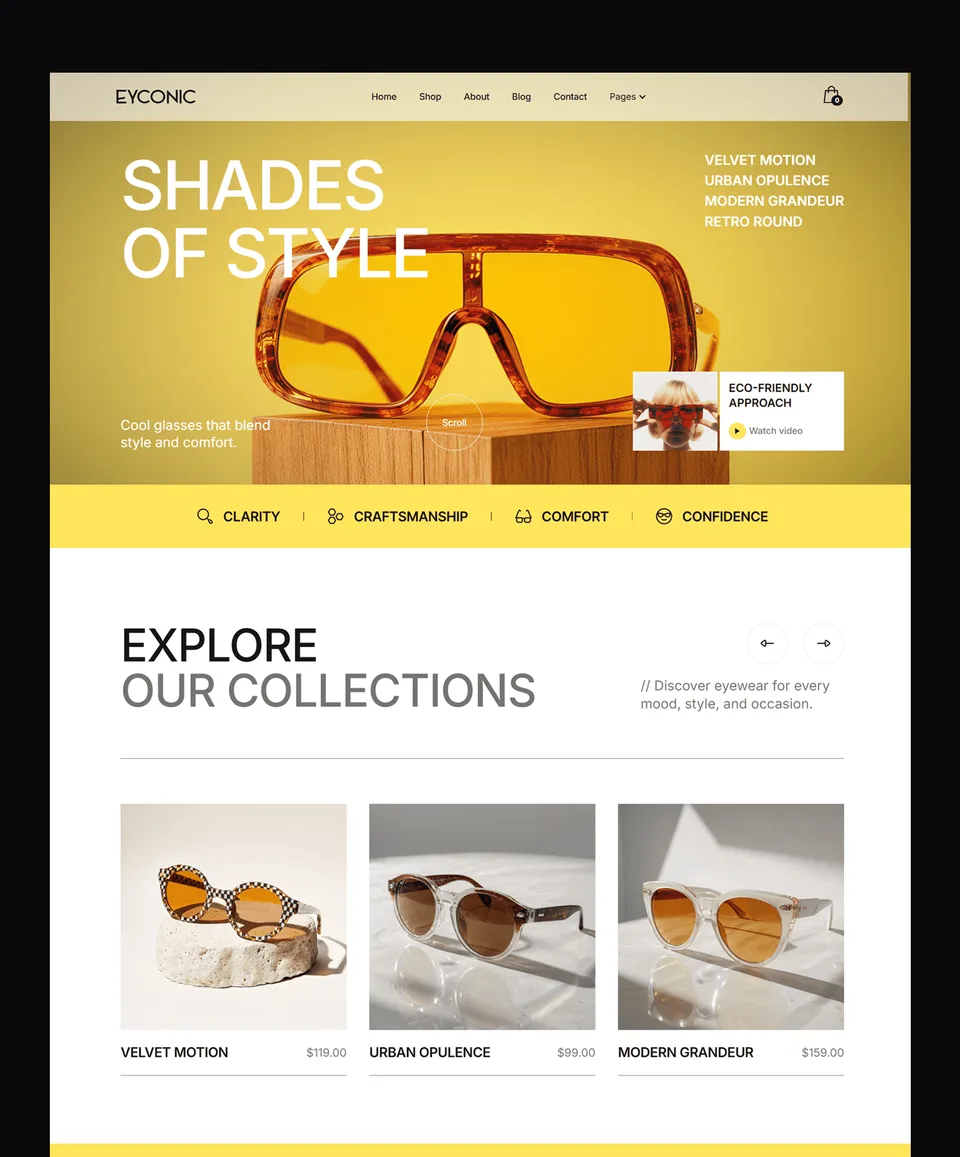

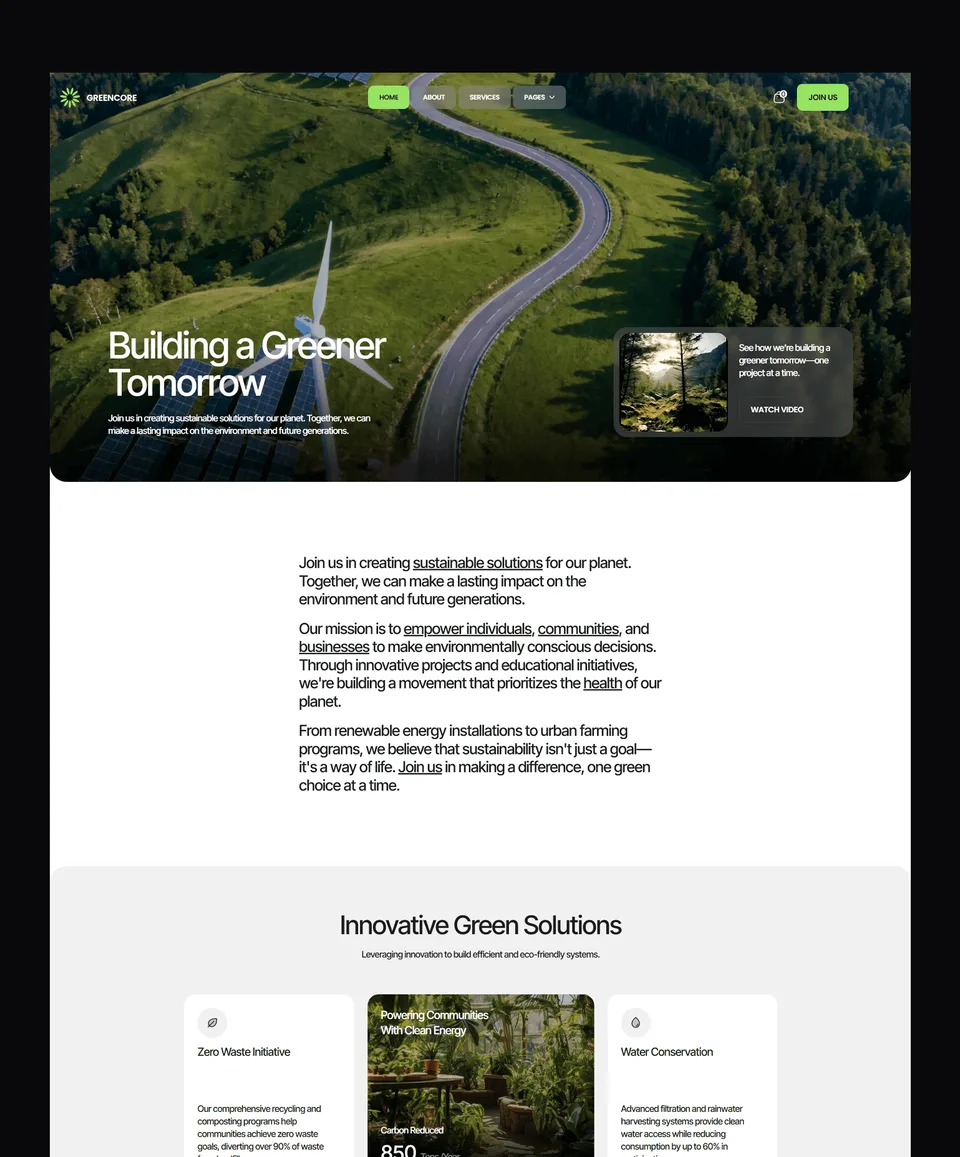

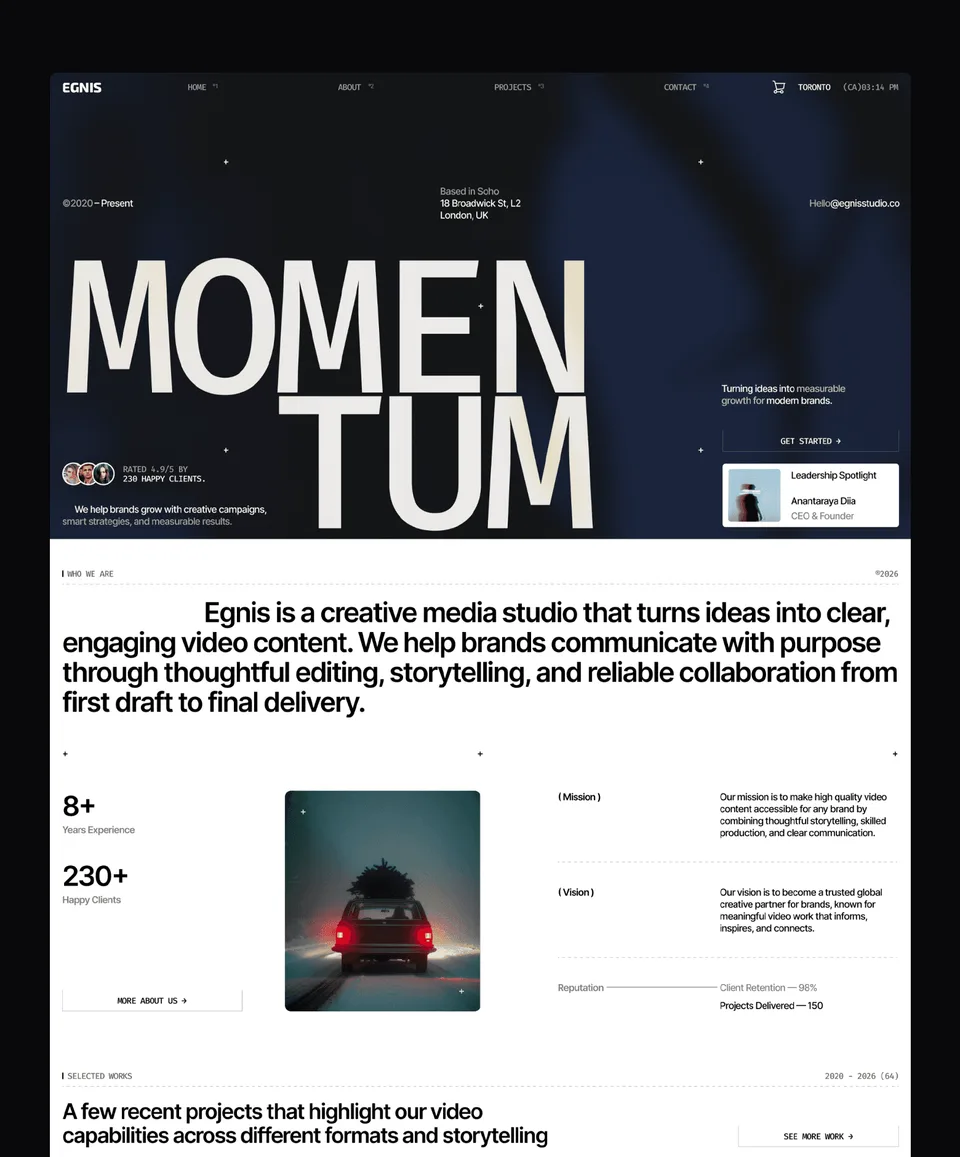

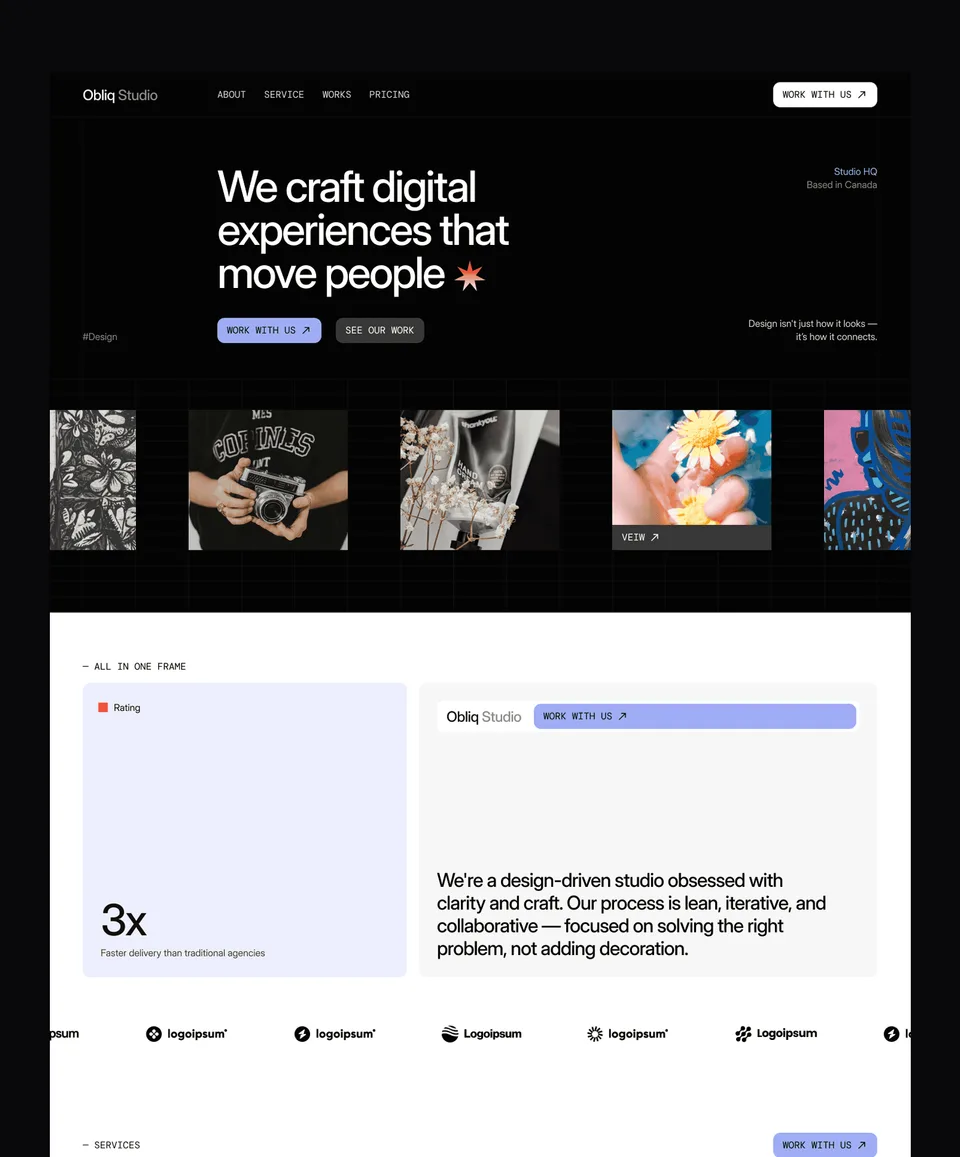

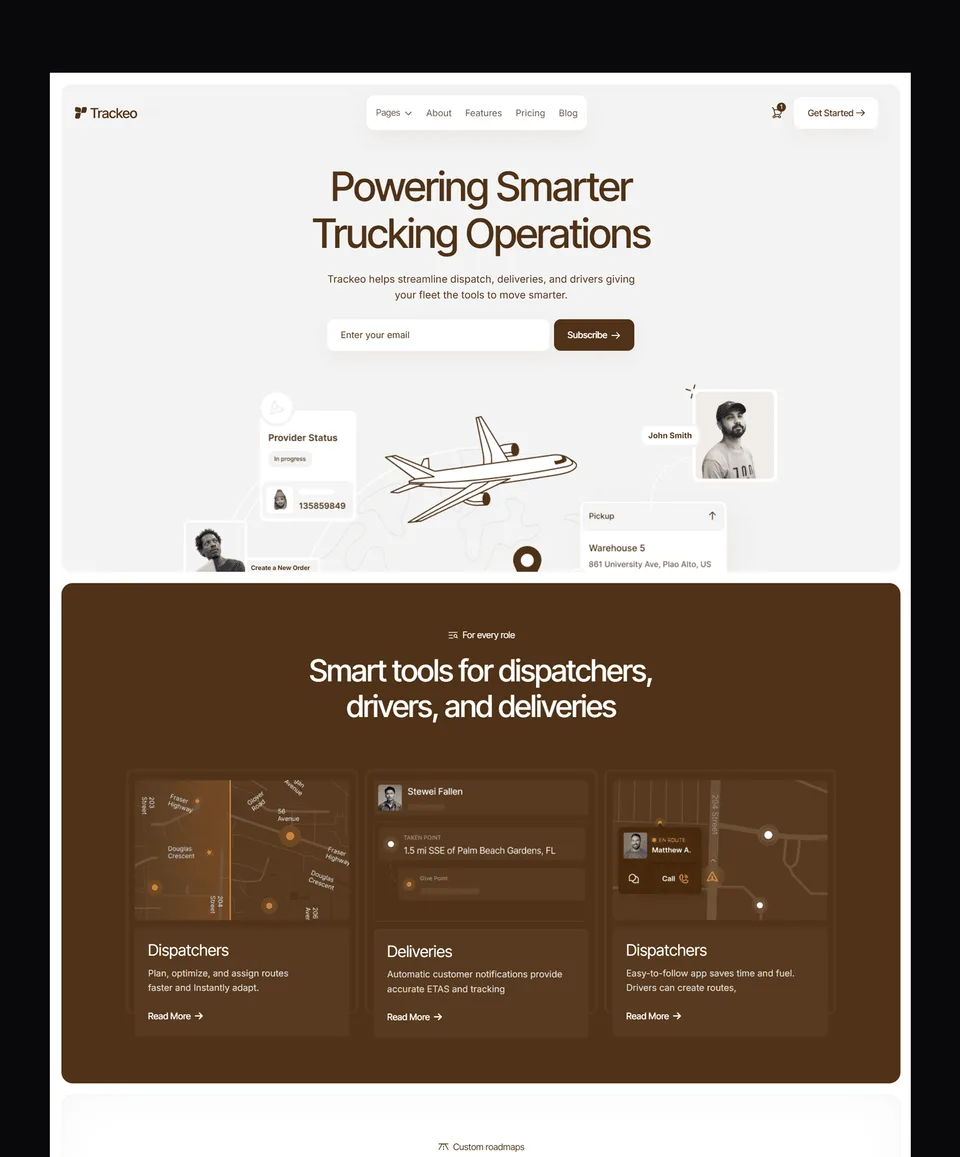

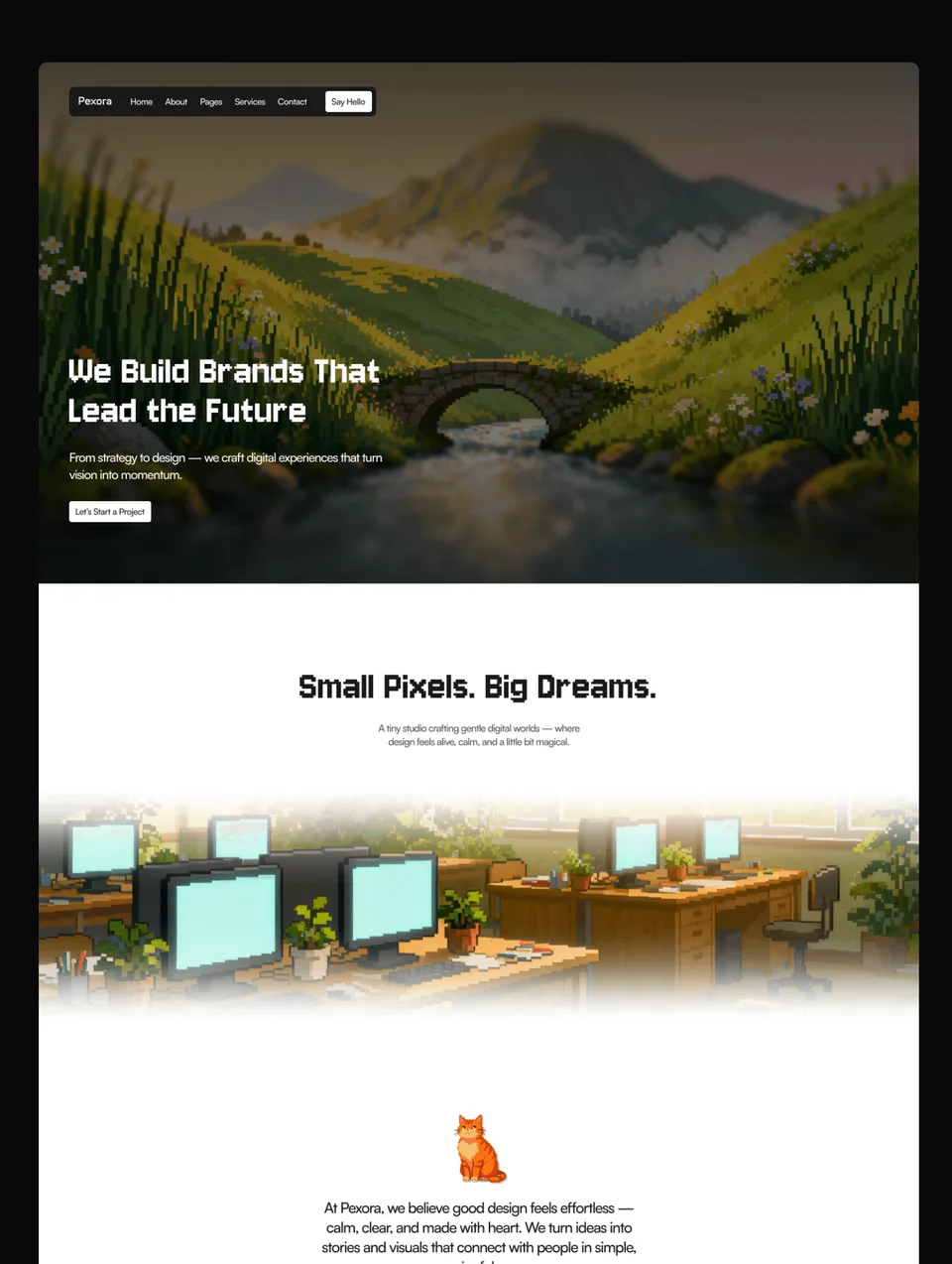





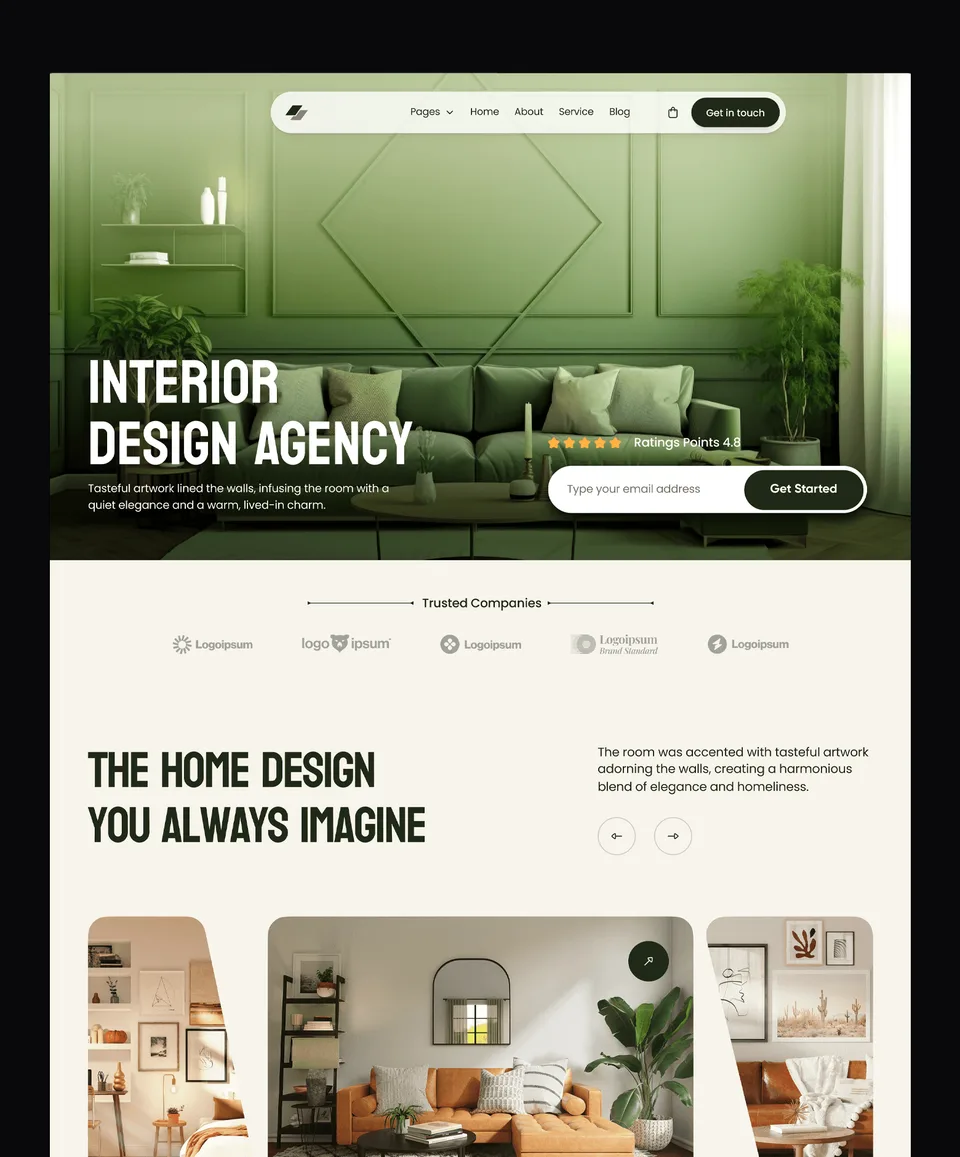

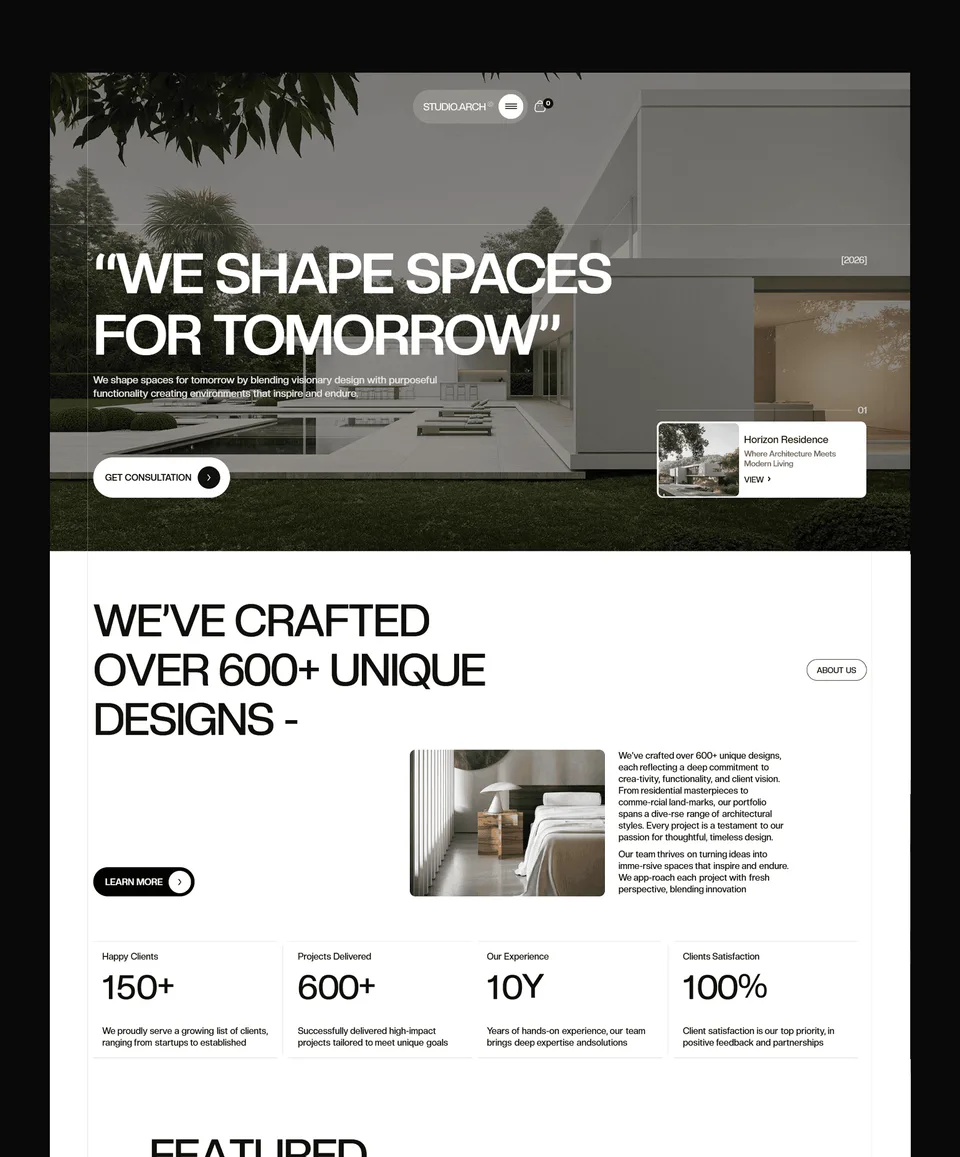

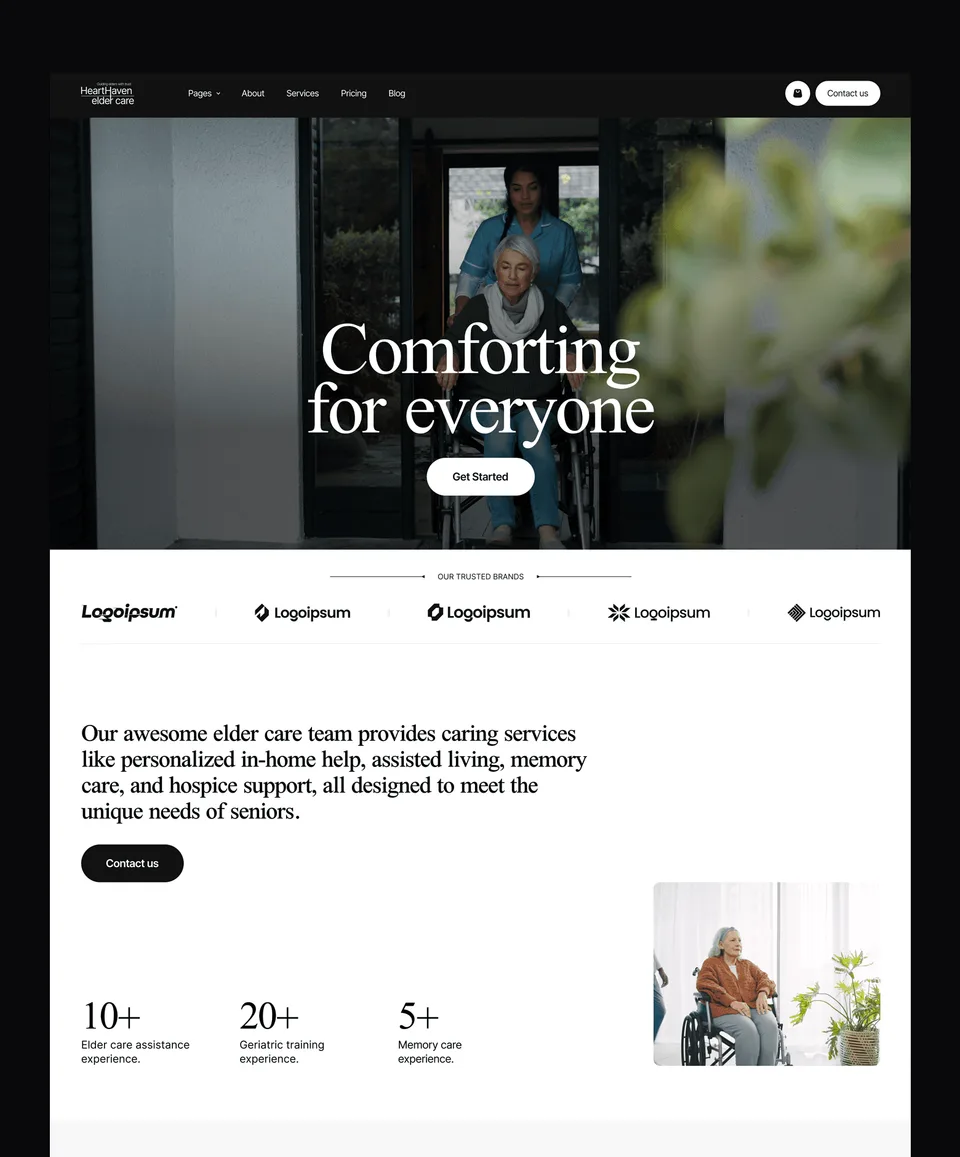

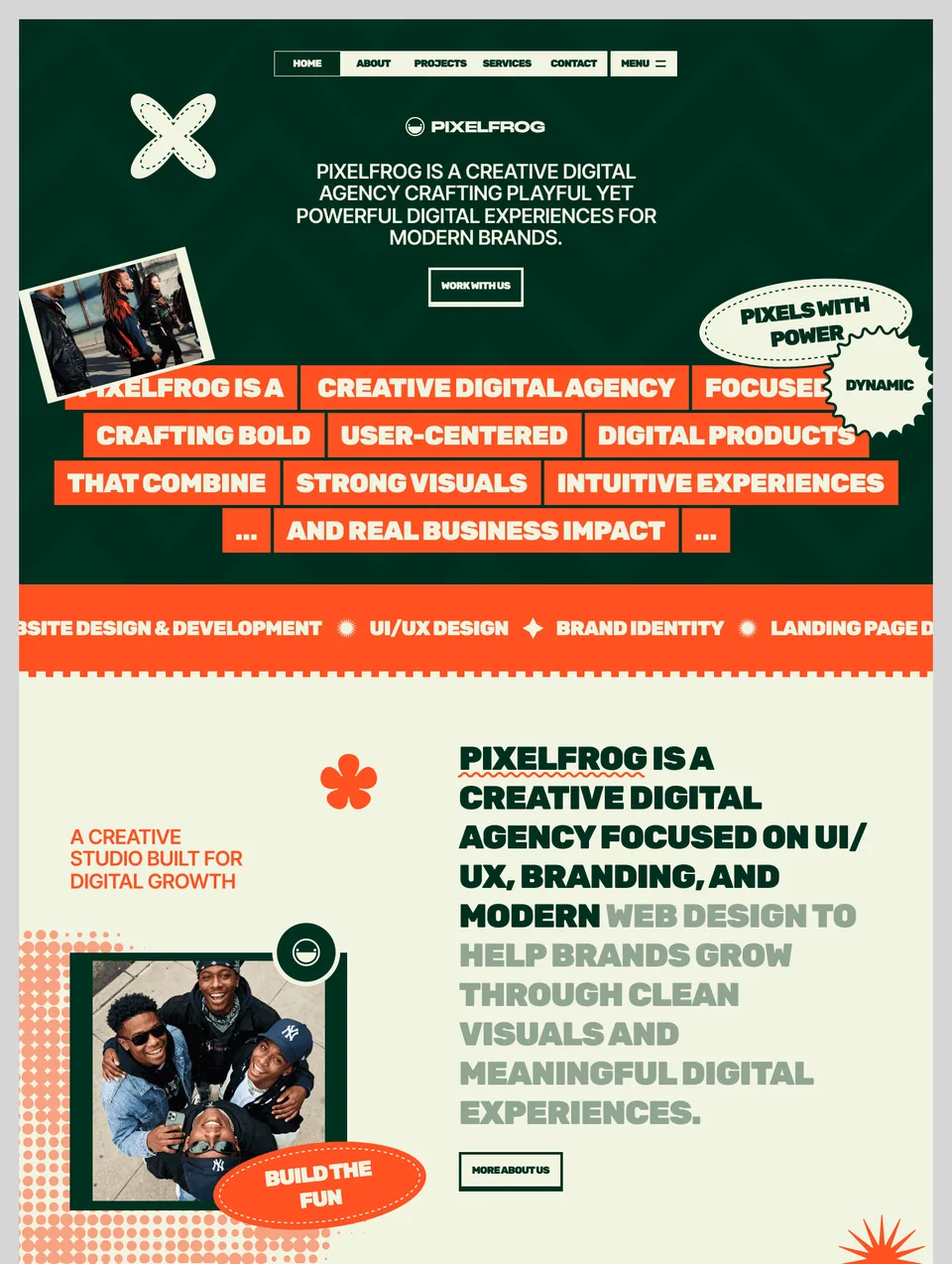

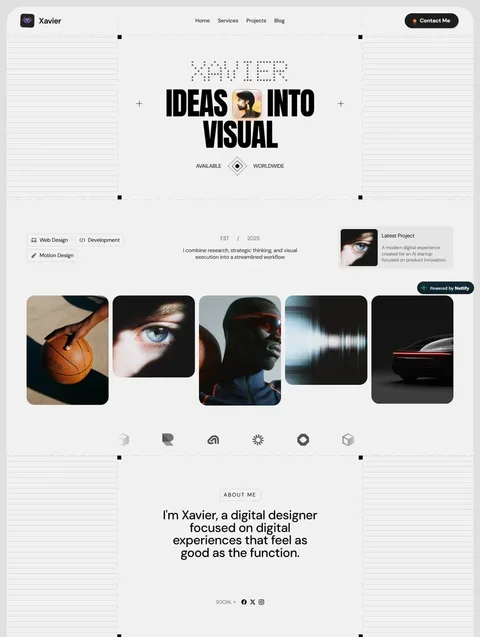

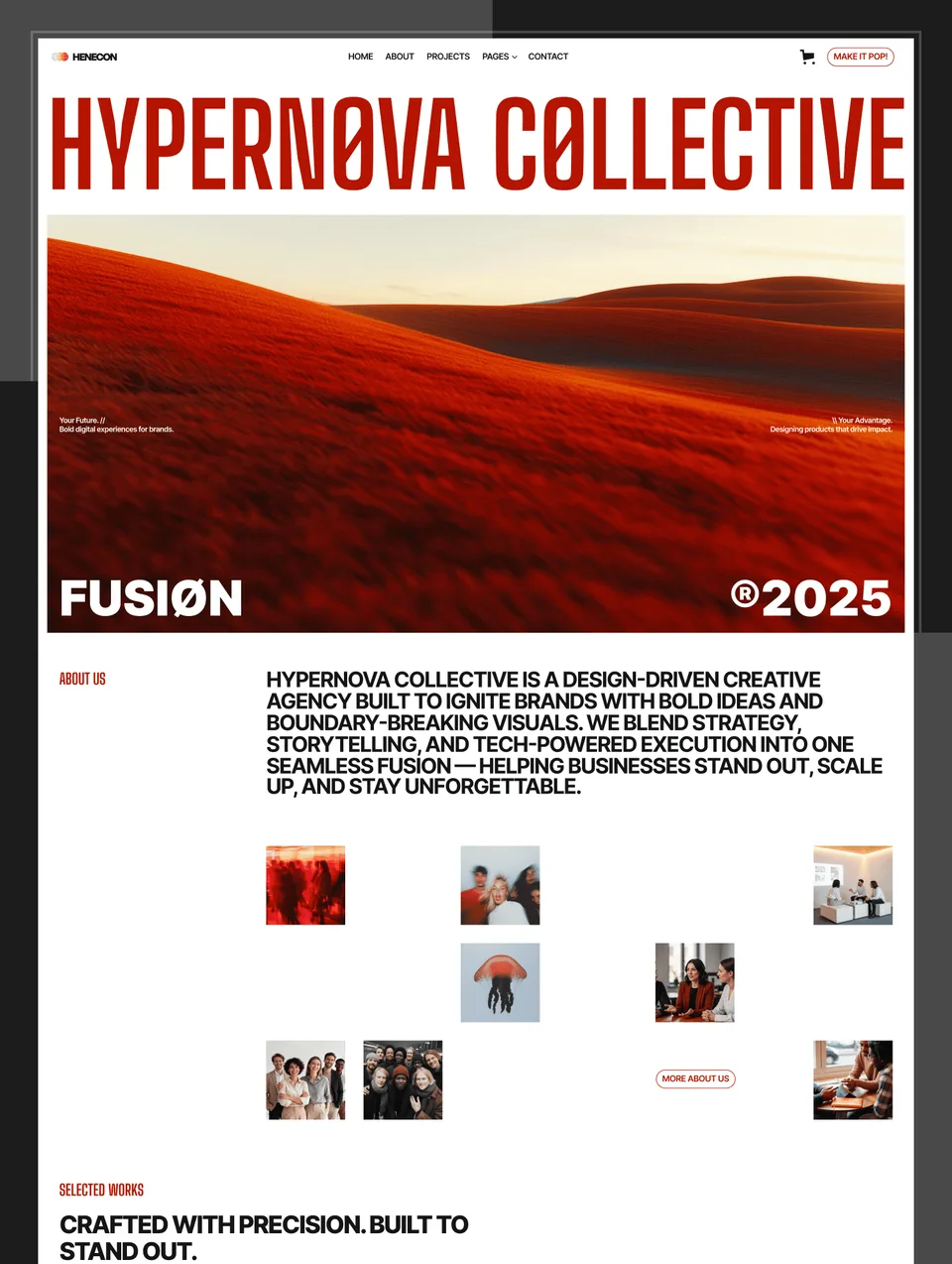

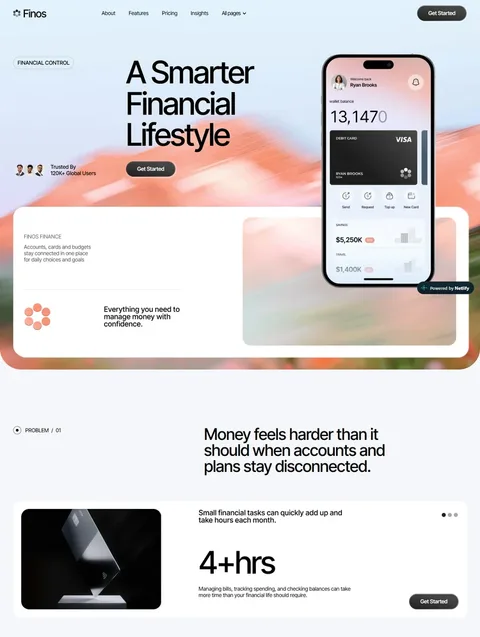

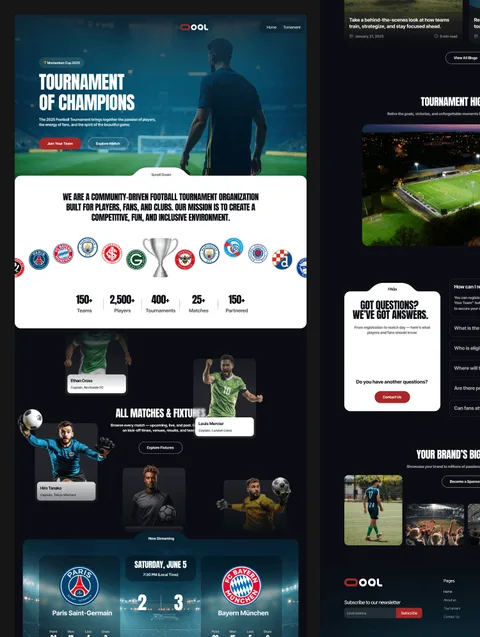

What a Figma website template is for
Each Figma file is the design a Waida Studio template was built from. It is for the work that happens before, or instead of, the build:
- Trying a new colour system, typeface or page layout before anyone touches Framer or Webflow.
- Showing a client the direction in Figma, where comments and revisions are cheap.
- Handing a developer a design to build on a platform we do not sell templates for.
- Starting a design of your own from a finished, consistent layout instead of a blank canvas.
A Figma design file is a design, not a website: it does not publish by itself. Figma's own site builder is a separate product, compared in Framer vs Figma Sites.
How the file reaches you
Buy a file and the checkout gives you a Duplicate in Figma link, which copies the design into your own Figma account. Nothing is locked, and your copy is independent of ours. If you unlocked the file with a plan credit, the same link is on the template's page when you are signed in.
The Figma file or the template itself?
If what you want is a working website, buy the template for your platform: Framer, Webflow, HTML, Next.js or Astro. The Figma file is not included with any template or platform bundle, and you do not need it to use one. Every design here is also sold as at least one of those templates, so you can start in Figma and move to the build without redrawing anything.
Three ways to get them
- One file for $19. Buy the design you need from its template page. Zelda's and Medonix's are free with a free account.
- The [Figma Bundle](/bundles/figma) for $49, once. Every Figma file in the catalogue, with future releases included.
- A plan credit. On Pro or Ultra, a template credit can unlock a Figma file instead of a template.
What the licence allows
The same licence as the templates: one person, an unlimited number of projects, your own work and your clients' alike. You cannot resell or redistribute the file, share it as a Figma Community file, or repackage it into a UI kit of your own. The full terms are on the terms page.
Frequently Asked Questions
Is the Figma file included when I buy a template?
No. The Figma file is a separate $19 purchase (free for Zelda and Medonix), or part of the $49 Figma Bundle. It is not included with any template or platform bundle, and you do not need it to use one.
How do I receive a Figma file?
The checkout gives you a Duplicate in Figma link, which copies the design into your own Figma account. If you unlocked it with a plan credit, the link is on the template's page when you are signed in.
Can I turn a Figma file into a working website?
Not by itself. A Figma design file does not publish. Build the design in the tool of your choice, or buy the matching template: every design here is also sold as a Framer, Webflow or code template.
What is in the Figma Bundle?
Every Figma file in the catalogue for $49, paid once, with future releases included.
Can I use a plan credit on a Figma file?
Yes. On Pro or Ultra, a template credit can unlock a Figma file instead of a template, and it stays yours after the plan ends.
Can I use the designs for client work?
Yes. The licence covers one person and an unlimited number of projects, client work included. You cannot resell or redistribute the file itself.