Webflow vs Squarespace: Which Builder Is Right for Your Site in 2026?
Webflow vs Squarespace in 2026 — design control, ease of use, e-commerce, SEO, and AI features. Honest comparison from a Webflow studio.
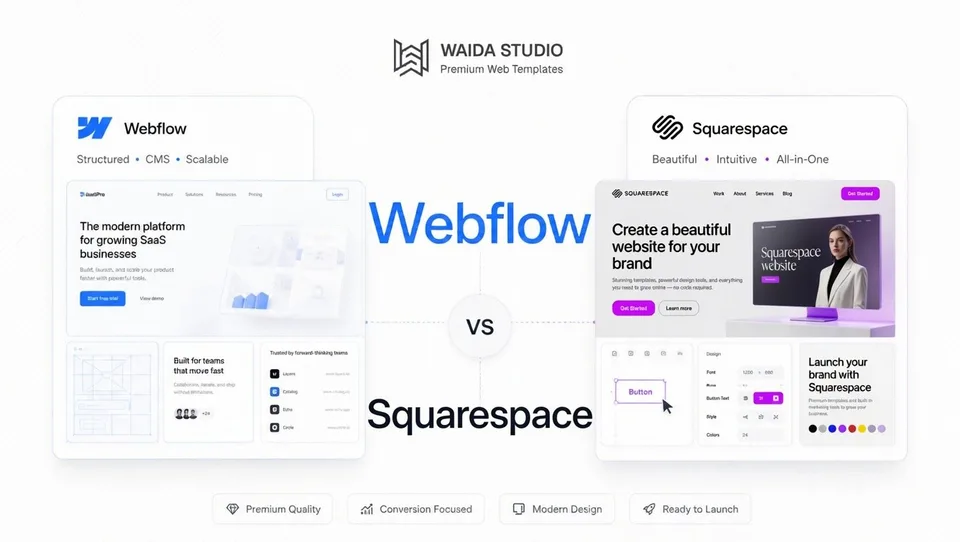
Squarespace wins for speed and ease; Webflow wins for design ceiling and customization. Squarespace is the polished all-in-one for non-technical users: pick a template, fill in content, publish in a day. Webflow is a visual development platform for designers and agencies who want pixel-level control over layout, animation, and CMS structure, with a meaningful learning curve in exchange.
This guide compares both platforms across nine dimensions: design flexibility, learning curve, CMS, e-commerce, SEO, animations, AI features, total cost, and where each platform actually wins. We've also included current 2026 pricing for both — Squarespace's plan structure changed materially in late 2025, so older comparisons online are out of date.
At Waida Studio we build templates for Webflow, so the bias is real. We've written this comparison the way we'd want to read it if we were considering Squarespace: honest about where Webflow's complexity isn't worth it, specific about when Squarespace is genuinely the better choice.
At a glance
Webflow | Squarespace | |
|---|---|---|
Type | Visual development platform | All-in-one website builder |
Best for | Design-led marketing sites, agencies, SaaS, custom CMS | Service businesses, creative professionals, fast launches |
Founded | 2013 | 2003 |
Learning curve | Steep (2–4 weeks) | Gentle (a few hours) |
Design flexibility | Pixel-level visual control over CSS | Template-based with constrained customization |
CMS depth | Custom collections, reference fields, scales to 10,000+ items | Built-in CMS for blogs, products, events |
E-commerce | Native via Webflow Ecommerce ($29+/month add-on) | Included in all plans |
Animations | Best-in-class via Interactions + GSAP | Basic transitions only |
Free tier | Yes (with .webflow.io subdomain) | No (14-day free trial) |
Entry paid plan | Basic — $14/month (no CMS) | Basic — $16/month (includes ecommerce) |
Code export | Yes (paid Workspace plans) | No |
What is Webflow?
Webflow launched in 2013 as a visual web design platform that generates clean, semantic HTML and CSS through a structured class-based system. In 2025, the company rebranded as the Website Experience Platform (WXP) — an integrated environment covering design, hosting, CMS, e-commerce, localization, A/B testing, and analytics under a single subscription.
Webflow is best understood as a visual development environment. You work directly with CSS classes, breakpoints, flexbox, and grid through a designer interface that mirrors how browsers actually render. The output is structural code that scales well across complex sites and behaves predictably under team collaboration. The Component Canvas introduced in 2026 added a multi-context workspace for building reusable design system components that cascade globally in real time.
Webflow's audience is professionals: designers, agencies, in-house marketing teams, and developers building marketing sites. Around 1% of all websites globally run on Webflow — small in absolute terms, but heavy concentration among design-led brands and SaaS marketing. SOC 2 Type II certification, native e-commerce, and Webflow Cloud (server-side compute, edge functions) extend the platform into enterprise.
The trade-off: Webflow expects design literacy and rewards it. Most users describe a meaningful productivity ramp of two to four weeks before they're building independently.
What is Squarespace?
Squarespace launched in 2003 and became one of the most polished all-in-one website builders on the market. The platform combines design templates, hosting, SSL, e-commerce, scheduling, email marketing, and analytics in a single subscription with a reputation for typographically refined templates and a forgiving editor.
In late 2025, Squarespace overhauled its plan structure. The old Personal, Business, Commerce Basic, and Commerce Advanced plans are gone — replaced by Basic ($16/month), Core ($23/month), Plus ($39/month), and Advanced ($99/month). All four tiers now include e-commerce capability, a meaningful change from the legacy structure where commerce was a paid upgrade. The new lineup is the basis for everything we cover below.
Squarespace also rolled out a substantial AI offering in 2025/2026. Blueprint AI generates a personalized starting layout from conversational prompts and was named to TIME's Best Inventions of 2025. Beacon AI sits inside the Squarespace dashboard as a centralized "business partner" giving brand and copywriting guidance. The Fluid Engine drag-and-drop editor lets non-technical users build without breaking layouts, and the platform powers approximately 4.91 million active subscriptions worldwide.
Squarespace's audience is non-technical: solopreneurs, service businesses, creative professionals, photographers, restaurants, small online stores. The platform is optimized for "I want a professional website live this week without learning how websites work."
Feature-by-feature comparison
Design flexibility and visual control
This is the biggest differentiator between the two platforms, and it's not close.
Webflow gives you direct visual control over CSS through its Designer interface. You manipulate classes, breakpoints, flexbox, grid, padding, and pseudo-states with surgical precision. The output is clean, predictable code, and the design ceiling is essentially "anything you can build with HTML and CSS."
Squarespace works within template constraints. You start from one of approximately 195 templates, customize colors, fonts, images, and content, and arrange sections within the Fluid Engine drag-and-drop editor. The platform deliberately prevents you from breaking layout — you can't accidentally produce something that looks wrong on mobile, but you also can't produce something that looks meaningfully different from other Squarespace sites. The design ceiling is "polished within Squarespace's design language."
For a designer who wants pixel-level control or a unique aesthetic, Squarespace will feel claustrophobic. For a non-designer who wants something that looks professional without learning design, Squarespace's constraints are protective rather than restrictive.
Learning curve and ease of use
Squarespace is significantly easier to use. Most users build a publishable site within a few hours of starting. The drag-and-drop editor is forgiving, the templates do most of the design work, and Blueprint AI now handles the blank-page problem entirely by generating a starting layout from conversational prompts. If you can use basic software, you can use Squarespace.
Webflow has a real learning curve. The Designer exposes flexbox, grid, classes, breakpoints, pseudo-states, and interactions — all the underlying concepts that most builders hide. Most guides estimate 20–40 hours to grasp the fundamentals, and many users describe a "steep at first, easier later" pattern where the platform feels confusing for the first two weeks and then clicks.
The honest framing: if you've never built a website before and just want one done, Squarespace gets you there faster. If you understand CSS concepts (or want to learn) and need design flexibility, Webflow's investment pays back across every project.
CMS capabilities
Both platforms include a CMS, but the architecture differs significantly.
Webflow's CMS uses Collections — custom content types you define from scratch. A blog Collection might have fields for title, body, author (referenced from an Authors Collection), category, featured image, and SEO metadata. A product catalog has different fields entirely. You design the schema, and dynamic page templates auto-generate pages for every item in the Collection. The CMS supports up to 40 collections and 10,000+ items on the Business plan.
Squarespace's CMS is more opinionated. It includes built-in content types (Blog Posts, Products, Events, Members) with predefined fields and collections. You can extend functionality through Squarespace's interface, but you're working within the platform's content model rather than designing your own. For a service business with a blog, a portfolio, and a few content sections, Squarespace's CMS is more than enough and easier to manage. For a site with custom content types, relational data, or complex filtering — Webflow's CMS is meaningfully more capable.
For most small business websites, the difference doesn't matter. For B2B marketing teams running case study libraries, resource centers, or filtered content systems, Webflow's flexibility is a real advantage.
E-commerce
Squarespace handles e-commerce more cleanly out of the box. All four plans include e-commerce, and Core ($23/month), Plus ($39/month), and Advanced ($99/month) charge zero transaction fees on online store sales. Customer accounts, abandoned cart recovery, gift cards, subscriptions, and product reviews are all native. For a small-to-mid catalog selling physical or digital products, Squarespace ships a working store within a day.
Webflow Ecommerce is a separate add-on layered on top of the base Site plan. Standard ($29/month plus 2% transaction fee), Plus ($74/month, no transaction fees), and Advanced ($212/month, no caps) add product variants, inventory tracking, custom checkout design, and Stripe and PayPal integration. The shopping experience is more design-customizable than Squarespace's, but the cost stack is higher and the setup is more involved.
The math: Squarespace Core at $23/month with full ecommerce included beats Webflow's CMS plan ($23/month) plus Ecommerce Standard ($29/month plus 2% fee) for cost-conscious small stores. Webflow wins when you need design control over every step of the shopping experience or your site is design-led with e-commerce as a secondary function.
For most small-to-mid online stores, Squarespace is the more turnkey choice. For high-design retail sites or e-commerce with unique product page experiences, Webflow gives you more control.
SEO controls
Both platforms cover SEO fundamentals well: clean code, custom meta titles and descriptions, automatic sitemaps, redirects, image alt text, and SSL.
Webflow pulls ahead on the granular controls. Direct robots.txt editing, custom schema markup, per-CMS-template metadata templating, finer canonical tag control, and the Automated SEO feature that populates metadata from CMS fields. For sites competing on organic search at scale or running content-heavy operations, this depth matters.
Squarespace covers the basics well and recently added AI SEO tools that scan content for missing optimization opportunities and generate meta descriptions and alt text. Built-in Google Search Console integration is a nice touch. For a typical service business or creative portfolio, Squarespace's SEO is sufficient — your content quality, site structure, and backlinks affect rankings far more than which platform generates marginally cleaner code.
The honest framing: if you're a local business or creative professional, the SEO differences won't make or break your rankings. If you're an enterprise brand or competing in an SEO-heavy vertical, Webflow's technical controls give you more headroom.
Animations and interactions
Webflow wins this category clearly. The Interactions panel produces custom scroll-triggered effects, hover states, micro-interactions, page transitions, and component-level animations using a GSAP-powered engine. The animation timeline interface is closer to After Effects than to a typical website builder, and the design ceiling on what you can build is genuinely high.
Squarespace's animation toolkit is intentionally limited — basic transitions, simple hover effects, and section reveal animations. The platform deliberately constrains complexity to keep templates working reliably across content updates. For a site where animation is part of the brand experience, this ceiling will frustrate you. For a site where the goal is "professional and clean," it's not a problem.
If your project's success depends on animation polish, Webflow is the obvious choice. If it doesn't, the difference is noise.
AI features
Both platforms made significant AI investments through 2025–2026, but in different directions.
Squarespace's AI is built around eliminating blank-page syndrome and building for non-designers. Blueprint AI generates personalized layouts from conversational prompts. Beacon AI provides ongoing brand and copywriting guidance from inside the dashboard. AI SEO tools generate meta descriptions, alt text, and content suggestions automatically.
Webflow's AI is positioned as a copilot for designers and developers. AI-driven layout suggestions, code generation assistance, CMS automation for structuring collections, and AI-assisted SEO optimization. The integration is geared toward augmenting professional workflow rather than replacing it.
The framing: Squarespace's AI builds your site for you. Webflow's AI builds with you. Which is better depends entirely on whether you want a system that handles the work or a system that accelerates your work.
Total cost of ownership
Squarespace is more cost-predictable; Webflow's costs depend on what you need.
A typical small business site at scale:
Squarespace Core ($23/month): custom domain (free year 1, then $20–$70/year), Google Workspace email (free year 1), full ecommerce included, all standard features, all maintenance handled. Annual cost year 1: ~$276. Year 2+: ~$310 with domain renewal.
Webflow CMS plan ($23/month): custom domain ($12–$15/year, separate registrar), email (separate, $6/user/month if needed), no native ecommerce. To match Squarespace's e-commerce capability, add Webflow Ecommerce Standard ($29/month). Annual cost year 1 (CMS only): ~$293. With ecommerce: ~$641 (plus 2% transaction fees on Standard).
For service businesses without e-commerce, the platforms are roughly comparable on cost. For sites that need e-commerce, Squarespace's all-included pricing is meaningfully cheaper at the small-to-mid scale. For sites that need design flexibility and CMS depth more than e-commerce, Webflow's CMS plan is competitive.
When Webflow is the right choice
Webflow is the better fit when:
- You're building a design-led marketing site where pixel-precision matters — agency landing pages, SaaS marketing, design studio portfolios, brand-heavy projects.
- You need a custom CMS structure — case study libraries with filtering, resource centers with multiple content types, complex relational data.
- Animation is part of the brand experience — scroll-triggered storytelling, custom micro-interactions, sophisticated page transitions.
- Your team is design-first or includes a developer — Webflow rewards design literacy and integrates with engineering workflows.
- You're an agency building client work — Webflow's editor interface, white-label workflows, and code export support professional handoff.
- Your project will scale beyond what templates can deliver — sites that need to grow into bespoke design systems benefit from Webflow's flexibility.
When Squarespace is the right choice
Squarespace is the better fit when:
- You're a non-designer launching your first website — Squarespace gets you to a polished result faster than any other major platform.
- You're a service business that needs scheduling, email marketing, and a website in one place — Acuity Scheduling, Email Campaigns, and the website integrate cleanly without third-party setup.
- Speed to launch matters more than design ceiling — a Squarespace site can be live in a day; a Webflow site typically takes a week or more even from a template.
- You're running a small-to-mid e-commerce store — all-inclusive pricing with zero transaction fees on Core+ beats Webflow's stack-of-add-ons approach.
- You don't want to make platform decisions — hosting, SSL, CDN, security, updates, and backups are all handled invisibly. There's nothing to manage.
- Your project is a creative portfolio, blog, or service site — Squarespace's templates are excellent for these archetypes and you won't outgrow them.
Decision matrix
Your situation | Recommended | Why |
|---|---|---|
Designer building a portfolio | Webflow | Design control, animation, custom CMS |
Photographer building a portfolio | Squarespace | Polished templates, easier setup, gallery features |
Service business (coach, consultant, lawyer) | Squarespace | Speed, scheduling integration, lower learning curve |
SaaS marketing site (lean) | Webflow | Design-led, animation, scales with brand |
SaaS marketing site (with content) | Webflow | CMS depth for blog and resources |
Small online store | Squarespace | All-inclusive ecommerce pricing |
Design-led ecommerce | Webflow | Custom shopping experience, animation |
Agency building client work | Webflow | White-label, code export, editor handoff |
Restaurant or local business | Squarespace | Templates are excellent for this archetype |
Creative blog | Squarespace | Built-in blog tools, polished defaults |
Content publication scaling to 1000+ posts | Webflow | CMS depth, reference fields, SEO controls |
Animation-heavy product page | Webflow | GSAP-powered Interactions |
Migrating between platforms
Migration in either direction is possible but not automated.
From Squarespace to Webflow: Content (posts, pages, products) can be exported via Squarespace's export tool, with images and copy transferring. Design and layout must be rebuilt in Webflow. Redirects need to be mapped manually to preserve SEO. Most migrations happen as part of a redesign rather than a 1:1 copy.
From Webflow to Squarespace: Squarespace has migration tooling and a network of Squarespace Experts who handle transfers. Content transfers reasonably cleanly; design has to be rebuilt within a Squarespace template. Some Webflow features (custom interactions, complex CMS structures) won't have direct Squarespace equivalents.
In practice, most teams that switch do so during a redesign. Budget 4–8 weeks for a meaningful migration depending on site size.
If Webflow wins for your project, the Webflow templates are a faster start than a blank site, and the guide to Webflow websites covers the platform in more depth.
Webflow templates to start from
All 33 Webflow templates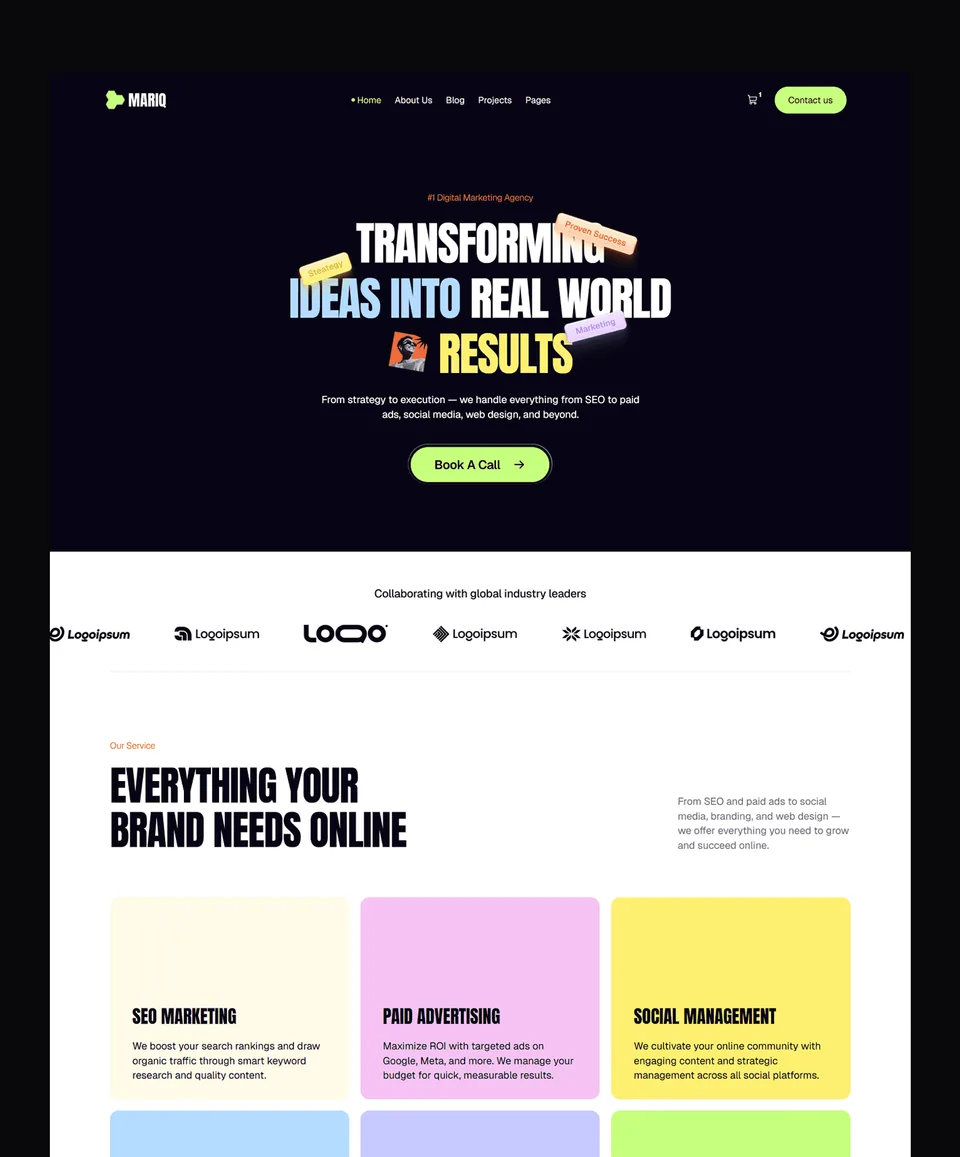





Frequently asked questions
Is Webflow better than Squarespace?
Neither platform is universally better. Webflow is better for designers, agencies, and projects needing pixel-level control or custom CMS structure. Squarespace is better for non-technical users, service businesses, and projects where speed-to-launch matters more than design ceiling. The right choice depends on your technical comfort, design requirements, and how much customization you actually need versus how fast you need to ship.
Which is cheaper, Webflow or Squarespace?
It depends on what you need. For a basic marketing site without e-commerce, Squarespace Basic at $16/month is comparable to Webflow Basic at $14/month. For a site with a CMS, Squarespace Core at $23/month and Webflow CMS at $23/month are equivalent. For a site with e-commerce, Squarespace wins on pricing — Core includes full e-commerce with 0% transaction fees at $23/month, while Webflow requires the CMS plan plus Ecommerce Standard ($29/month plus 2% fees) for a similar feature set.
Which has better SEO, Webflow or Squarespace?
Both ship strong SEO foundations. Webflow has more granular control — direct robots.txt editing, custom schema markup, per-CMS-template metadata, deeper canonical tag controls. Squarespace covers the basics well and recently added AI SEO tools for automatic meta description and alt text generation. For a small business or creative portfolio, the difference rarely affects rankings. For competitive SEO at scale, Webflow's technical depth offers more headroom.
Can I migrate from Squarespace to Webflow or vice versa?
Yes, but it's not automated. Content (posts, pages, products) can be exported and re-imported, but design and layout must be rebuilt on the destination platform. URL redirects need to be mapped manually to preserve SEO equity. Most teams treat migration as part of a redesign rather than a clean export. Budget 4–8 weeks for a meaningful migration.
Which is easier to learn, Webflow or Squarespace?
Squarespace is significantly easier. Most users build a publishable site within hours. The drag-and-drop Fluid Engine prevents you from breaking layouts, and Blueprint AI now handles initial setup conversationally. Webflow has a real learning curve — most users describe a 20–40 hour ramp before they're building independently. The trade-off is design ceiling: Squarespace's ease comes from constraints, Webflow's complexity from flexibility.
Is Webflow more powerful than Squarespace?
Yes, by most technical measures. Webflow offers deeper design control, custom CMS structures, more sophisticated animations, granular SEO controls, code export, and white-label client workflows. Squarespace offers a more polished out-of-the-box experience with all-inclusive pricing and integrated business tools (scheduling, email marketing, invoicing). Power isn't the same as fit — Webflow's capability is wasted on a site that doesn't need it, and Squarespace's simplicity is the right answer for many projects.
Need help deciding? Browse our Webflow templates — 25+ designs across portfolios, agencies, SaaS, and business sites. Need a template customized to your brand? Our Customization service handles it for $499. For fully bespoke builds, our Custom Website service starts at $5,000.
Pillar guides:

More from Kazi
Related articles
More in Comparisons
Framer vs Wix: Which Builder Is Right for Your Site in 2026?
Framer vs Wix in 2026 — design control, e-commerce, AI features, learning curve, and pricing. Honest comparison from a Framer studio.
Framer vs Figma Sites: Which Is Right for Your Site in 2026?
Framer vs Figma Sites in 2026 — production maturity, design environment, CMS, animations, and pricing.
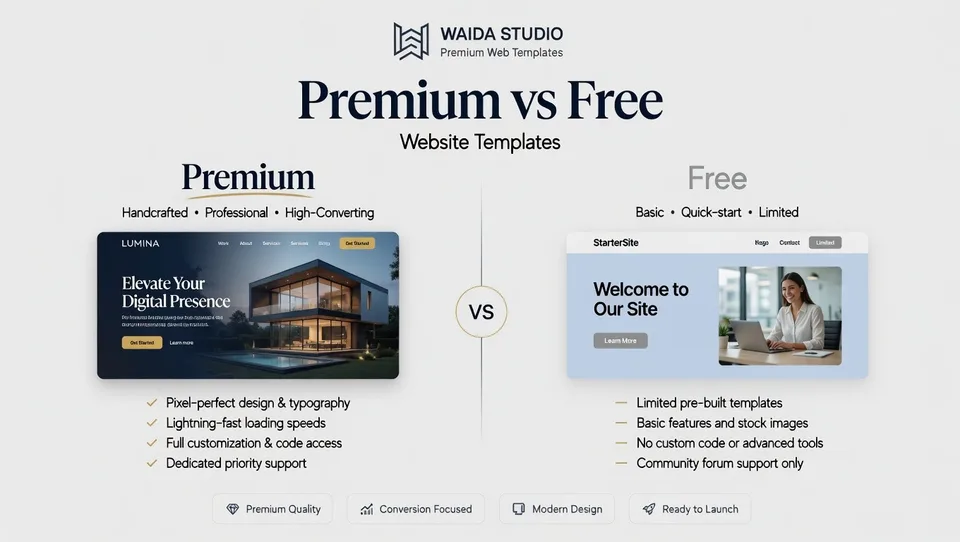
Premium vs Free Website Templates: Which Should You Choose in 2026?
Premium vs free website templates in 2026 — what's actually included, hidden costs of free, and when each is genuinely the right choice. From a template studio.