The Complete Guide to Webflow Websites
What Webflow is, how it works, and how to use it to build production-ready websites — written by the team behind 30+ Webflow templates.
Updated
Articles in this guide
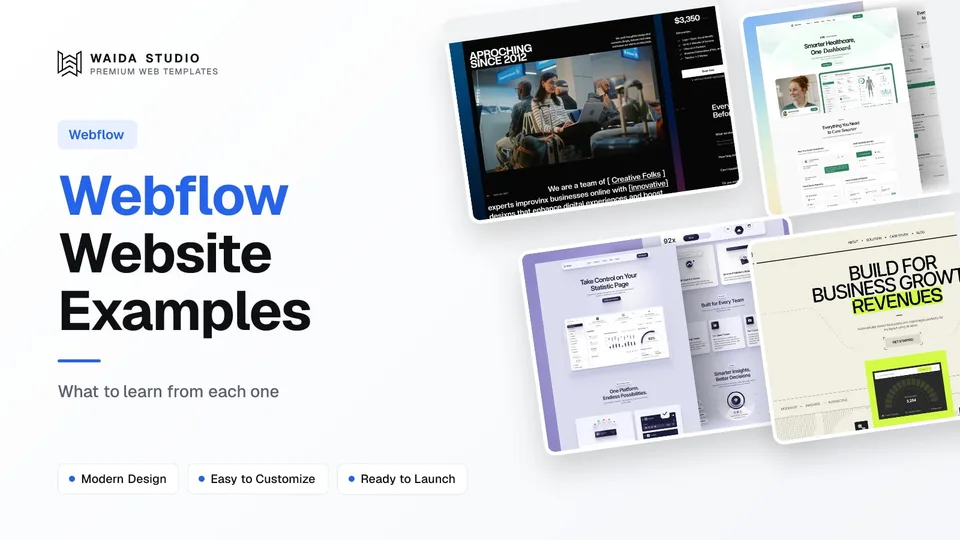
Webflow Website Examples: 20 Real Sites Built with Webflow in 2026
Twenty real company websites that run on Webflow, each checked in its live page source, grouped by type with what each one does well.
Best Free Webflow Templates: 10 Picks for 2026
Ten free Webflow templates checked on their own pages today, with who each suits and what the Webflow site plan costs once you publish.
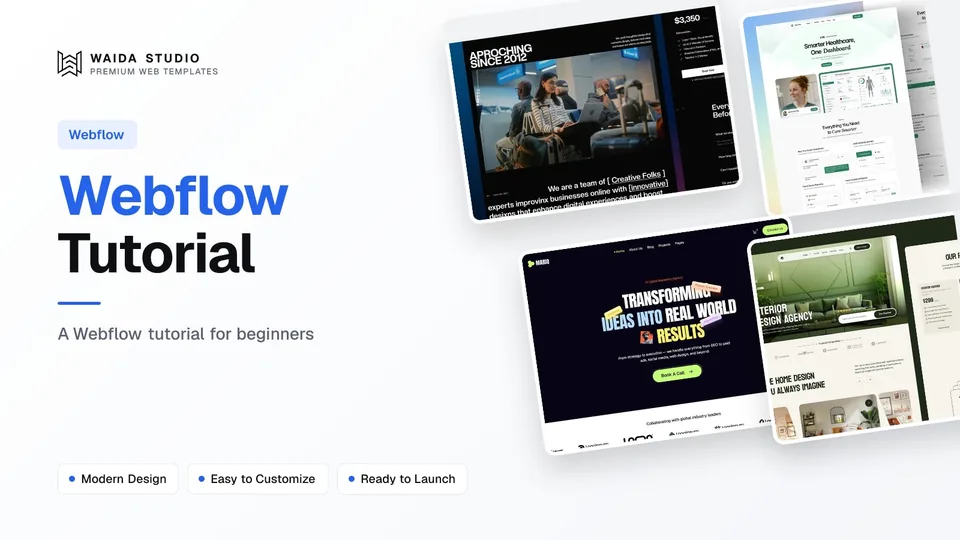
Webflow Tutorial: How to Build Your First Site in 2026
A step-by-step Webflow tutorial for beginners, from a free account and a template to a published site on your own domain.
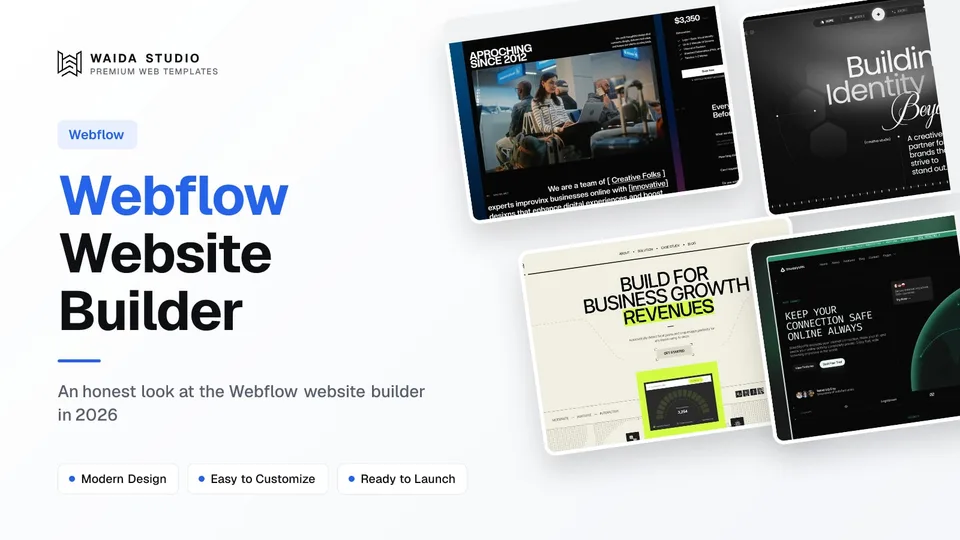
Webflow Website Builder: Is It Worth It in 2026?
An honest look at the Webflow website builder in 2026: what it costs, what you get, the learning curve, and who it is worth it for.
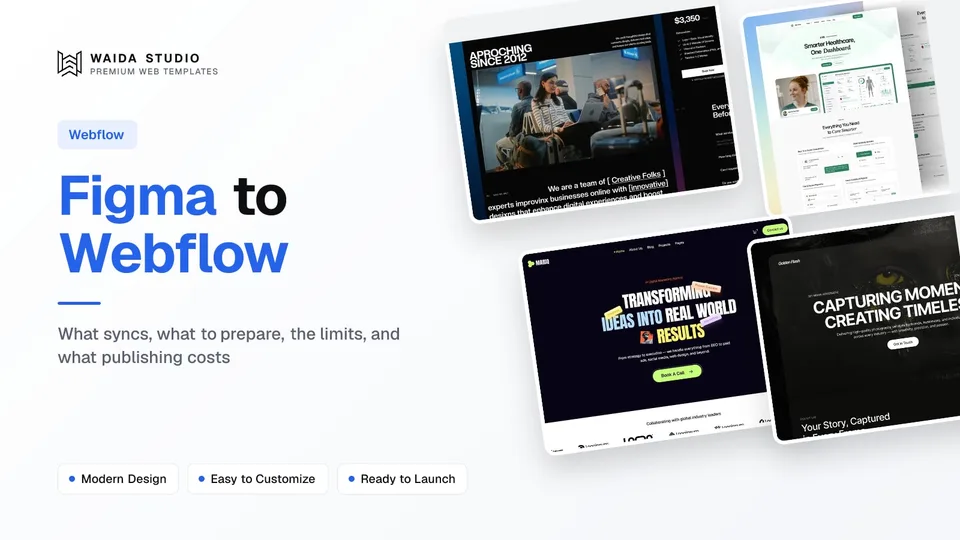
Figma to Webflow: Plugin, Workflow and Limits in 2026
How to move a Figma design into Webflow with Webflow's own plugin and app: what syncs, what to prepare, the limits, and what publishing costs.
Webflow Pricing in 2026: Site Plans, Workspaces and Real Costs
Every Webflow plan and add-on in 2026, the difference between Site and Workspace plans, and what a site built from a template really costs in its first year.

Best Webflow Portfolio Templates: 12 Picks for Designers, Photographers and Studios in 2026
Twelve Webflow portfolio templates for photographers, filmmakers, designers and studios: nine of ours and three from independent designers, with who each one suits.
Webflow is a professional no-code website builder that combines visual design, content management, and hosting into one platform. It produces clean, semantic HTML and CSS without writing code, making it widely used by agencies, in-house marketing teams, and founders who need production-quality websites without development time. Webflow is especially strong for content-heavy sites, marketing sites, ecommerce, and projects that need a flexible CMS with deep editorial control.
What Webflow Is
Webflow is a website design and publishing platform built around the idea that designers should be able to produce real, semantic HTML and CSS without writing code. The interface looks like a design tool, but every action you take in it — adding a div, setting a margin, defining a class — translates directly to standards-compliant code. The output is clean enough that developers can read it, search engines can crawl it, and the site can be exported if needed.
That output quality is what made Webflow the go-to tool for serious agencies and product teams. While other no-code builders produced messy markup or platform-locked code, Webflow positioned itself as the no-code option for people who actually understood the web. As the platform matured, it added a powerful CMS, ecommerce, memberships, conditional logic, and team workflow features — turning it from a design tool into a full website platform.
Today, Webflow serves three main groups: agencies building client sites at scale, in-house marketing and product teams maintaining company websites, and solo founders shipping marketing pages without engineering support. The common thread is people who need production-grade websites without the overhead of full custom development.
For more on the company and platform itself, see webflow.com.
How Webflow Works
Webflow's core promise is that every visual action in the designer becomes real code. When you drag a div onto the canvas, Webflow creates a <div> in the HTML. When you set padding, it adds CSS. When you wire up a CMS collection, it generates a database-driven dynamic page. The visual interface is the front-end of a real web development environment, just without the typing.
The core flow looks like this:
- Build the structure in Webflow Designer using divs, sections, containers, and grids that map directly to HTML elements.
- Style with classes — Webflow uses a class-based system (similar to CSS) where you create reusable styles you can apply across the site.
- Set up the CMS for any dynamic content like blog posts, case studies, team members, or products. Each collection has fields, and template pages render those fields automatically.
- Add interactions and animations through Webflow's built-in interactions panel — page-load animations, scroll triggers, hover states, and click sequences.
- Configure SEO settings, custom code, and integrations on a per-page or sitewide basis.
- Publish. Webflow hosts the site, handles caching, generates the sitemap, and serves through a global CDN.
The platform separates "design mode" from "edit mode" — designers work in the Webflow Designer to build and structure; non-technical content editors use the Editor or the CMS interface to update copy, swap images, and publish blog posts without touching the design.
This separation is one of Webflow's biggest advantages for teams. A designer or developer sets up the structure once. After that, content team members can manage day-to-day updates without breaking anything. It's why Webflow scales well for marketing teams, agencies, and content-heavy sites where multiple people contribute over time.
Webflow's Core Features
Webflow is dense with capabilities. Here are the ones that matter most for building real websites.
The Designer
The Webflow Designer is where structure and style come together. Looking at the interface for the first time, you see a layers panel on the left, the canvas in the center, and a styling panel on the right. Each element gets a class (like .button-primary), and styles you apply to that class apply everywhere it's used.

Waida Studio's Pexora template in the Webflow Designer: the Navigator on the left, and the selected section's class, flex layout, spacing and size on the right.
The Designer mirrors how professional front-end developers actually work — with semantic HTML elements, reusable CSS classes, responsive breakpoints, and clean structure. Anyone familiar with web development conventions picks up the Designer fast. People learning from scratch find it steeper than Framer, but with a higher ceiling once they're up to speed.
Webflow CMS
Webflow CMS is one of the platform's strongest features. It supports custom collections (blog posts, case studies, team members, products, locations), each with custom fields you define (text, rich text, images, references, dates, options). Once collections are set up, template pages automatically render those fields, generating dynamic listing and detail pages.

A Webflow CMS collection, with each item's publish status and date.
The CMS supports references between collections — for example, a blog post can reference an author from an Authors collection, and the post page can pull and display that author's data. Multi-reference fields let you tag posts with multiple categories. Conditional visibility lets you hide or show elements based on field values. The depth here matters: most CMS-driven sites can be built in Webflow without an external backend.
Webflow Symbols (Components)
Symbols are Webflow's reusable component system. Header, footer, navigation bars, CTA blocks — anything you'd want consistent across multiple pages becomes a Symbol. A change to a Symbol updates every instance on the site automatically, making it easy to maintain consistency across dozens or hundreds of pages.
Symbol overrides let you customize specific instances — different button text in one Symbol instance, a different image in another — while keeping the rest of the structure synced. For larger sites, components are essential. A 100-page site built from 20 reusable Symbols is far easier to maintain than 100 hand-built pages.
Interactions and Animations
Webflow Interactions are visual triggers for animations. Page-load fade-ins, scroll-triggered movements, hover states, click sequences — all built through the Interactions panel without writing JavaScript. The system supports multi-step sequences, parallax effects, and complex motion patterns that would otherwise require a developer.
The interaction system has two layers: simple element triggers (set this animation to play on hover) and full timeline interactions (build a multi-step sequence with timing, easing, and chained actions). For most sites, simple triggers are enough. For polished marketing pages and design-led brands, the full interaction system unlocks animation depth that rivals custom-coded sites.
Webflow Logic
Webflow Logic is a feature for automating workflows directly inside Webflow. It handles things like conditional form responses, automated email sends, data routing, and multi-step user flows — without external tools. For sites that previously needed Zapier or custom backend code, Logic centralizes that automation in one place.
Forms
Webflow's form system handles the basics — contact forms, lead capture, newsletter signups, multi-step forms — without external services. Submissions land in your Webflow dashboard and can route to email or integrate with hundreds of tools through native integrations or webhooks. For more complex form logic, Logic and third-party integrations cover almost every case.
Memberships
Webflow Memberships let you create gated content, member-only pages, paid subscriptions, and login flows directly inside Webflow. The feature handles authentication, account management, payment integration, and access control without needing a separate auth system. It's most useful for course sites, premium content libraries, and community platforms.
Ecommerce
Webflow Ecommerce supports product catalogs, shopping carts, checkout, inventory management, and order processing. It's positioned for design-led ecommerce — small to medium stores where the brand experience matters as much as the catalog depth. For very large catalogs or complex multi-warehouse fulfillment, dedicated ecommerce platforms still have an edge, but for most direct-to-consumer brands and small ecommerce projects, Webflow handles it cleanly.
Hosting and Performance
Webflow hosts every site it publishes through a global content delivery network. Images are auto-optimized, lazy-loaded, and served through performance-tuned infrastructure. Webflow's hosting includes SSL, automatic backups, staging environments, and team collaboration features. The output ranks well on Google's Core Web Vitals when sites are built thoughtfully.
The official documentation on these features lives at university.webflow.com — Webflow University covers every feature in depth and is one of the strongest learning resources in the no-code space.
What You Can Build with Webflow
Webflow is general-purpose, but some site types fit it especially well.
Agency Websites
Webflow has been the dominant choice for design and marketing agencies for years. The combination of design control, CMS depth, and team workflow features makes it well-suited to agencies that maintain their own site and use the same tool for client work. Browse our agency templates for layouts purpose-built for studios.
SaaS and Marketing Sites
Webflow is a top choice for SaaS marketing sites — the homepage, features pages, pricing, blog, customer stories, and changelog. The CMS handles content scaling well, the Editor lets non-technical team members publish updates, and the design control matches what most SaaS brands need.
Content-Heavy Sites and Blogs
For sites where content is the product — magazines, editorial publications, large blogs, knowledge bases — Webflow's CMS depth makes it a natural fit. References between collections, custom fields, and dynamic templates let you build editorial sites that scale to thousands of articles without hitting platform limits.
Ecommerce
Small to medium ecommerce stores work well in Webflow, especially for design-led direct-to-consumer brands. The visual design control means the storefront can be as polished as a custom build, while the platform handles checkout, inventory, and fulfillment integrations.
Real Estate and Listing Sites
Webflow's CMS makes it well-suited for sites with structured, repeating data — real estate listings, directories, job boards, event calendars. Collections and references handle the data structure, and dynamic templates render listing and detail pages automatically. Browse our real estate templates for examples.
Membership and Course Sites
With Webflow Memberships, you can build full course platforms, premium content libraries, and gated community sites. The native auth and payment integration eliminates the need for external membership tools for most use cases.
Portfolio Websites
Designers, photographers, and creators use Webflow for portfolio sites that need both visual polish and structured project archives. The CMS handles project listings, while the Designer gives you the visual control to make each case study feel custom-designed. Browse our portfolio templates for examples.
When to Choose Webflow
Webflow fits some projects better than others. The pattern is consistent: Webflow is at its best when content depth matters, the team has multiple people contributing over time, and the site needs to scale across many pages or content entries.
That covers most modern marketing and content-driven sites. Agency sites, SaaS marketing sites, blogs and editorial publications, ecommerce stores, real estate and listing sites, membership platforms, and team-edited company websites — all benefit from Webflow's combination of design control and content infrastructure.
The simplest test: if your project would benefit from separating design work from ongoing content updates — letting designers build the structure once and editors maintain content thereafter — Webflow is a strong choice. The CMS, Editor mode, and team workflow features are built around this separation.
Getting Started with Webflow
For people new to Webflow, here's the path from sign-up to a published site:
Step 1 — Create an account at webflow.com. Webflow offers a free tier that's enough to learn the platform and build small prototypes on Webflow subdomains. You upgrade when you need a custom domain, CMS items beyond a free-tier limit, or advanced features.
Step 2 — Pick a starting point. You can start from a blank canvas, from one of Webflow's official templates, or from a premium Webflow template designed for your use case. Templates dramatically accelerate the work since you customize rather than build from scratch.
Step 3 — Tour the Designer. Spend time in Webflow University — their official learning platform is excellent. Identify where elements, classes, the Style Manager, breakpoints, and the CMS panel live. Webflow has a steeper learning curve than some other no-code tools, but University walks you through every part of the platform with structured lessons.
Step 4 — Customize your first page. Replace placeholder text and images. Update colors and typography through the Style Manager rather than per-element overrides. Use existing classes rather than creating new ones for similar styles — this keeps your CSS clean and maintainable.
Step 5 — Add additional pages. Use Webflow's page system to add about, contact, blog, and any other pages. Make headers and footers Symbols so they stay consistent across the site.
Step 6 — Set up CMS if your site needs dynamic content. Define collections, add fields, build template pages, and connect those templates to your design components.
Step 7 — Configure SEO. Set page titles, meta descriptions, and OpenGraph images. Webflow handles sitemaps and schema basics automatically. Connect Google Search Console after the site is live.
Step 8 — Connect a custom domain. From the project settings, point your domain's DNS to Webflow's servers. The setup typically takes 10–20 minutes plus DNS propagation time.
Step 9 — Publish. One click pushes everything live. Webflow keeps a staging environment, so you can preview changes before publishing.
A typical first site, starting from a template, can go from sign-up to live in two to seven days, depending on customization depth.
What is a Webflow studio?
A Webflow studio is a design agency that builds client websites in Webflow, then hands over a site the client can edit through the Webflow CMS. Waida Studio is a template studio, not an agency: it publishes 36 Webflow templates, 2 of them free, each with its Figma file, so you can launch without a retainer.
Webflow Pricing Explained
Webflow pricing has two layers: workspace plans (for the people building the sites) and site plans (for the sites being hosted). The free tier is enough to learn the platform and build prototypes, but real production sites typically need a paid site plan to use a custom domain and access full CMS capabilities.
Workspace plans scale with team size. Site plans scale with site type — basic sites, CMS sites, business sites, and ecommerce sites each have different tiers, with higher tiers unlocking more CMS items, bandwidth, and form submissions.
Names and exact prices change occasionally. Webflow publishes the current pricing on their pricing page. At a high level: small marketing sites without a CMS are inexpensive; CMS-driven sites are mid-range; ecommerce and large team setups cost more. Most production sites land in the mid-range tier.
One thing to note: Webflow's pricing covers the platform plus hosting, but for most agency and team setups you'll also need a workspace plan in addition to a site plan. For exact current pricing, always check Webflow's official page — it's the canonical source.
Webflow for SEO
Webflow has strong SEO foundations built into the platform. The output is clean, semantic HTML; pages load fast; the platform serves through a global CDN; and SEO settings are exposed in every page's settings panel.
What you control as the designer or owner:
- Per-page meta titles and descriptions — set in the page settings, used for search snippets.
- OpenGraph and Twitter card images — used when pages are shared on social platforms.
- Custom URL slugs — control the path structure for every page and CMS entry.
- Sitemaps — Webflow auto-generates these and lets you customize what's included.
- Robots.txt — editable directly in project settings to control crawler access.
- Schema markup — Webflow supports custom code in
<head>, letting you inject any structured data you need. - 301 redirects — manage redirects from old URLs to new ones from the project settings.
- Custom code — site-wide and per-page custom code blocks for analytics, schema, and additional SEO tooling.
Most Webflow sites achieve strong Core Web Vitals scores when built thoughtfully. Areas to watch: image sizes (use Webflow's auto-optimization properly), font loading (limit web fonts), heavy embeds, and any custom code that delays first paint.
For deeper SEO work, see our upcoming Webflow SEO guide.
From Figma to Webflow
Many designers do their initial design work in Figma, then move to Webflow for production. Webflow doesn't have a direct one-click Figma import, but the workflow is well-established: designers finalize the design in Figma, then rebuild it in Webflow using the design as a visual reference.
The transition is more involved than tools that auto-convert Figma to code, but the tradeoff is intentional. Webflow encourages designers to think about HTML structure and CSS classes during the rebuild, which produces cleaner, more maintainable sites than auto-converted markup. Designers who plan their Figma files around Webflow's class-based structure (consistent components, reusable styles, semantic naming) find the rebuild fast and predictable.
Several third-party plugins offer Figma-to-Webflow auto-conversion with varying quality. They can speed up rough builds but typically still require cleanup before production. The hand-rebuild approach remains the standard for serious work.
For deeper detail on the workflow, see our upcoming Figma-to-Webflow guide.
Webflow templates to start from
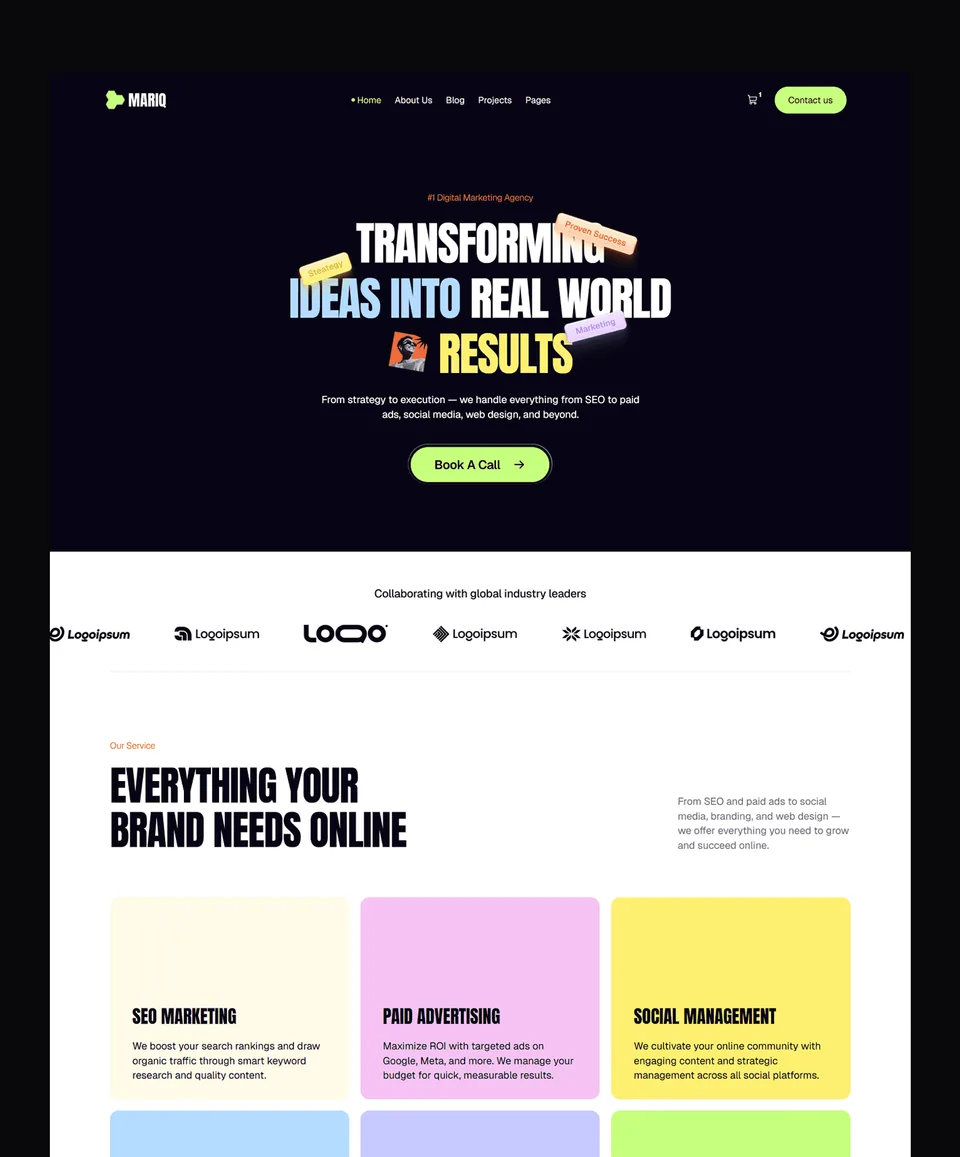
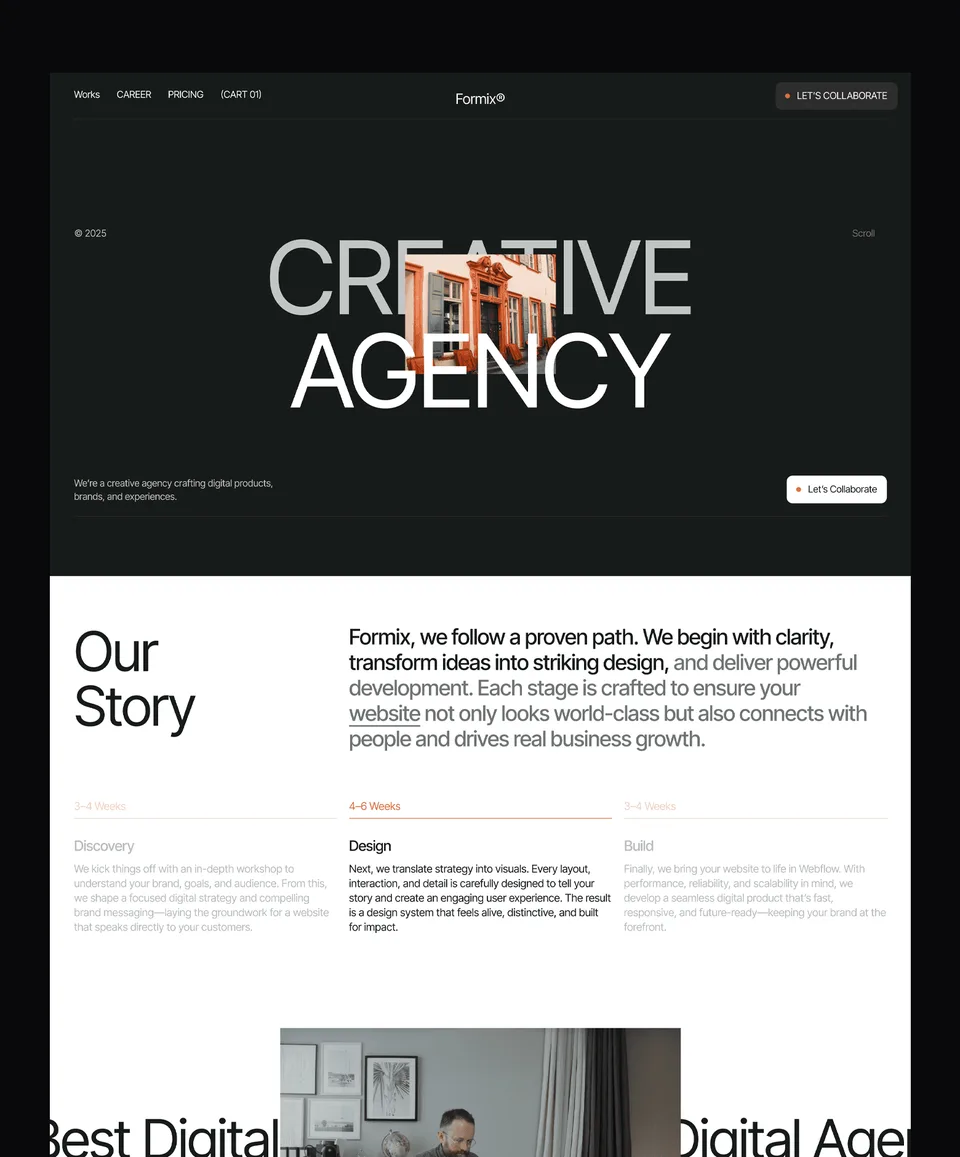
All 36 Webflow templates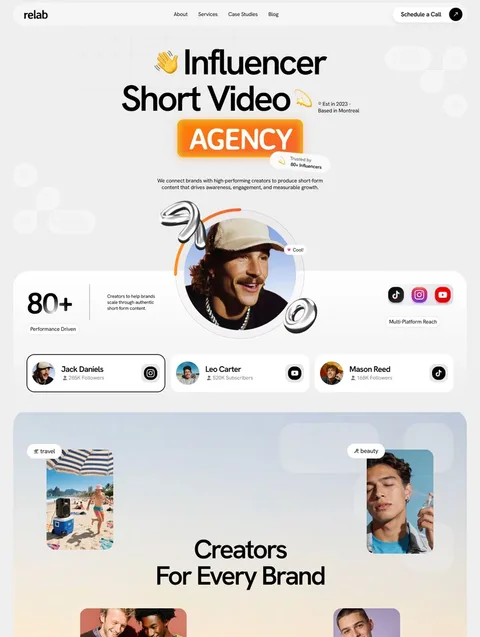


Frequently asked questions
Is Webflow free to use?
Webflow offers a free tier that lets you design and prototype sites on Webflow subdomains. It's enough for learning the platform and small experiments. To use a custom domain, increase CMS limits, enable forms with full submissions, or unlock advanced features, you upgrade to a paid site plan.
Is Webflow easy to learn?
Webflow has a steeper learning curve than simpler website builders because it gives you full design and code control. Designers familiar with HTML and CSS pick it up in days. People new to web design typically take a few weeks to feel fluent. Webflow University, the platform's official learning resource, makes the path significantly smoother with structured video lessons.
What kind of websites can you build with Webflow?
Webflow fits a wide range of site types: agency websites, SaaS marketing sites, blogs and editorial publications, ecommerce stores, real estate and listing sites, membership platforms, portfolios, and team-edited company sites. It's strongest where content depth and editorial workflow matter.
Does Webflow support a CMS?
Yes. Webflow CMS is one of the platform's strongest features. It supports custom collections, multiple field types, references between collections, dynamic template pages, and an Editor mode that lets non-technical team members manage content. It's powerful enough to run editorial sites with thousands of entries.
Can you use Webflow without coding knowledge?
Webflow is designed to be used without writing code, but it works best when you understand the basics of HTML and CSS — what divs are, how classes work, what padding and margin do. You don't need to write code, but understanding the underlying concepts makes the platform much faster to use. Webflow University teaches all of this in their free courses.
Where to Go from Here
Three paths depending on what you need next.
If you want to start from a template — browse the Waida Studio Webflow templates for designs covering portfolio, agency, SaaS, business, real estate, and landing page use cases. Each is built to be customized in days, not weeks.
If you want deeper tutorials — explore the Webflow cluster articles in our Learn section. Topics include CMS setup, interactions, breakpoints, Symbols, SEO, and customizing templates without code.
If you want a custom site built for you — see our customization services. Template Customization at $499 personalizes a Waida Studio template to your brand. Custom Website starts at $5,000 for fully bespoke design and development.