Every Framer template, one payment.
All 39 Framer templates, lifetime access, future releases included. Or start a plan and unlock templates with credits.
Framer Templates: 39 Launch-Ready Sites, 24 Free
Waida Studio has 39 Framer templates: 24 free and 15 premium from $49 to $99, for agency, business, professional services, portfolio and SaaS sites. Each is licensed for unlimited client projects, with the Figma file behind it sold separately. Most are also available for Webflow, HTML, Next.js and Astro.







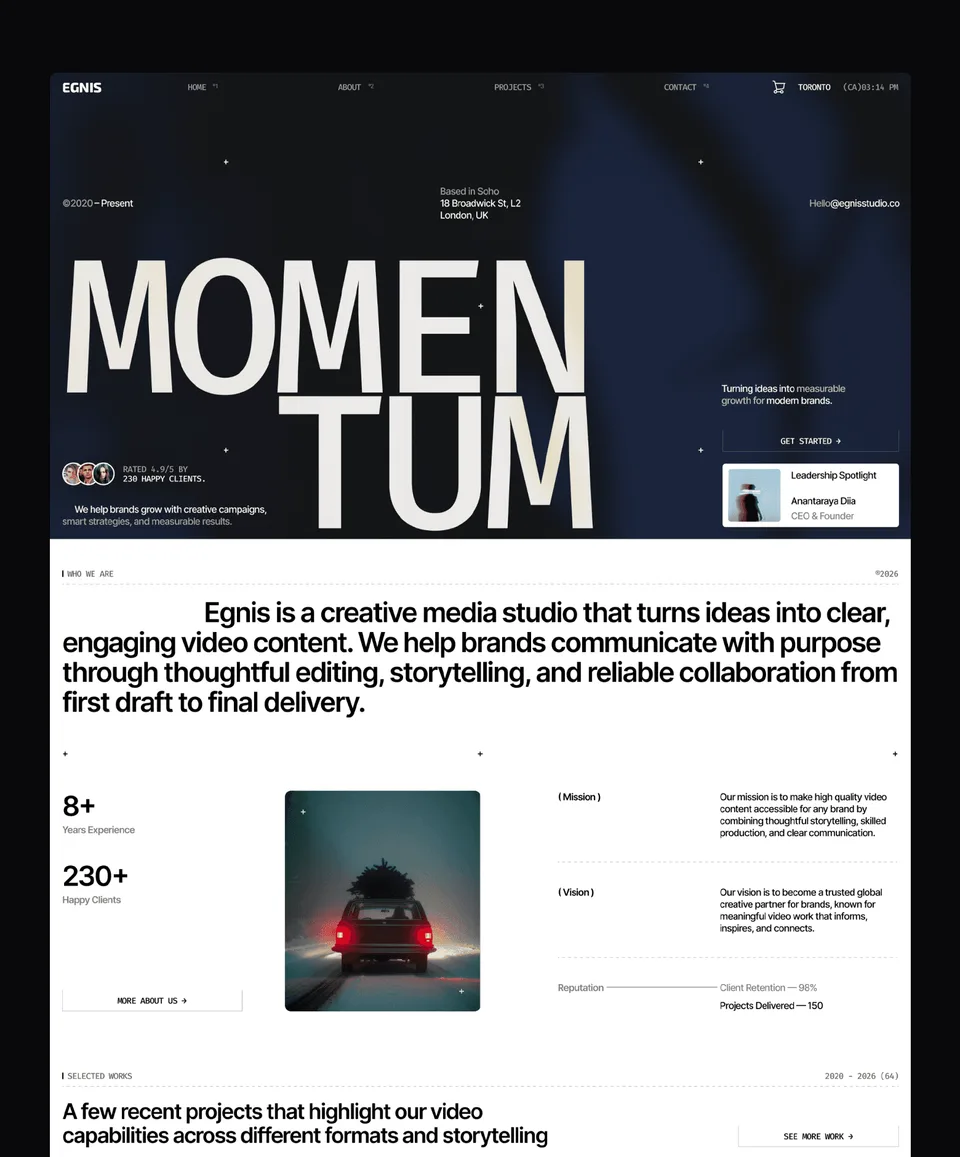

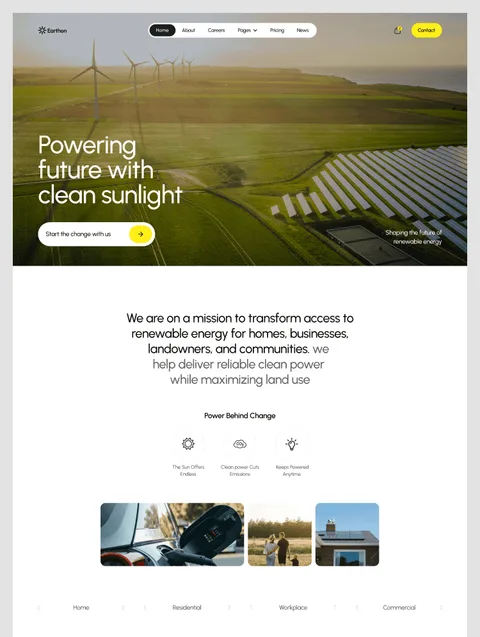

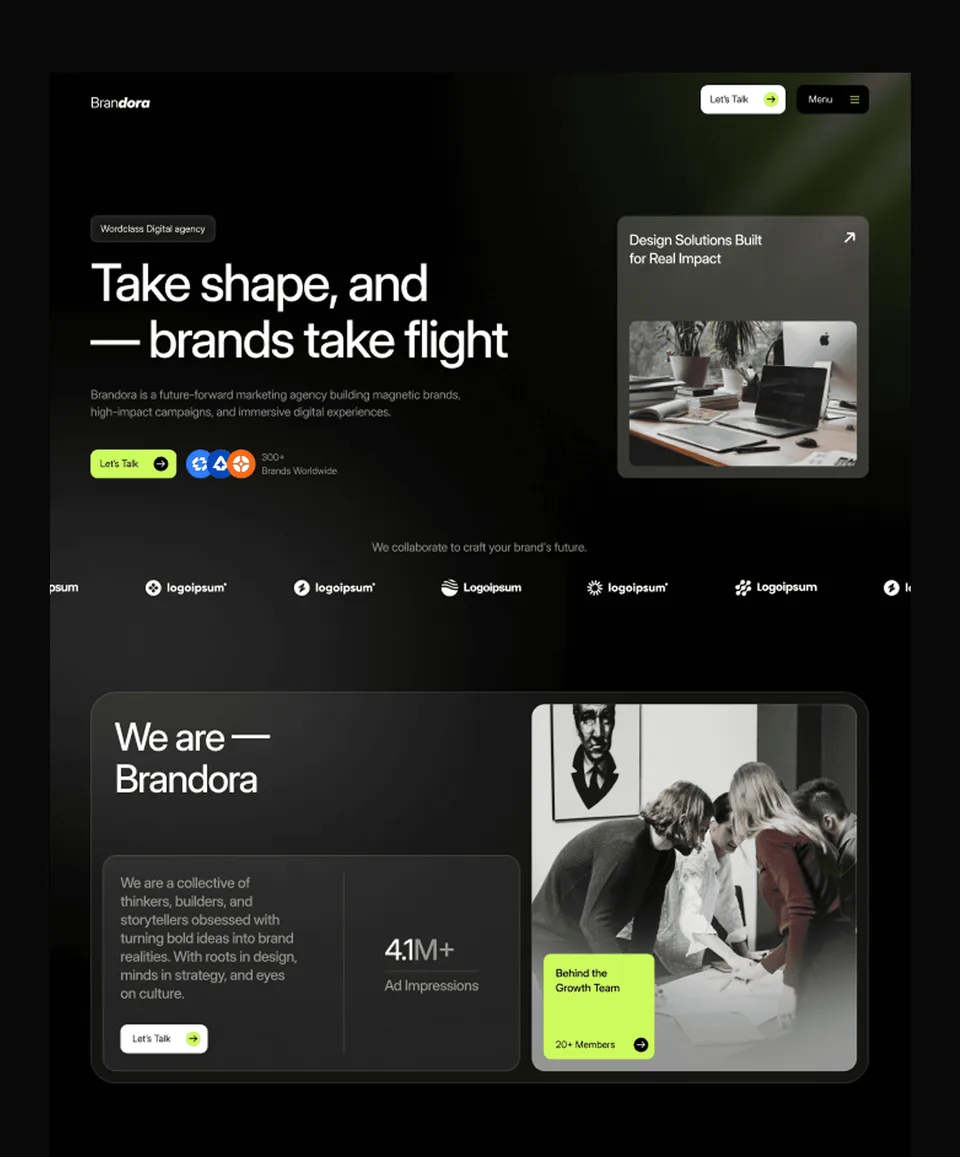



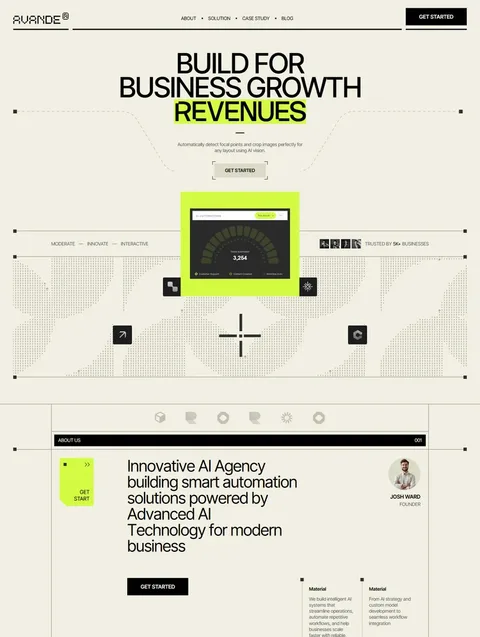

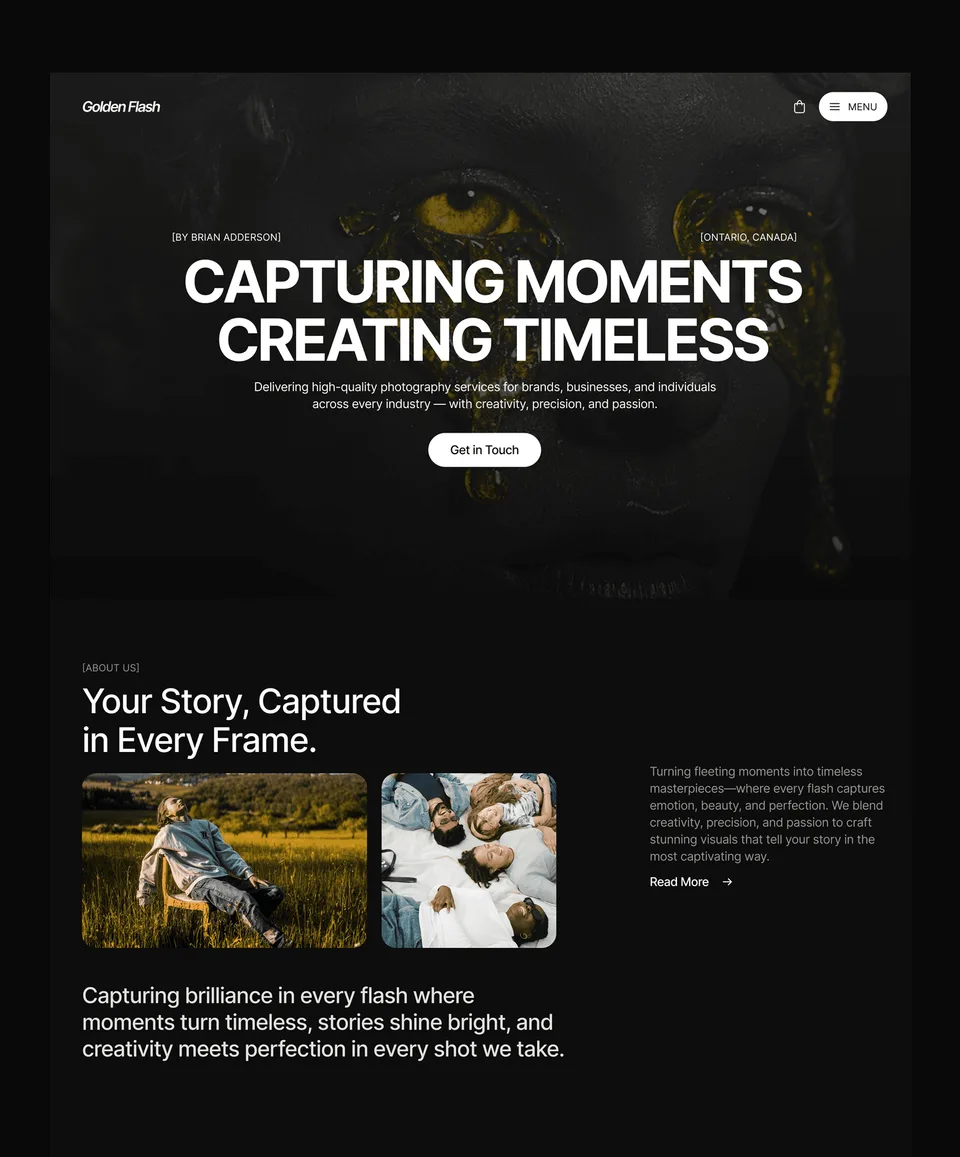

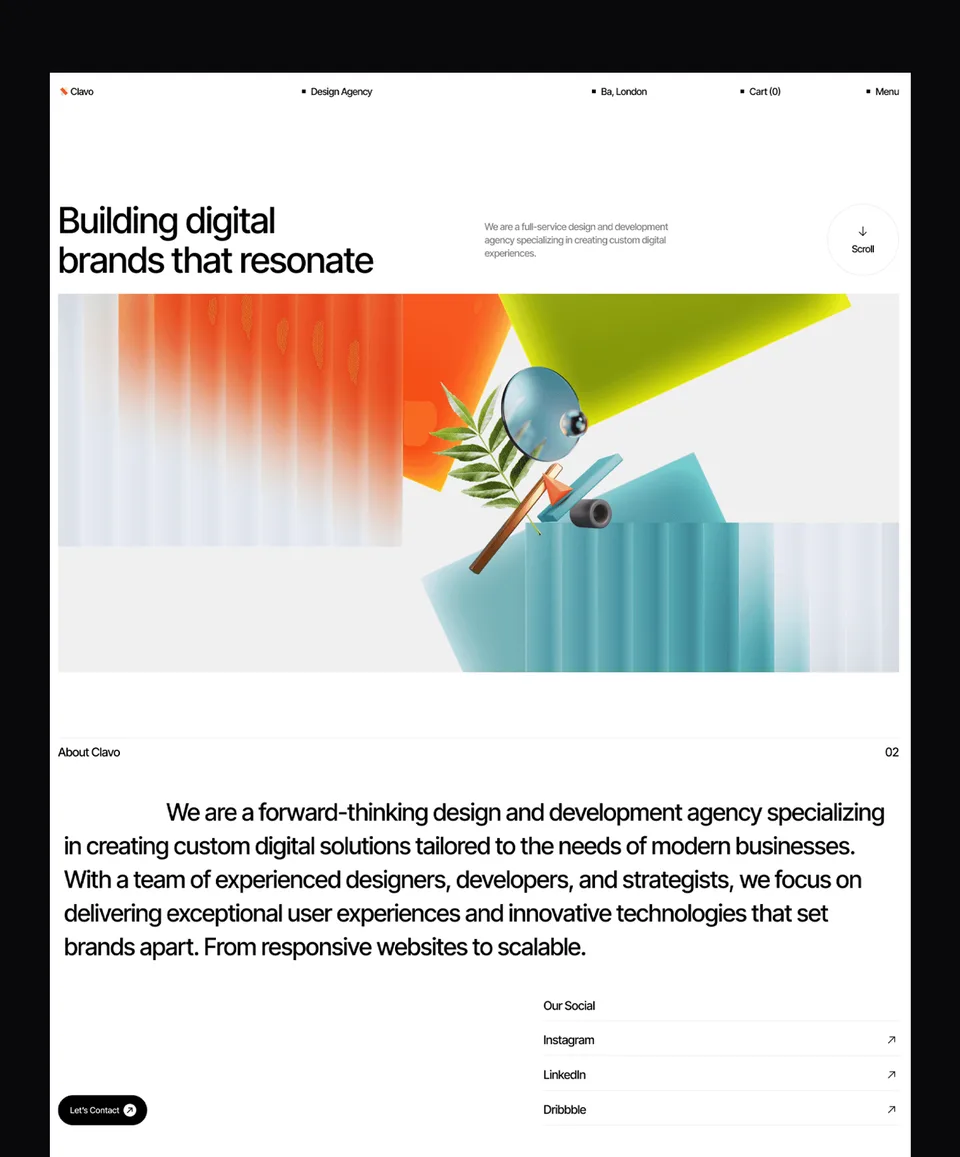

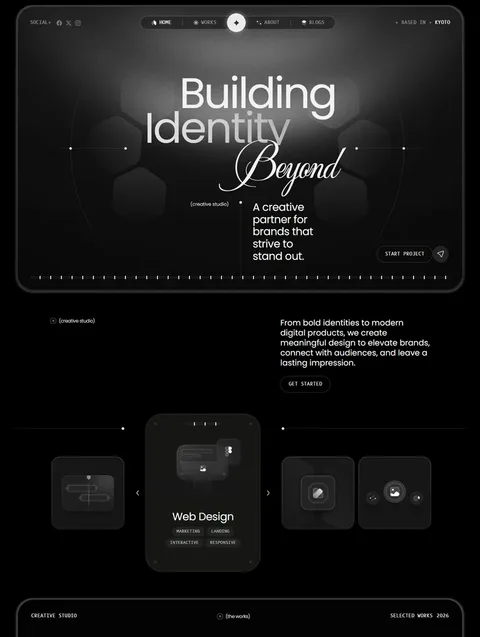

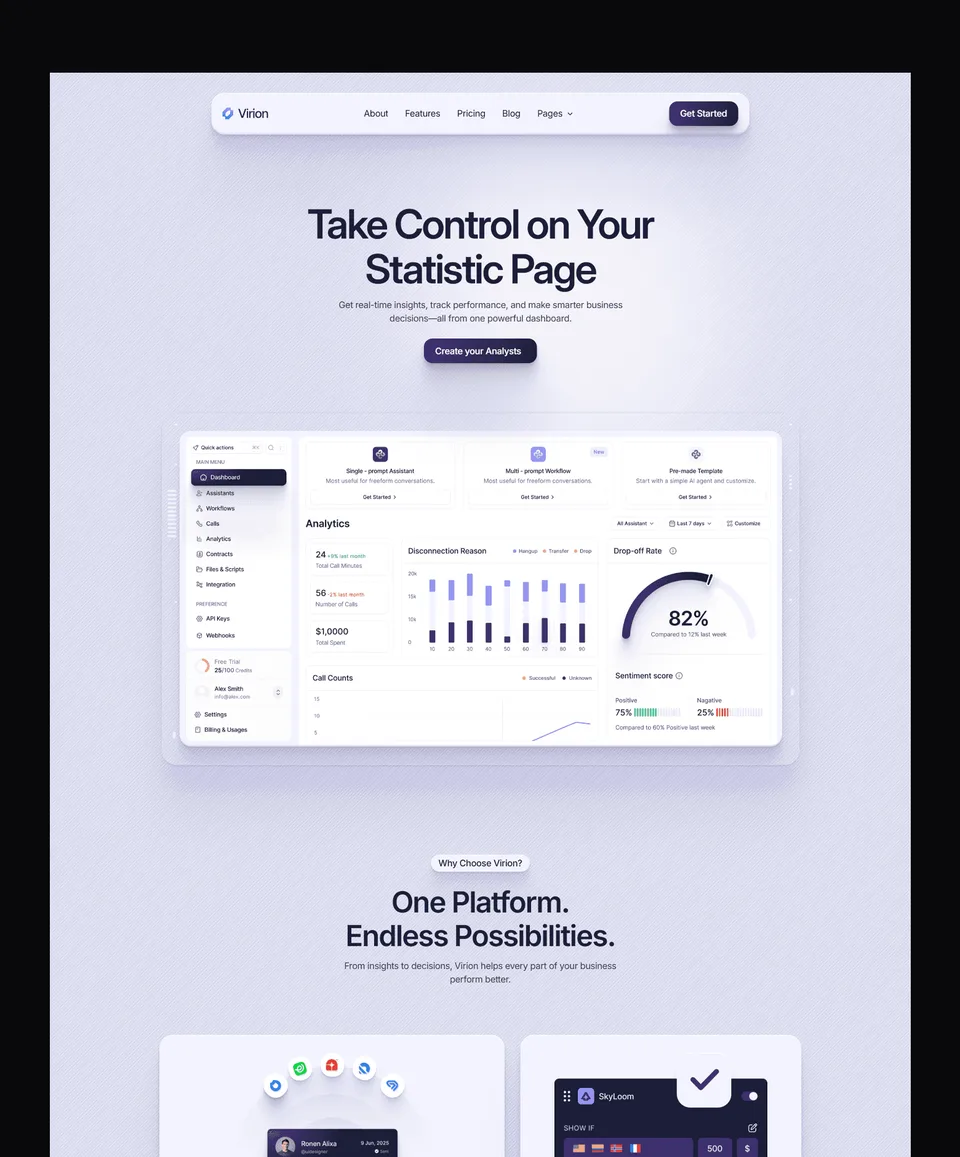

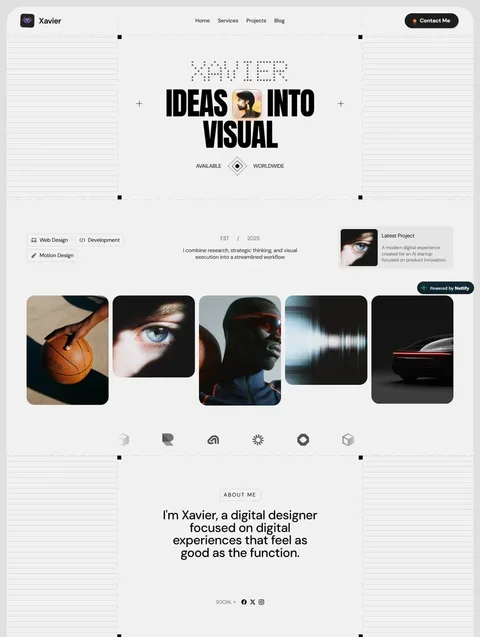

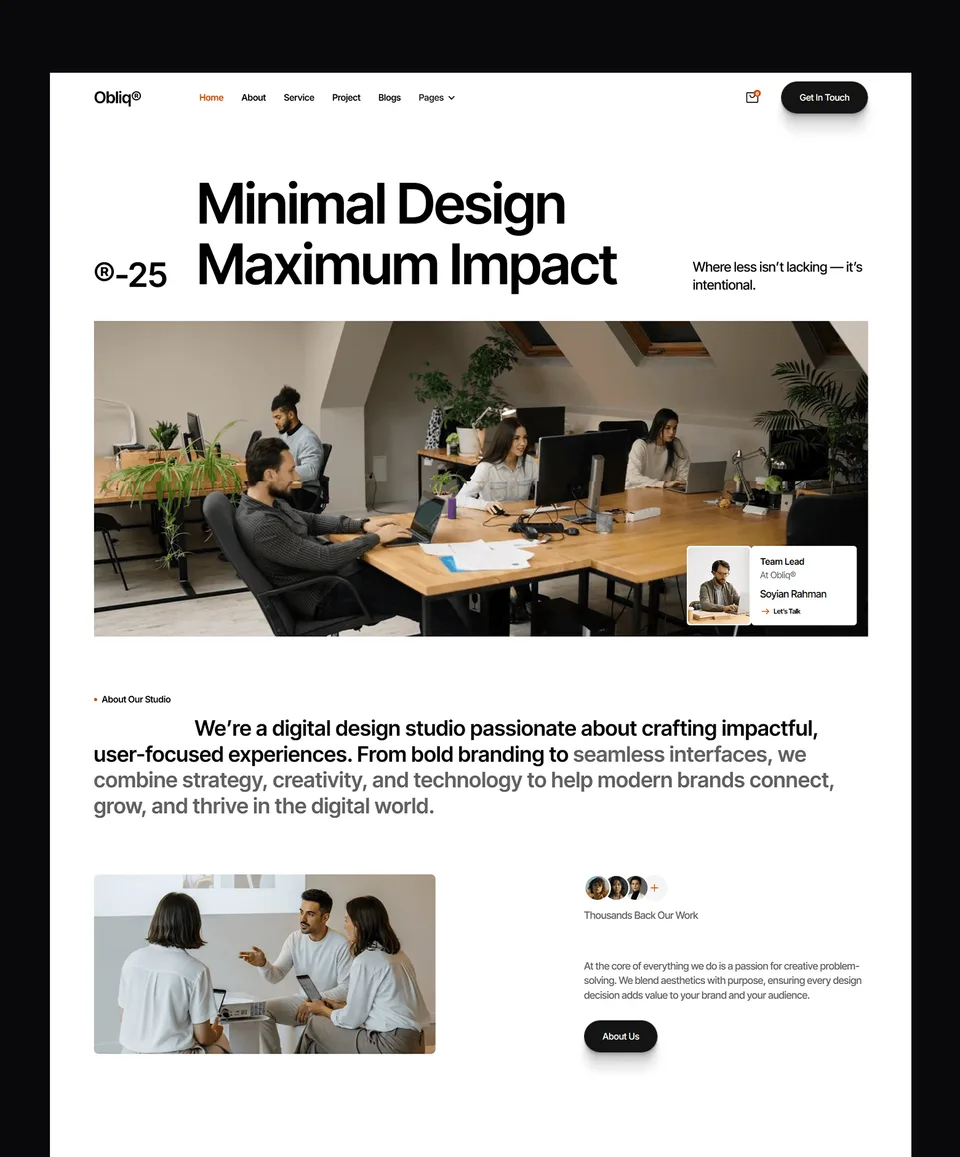

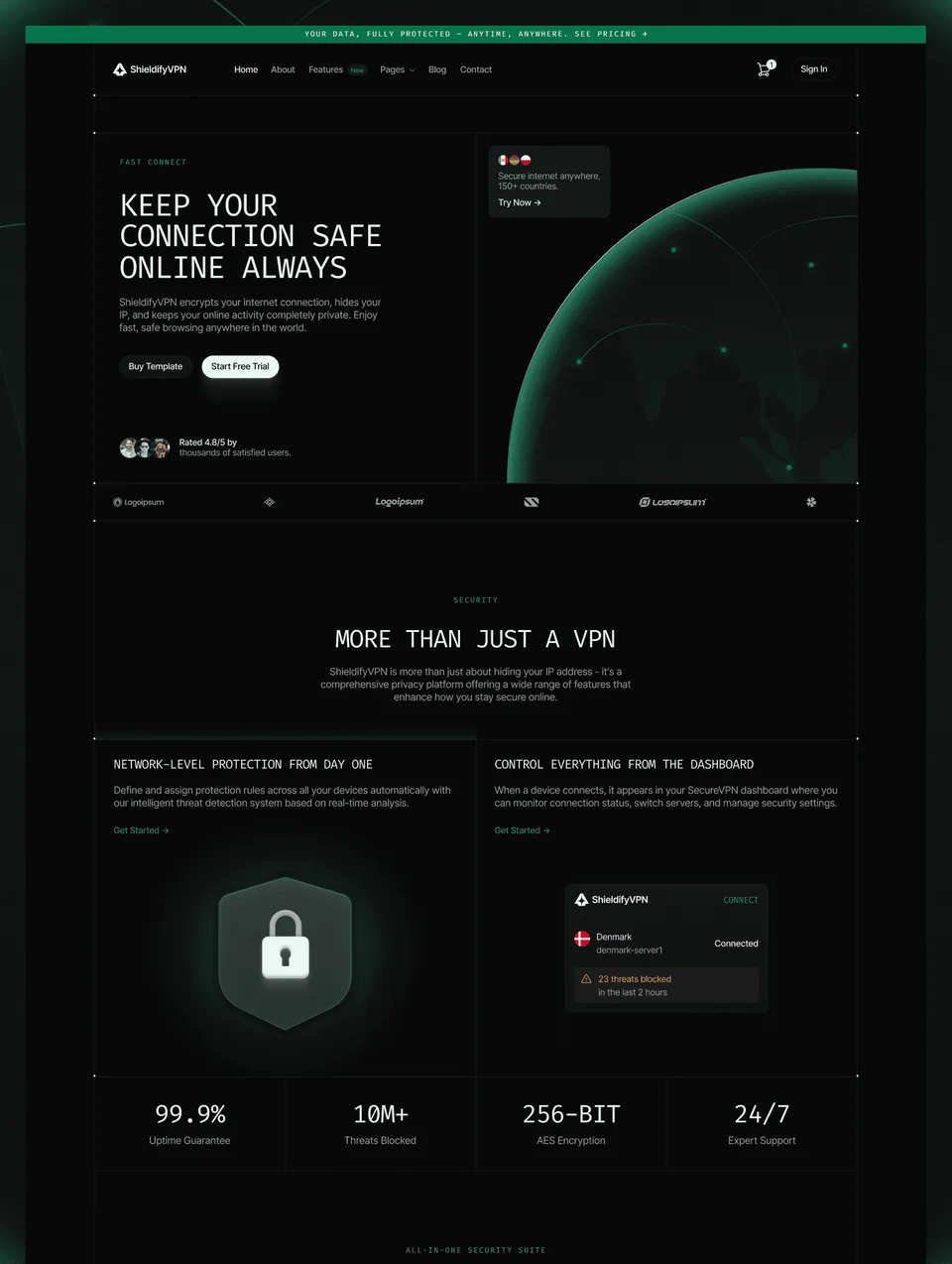



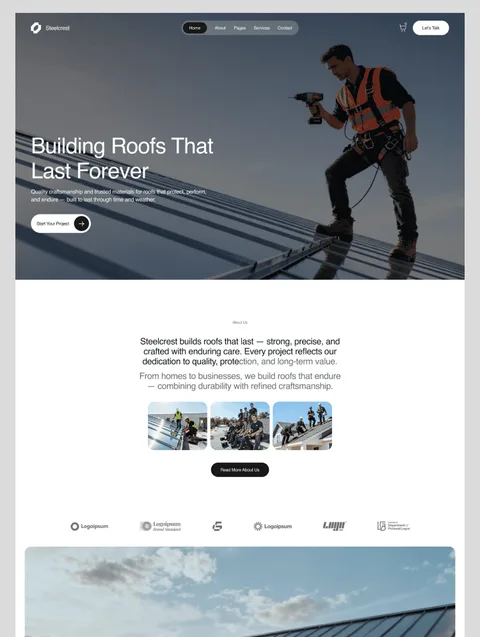

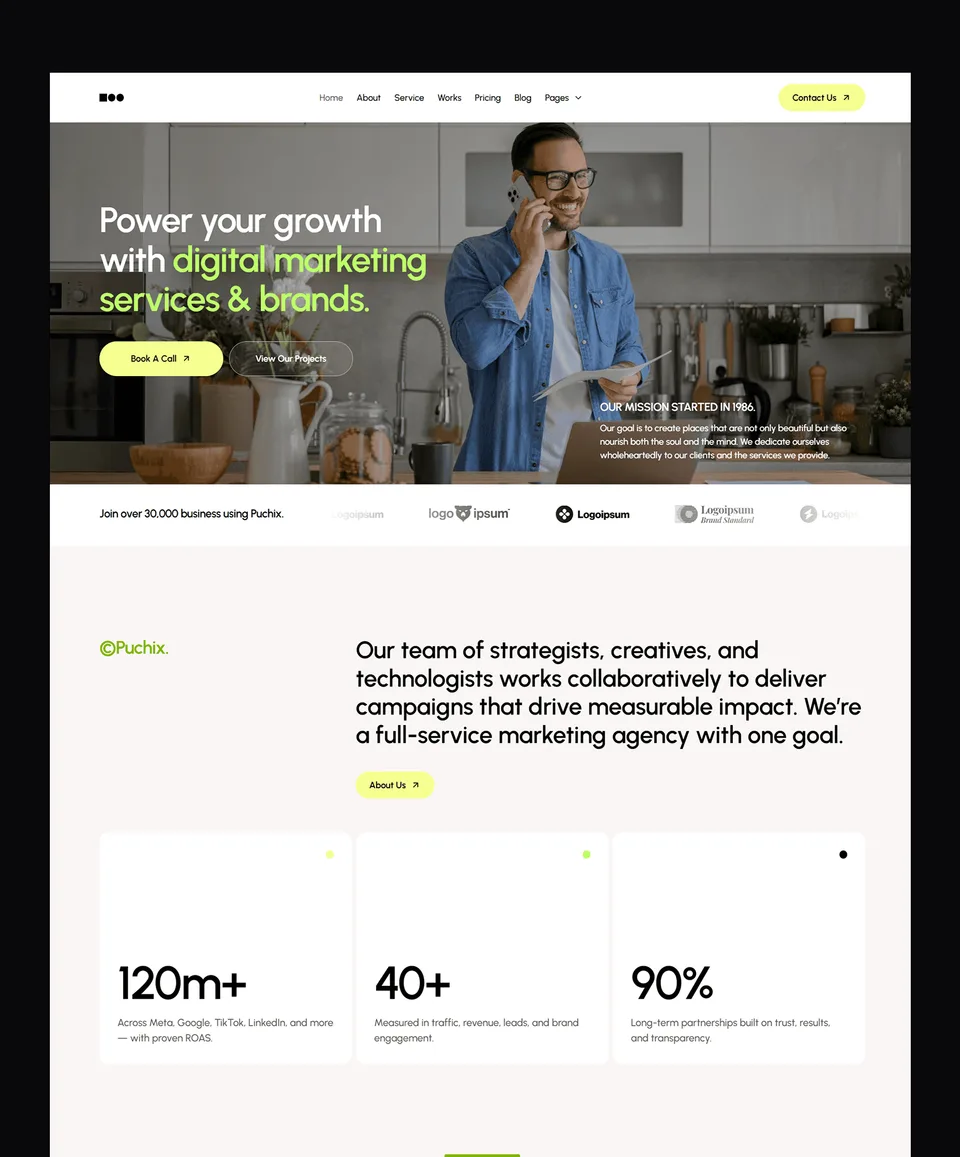

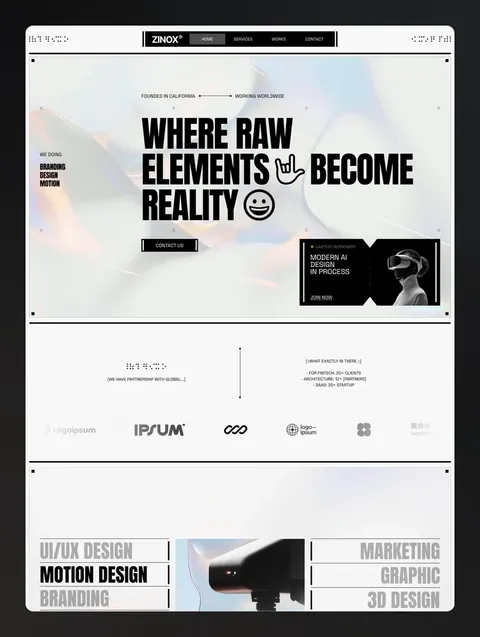

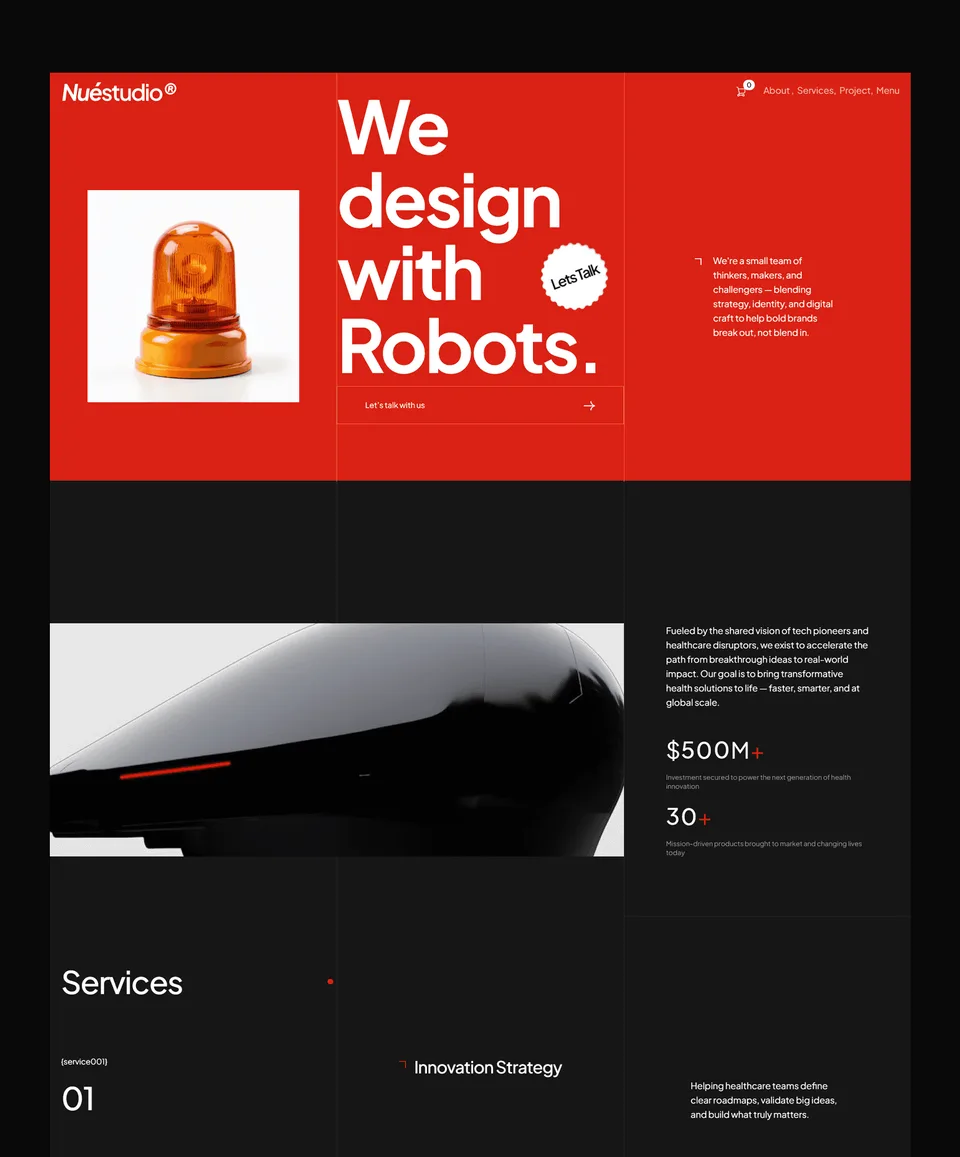

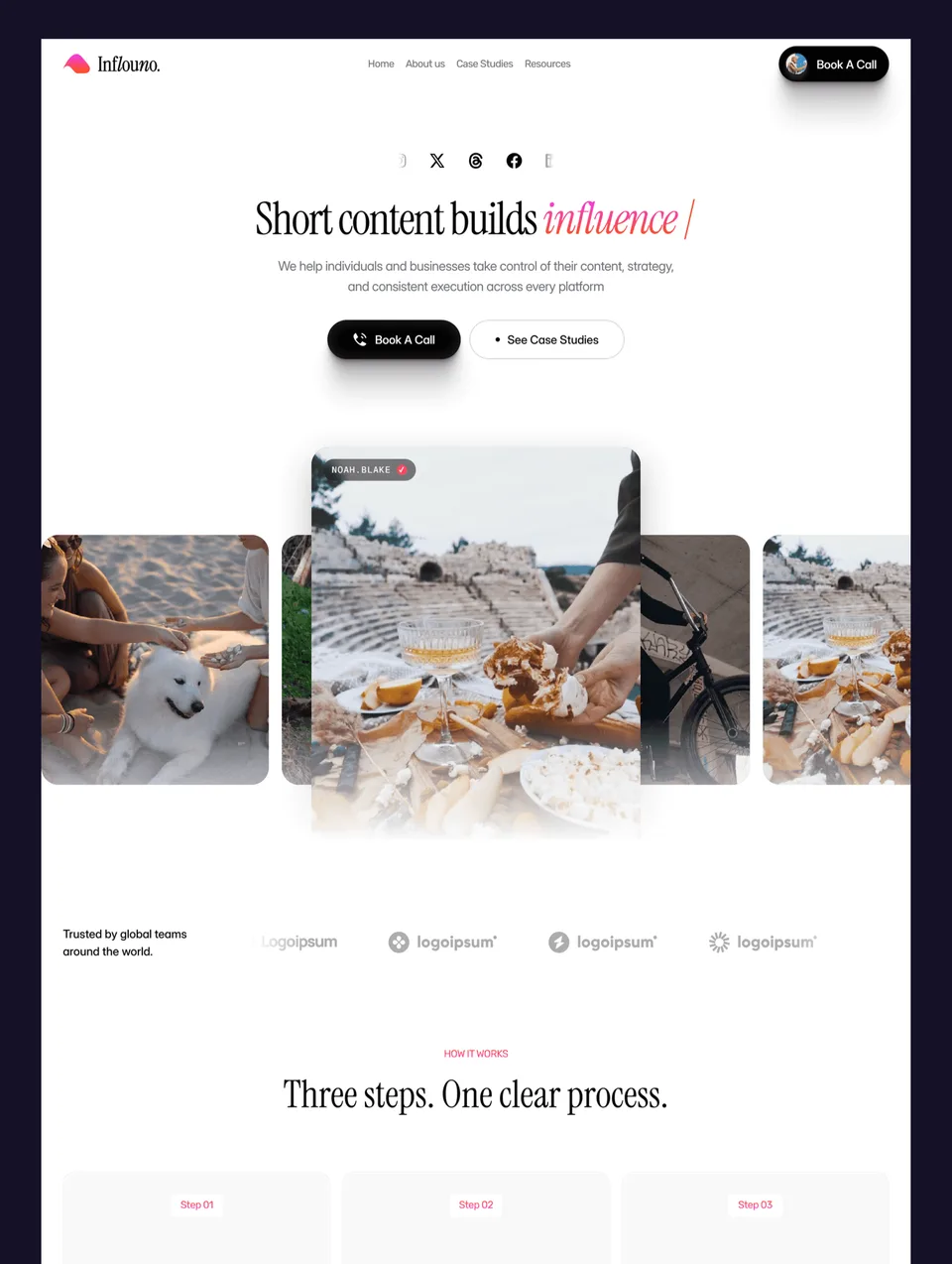

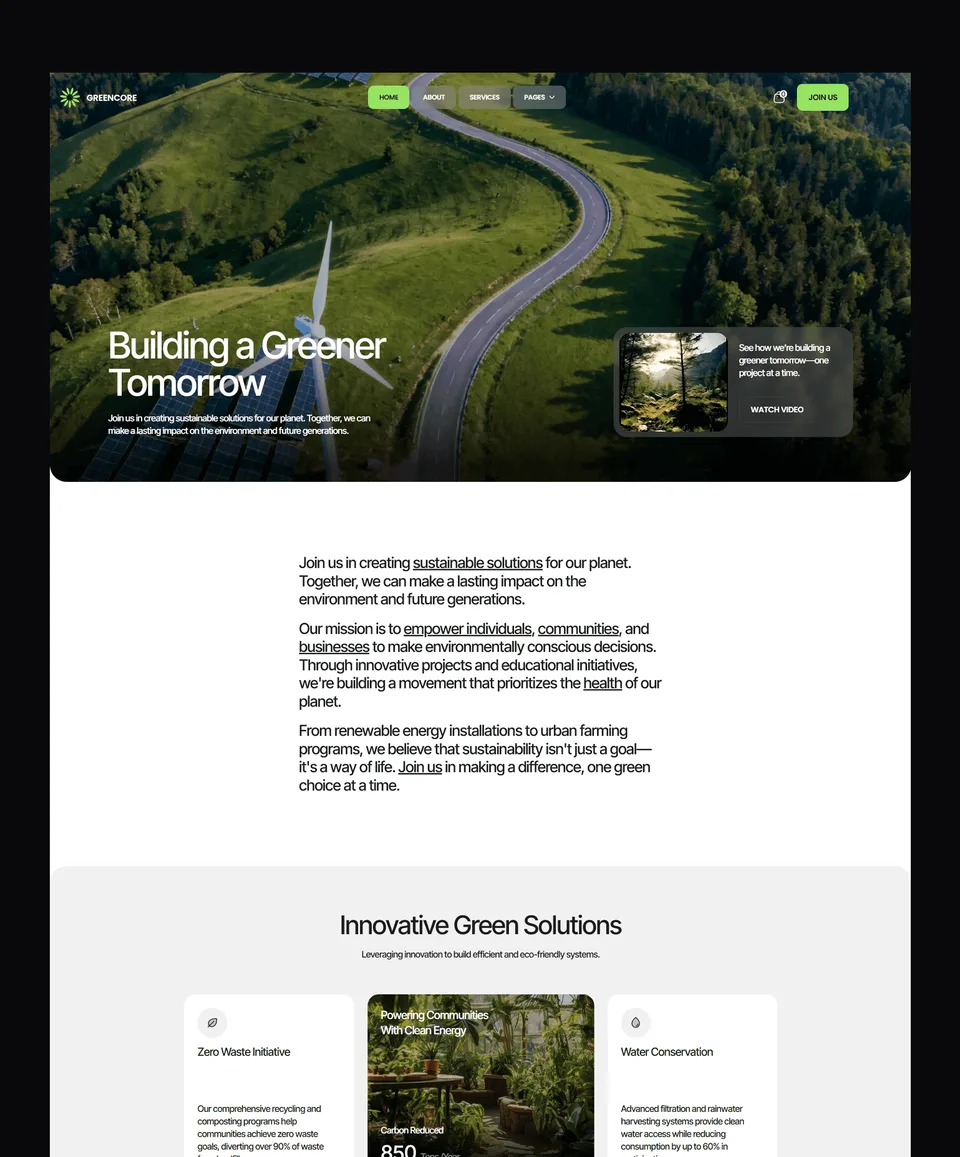

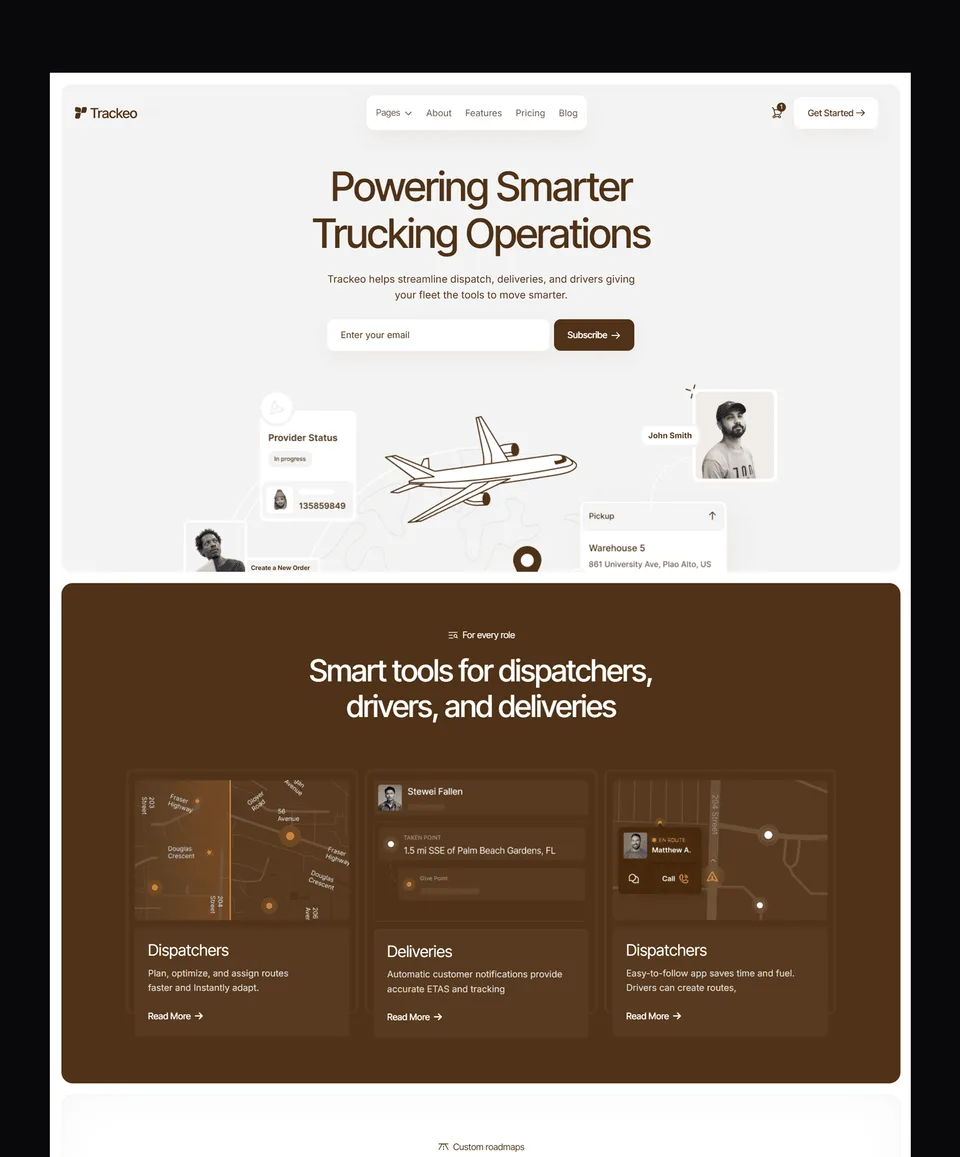



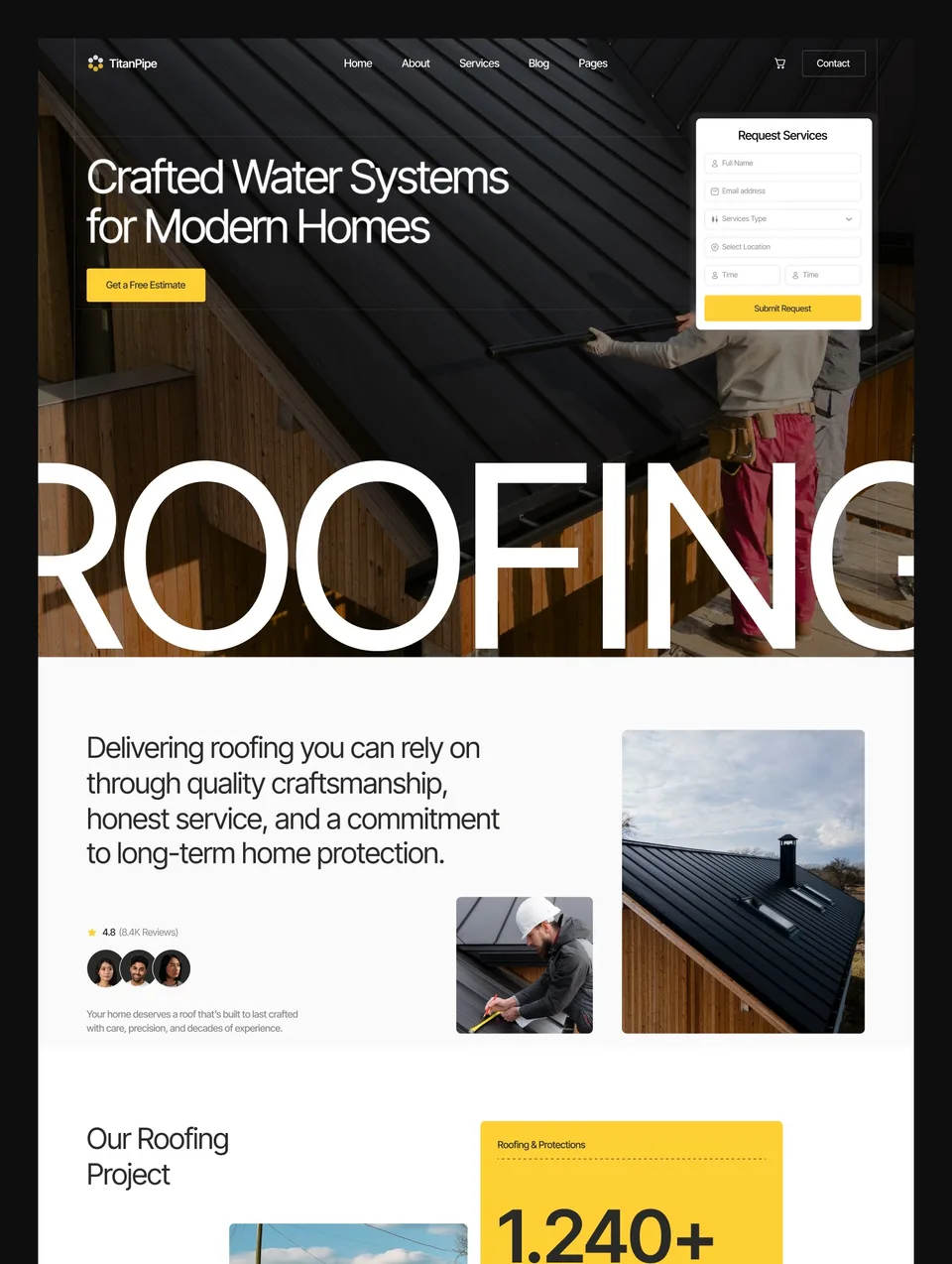

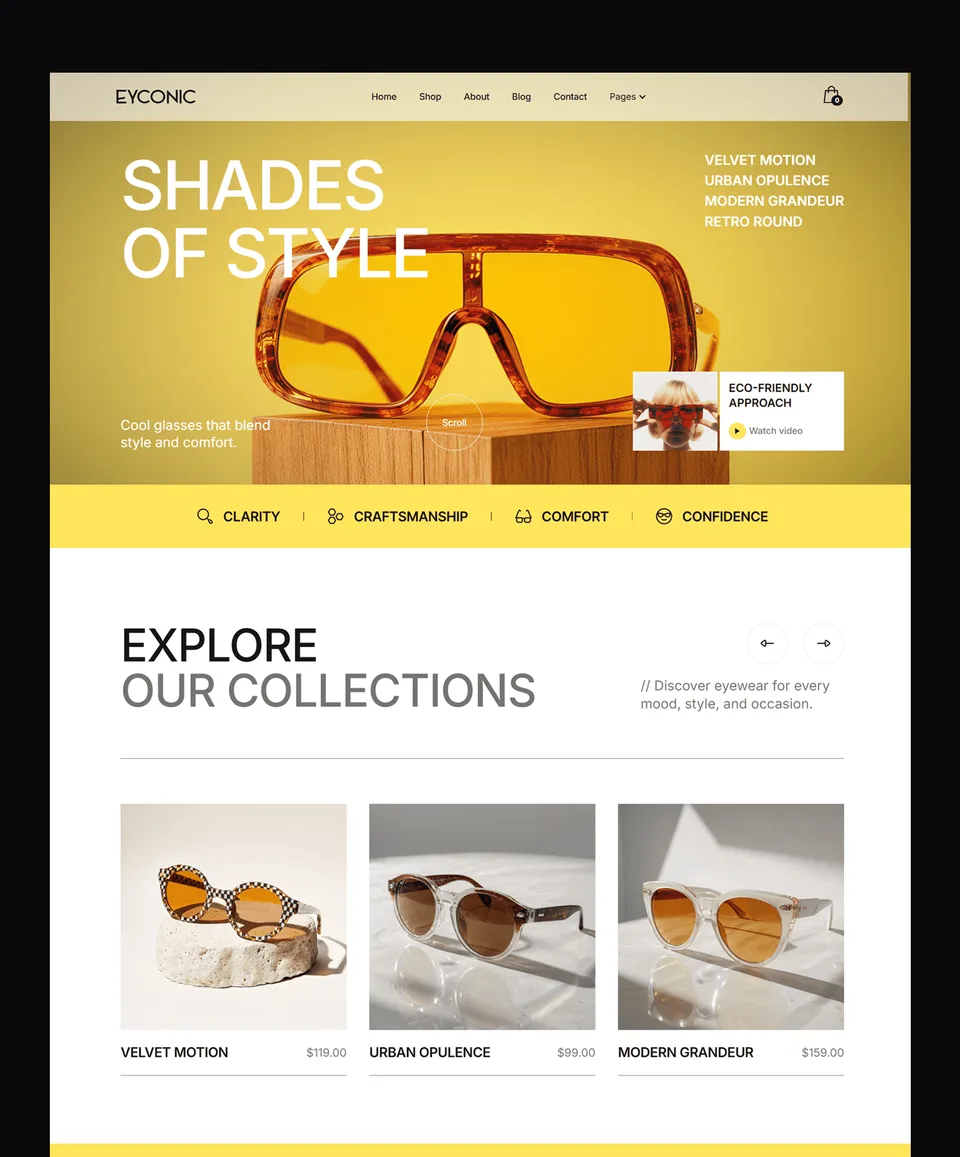

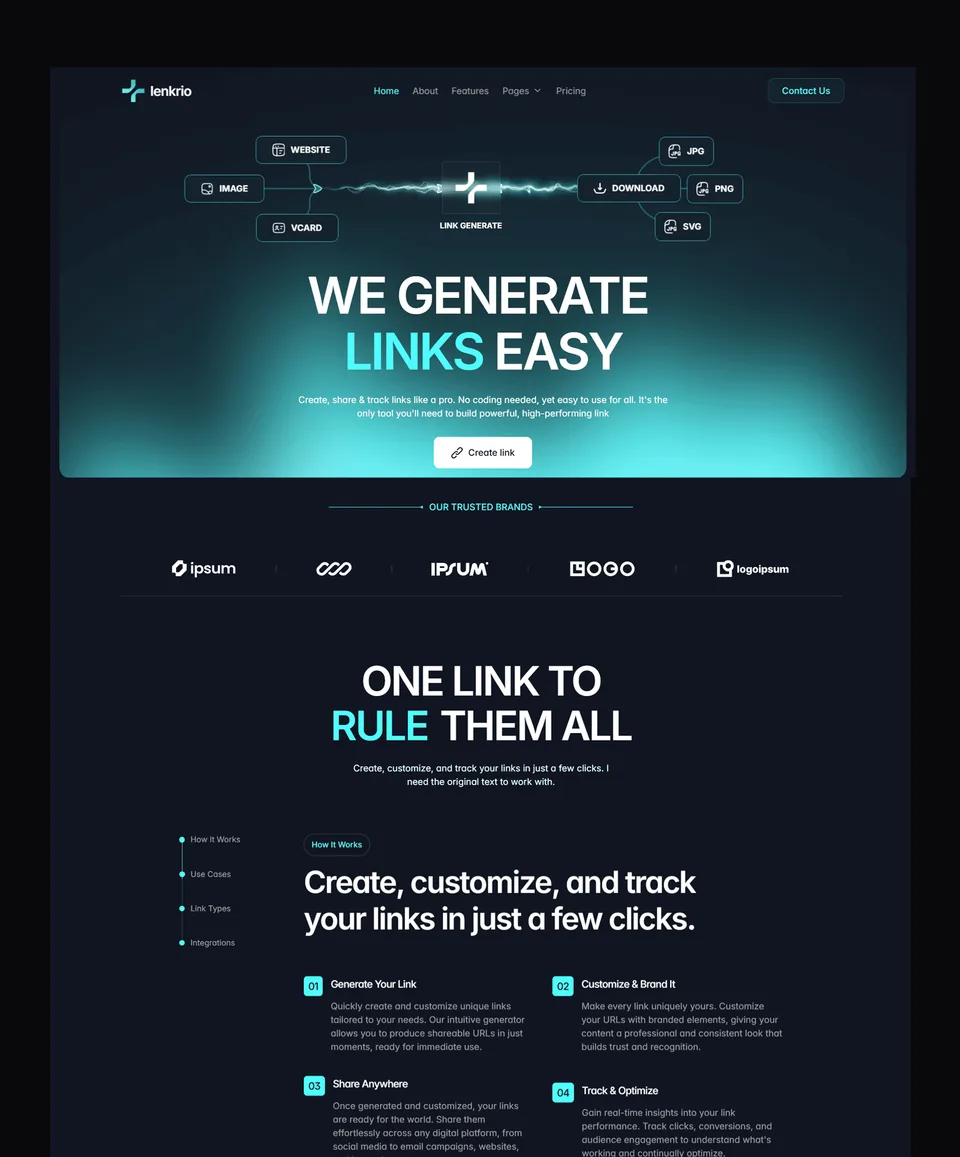

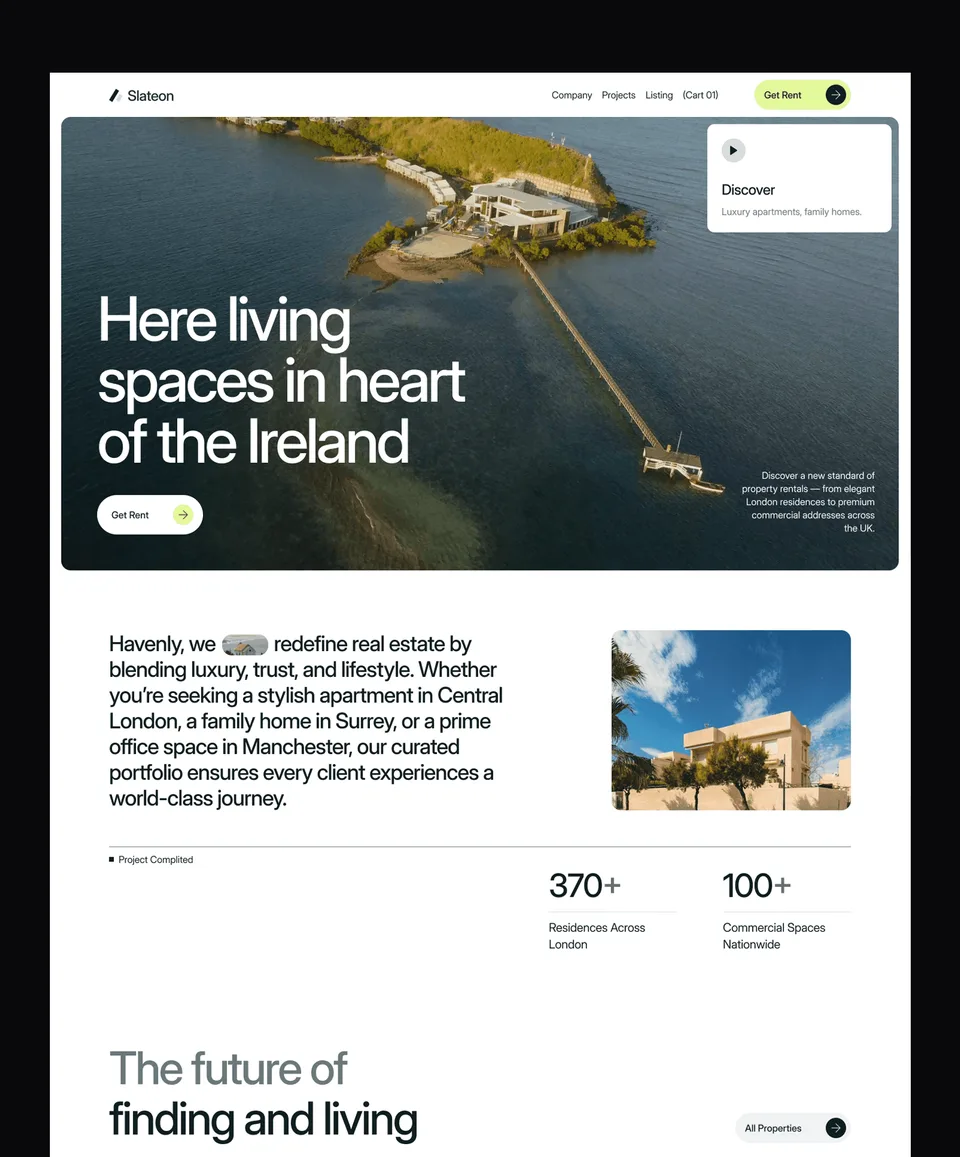

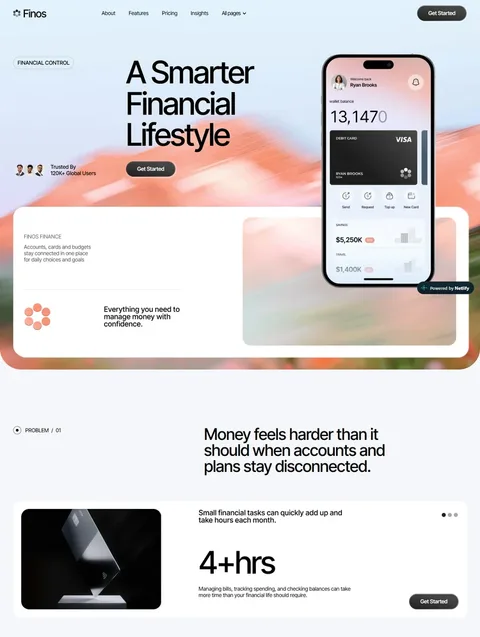

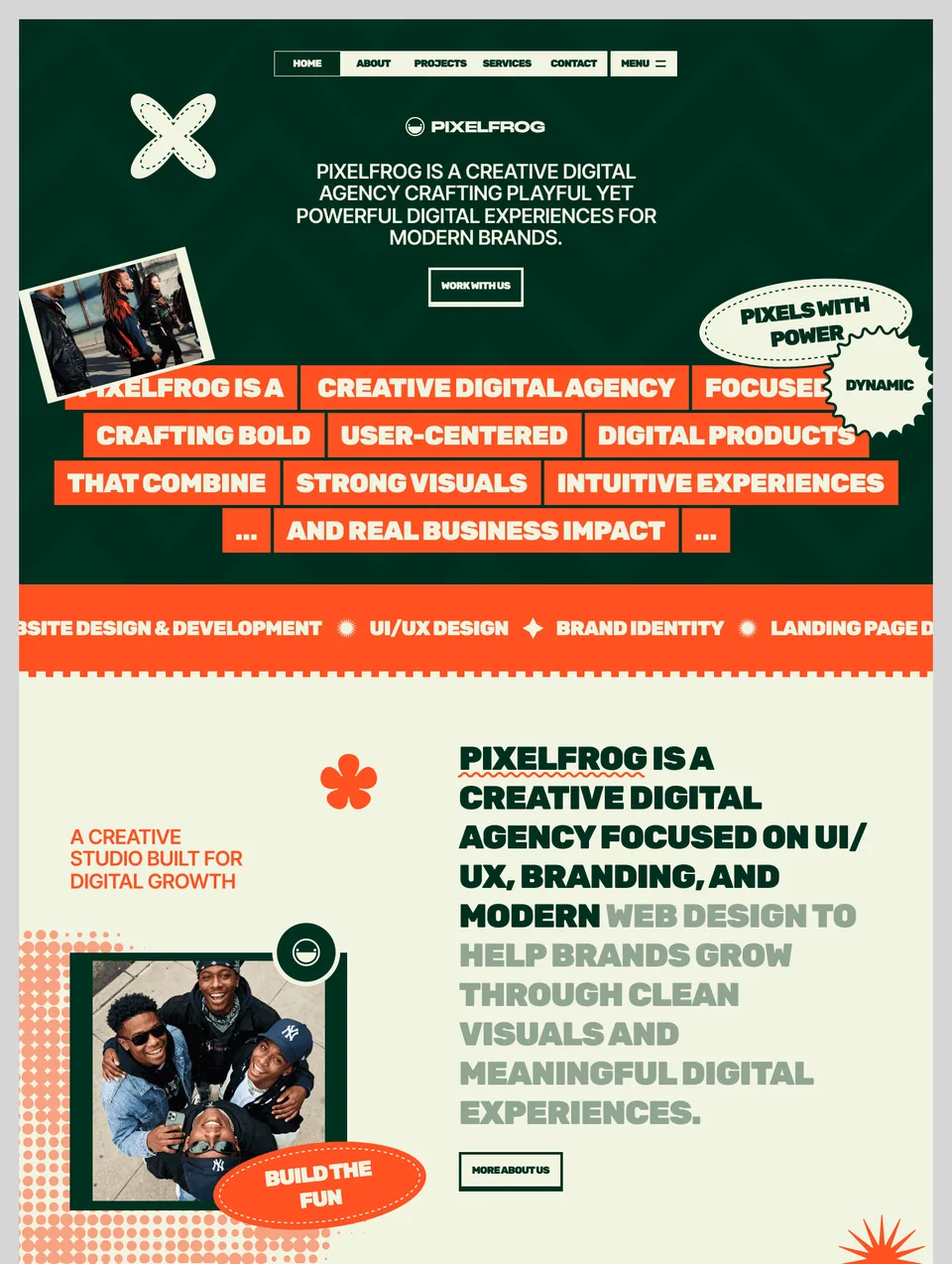

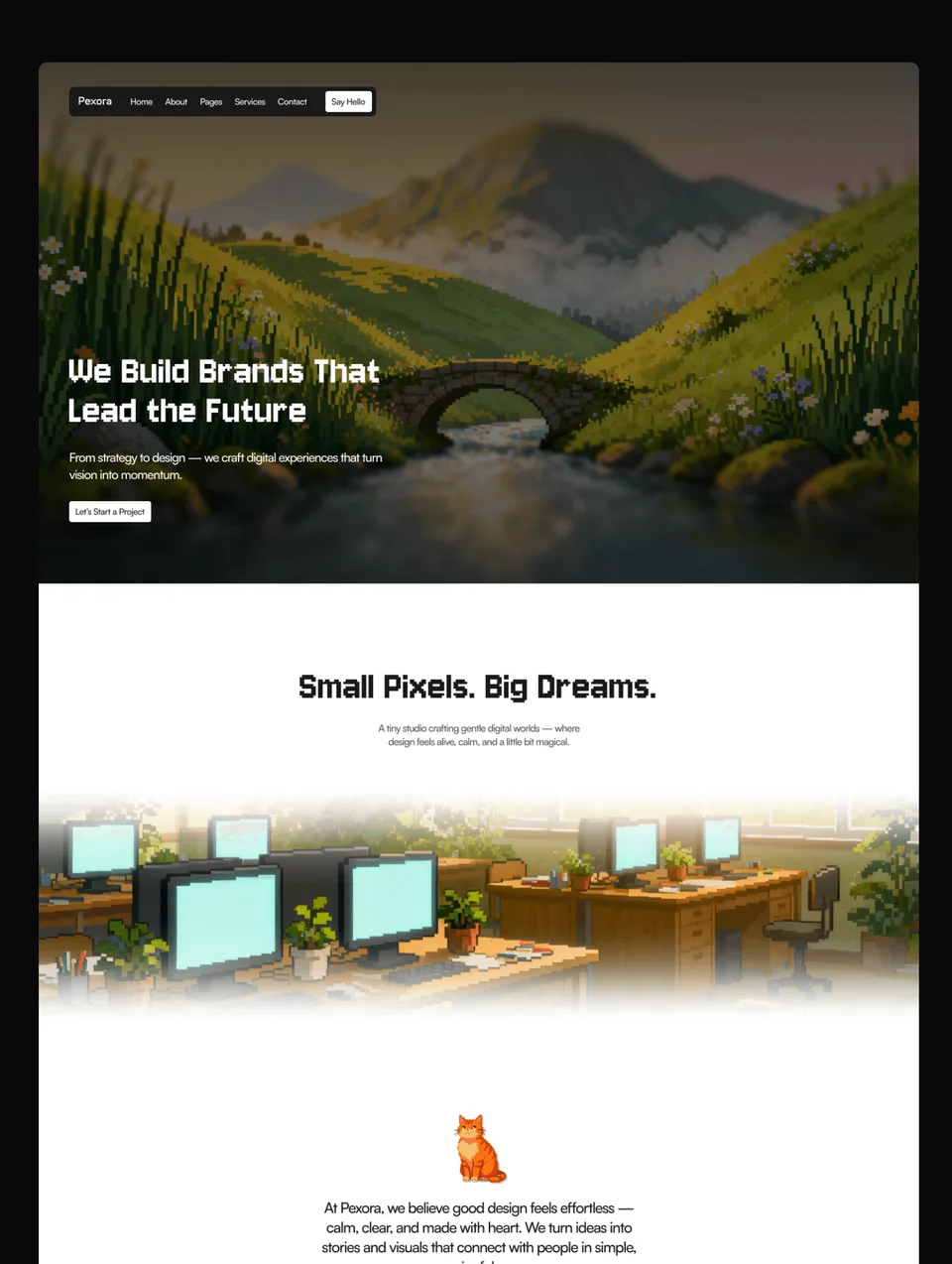

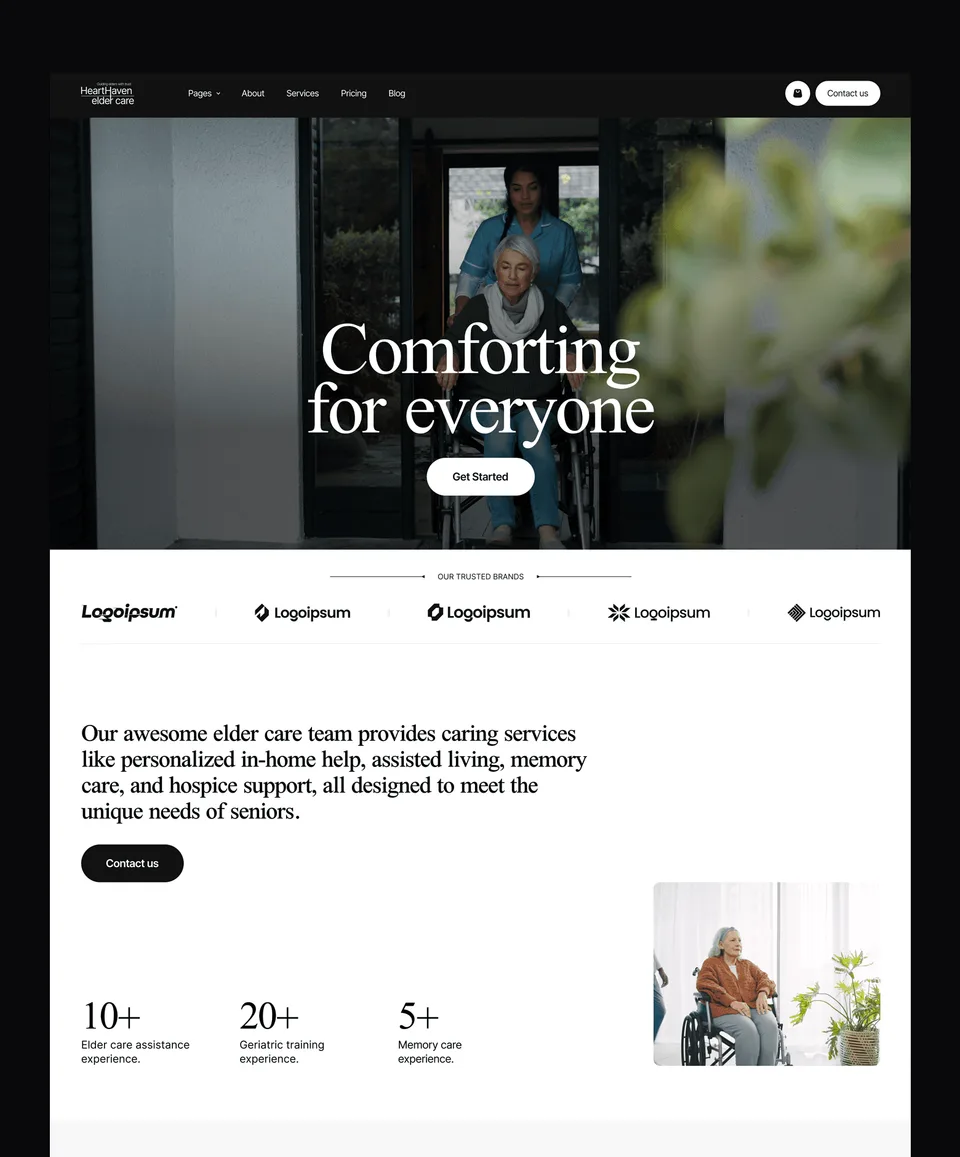

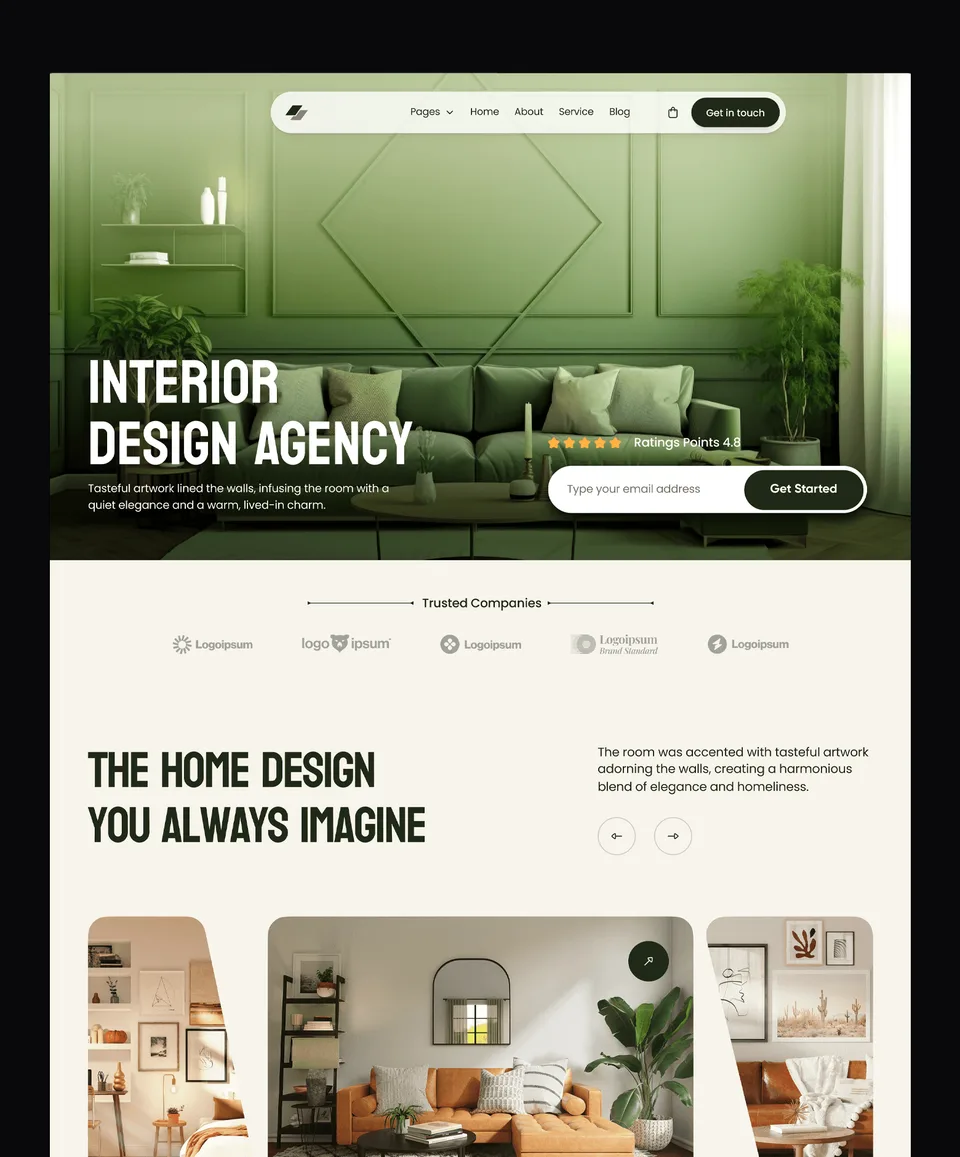

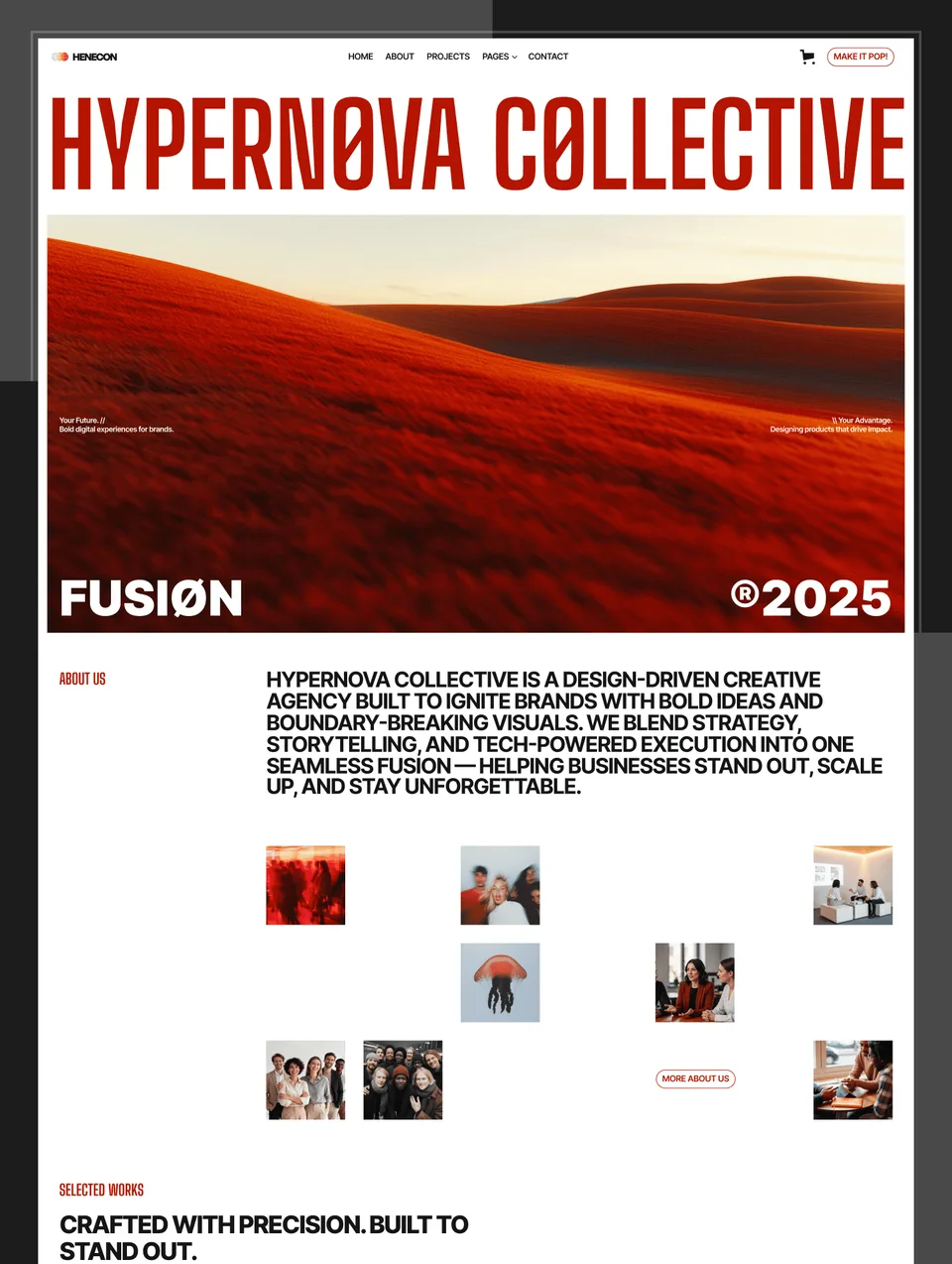

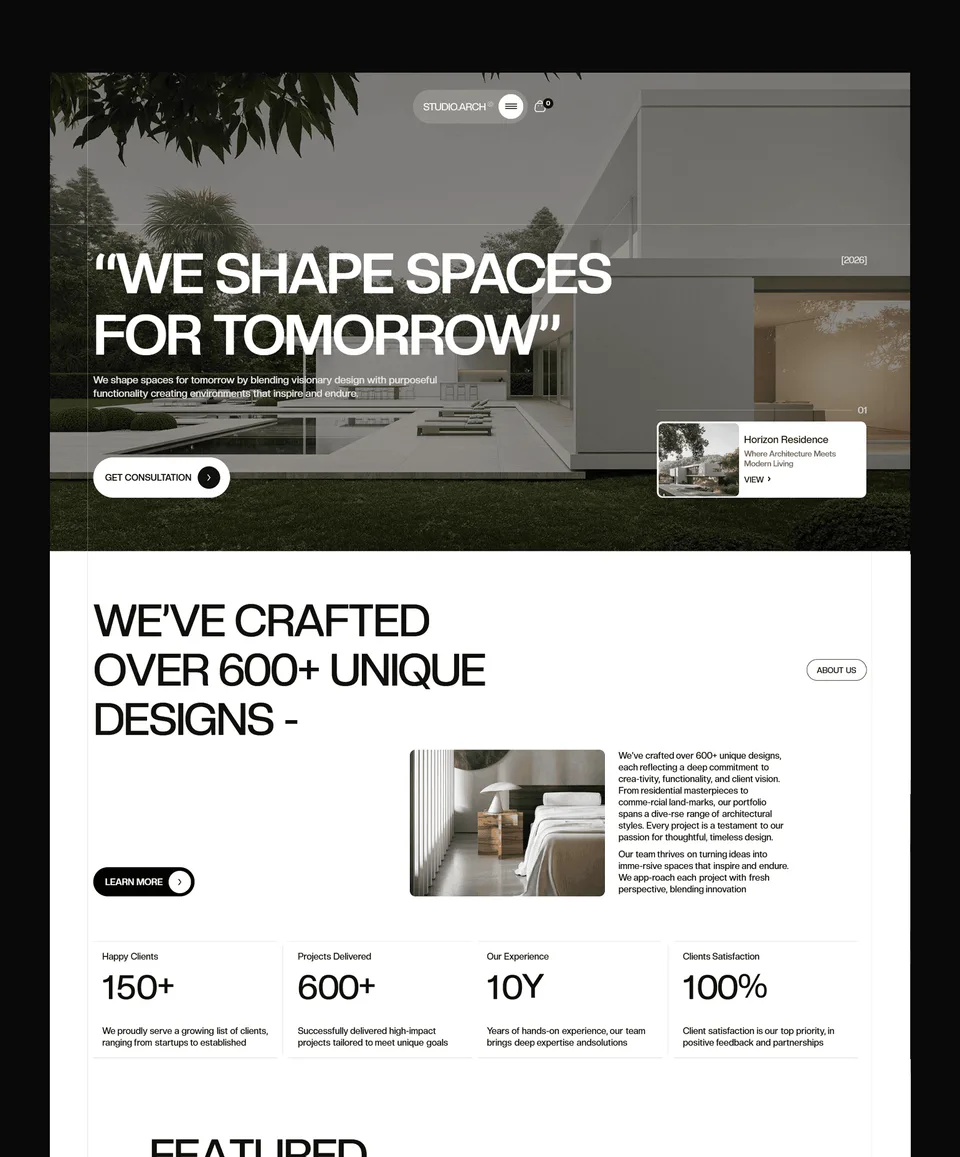

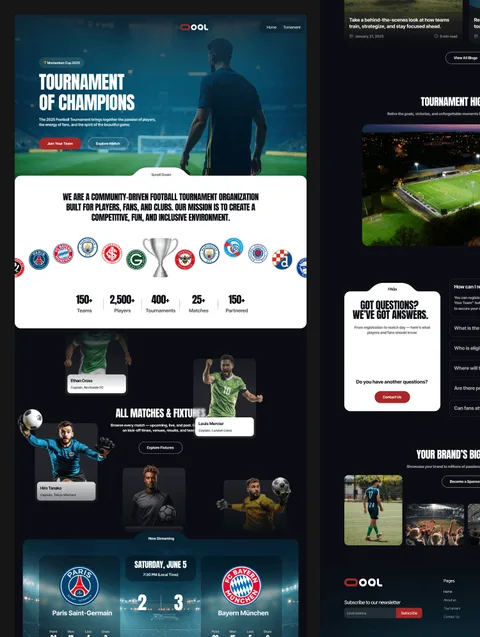

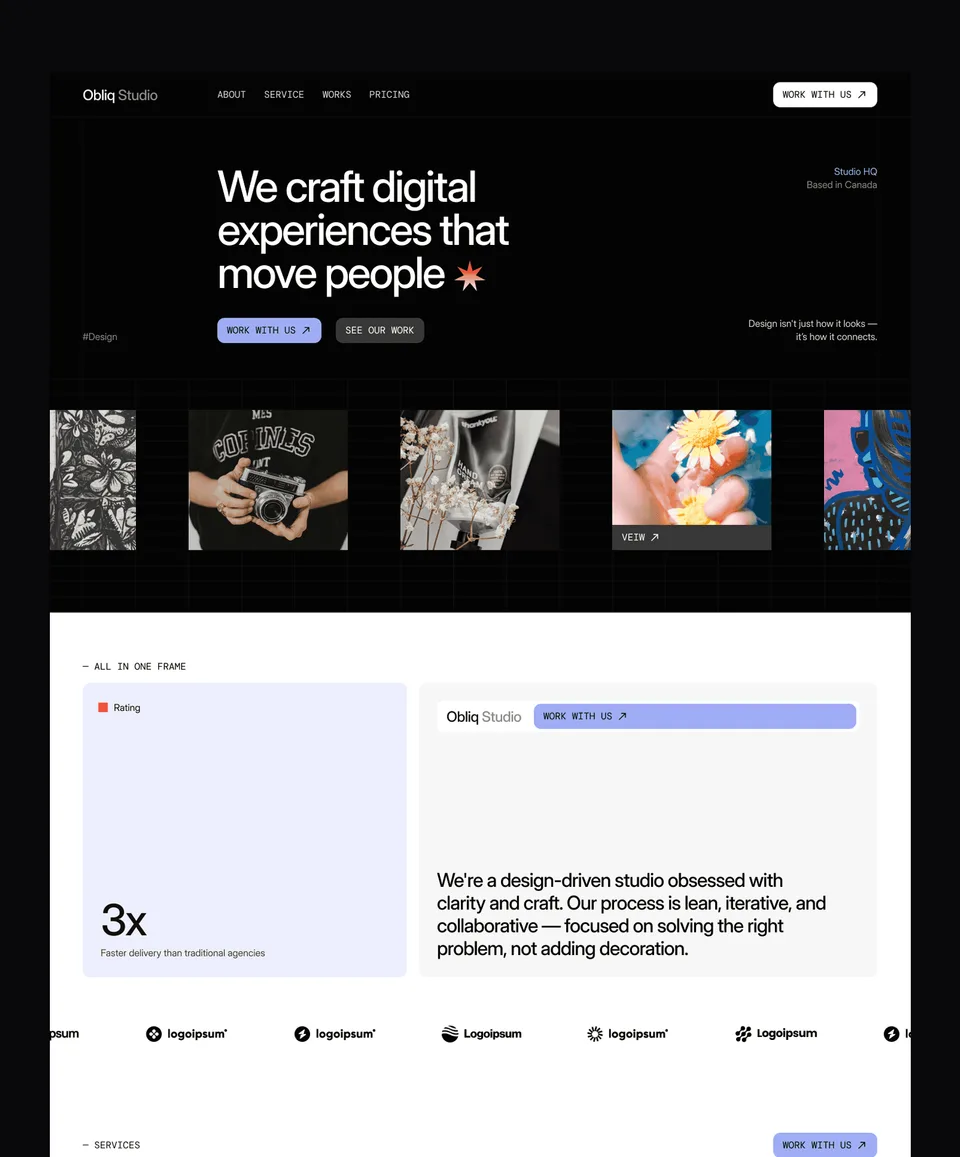

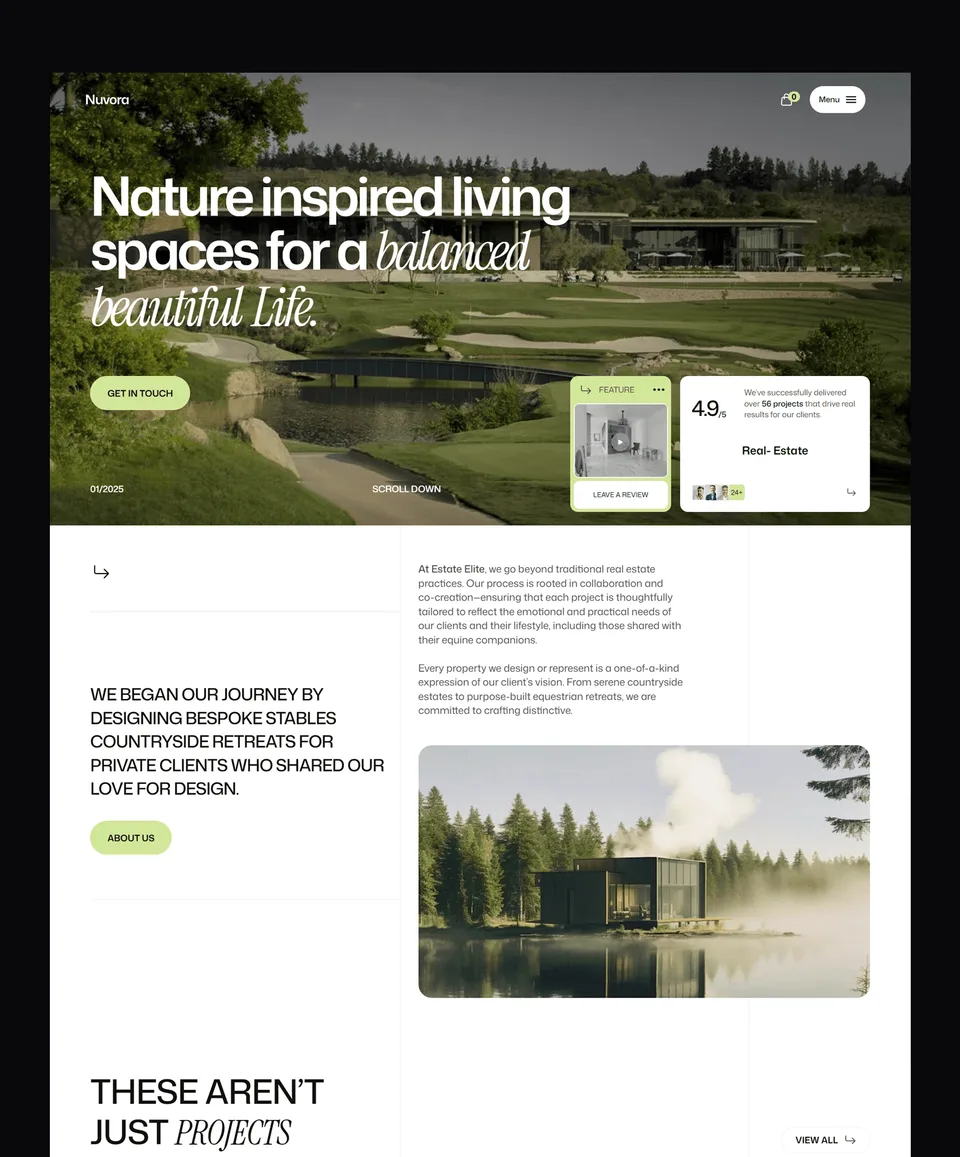

Framer templates at a glance
| Templates | 39 Framer templates, 24 free and 15 premium |
|---|---|
| Price | $49 to $99 per template, or $159 once for all 39 in the Framer Bundle, future releases included |
| Licence | One person, unlimited projects, client work included. Reselling the template itself is not allowed. Terms |
| Delivery | A remix link that copies the whole project into your Framer account, pages, components and CMS included |
| Figma file | Sold separately at $19 per template, or all of them in the Figma Bundle |
| Also on | Webflow (35), HTML (38), Next.js (38) and Astro (38): the same designs, so a site can move platforms without a redesign |
| Updates | Free for templates you own; latest update October 2026 |
| Checkout | Blink, major cards accepted. Free templates need a free account. |
Free Framer templates: Finos, Xavier, Minux, Avande, Relab, Earthon, TitanPipe, Trenox, Obliq, Zelda, Mariq, Lenkrio, Medonix, Puchix, Trackeo, Golden Flash, Virion, Oldage, Greencore, Brandora, Formix, Slateon, Clavo, Egnis. All 24 free Framer templates
One template, the bundle, or a plan
| Option | Price | What you get |
|---|---|---|
| One template | $49 to $99 | That template on Framer, licensed for unlimited projects |
| Framer Bundle | $159 once | All 39 Framer templates, plus every future Framer release |
| Pro | $12/month billed yearly, or $299 lifetime | Unlimited sections and a template credit every quarter, on any platform |
| Ultra | $36/month billed yearly, or $699 lifetime | Unlimited sections, a credit every month, three seats; lifetime unlocks every template on every platform |
What a Waida Studio Framer template gives you
Every template here is a complete site, not a landing page and a promise. You get the full page set the design was drawn for — home, about, work or services, blog, pricing, contact — plus the utility pages most template shops leave out: a styled 404, a password page, a style guide and a licence page listing the fonts and images used.
The build matters as much as the design. Layouts use Framer's stack and grid rather than absolute positioning, so text can grow without breaking the page. Components are reusable, styles are named consistently, and the CMS collections are wired up with real sample content, so you can see the structure before you replace it. Every template is responsive and checked at mobile, tablet and desktop breakpoints.
Free and paid Framer templates
Of the 34 Framer templates in the catalogue, 19 are free. They are not trials or cut-down demos — they are complete templates on the same build standards as the paid ones, and you can use them commercially. Start with the free Framer templates if you want to judge the work before spending anything.
Paid Framer templates run up to $99. Price tracks the size of the build: how many pages, how much CMS structure, how much custom interaction. A one-page landing template and a twelve-page agency site are not the same amount of work, and they are not the same price.
How a Framer template reaches you
Framer templates are delivered as a remix link. You open it, Framer copies the whole project into your own account, and you edit from there — pages, CMS, components, styles, all of it yours to change. Nothing is locked and nothing phones home. You are not editing a shared file; you are working on your own copy.
The Figma design file behind each template is sold separately at $19, or all of them together in the Figma bundle at $49. You do not need it to use the template — it is there for teams who want to design changes before building them, or who present layouts to a client before touching Framer.
Choosing the right template for the project
Start from what the site has to do, not from what looks best in a grid. A portfolio needs work to sit front and centre with room for case studies. An agency site needs services, process and proof. A SaaS site needs a pricing page that survives a plan change, and a blog that will still make sense at eighty posts.
- Portfolio templates for designers, photographers and studios showing work.
- Agency templates for creative, marketing and development teams selling services.
- SaaS templates for products with plans, features and a changelog to keep current.
- Business templates and professional services for firms that need credibility before cleverness.
- Real estate templates for listings, developments and agents.
- E-commerce templates for product-led brands.
If you are still deciding whether Framer is the right platform at all, the guide to Framer websites covers what it does well and where it struggles, and Webflow vs Framer compares the two without picking a winner for you.
One template, the bundle, or a plan
Three ways to buy, and which one is right depends entirely on how many sites you build.
- Buy one template if you have one site to build. You keep it permanently, including future updates to that template.
- The Framer bundle is $159 once and includes every Framer template in the catalogue plus every Framer template released afterwards. It pays for itself at two templates.
- A Pro or Ultra plan is the option that is not really about templates. It adds the sections library — individual page sections you copy straight into a project — plus template credits you spend on whatever you need.
Plans and bundles solve different problems. A bundle is breadth on one platform. A plan is the sections library plus the freedom to move between platforms, which matters if you build in Framer for one client and Webflow for the next.
What to change first
Once the template is in your account, the fastest route to something that looks like yours rather than ours is to work in this order: colours and fonts first, because they carry most of the visual identity and Framer applies them globally in one place; then the copy, page by page; then images; and only then layout.
Resist moving sections around on the first pass. The spacing rhythm and the way sections hand off to one another are part of what makes a template look finished, and it is easy to lose that in an afternoon. Live with the structure while you replace the content, and you will usually find you only wanted to change two things, not ten. If you would rather not do any of it yourself, we offer a customization service.
What the licence allows
Every purchase and every plan grants a licence to use the template for personal or commercial work — the right to use the design, not ownership of it. A single template, a bundle and Pro are licensed to one person and cover an unlimited number of projects: your own sites and your clients’ alike, with no per-site limit. Ultra is the team licence, up to three named people. Templates unlocked with a credit stay yours after a plan ends.
What you cannot do is resell, redistribute or share the templates as standalone files, repackage them into a starter kit of your own, or share plan access outside your licensed team. The full terms are on the terms page.
Frequently Asked Questions
Are Waida Studio Framer templates fully responsive?
Yes. Every Framer template is fully responsive across desktop, tablet, and mobile breakpoints. Each layout is tested on real devices to ensure smooth experiences on every screen size.
Can I use a Framer template for client projects?
Yes. The licence covers an unlimited number of projects for one person: your own sites and your clients' alike, with no per-site limit. What it does not allow is reselling or redistributing the template itself.
Do Framer templates include hosting?
No. Hosting is billed separately by Framer directly. Waida Studio provides the template design only. This keeps costs transparent and gives you full control over your hosting setup.
How long does it take to customize a Framer template?
Most customers ship a personalized version of their Framer template in 1 to 3 days. Simple branding and content changes take a few hours. Deeper customization with new sections typically takes a weekend.
Do I need to know how to code to use Framer templates?
No. Framer templates are fully customizable through Framer's visual editor — change text, images, colors, fonts, and layouts without writing code. For 95% of customization, no code is needed.
How many Framer templates does Waida Studio have?
34 Framer templates, 19 of them free. New templates release monthly, and every new Framer release is included in the Framer Bundle at no extra cost.
Are the free Framer templates really free?
Yes. They are complete templates built to the same standards as the paid ones, free to use commercially. There is no trial period and nothing stripped out to push you toward a paid version. No credit or attribution is required.
How does a Framer template reach my account?
As a remix link. Opening it copies the entire project into your own Framer account, where every page, component and CMS collection is yours to edit. Your copy is independent of ours.
Is the Figma file included with a Framer template?
No. The Figma design file behind each template is a separate $19 purchase, or $49 for the Figma Bundle covering all of them. The Framer template is complete without it — the Figma file is for teams who want to design changes before building them.
What is the difference between the Framer Bundle and a plan?
The Framer Bundle is $159 once for every Framer template, present and future, on that platform only. A plan adds the unlimited sections library and template credits that work across every platform, billed quarterly, yearly or once for lifetime.
Will the template still work when Framer updates?
Yes. Templates are built with Framer's own layout system rather than workarounds, which is what keeps them stable across Framer releases. Updates to a template you own are free.