Every Webflow template, one payment.
All 36 Webflow templates, lifetime access, future releases included. Or start a plan and unlock templates with credits.
Webflow Templates: 36 Launch-Ready Sites, 2 Free
Waida Studio has 36 Webflow templates: 2 free and 34 premium from $59 to $129, for agency, business, professional services, portfolio and SaaS sites. Each is licensed for unlimited client projects, with the Figma file behind it sold separately. Every one is also available for Framer, HTML, Next.js and Astro.







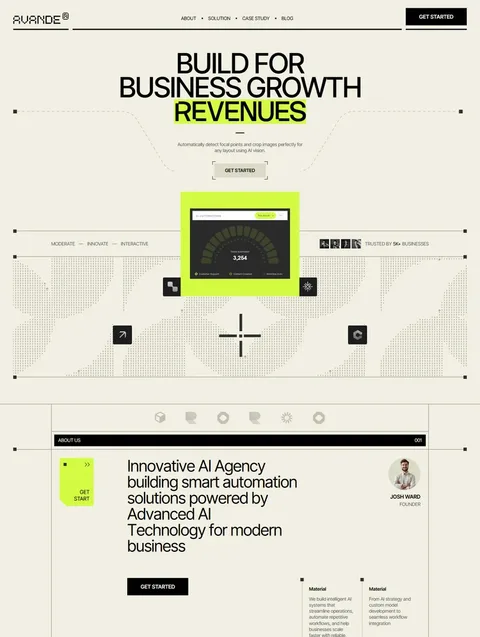

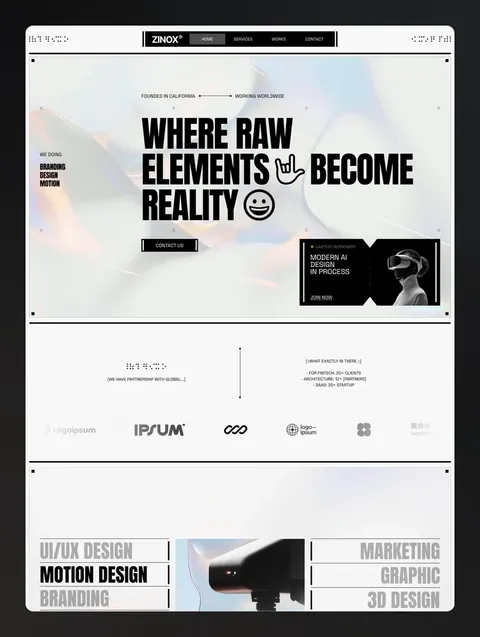

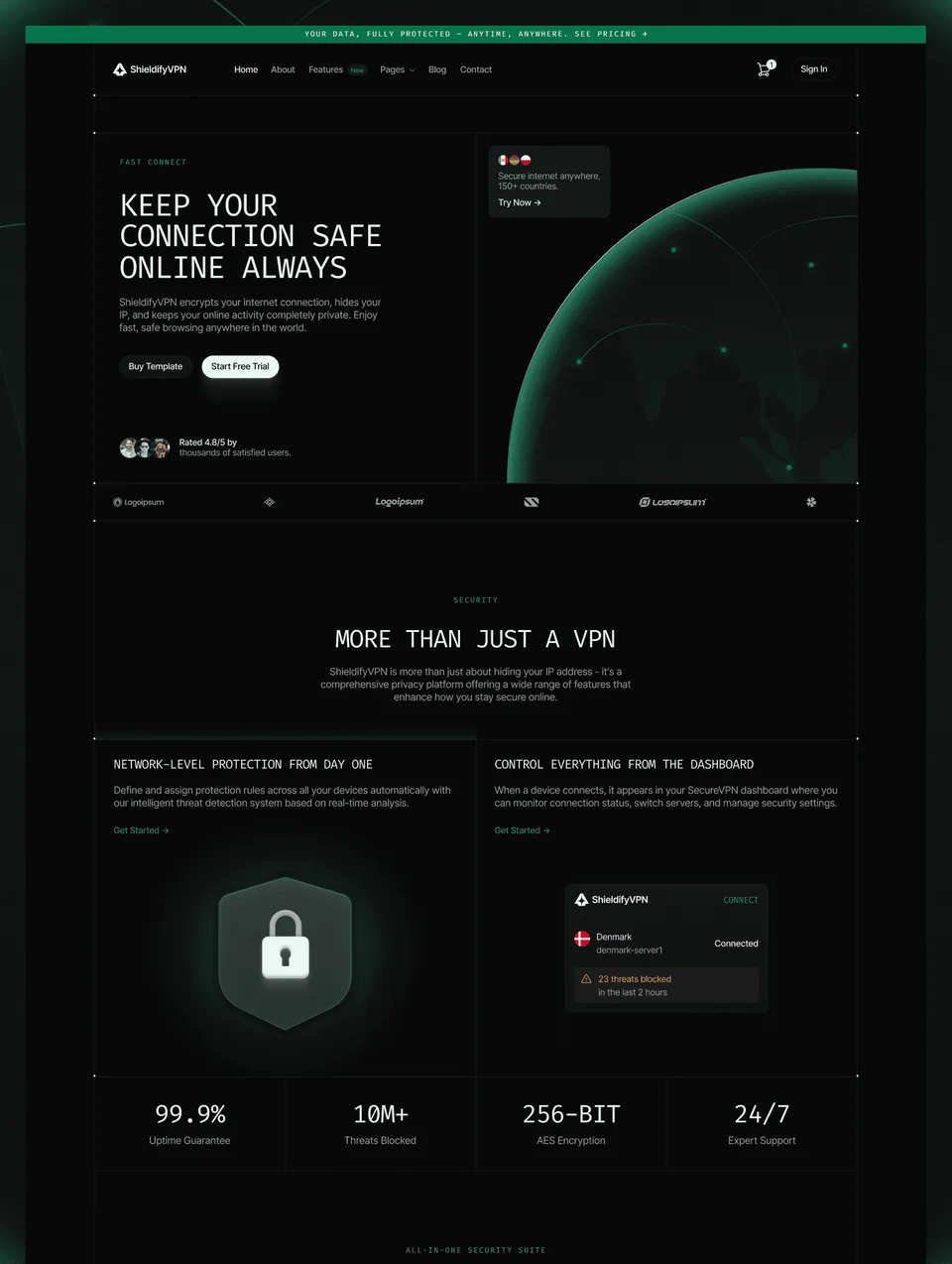

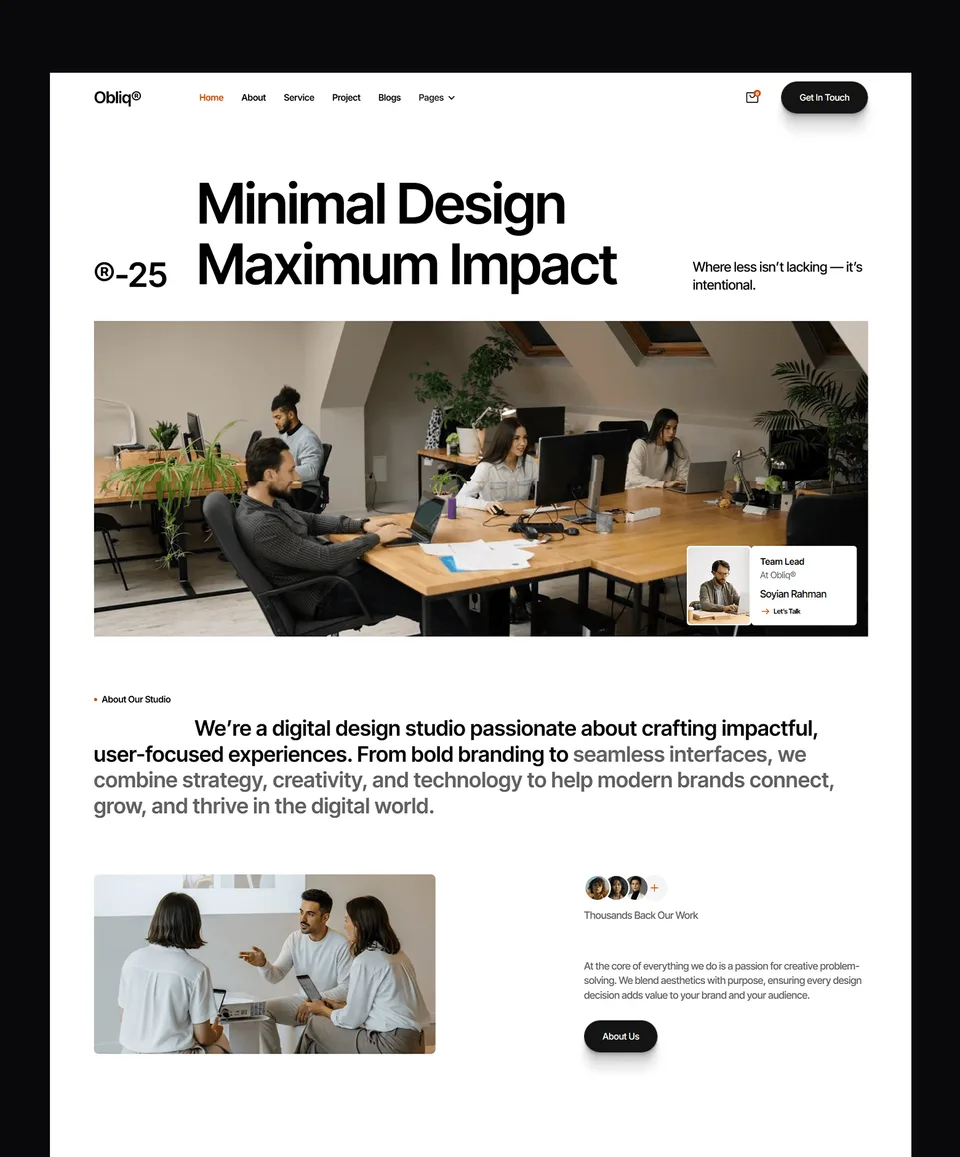




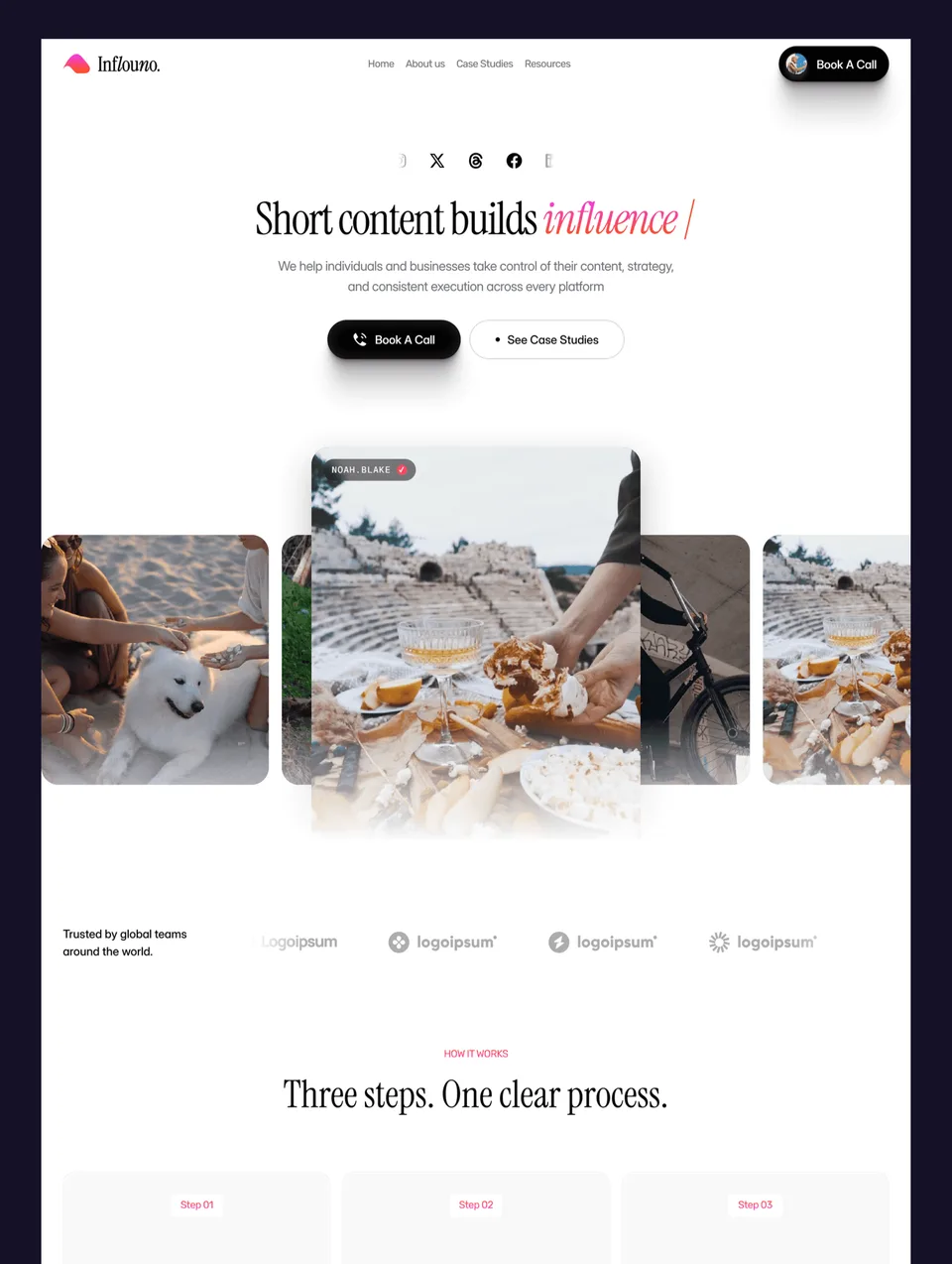

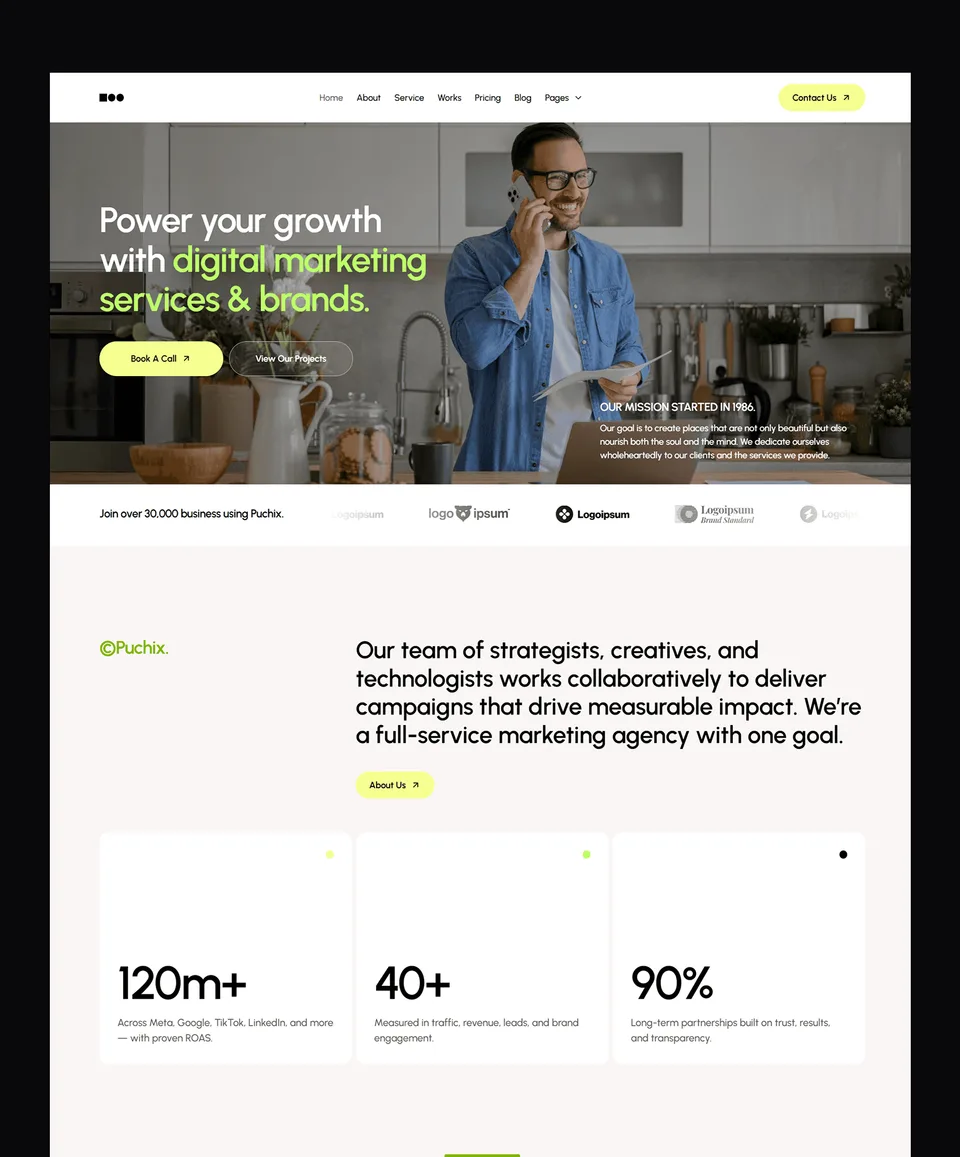

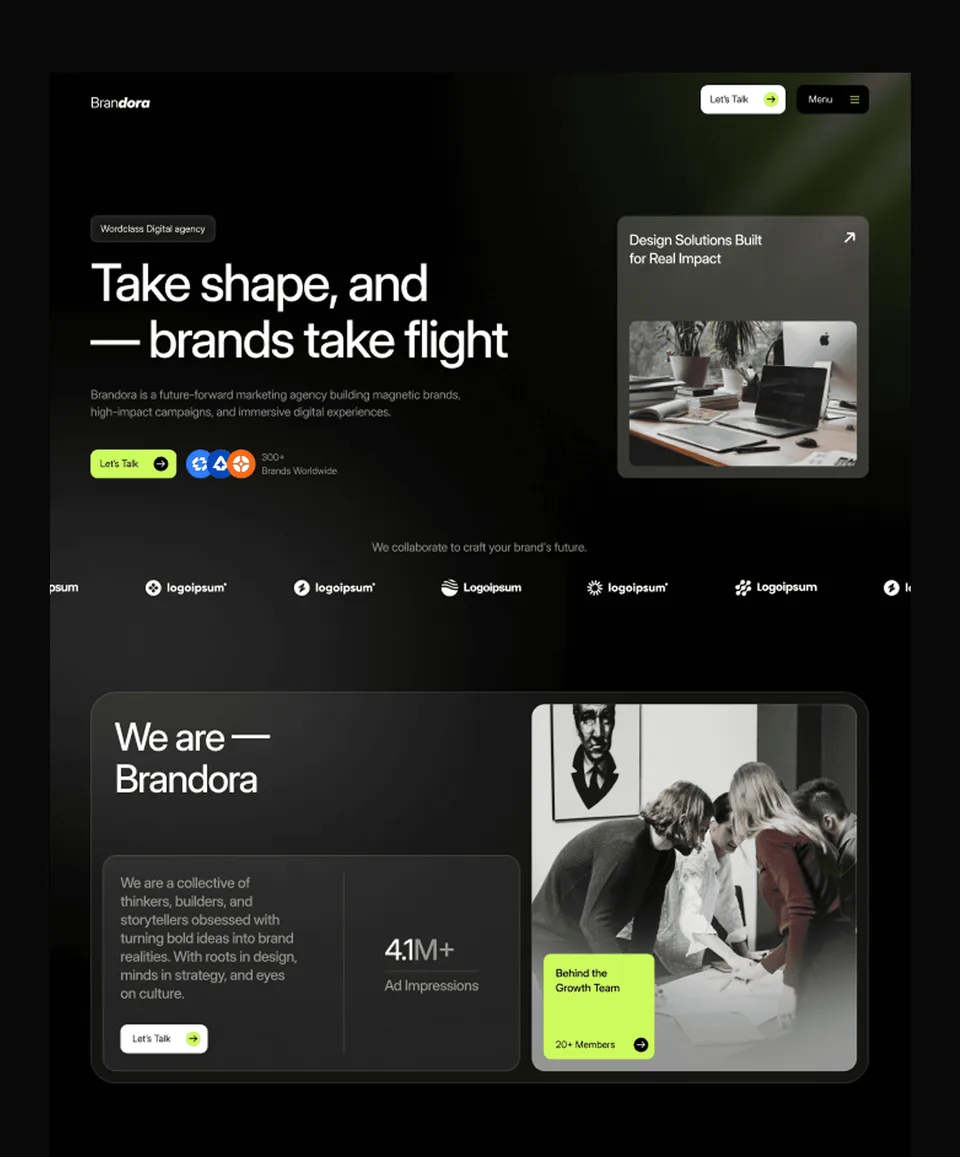





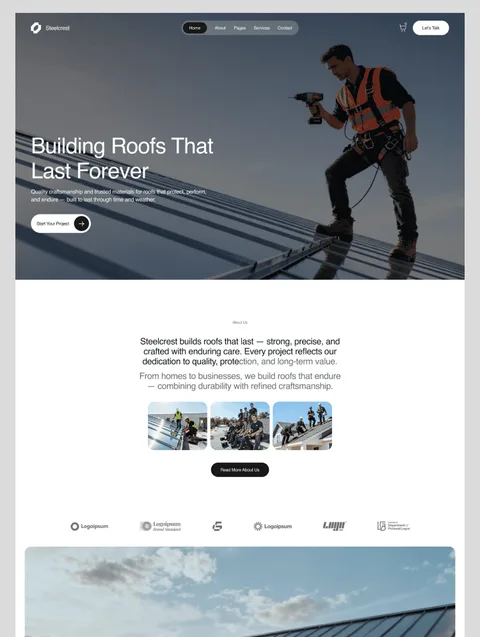

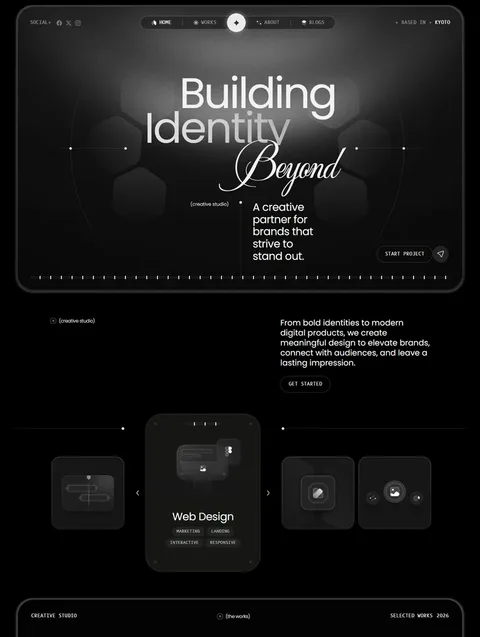

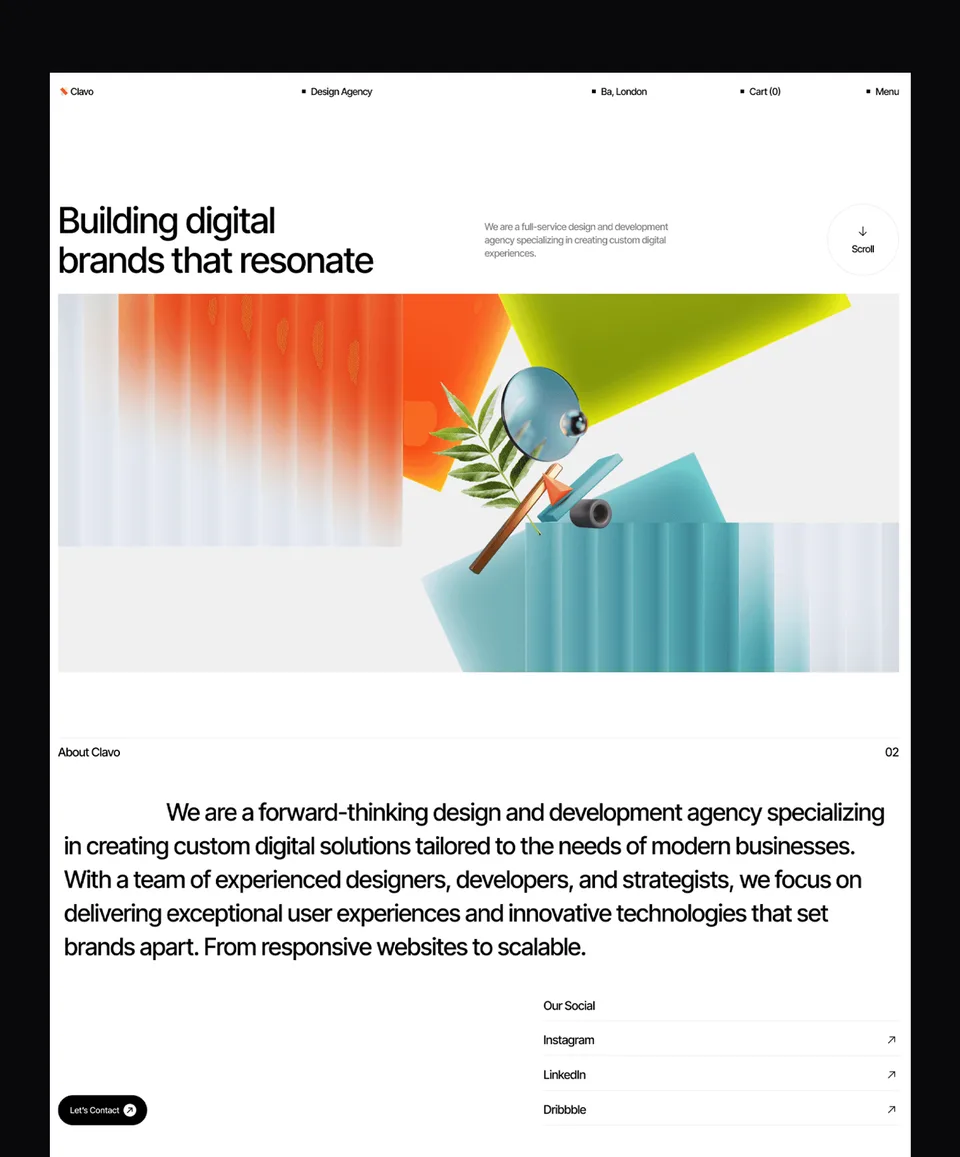

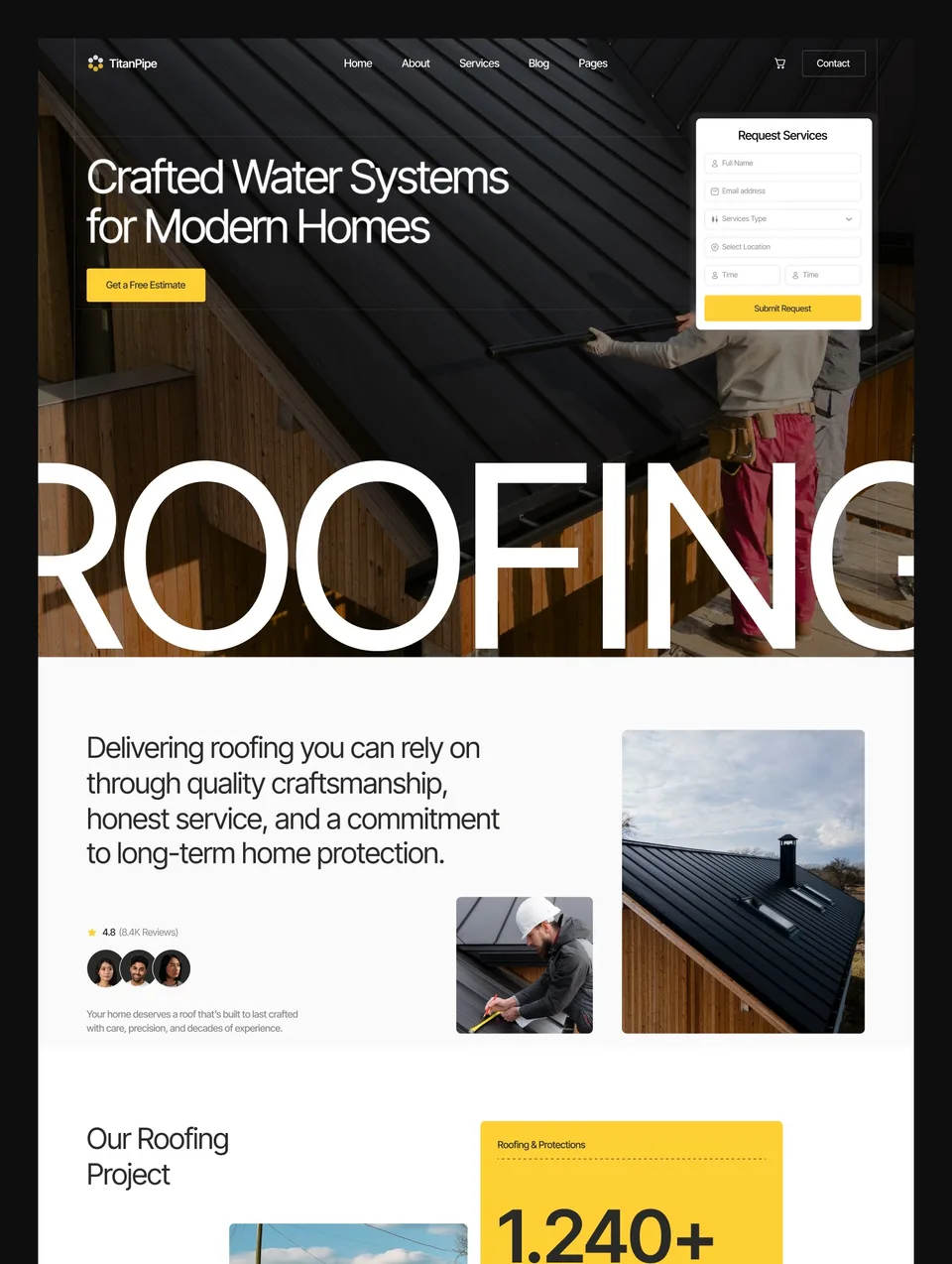



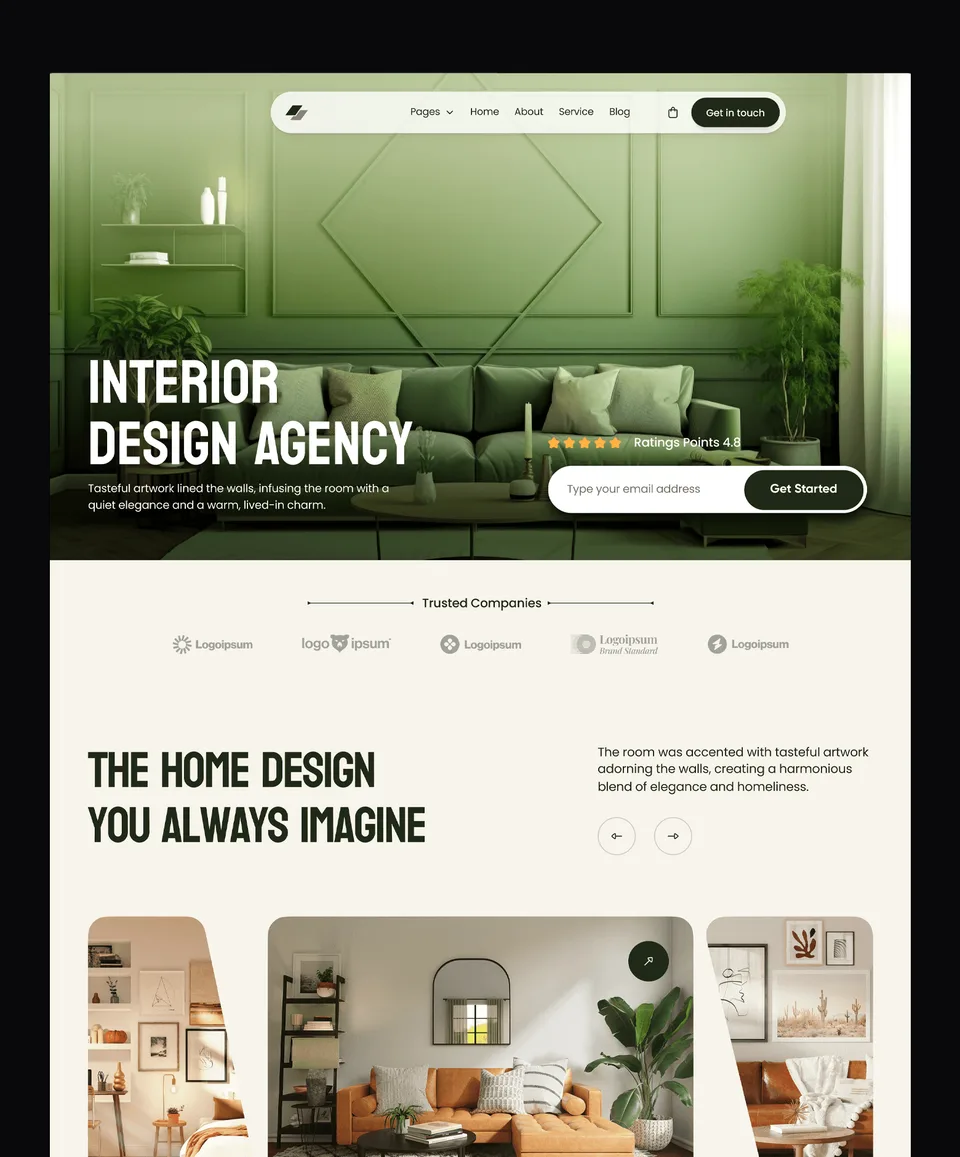

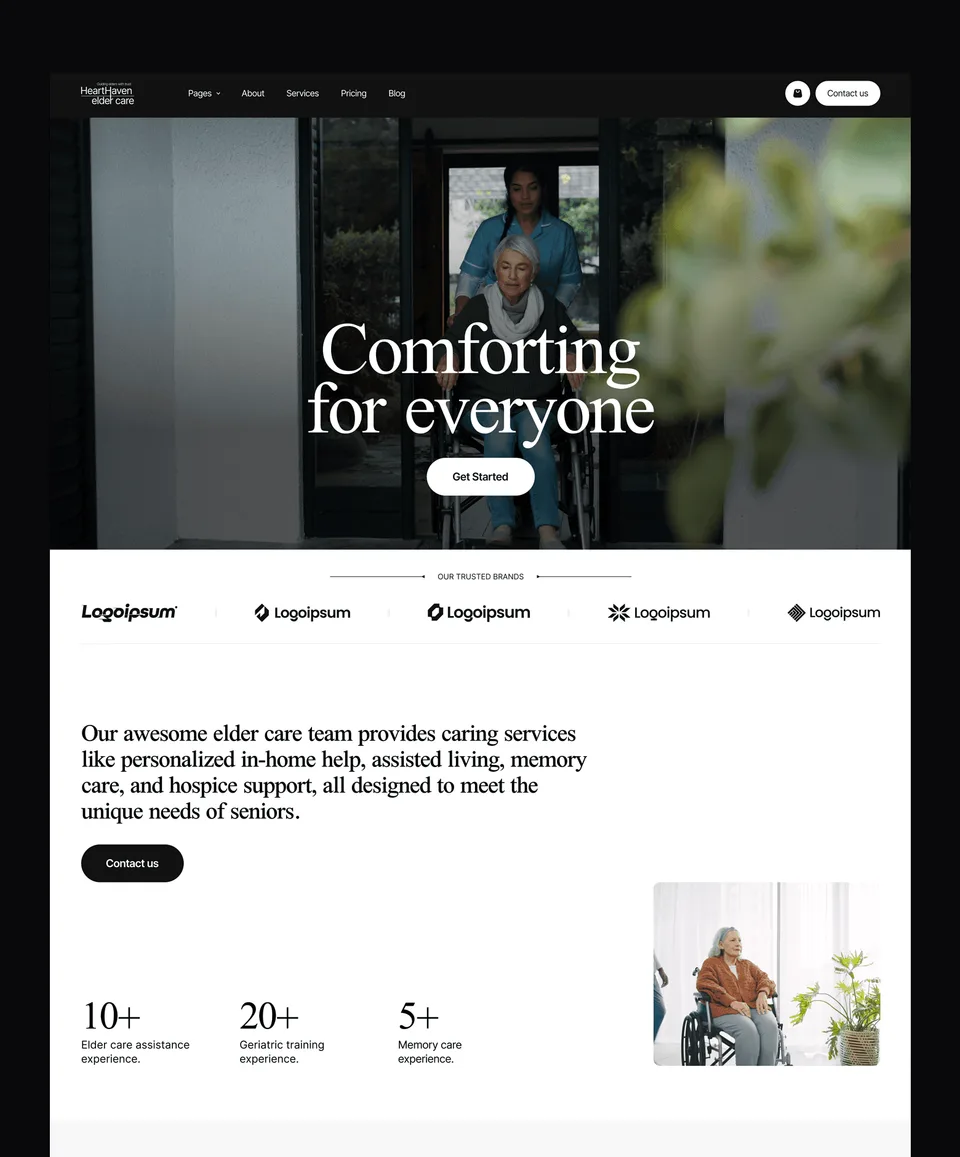

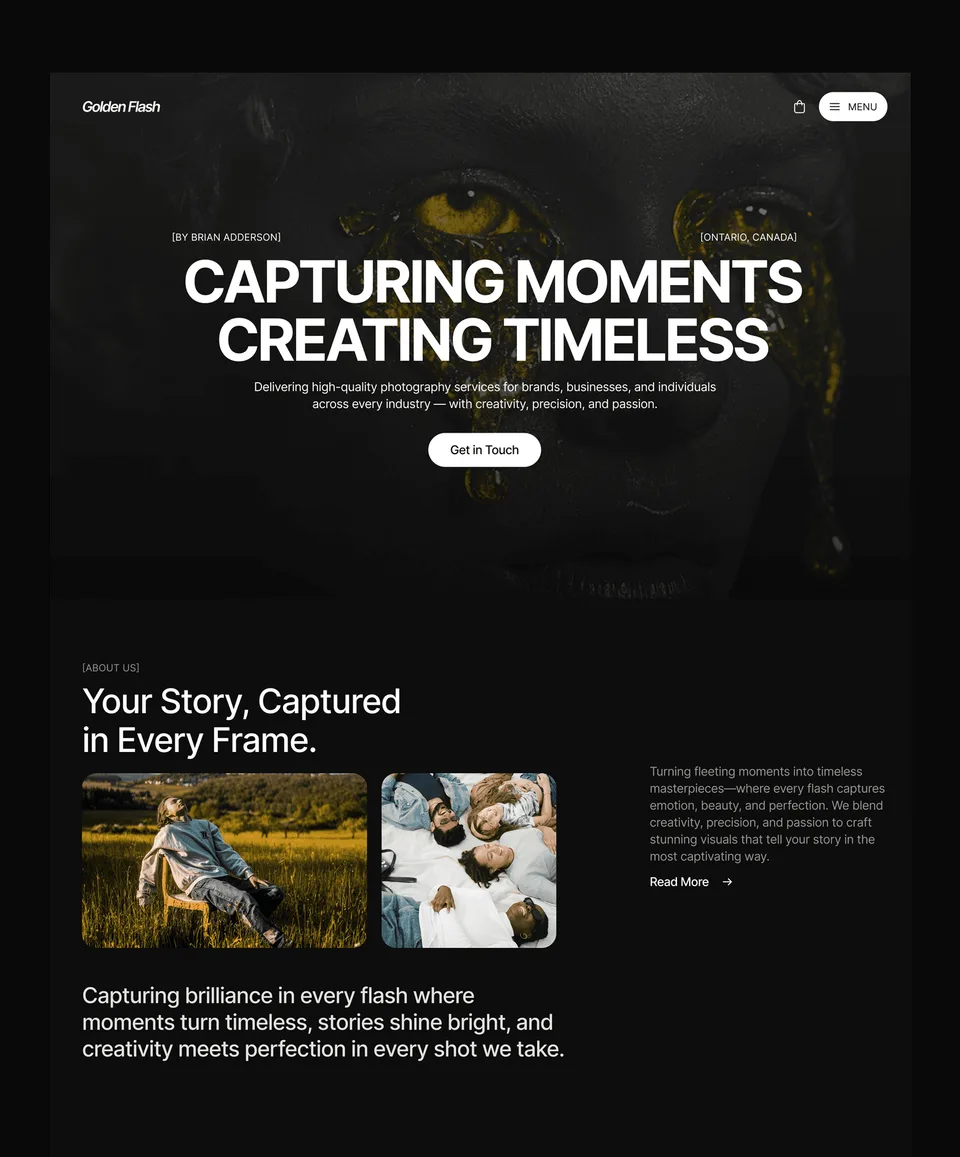

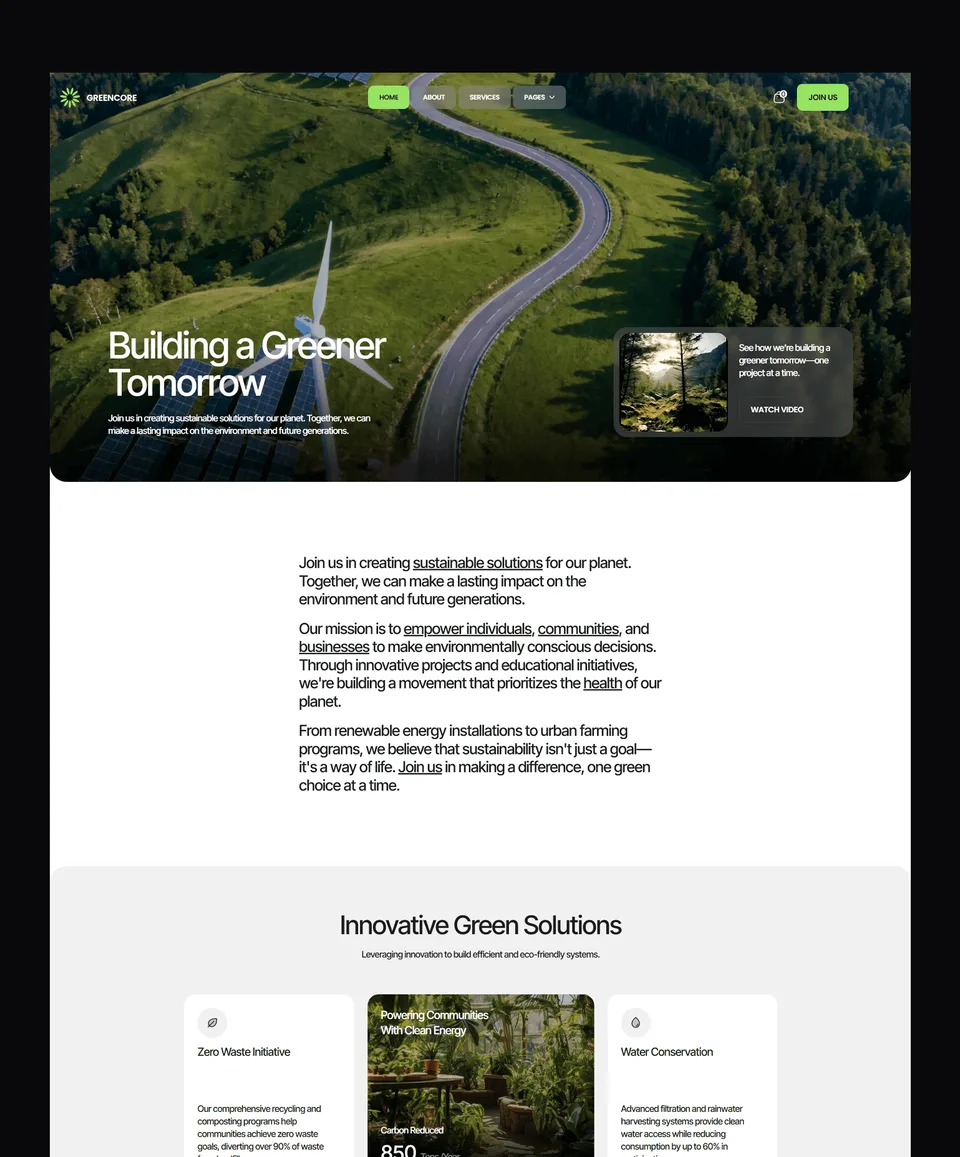

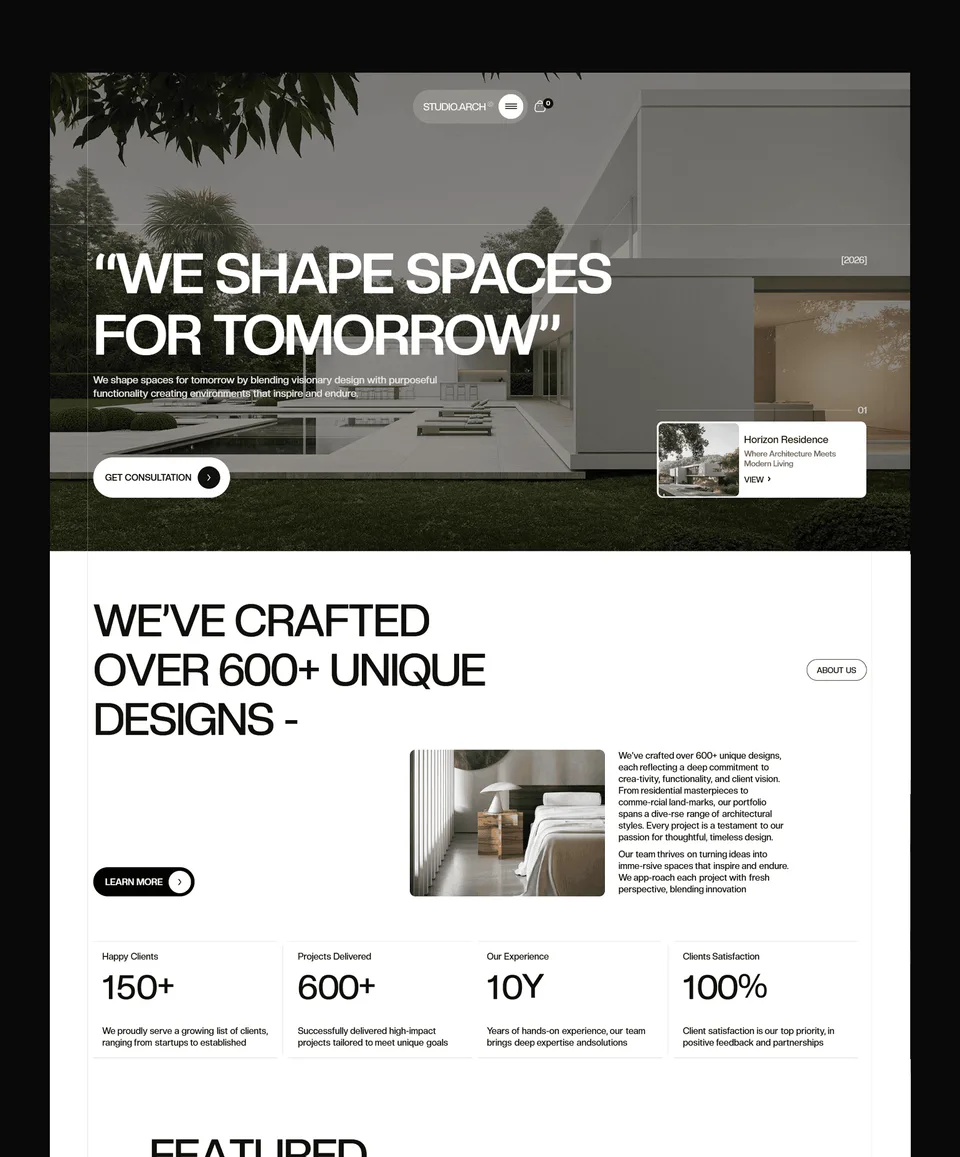

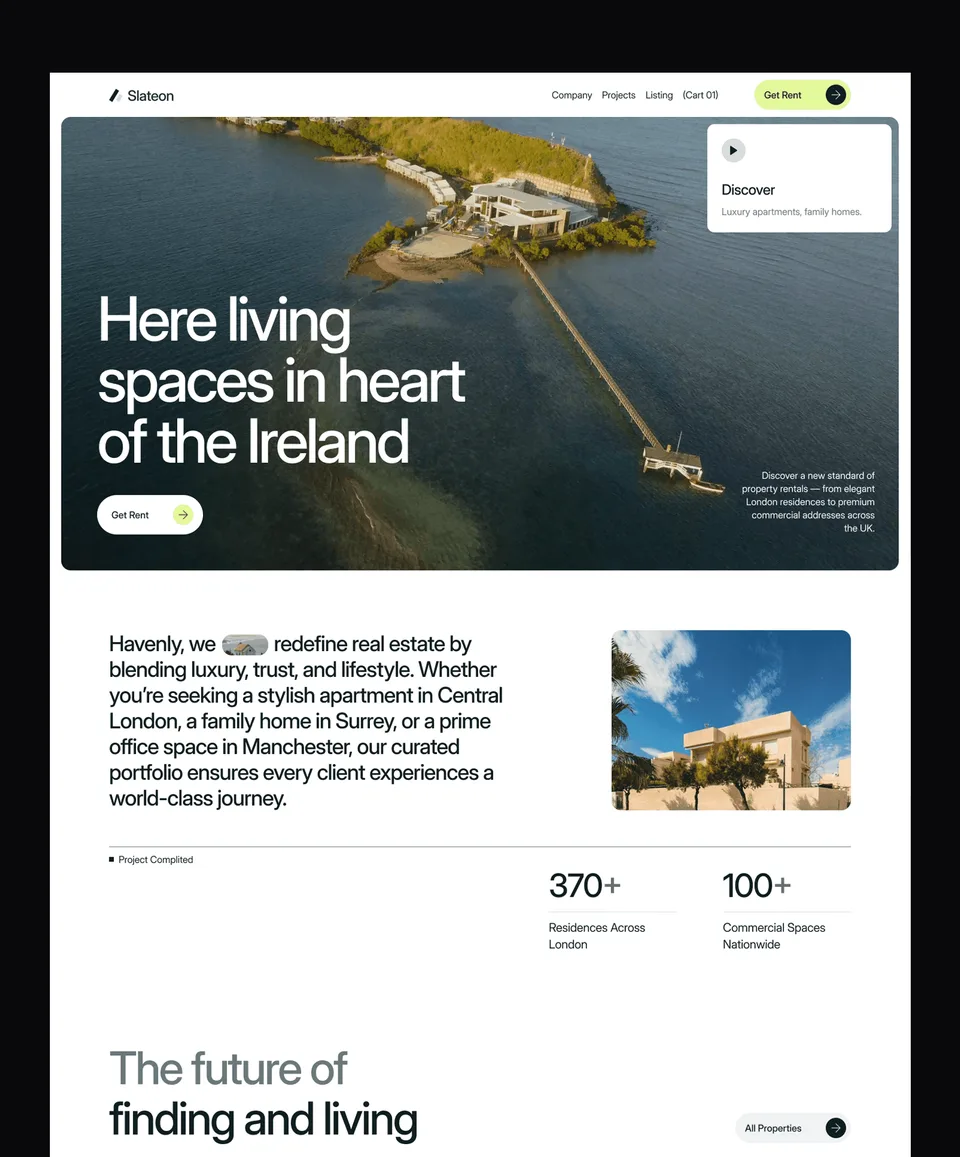

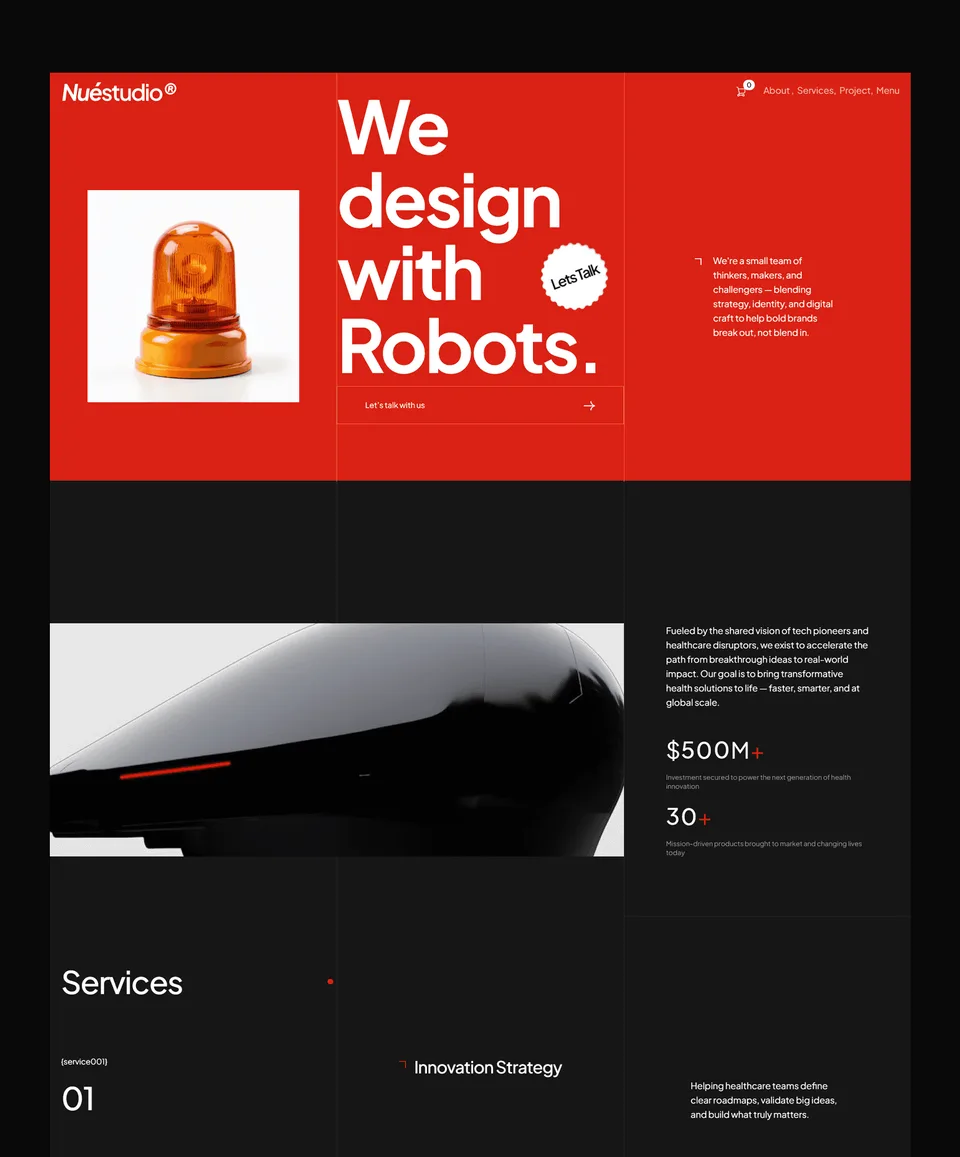

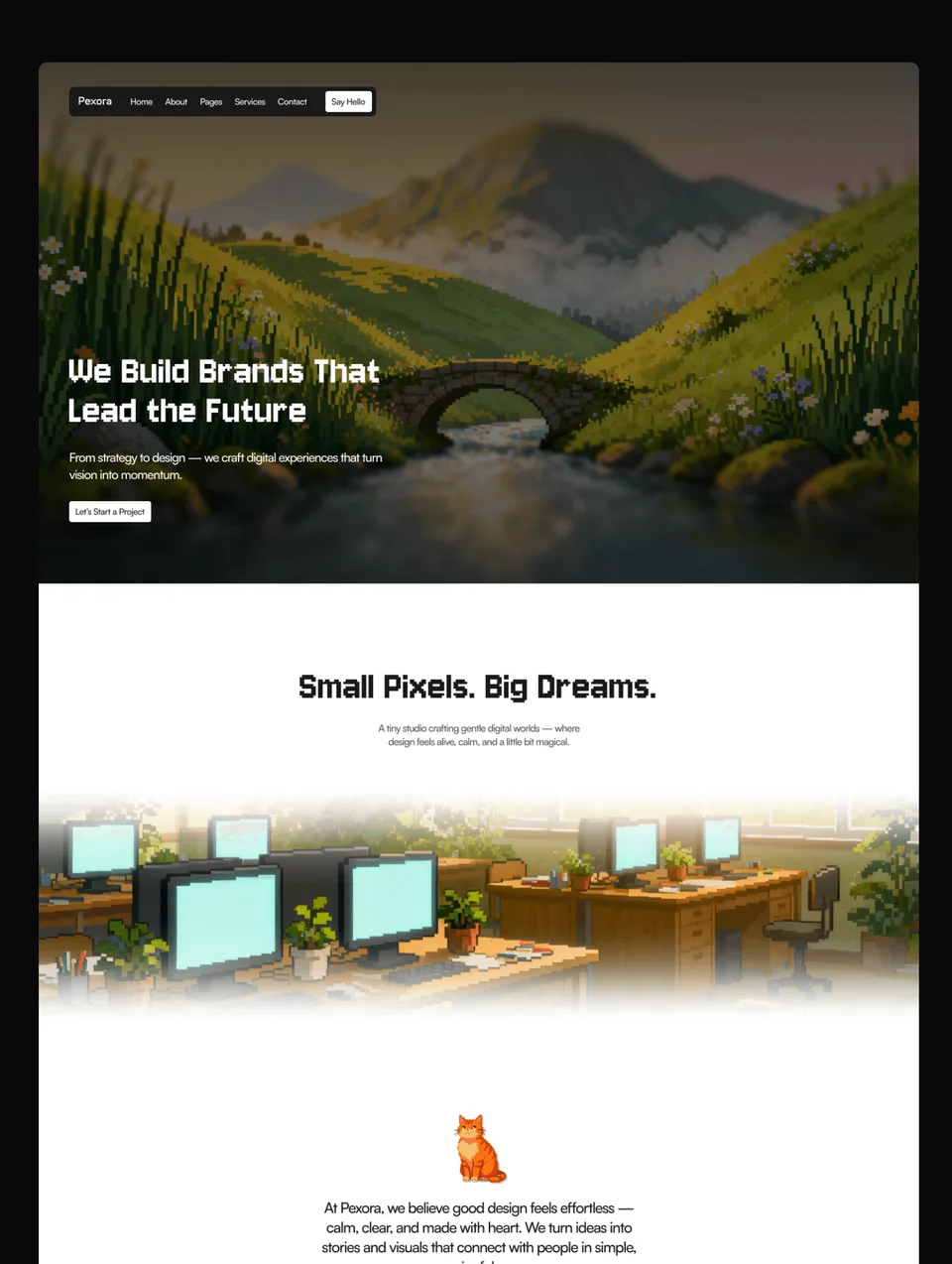

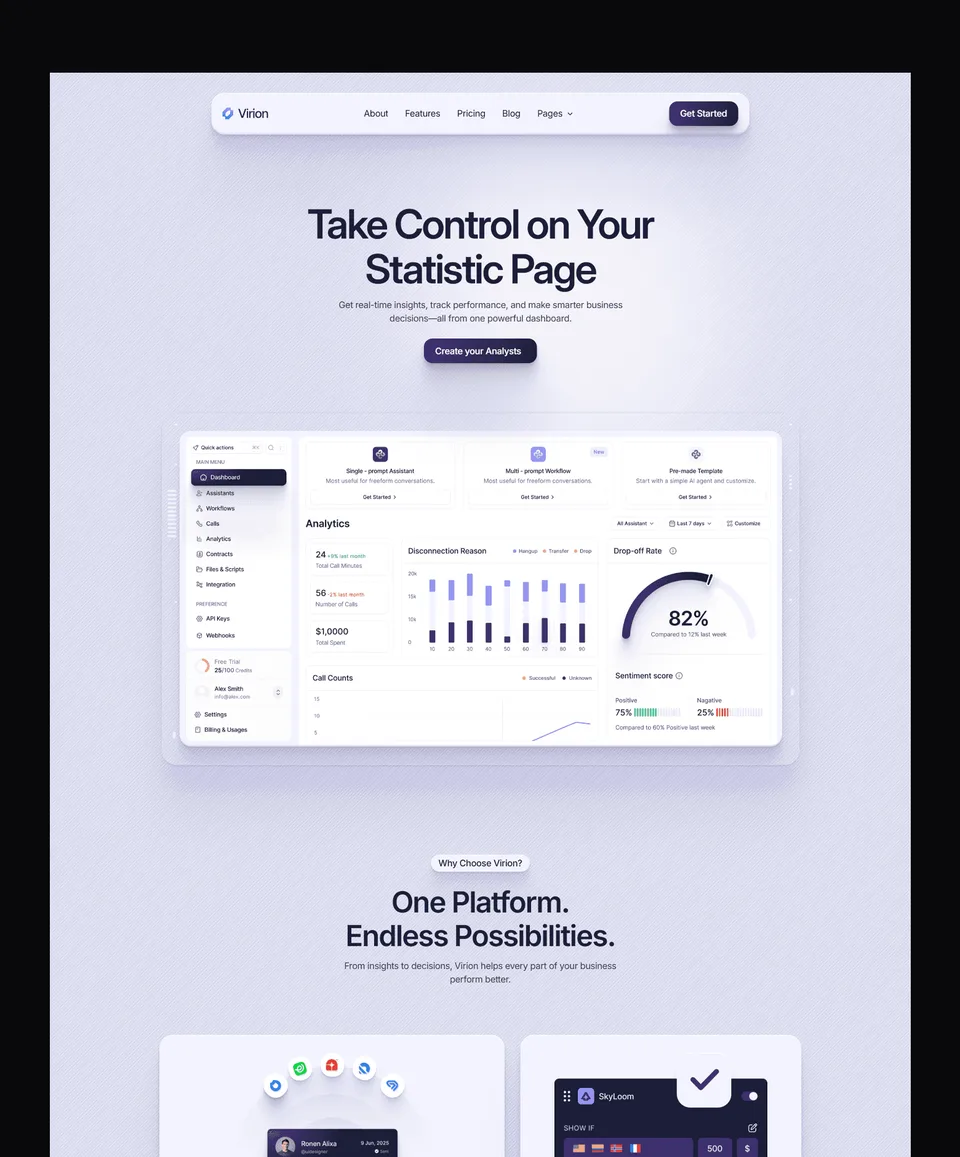

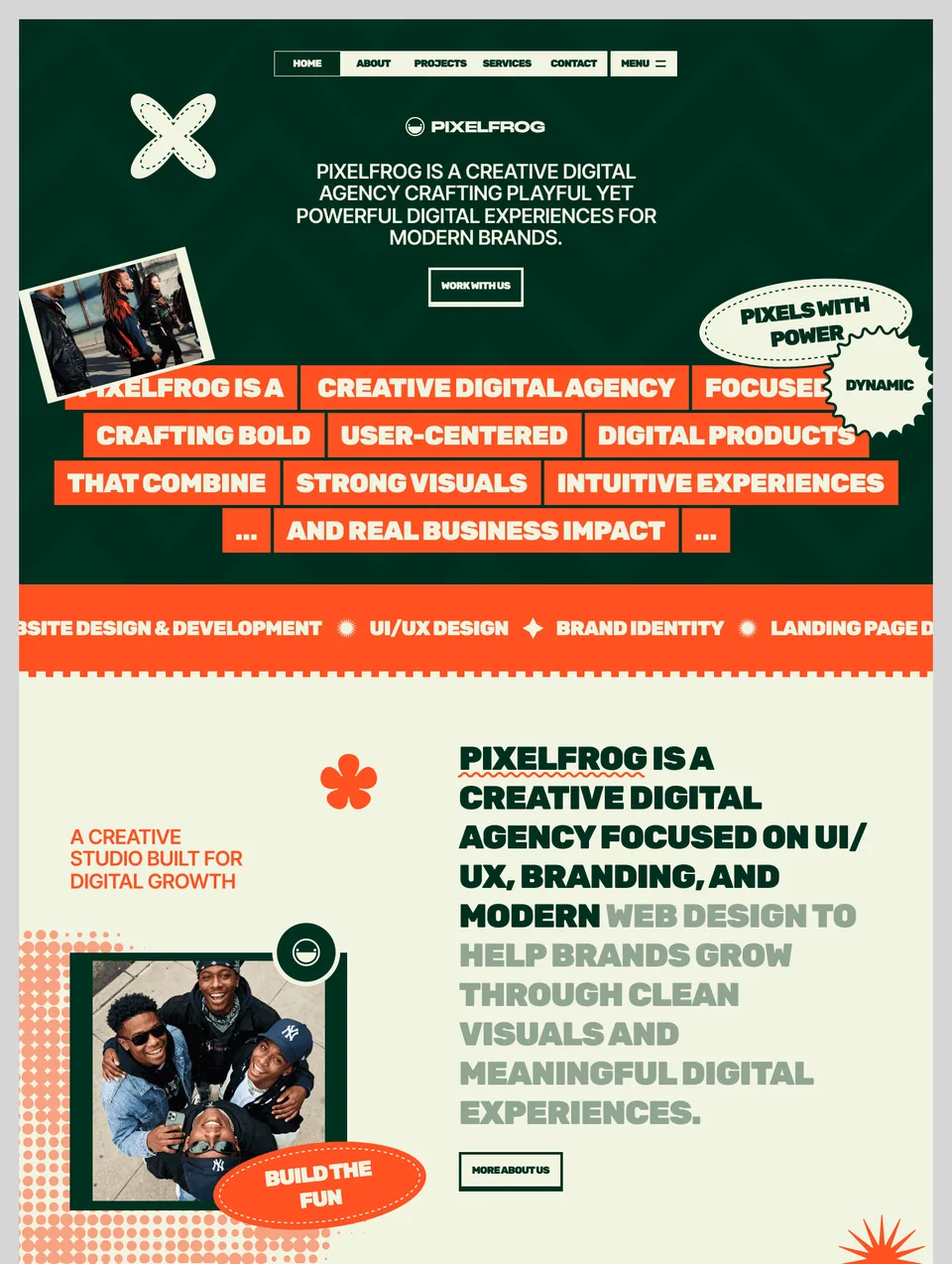

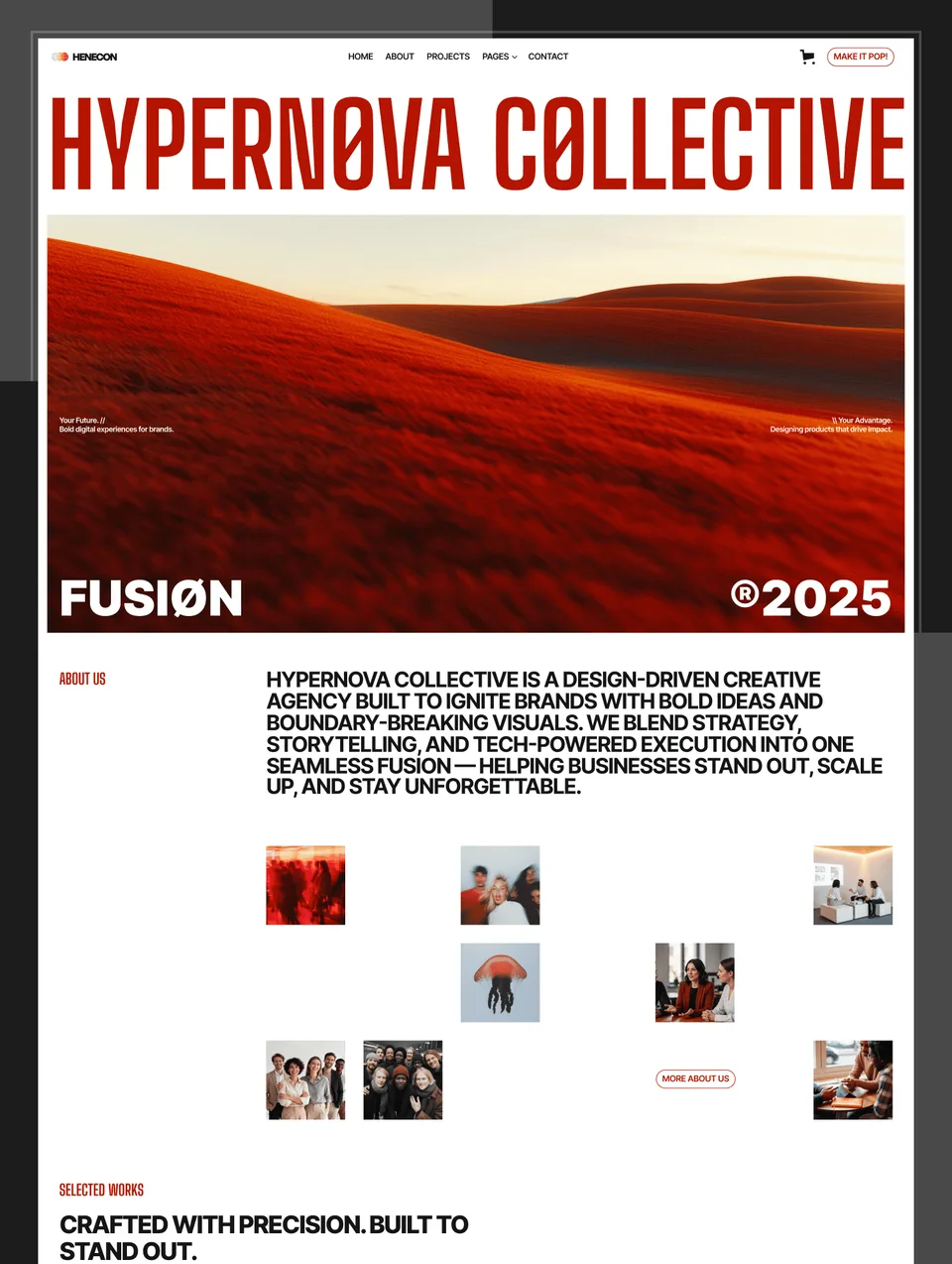



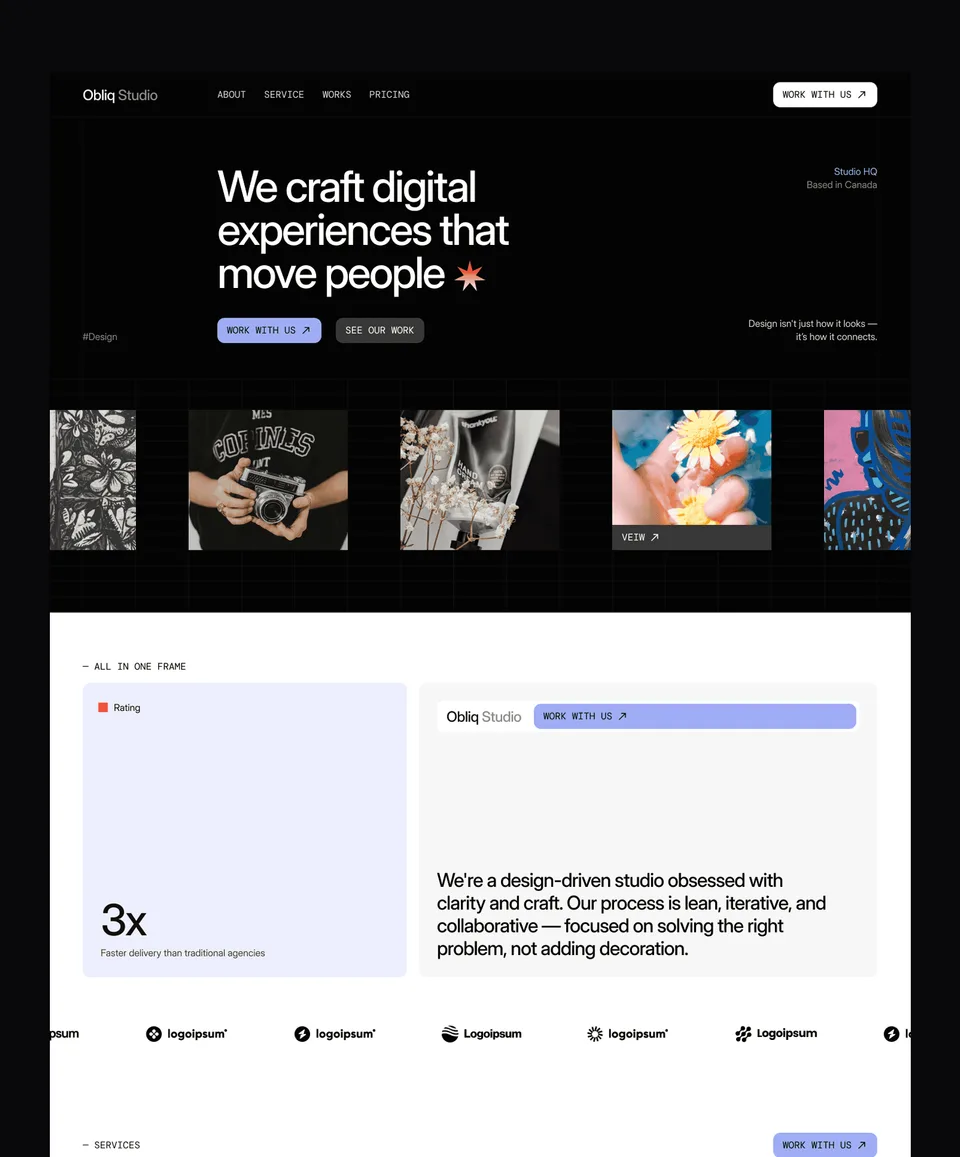

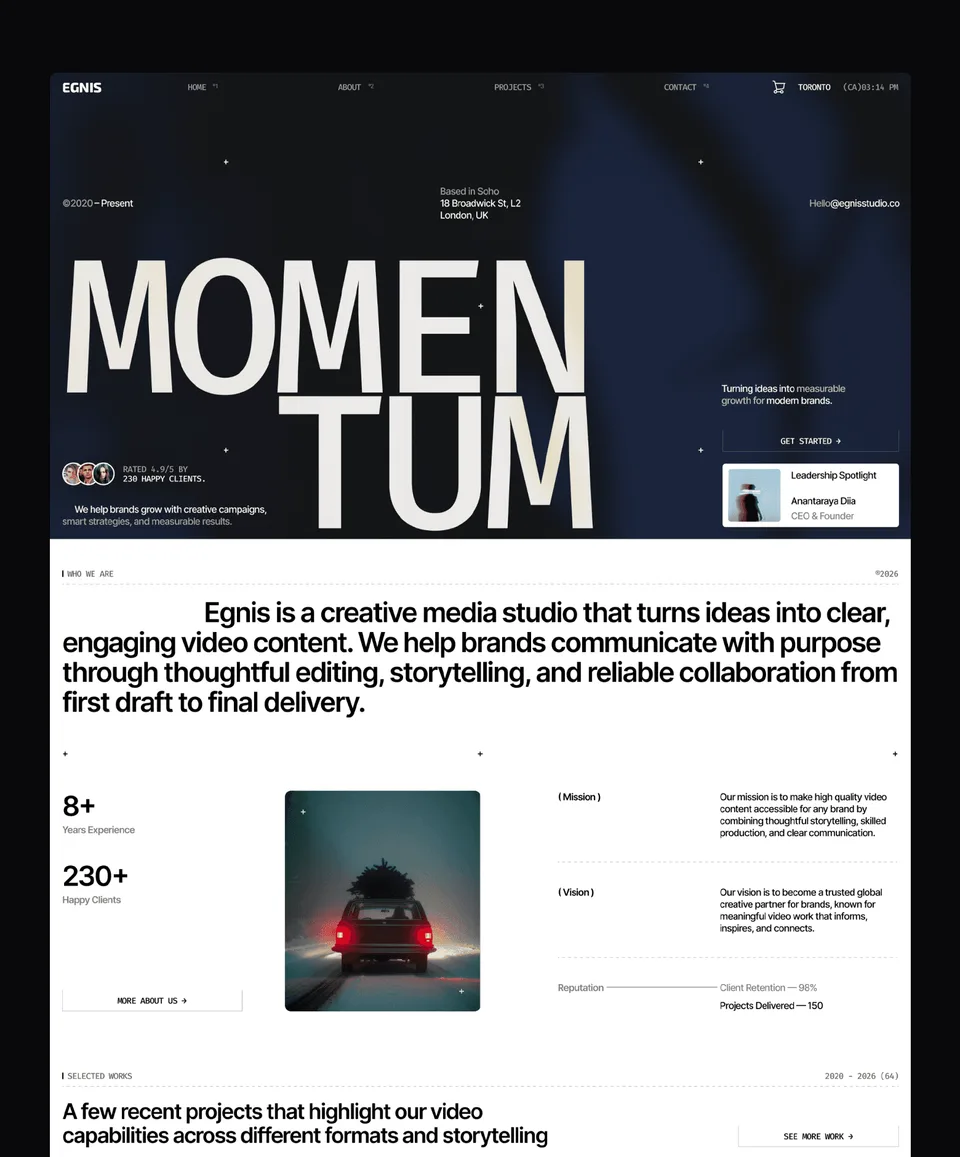

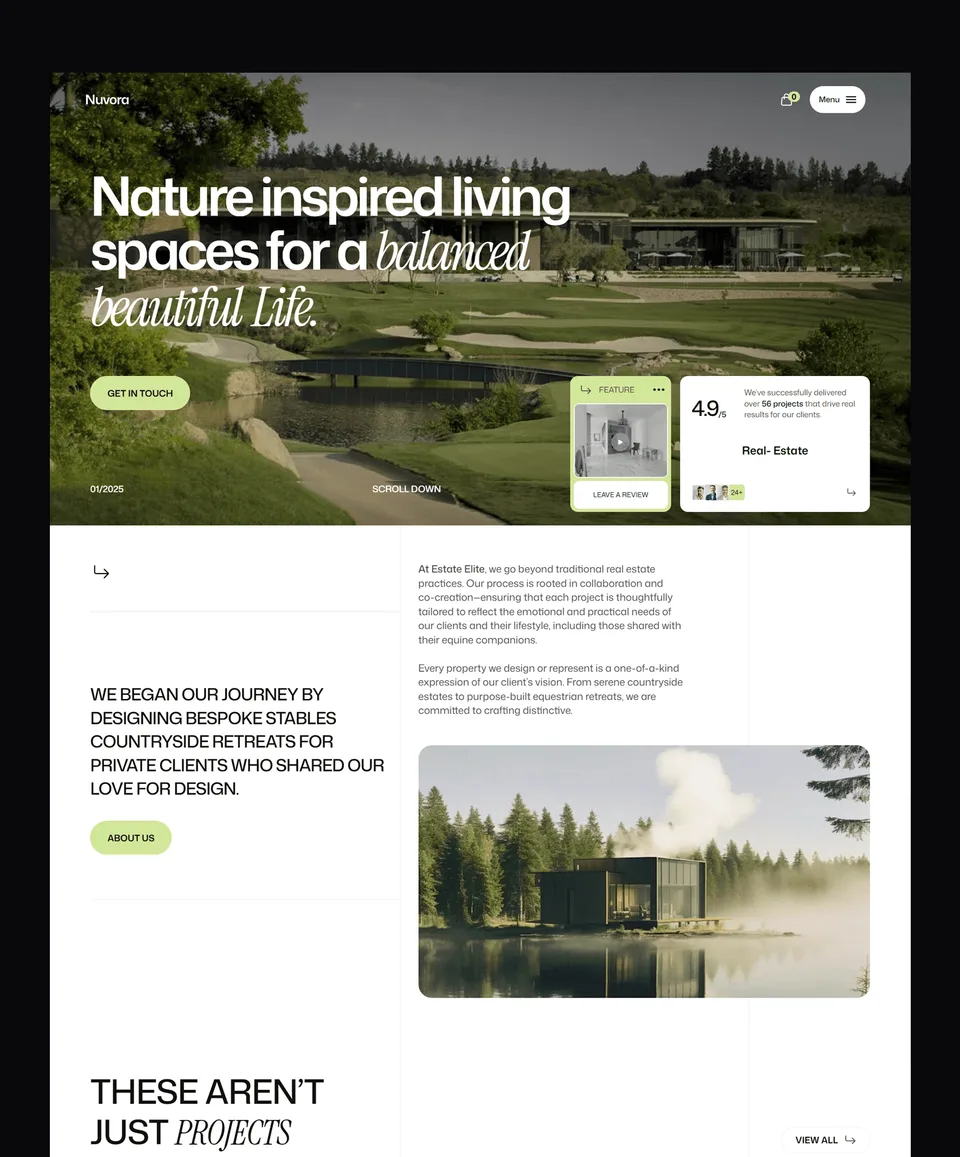

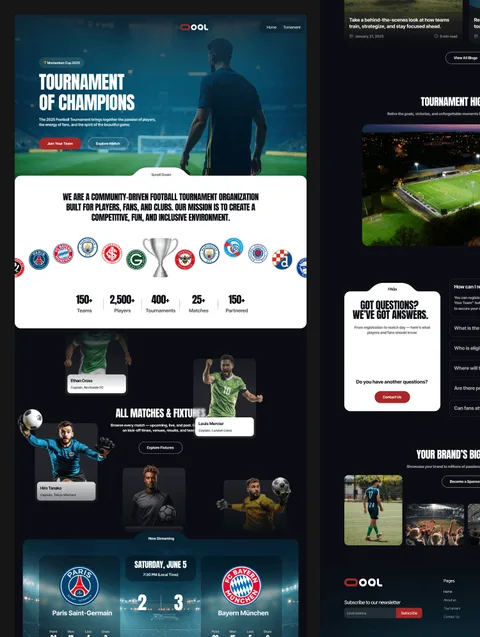

Webflow templates at a glance
| Templates | 36 Webflow templates, 2 free and 34 premium |
|---|---|
| Price | $59 to $129 per template, or $159 once for all 36 in the Webflow Bundle, future releases included |
| Licence | One person, unlimited projects, client work included. Reselling the template itself is not allowed. Terms |
| Delivery | A clone link that copies the whole project into your Webflow account, or a client's, with every class and CMS collection intact |
| Figma file | Sold separately at $19 per template, or all of them in the Figma Bundle |
| Also on | Framer (35), HTML (36), Next.js (36) and Astro (36): the same designs, so a site can move platforms without a redesign |
| Updates | Free for templates you own; latest update October 2026 |
| Checkout | Blink, major cards accepted. Free templates need a free account. |
Free Webflow templates: Zelda, Medonix. All 2 free Webflow templates
One template, the bundle, or a plan
| Option | Price | What you get |
|---|---|---|
| One template | $59 to $129 | That template on Webflow, licensed for unlimited projects |
| Webflow Bundle | $159 once | All 36 Webflow templates, plus every future Webflow release |
| Pro | $12/month billed yearly, or $299 lifetime | Unlimited sections and a template credit every quarter, on any platform |
| Ultra | $36/month billed yearly, or $699 lifetime | Unlimited sections, a credit every month, three seats; lifetime unlocks every template on every platform |
What a Waida Studio Webflow template gives you
Each template is a complete site: the full page set the design was drawn for — home, about, services or work, blog, pricing, contact — plus the pages most template shops skip, including a styled 404, a password page, a style guide and a licence page for the fonts and images used.
Underneath, the build follows Webflow's own conventions rather than fighting them. Classes are named semantically and reused instead of duplicated, headers and footers are proper components, and the CMS collections are structured for the way an editor actually works — fields that map to real content, not placeholders you have to redesign around. That structure is the difference between a template you can hand to a client and one you quietly rebuild.
How a Webflow template reaches you
Webflow templates are delivered as a clone link. Opening it copies the whole project into your own Webflow account, with every page, class, component and CMS collection intact and editable. It is your project from that moment — independent of ours, and yours to change however you like.
Hosting is separate and billed by Webflow. Cloning and building can happen on a free Webflow account; you pay Webflow when you are ready to attach a domain and publish. The Figma design file behind each template is a separate $19 purchase, or $49 for all of them, and is not needed to use the template.
Where Webflow earns its keep
Webflow suits content-heavy sites and anything where a non-technical person has to keep publishing after launch. The CMS handles editorial workloads that would strain a simpler builder, the class system scales to large sites without collapsing into chaos, and the SEO controls are granular enough for people who care about them.
It is a more demanding tool than some alternatives, and that is a real trade-off rather than a flaw. If you are weighing it up, Webflow vs Framer and Webflow vs WordPress compare them honestly, and the guide to Webflow websites covers what the platform does well and where it gets awkward.
Choosing a template for the project
Pick from what the site has to do rather than which grid thumbnail catches your eye. The structure underneath differs more than the surface suggests.
- Agency templates for teams selling services, with room for process and proof.
- Portfolio templates for designers, studios and photographers showing work.
- SaaS templates where the pricing page has to survive a plan change.
- Business and professional services templates for firms selling trust.
- Real estate templates built around listings and developments.
- E-commerce templates for product-led brands.
One template, the bundle, or a plan
There are 36 Webflow templates in the catalogue: two of them, Zelda and Medonix, are free, and the rest cost $59 to $129. Which way to buy depends on how many sites you build, not on which is cheapest today.
- A single template if you have one site to build. It is yours permanently, updates included.
- The Webflow bundle at $159 once covers every Webflow template in the catalogue and every one released afterwards. Two templates and it has paid for itself.
- A Pro or Ultra plan adds the sections library — page sections you drop straight into a project — and template credits that work across every platform, which matters when one client wants Webflow and the next wants Framer.
Start with the style guide
Every Webflow template ships with a style guide page, and it is the fastest way to make the site yours. It collects the typography scale, colour swatches, buttons, form fields and spacing tokens in one place. Change them there and the change propagates through every page, because the rest of the site references the same classes rather than redefining them locally.
The mistake that costs an afternoon is styling on the page instead. Overriding a heading inside one section creates a combo class that quietly diverges from the system, and by the third override the template no longer looks designed. Work through the style guide first, then the copy, then images — and leave layout alone until you have lived with the structure for a while.
If you would rather hand it over, we run a customization service that does the branding pass for you.
What the licence allows
Every purchase and every plan grants a licence to use the template for personal or commercial work — the right to use the design, not ownership of it. A single template, the Webflow Bundle and Pro are licensed to one person and cover an unlimited number of projects: your own sites and your clients’ alike, with no per-site limit. Ultra is the team licence, up to three named people. Templates unlocked with a credit stay yours after a plan ends.
What you cannot do is resell, redistribute or share the templates as standalone files, repackage them into a starter kit of your own, or share plan access outside your licensed team. The full terms are on the terms page.
Frequently Asked Questions
Are Waida Studio Webflow templates fully responsive?
Yes. Every Webflow template is fully responsive across desktop, tablet (landscape and portrait), and mobile breakpoints. Each layout is tested across real devices.
Can I use a Webflow template for client projects?
Yes. The licence covers an unlimited number of projects for one person: your own sites and your clients' alike, with no per-site limit. What it does not allow is reselling or redistributing the template itself.
Do Webflow templates include hosting?
No. Hosting is billed separately by Webflow directly. The template price covers the design only — you keep full control over your hosting setup, plan, and domain.
Are these templates built with proper Webflow structure (clean classes, Symbols, CMS)?
Yes. Every Webflow template uses semantic class naming, properly structured Symbols for headers and footers, and CMS collections built for real-world editorial workflows. Clean structure is part of what makes them premium.
Do I need to know Webflow to customize these templates?
Basic familiarity with Webflow helps, but Webflow University covers everything you'll need. The templates use standard Webflow conventions, so anyone who's spent a few hours learning the Designer can customize them confidently.
How many Webflow templates does Waida Studio have?
36 Webflow templates: two are free (Zelda and Medonix) and the rest cost $59 to $129. New templates release monthly, and every new Webflow release is included in the Webflow Bundle at no extra cost.
How does a Webflow template reach my account?
As a clone link. Opening it copies the entire project into your own Webflow account with every page, class, component and CMS collection intact. Your copy is independent of ours.
Is the Figma file included with a Webflow template?
No. The Figma design file behind each template is a separate $19 purchase (free for Zelda and Medonix), or $49 for the Figma Bundle covering all of them. The Webflow template is complete without it.
What is the difference between the Webflow Bundle and a plan?
The Webflow Bundle is $159 once for every Webflow template, present and future, on that platform only. A plan adds the unlimited sections library and template credits that work across every platform, billed quarterly, yearly or once for lifetime.
Can I use these templates on a client's own Webflow account?
Yes. A clone link can be opened into whichever Webflow account will own the finished site, including a client's, so the project and its hosting sit with them from the start.
What makes these premium Webflow templates?
34 of the 36 are premium Webflow templates, priced $59 to $129 each. Premium here means a complete page set with a styled 404, password page and style guide, semantic reusable classes, CMS collections built for real content, a clone link into your account, free updates and a licence for unlimited client projects.