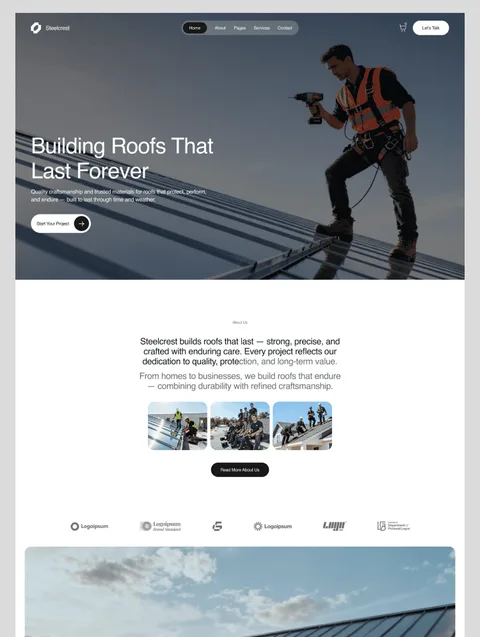
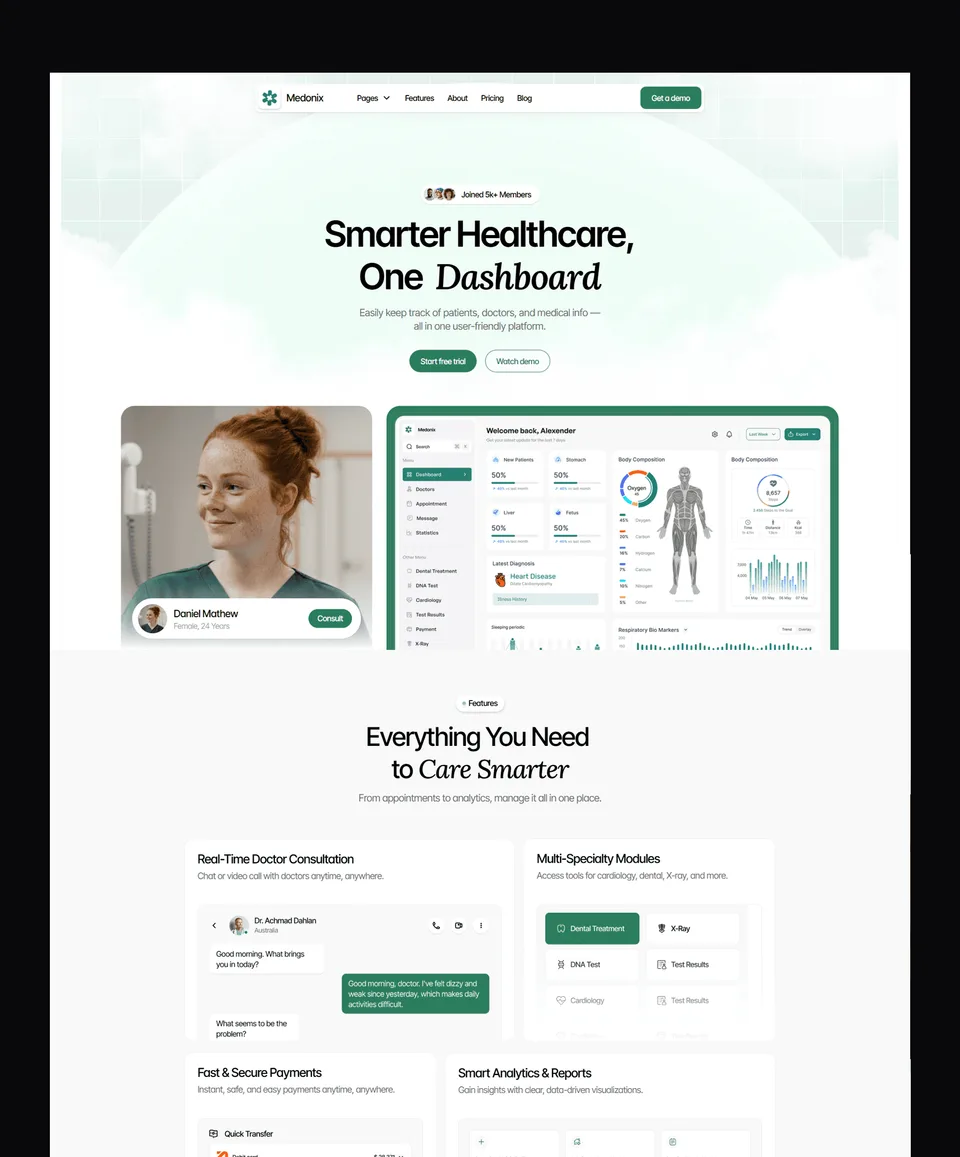
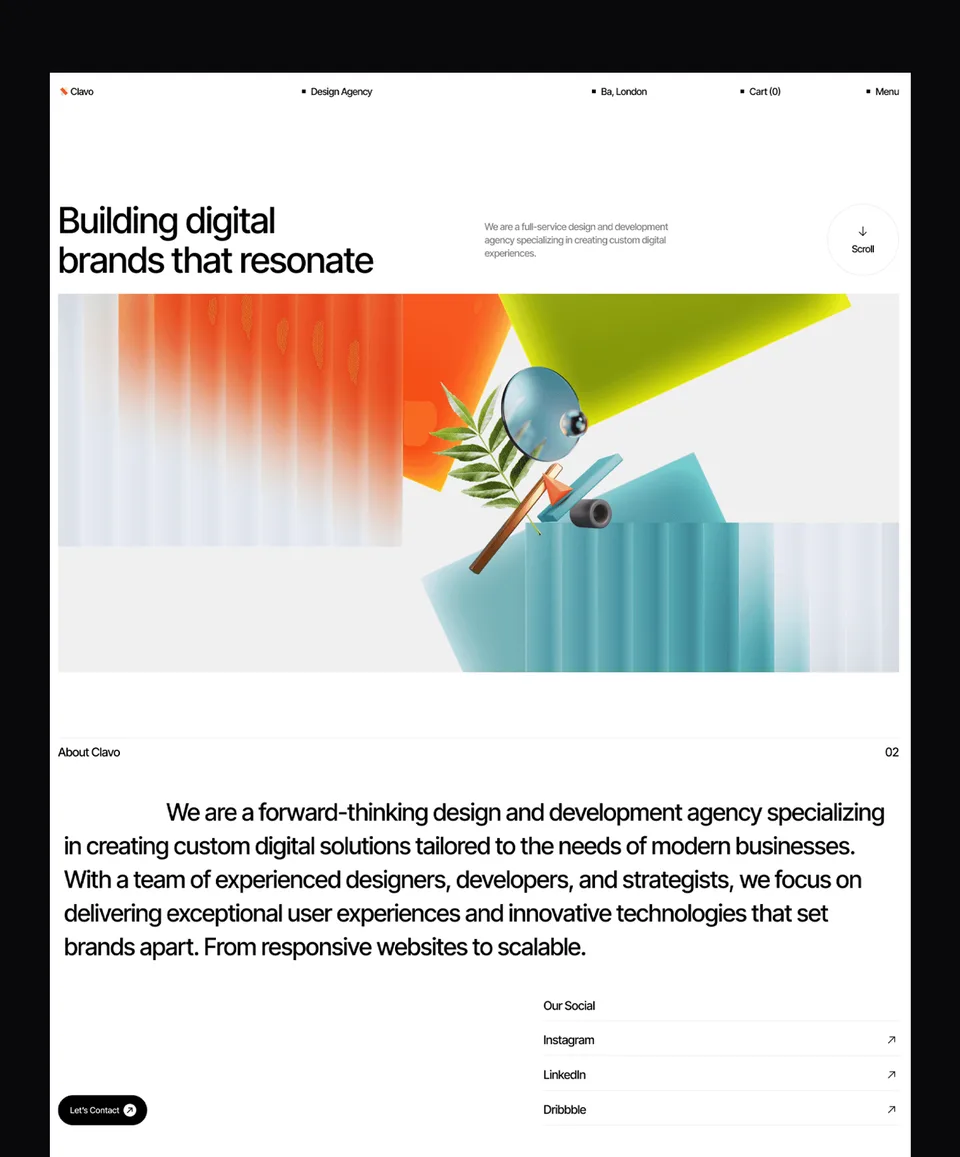
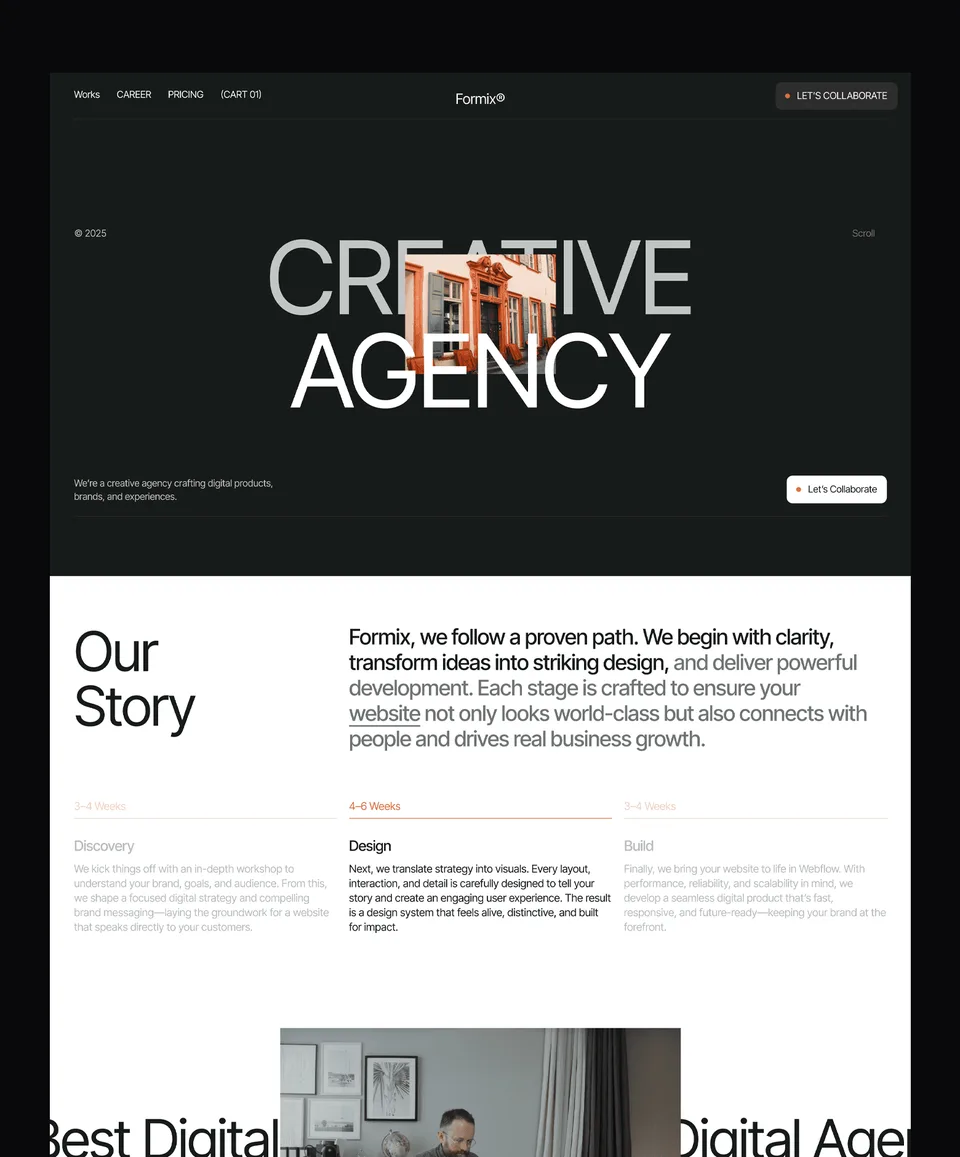
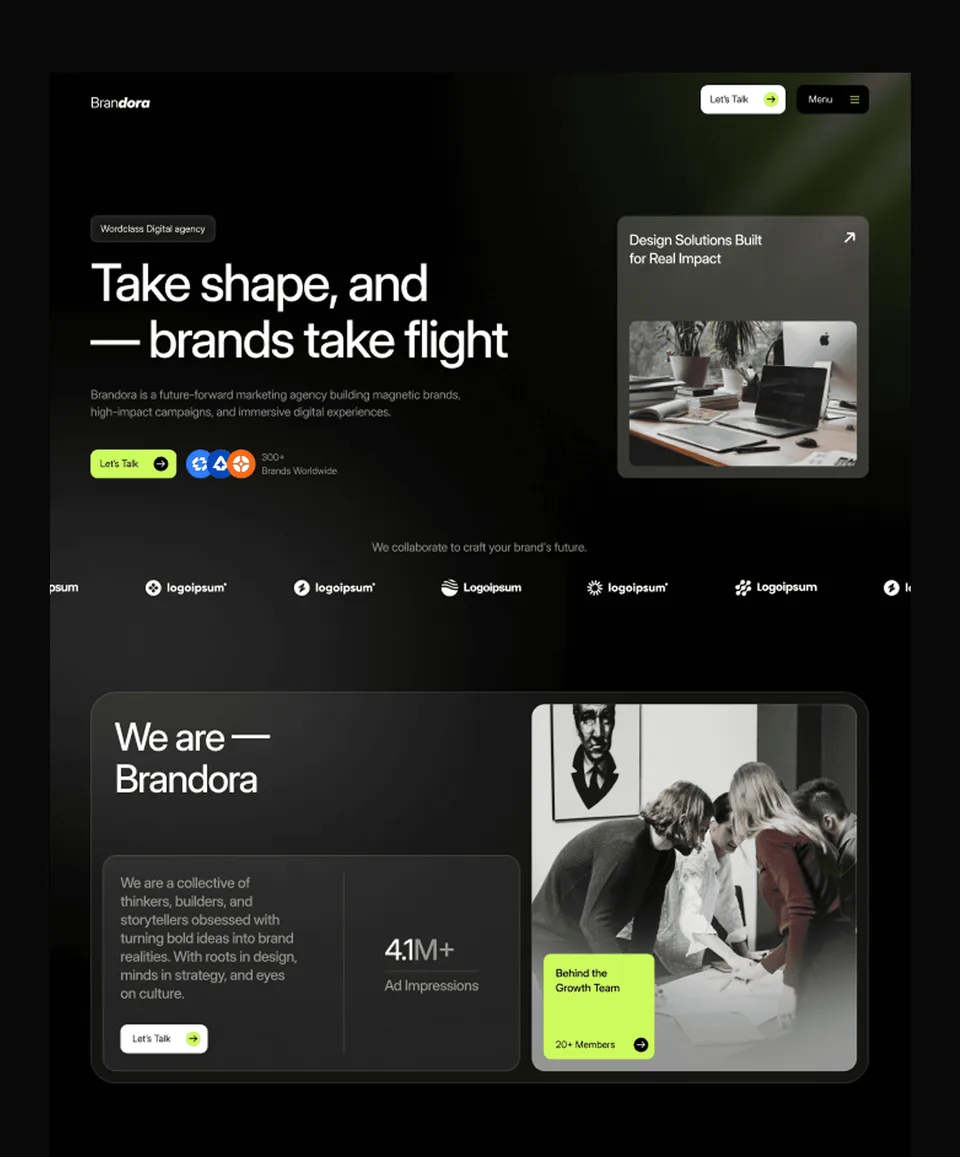
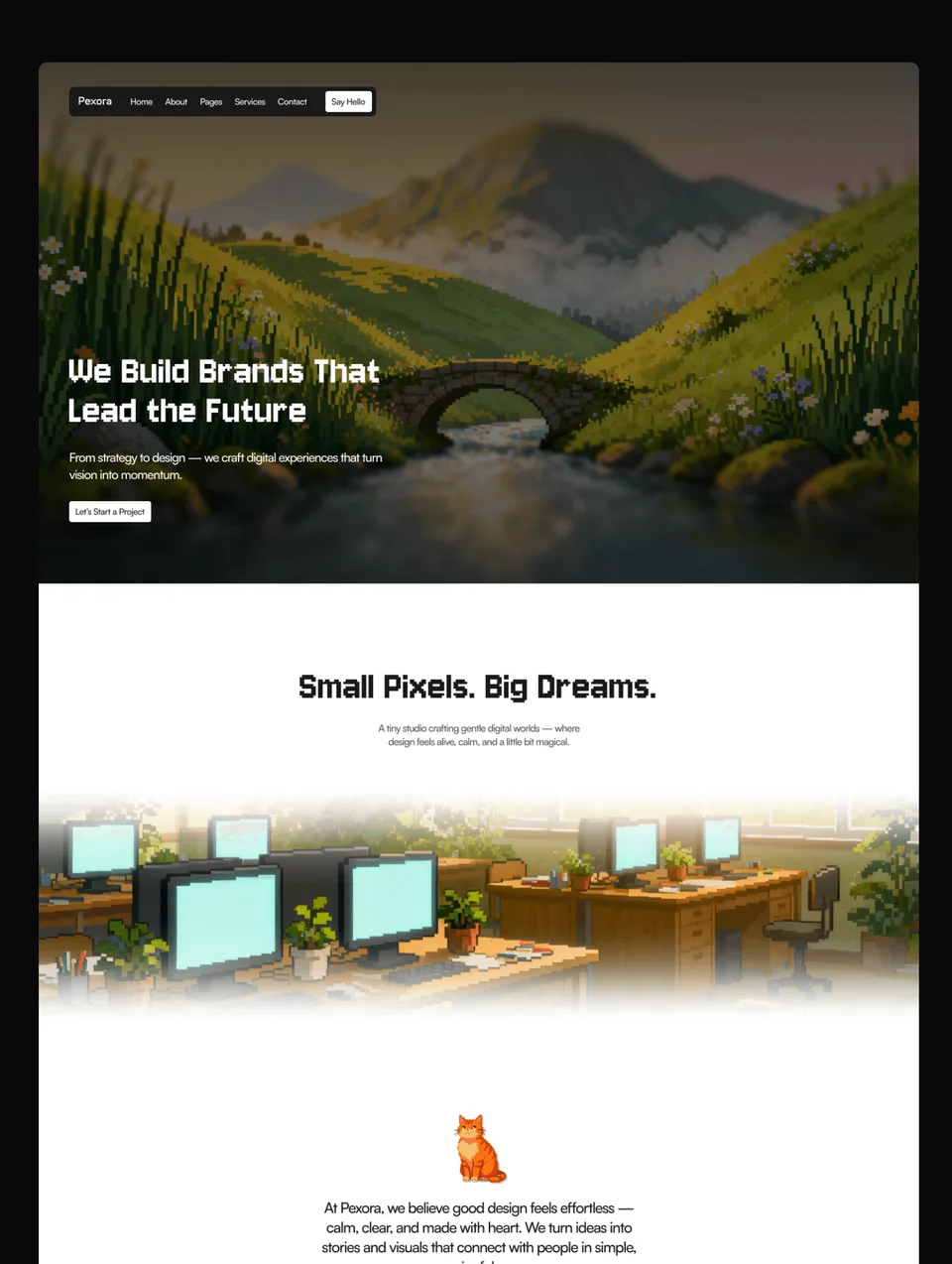
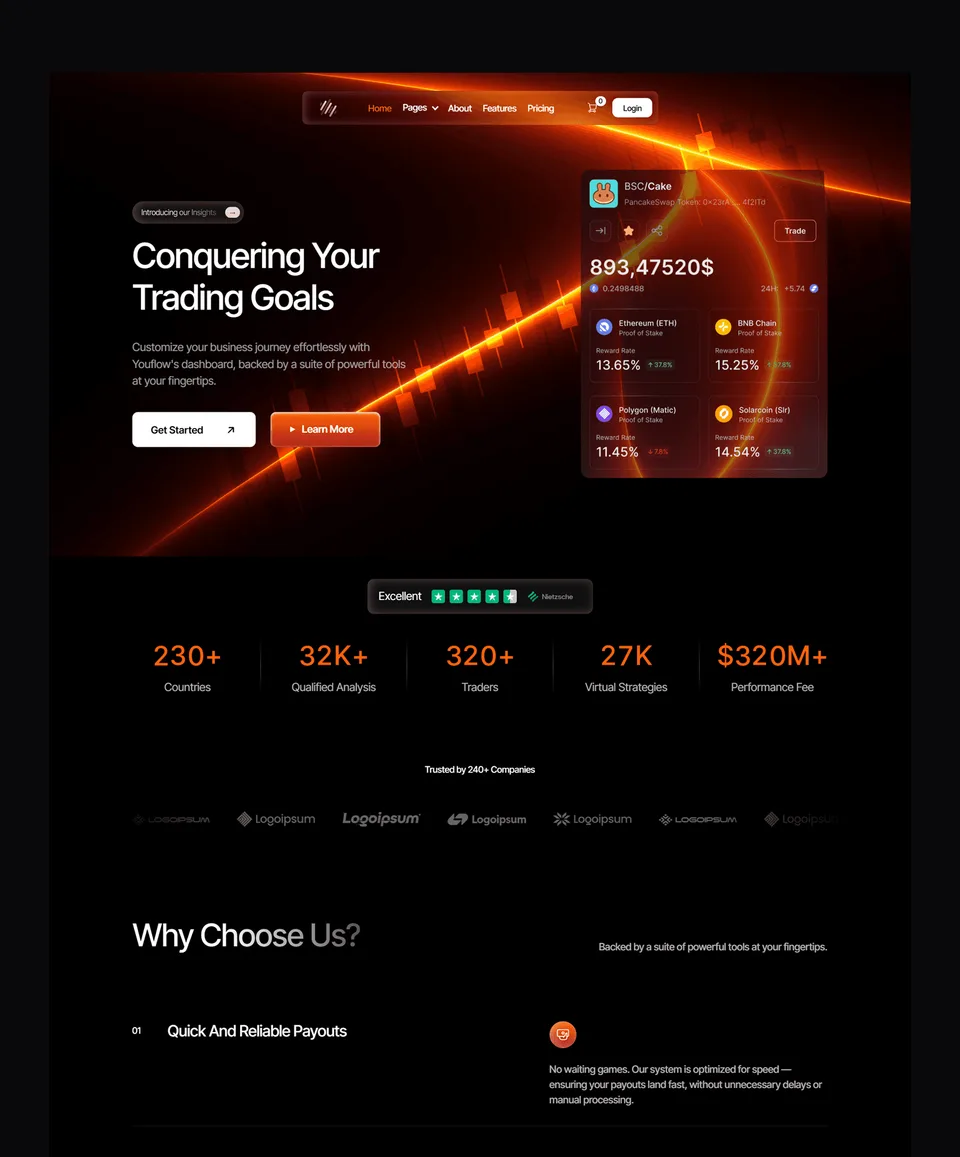
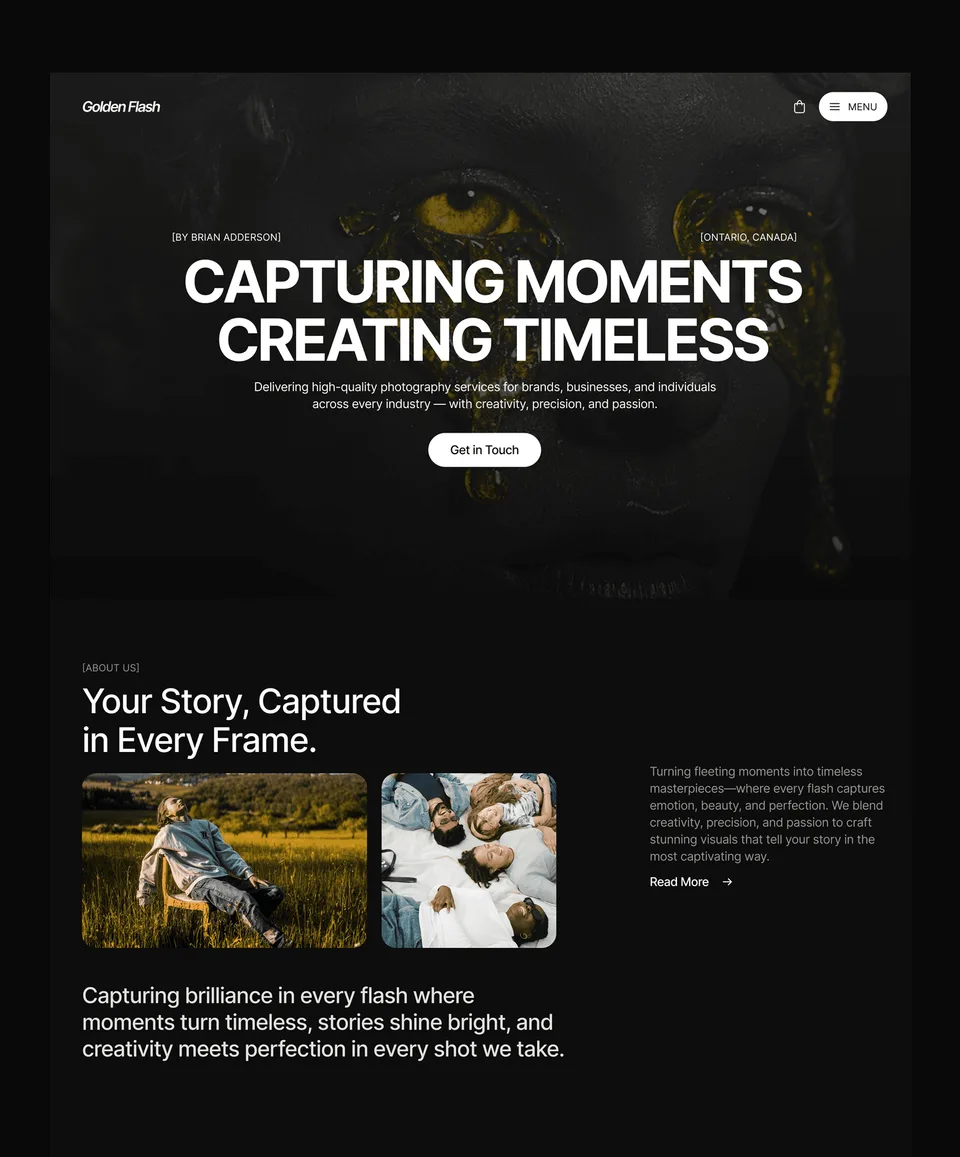
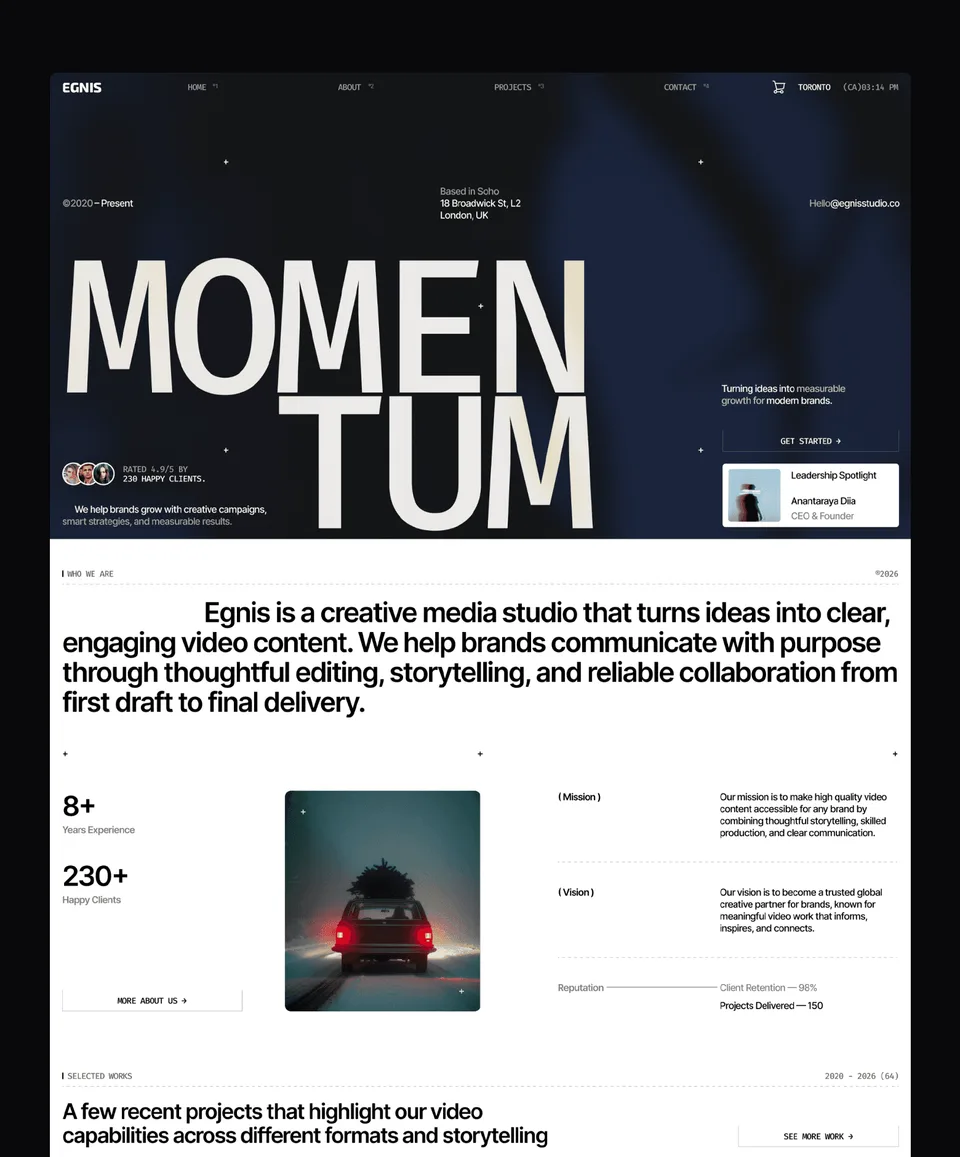
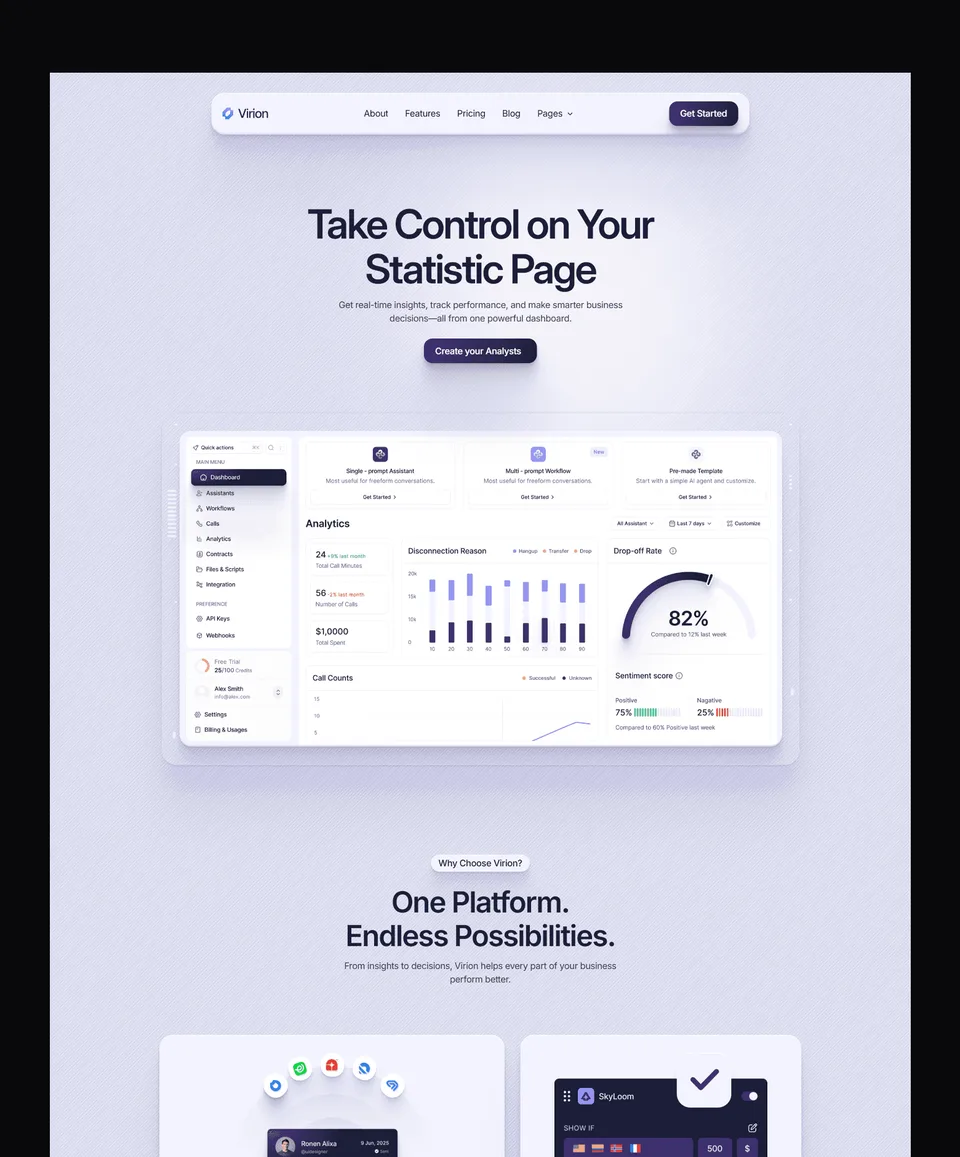
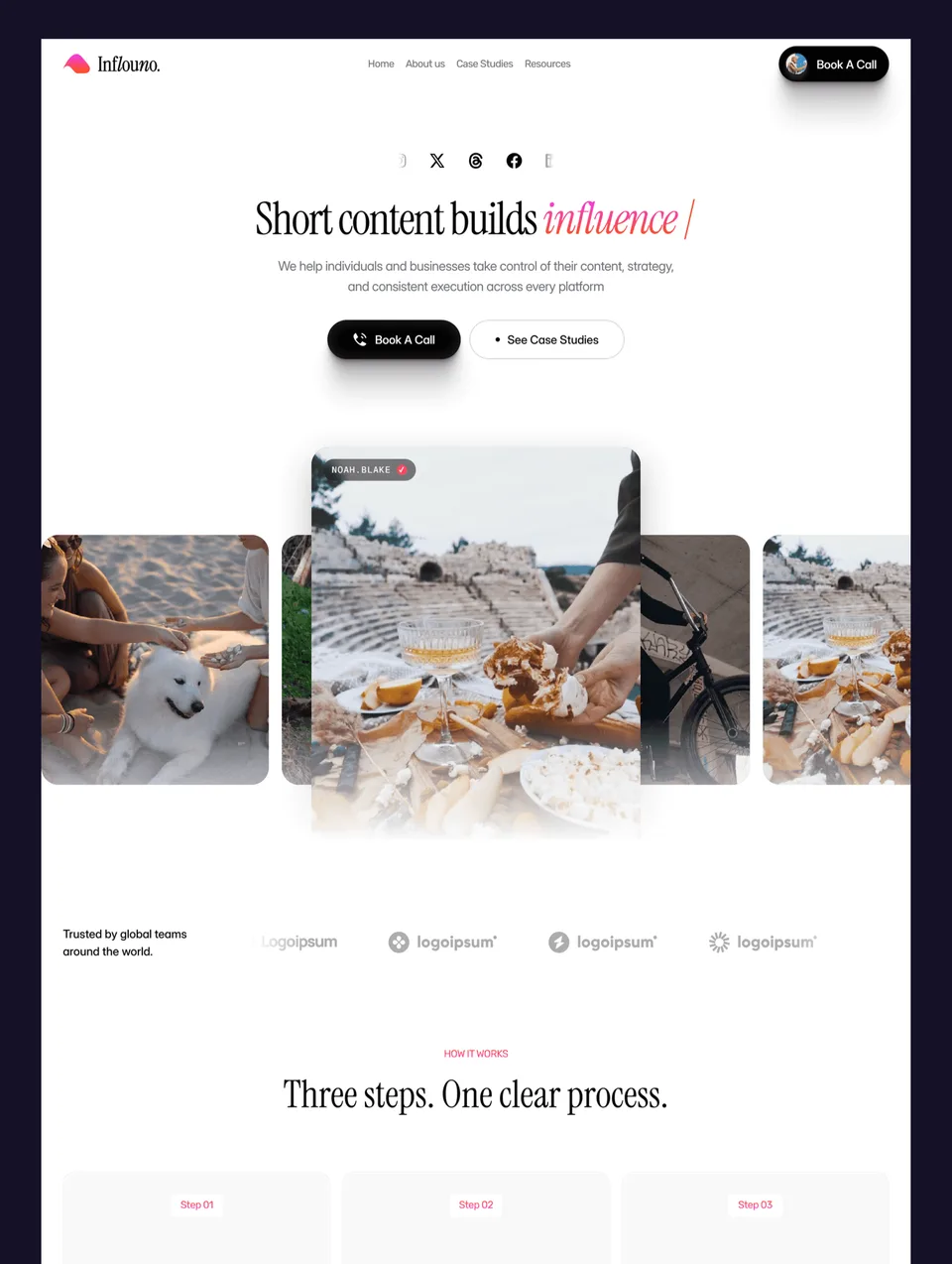
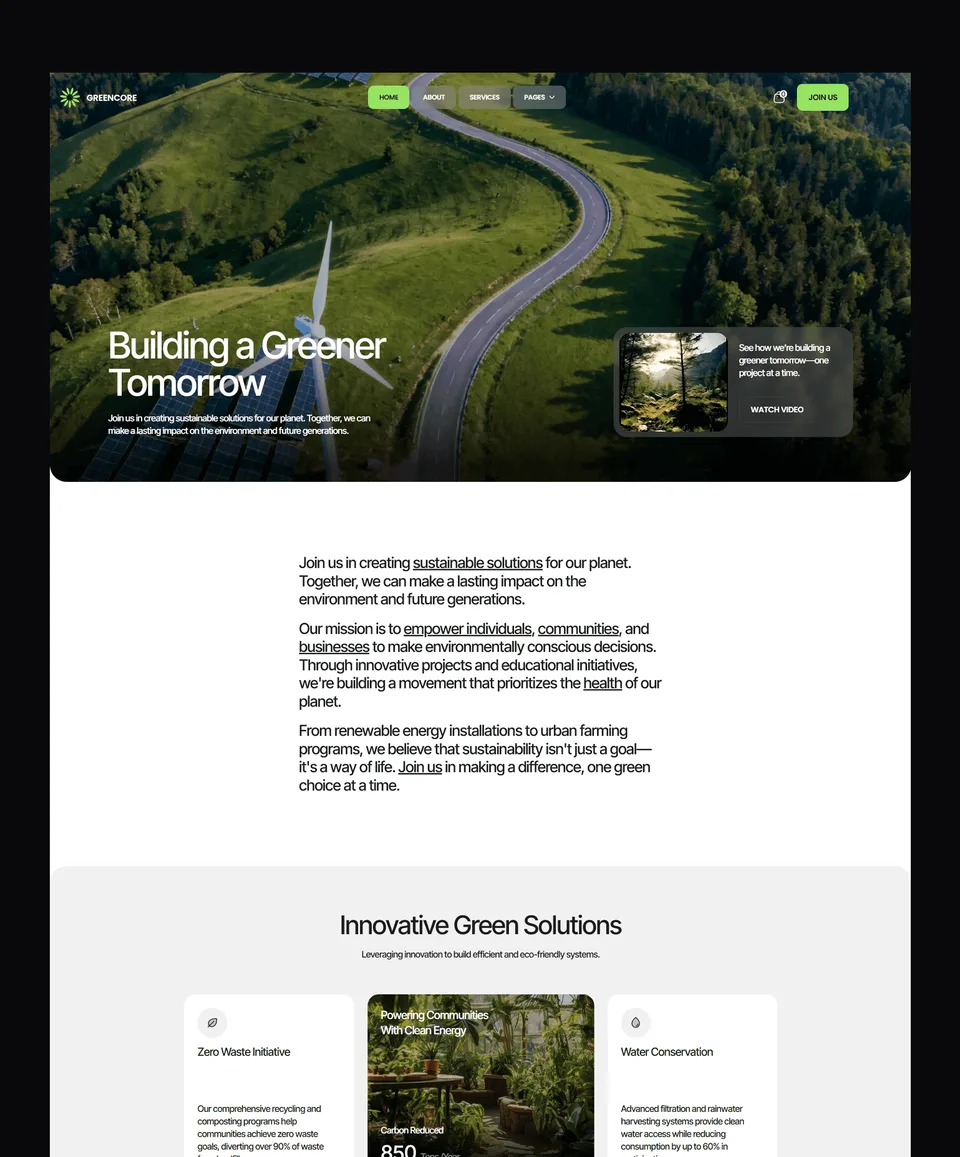
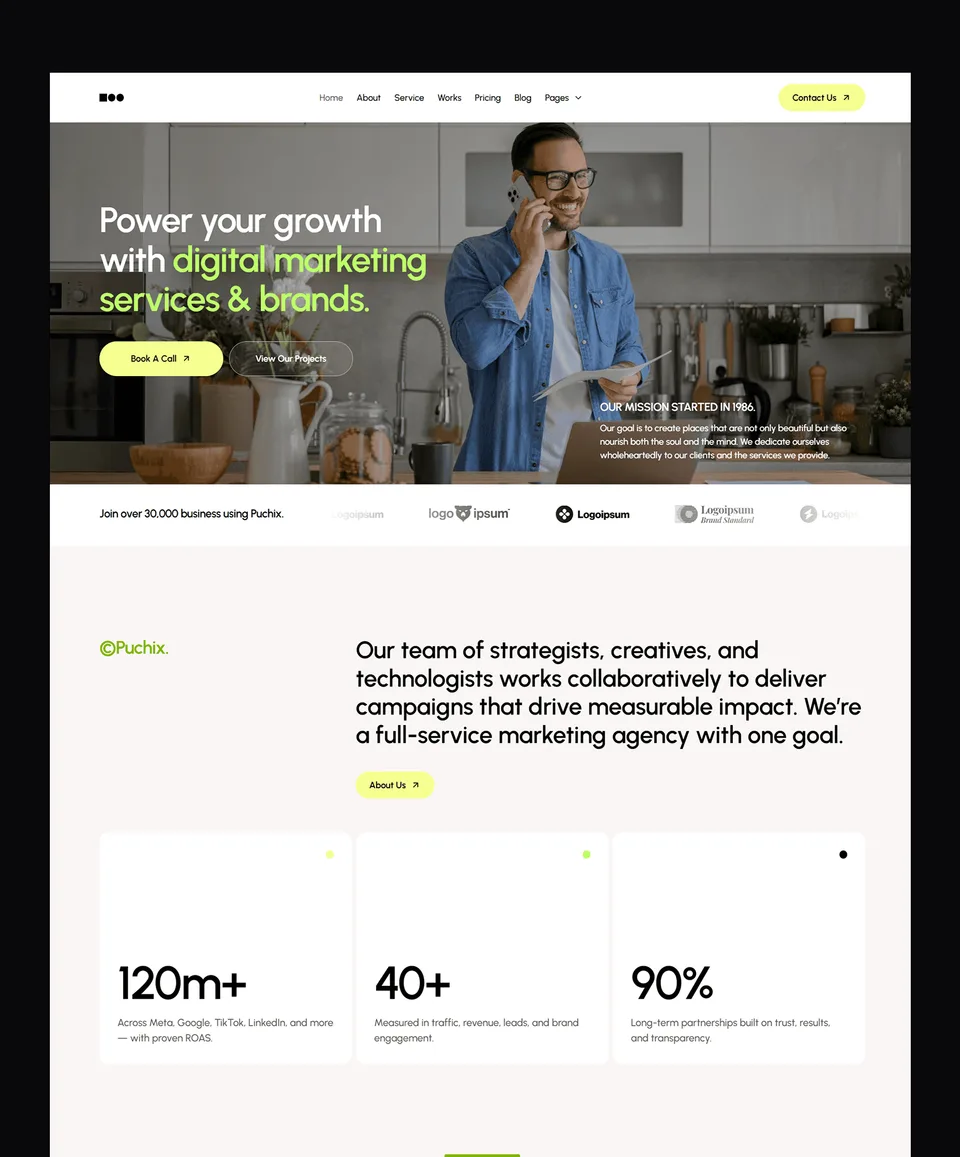
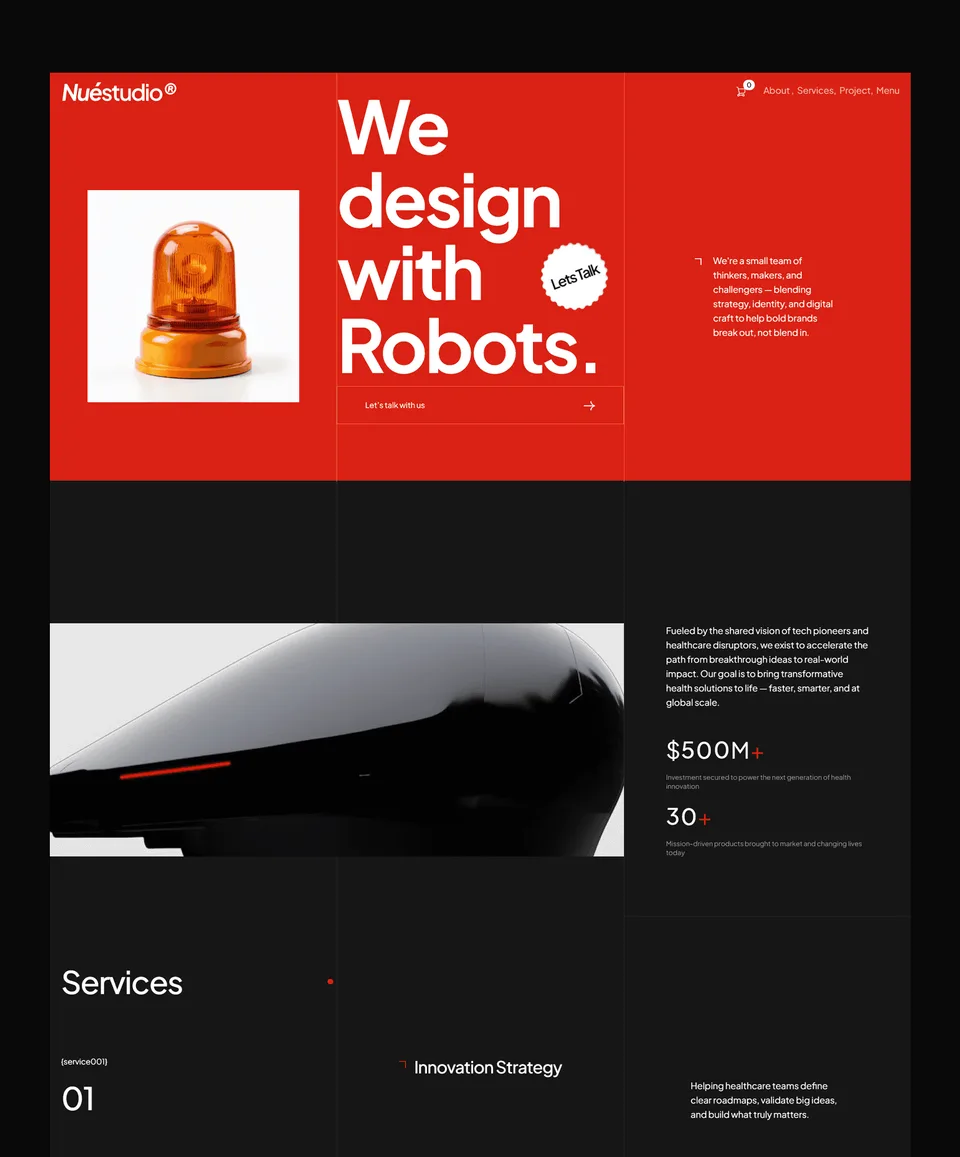
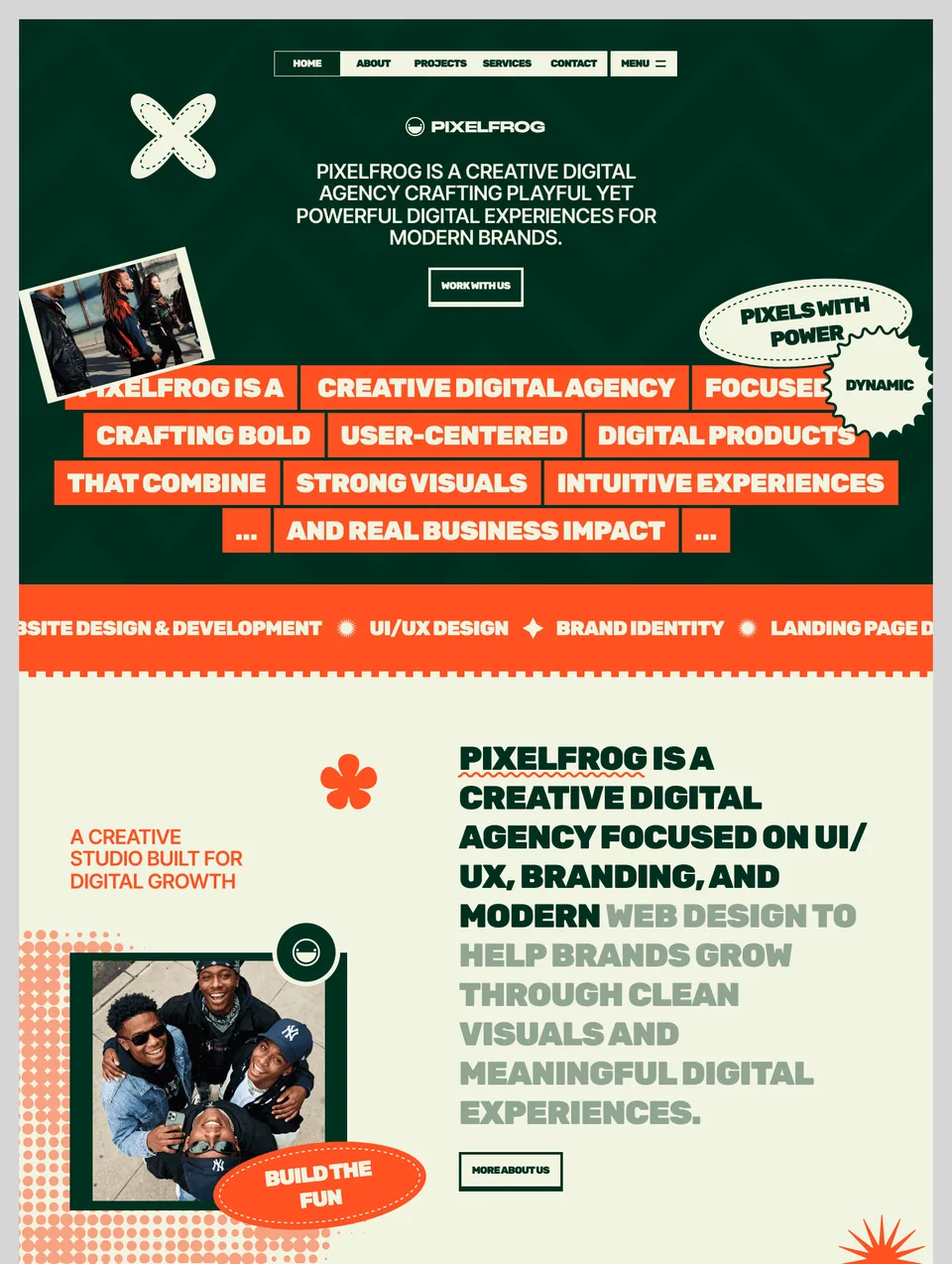
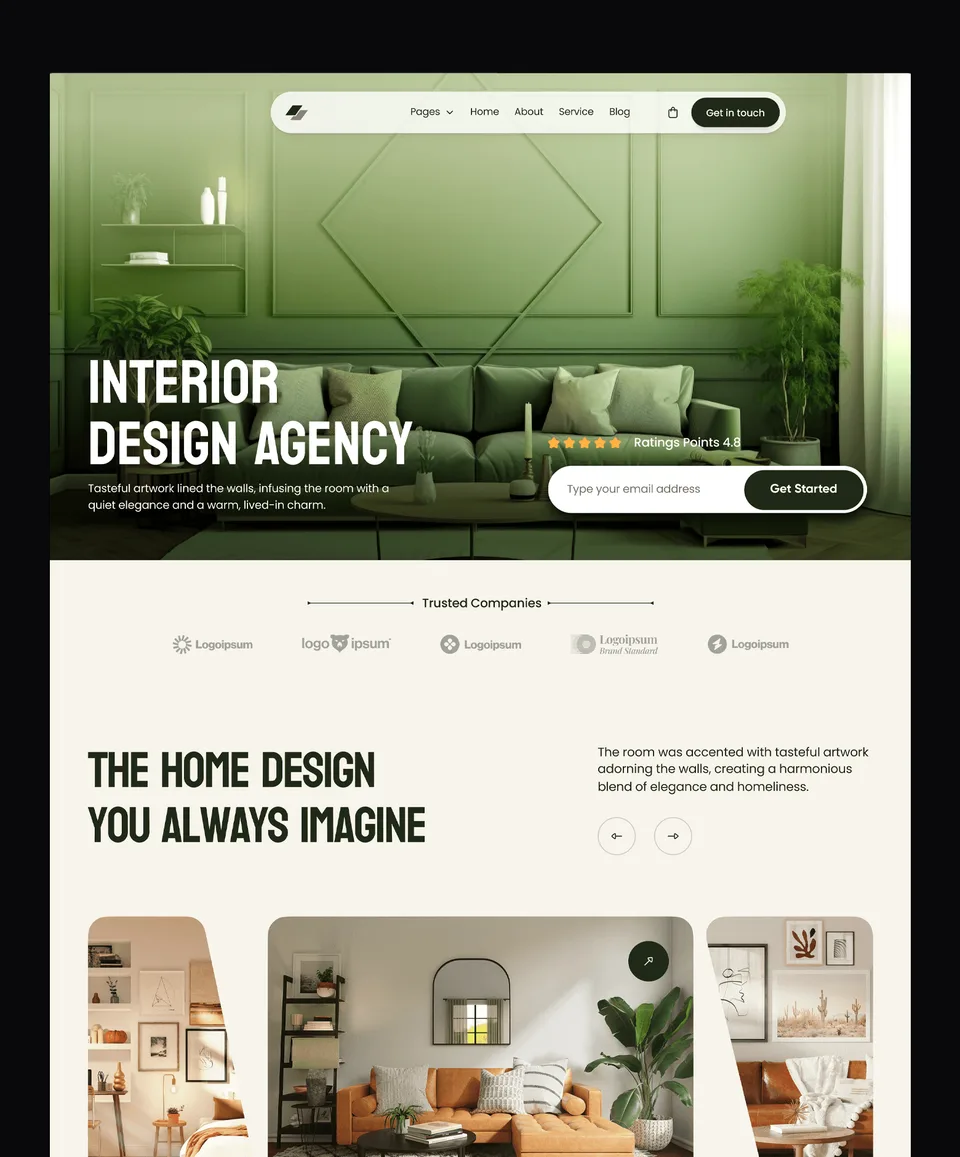
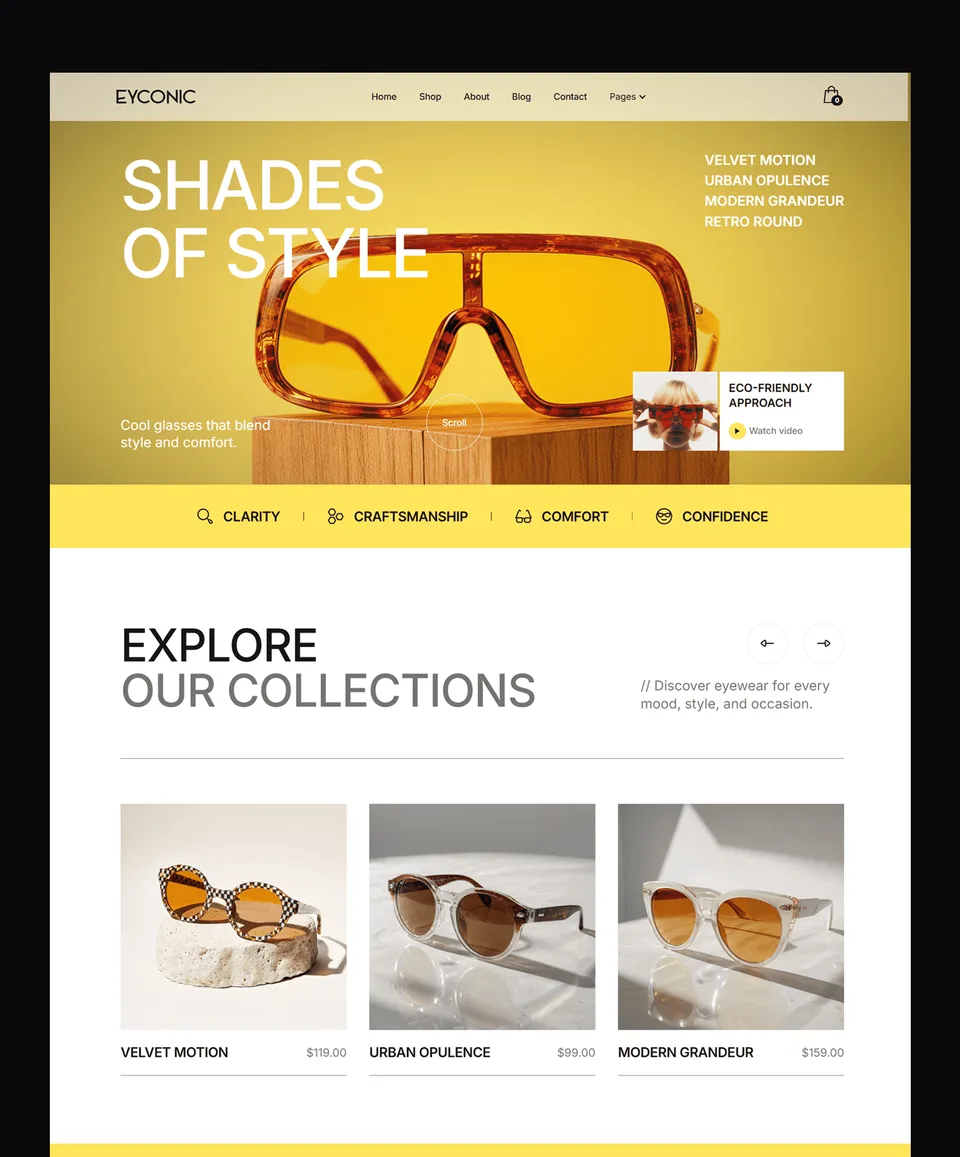
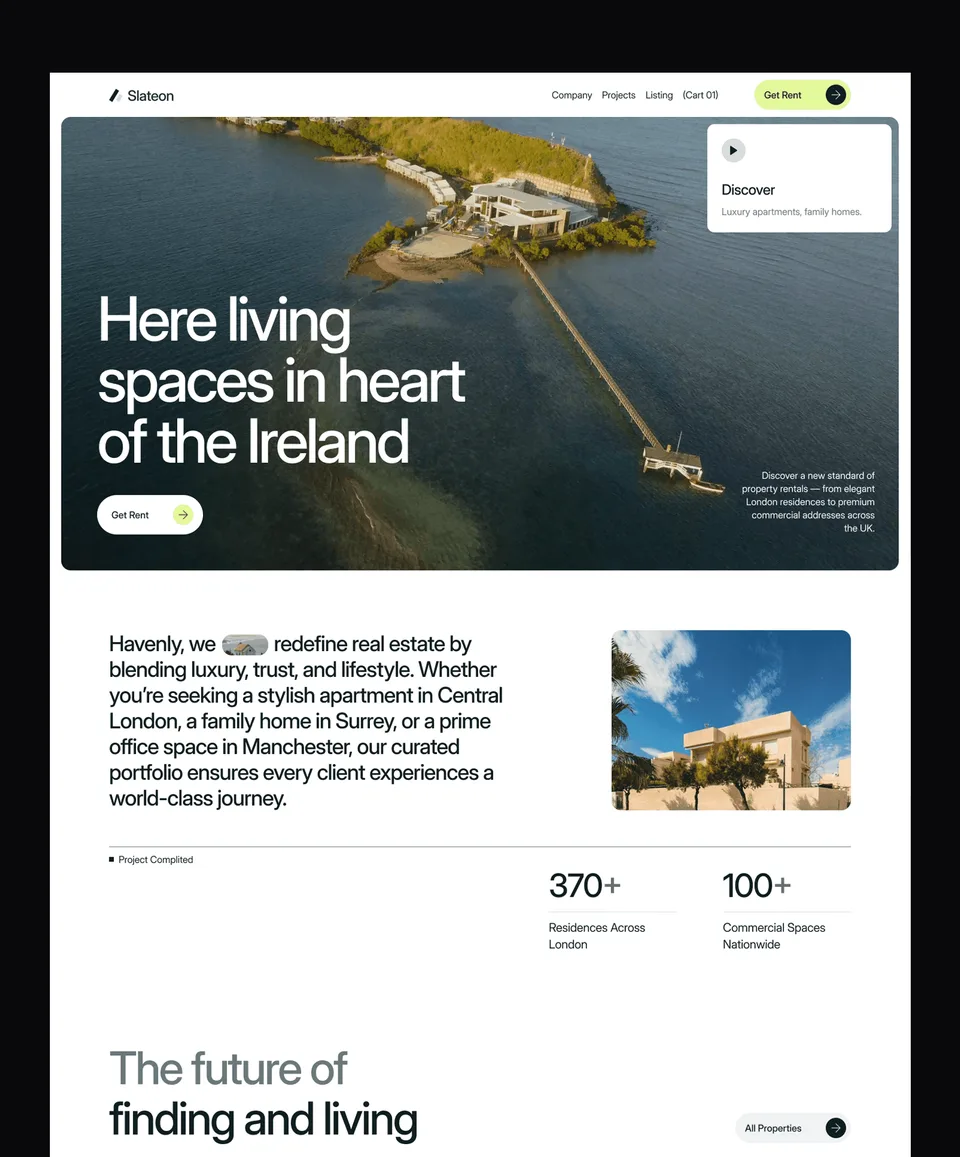
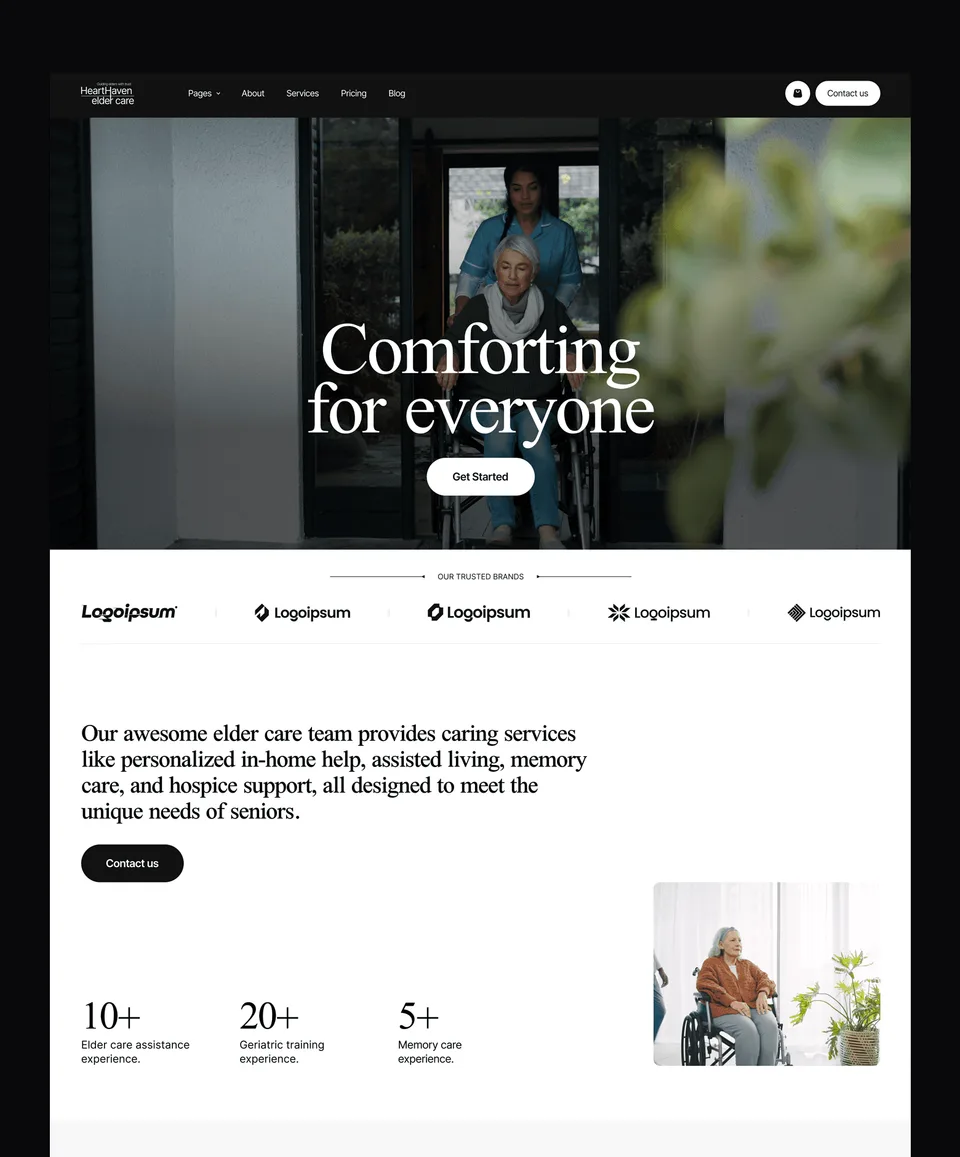
💎 Premium Templates
Design Better.
Launch Faster.
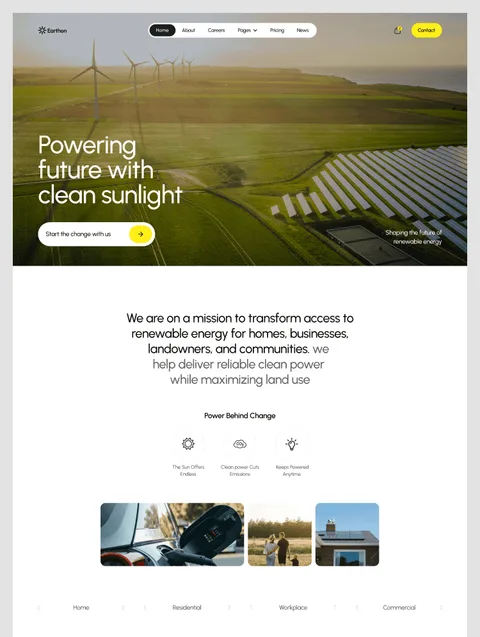
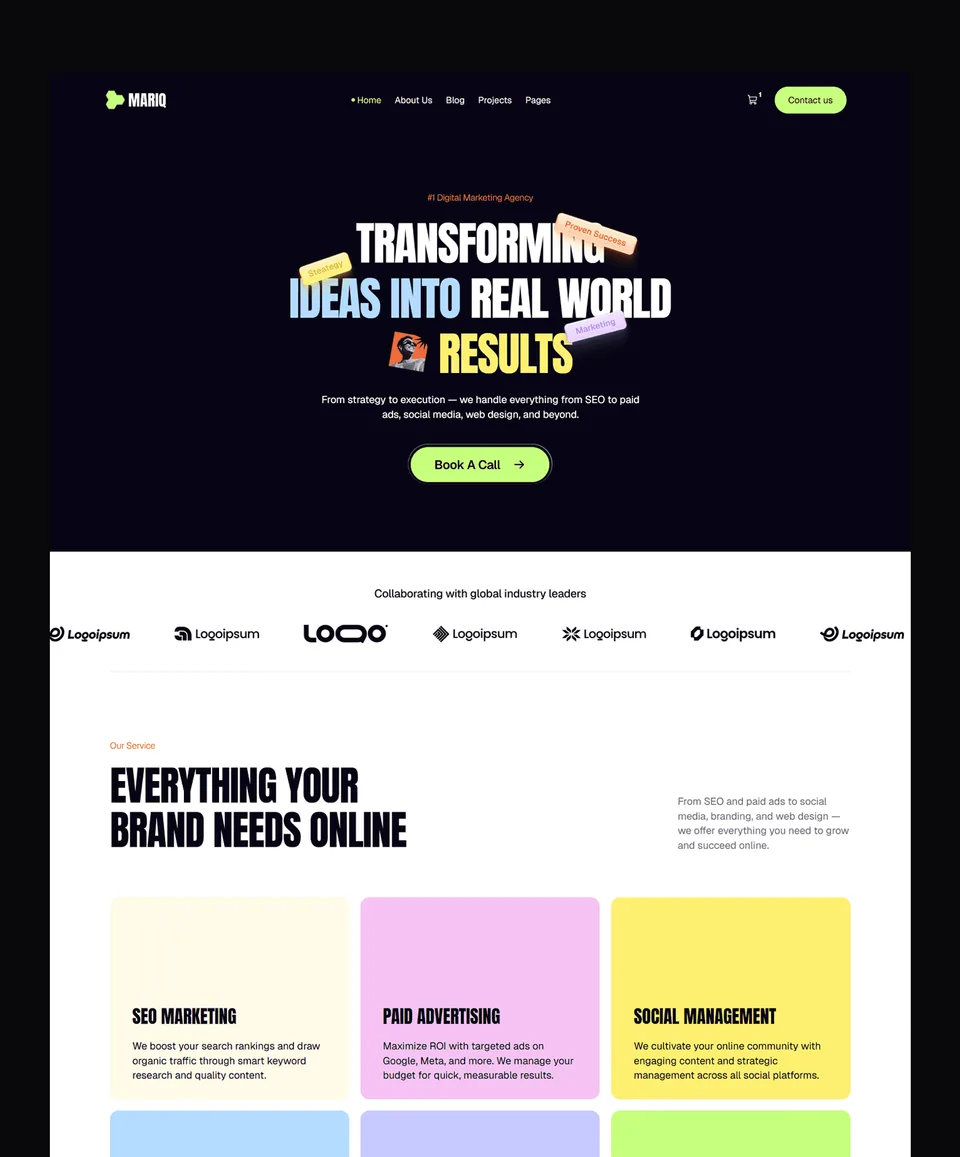
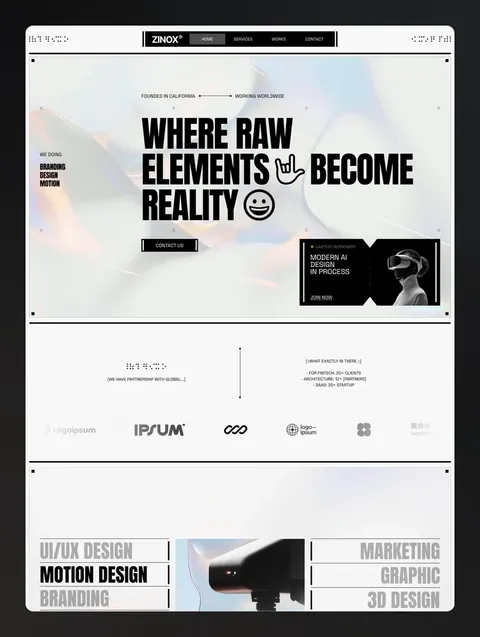
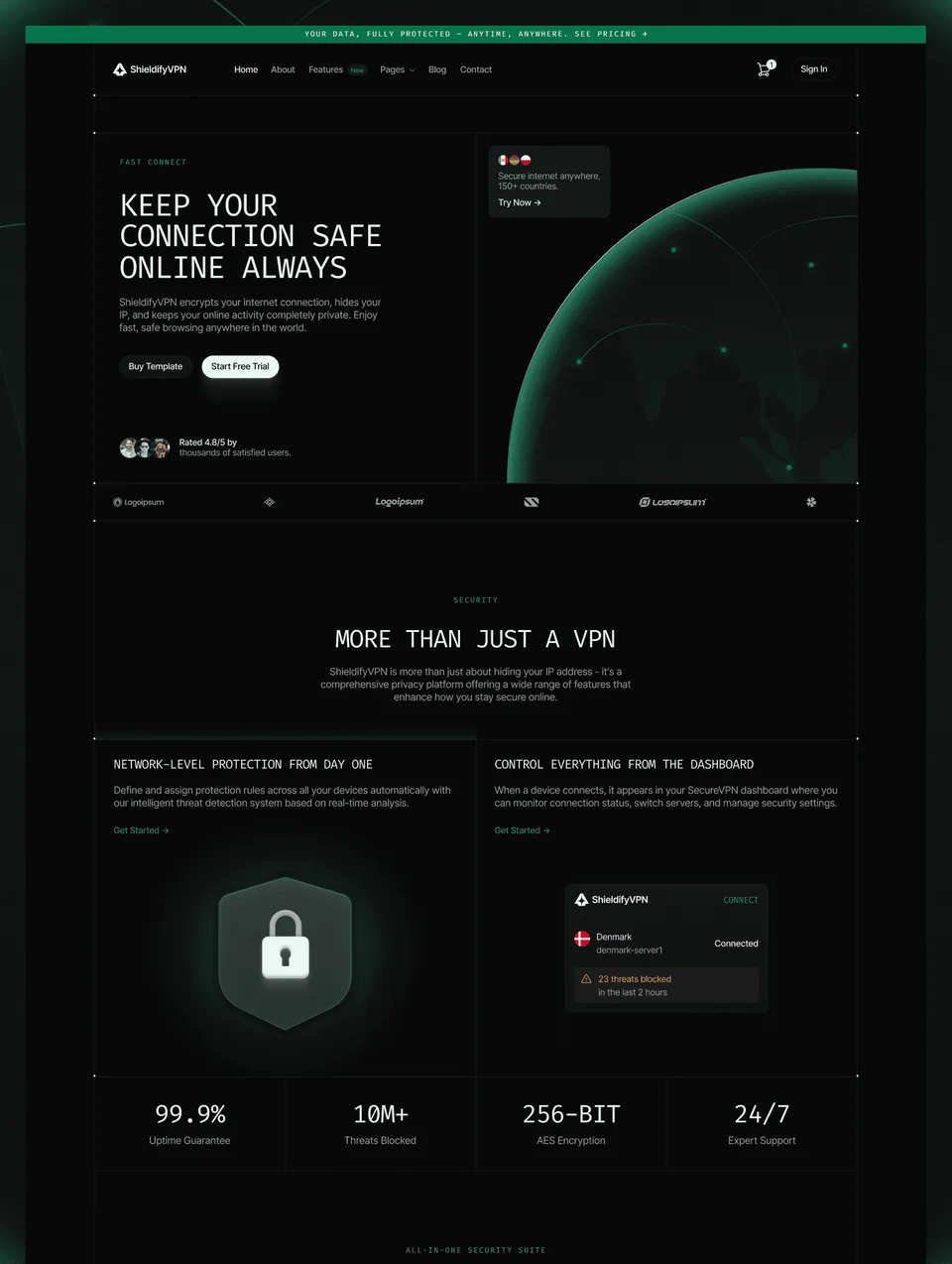
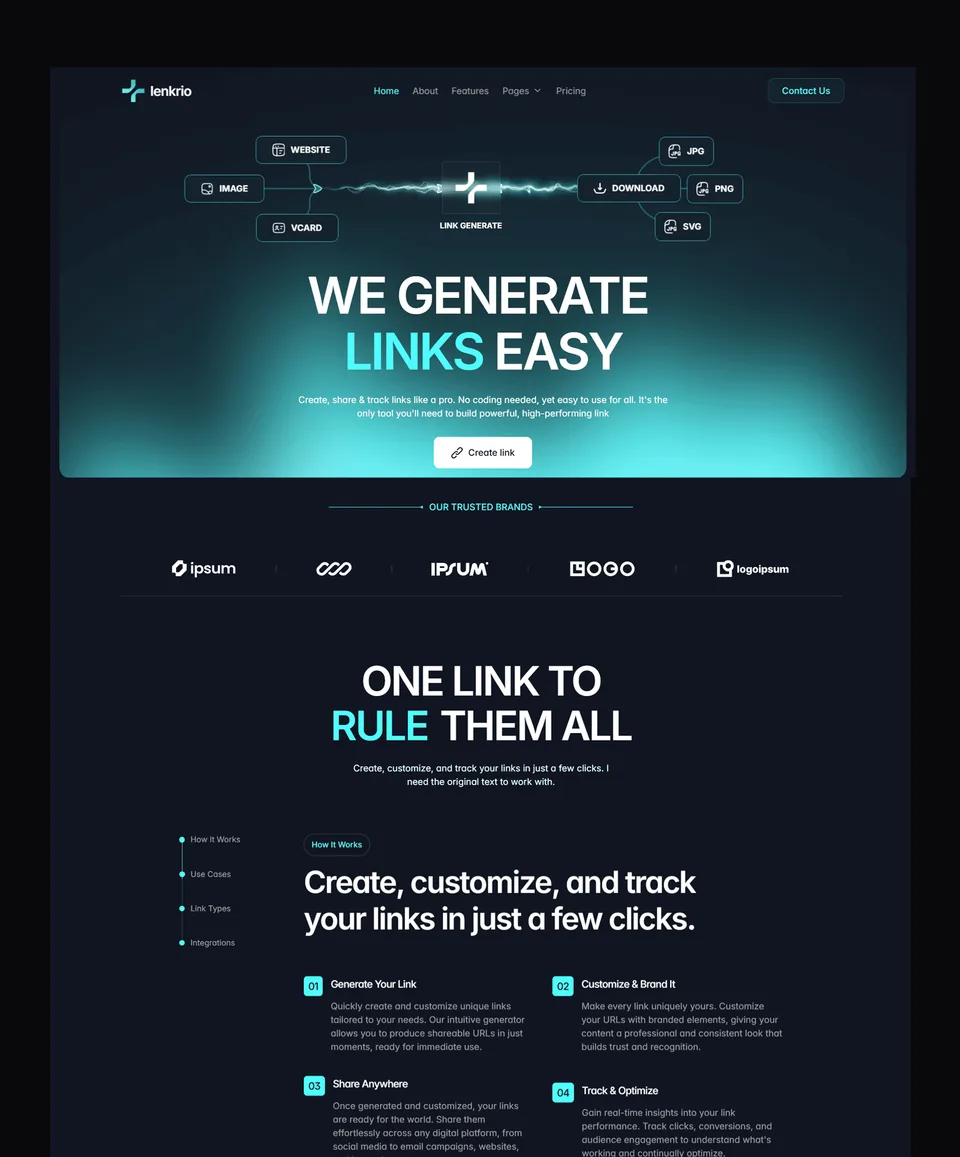
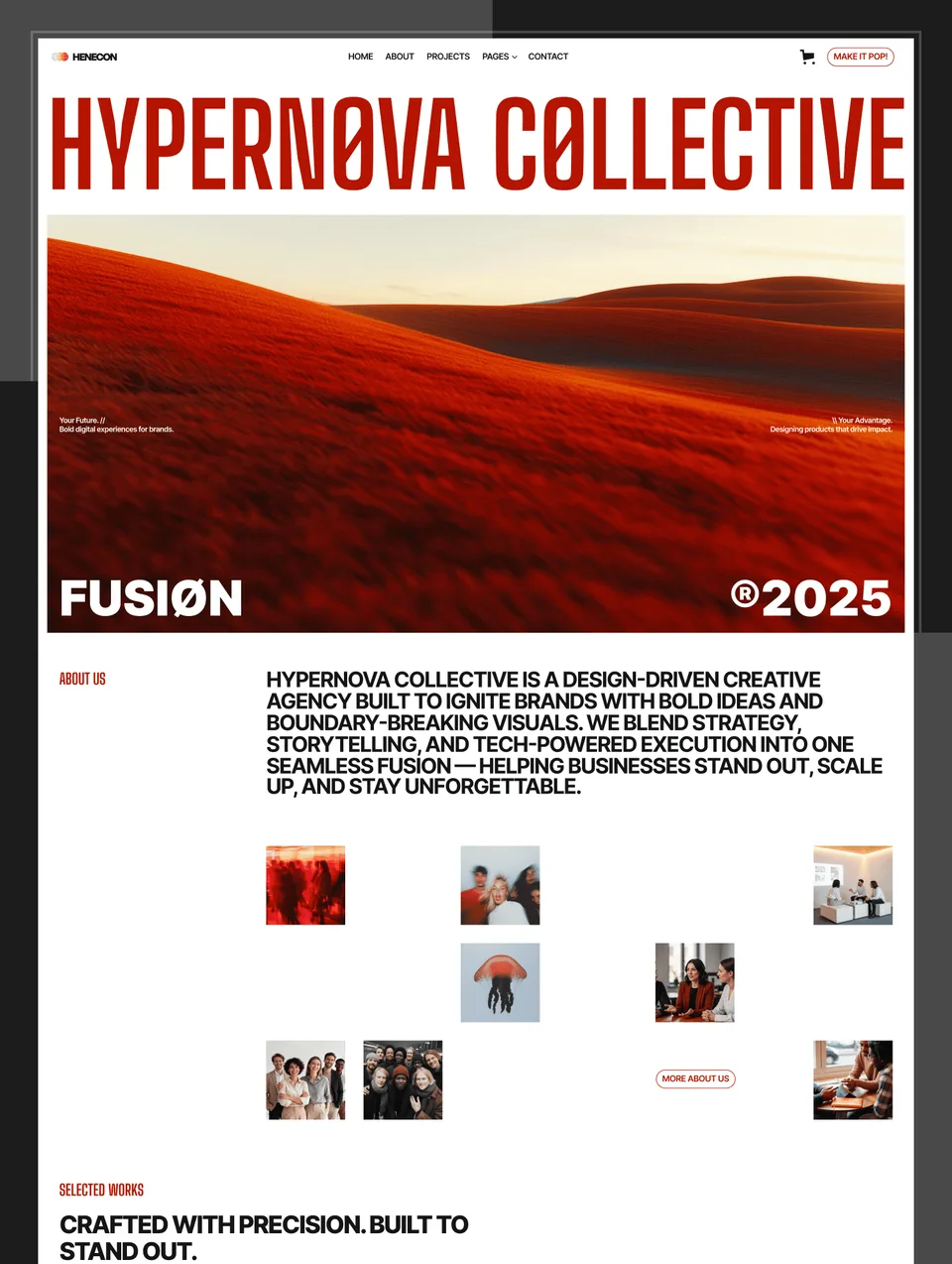
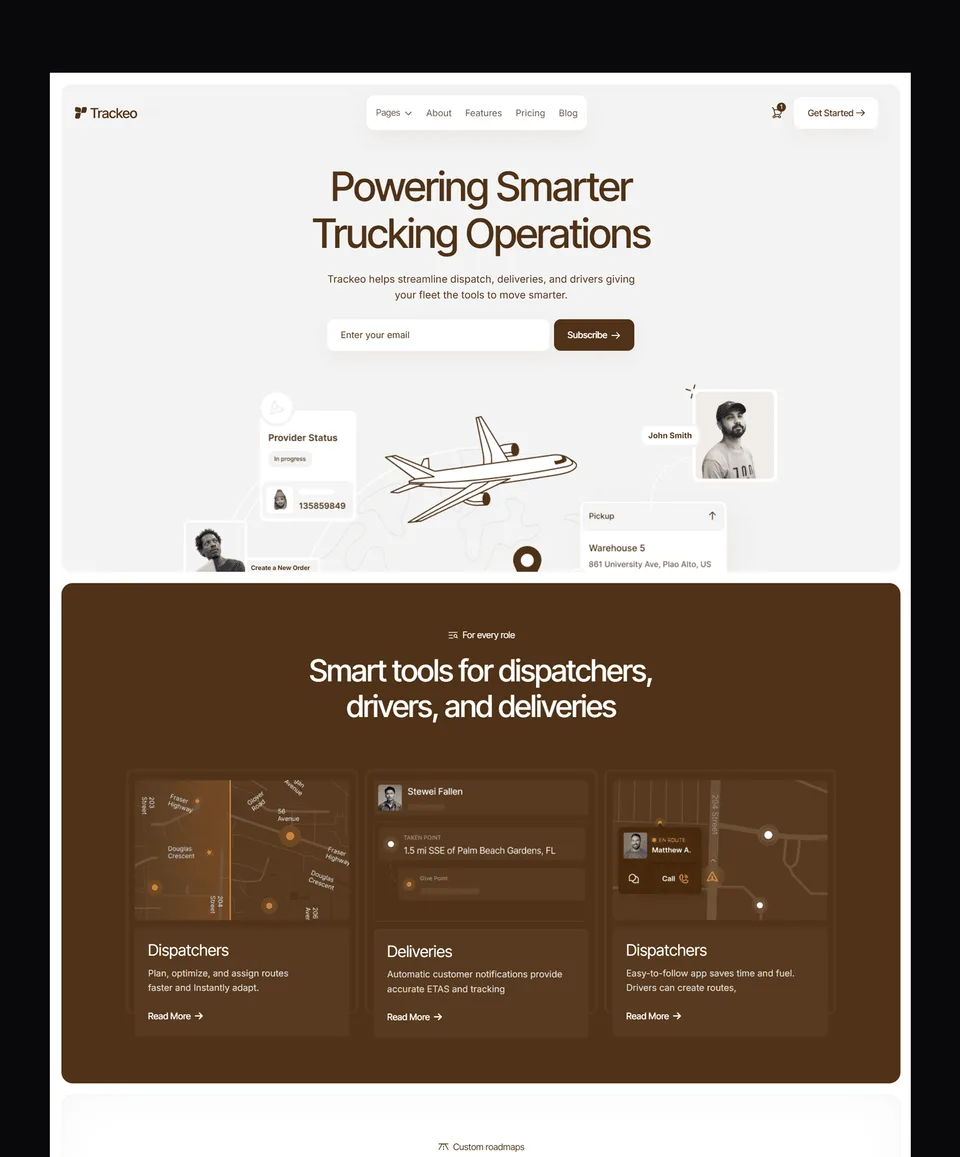
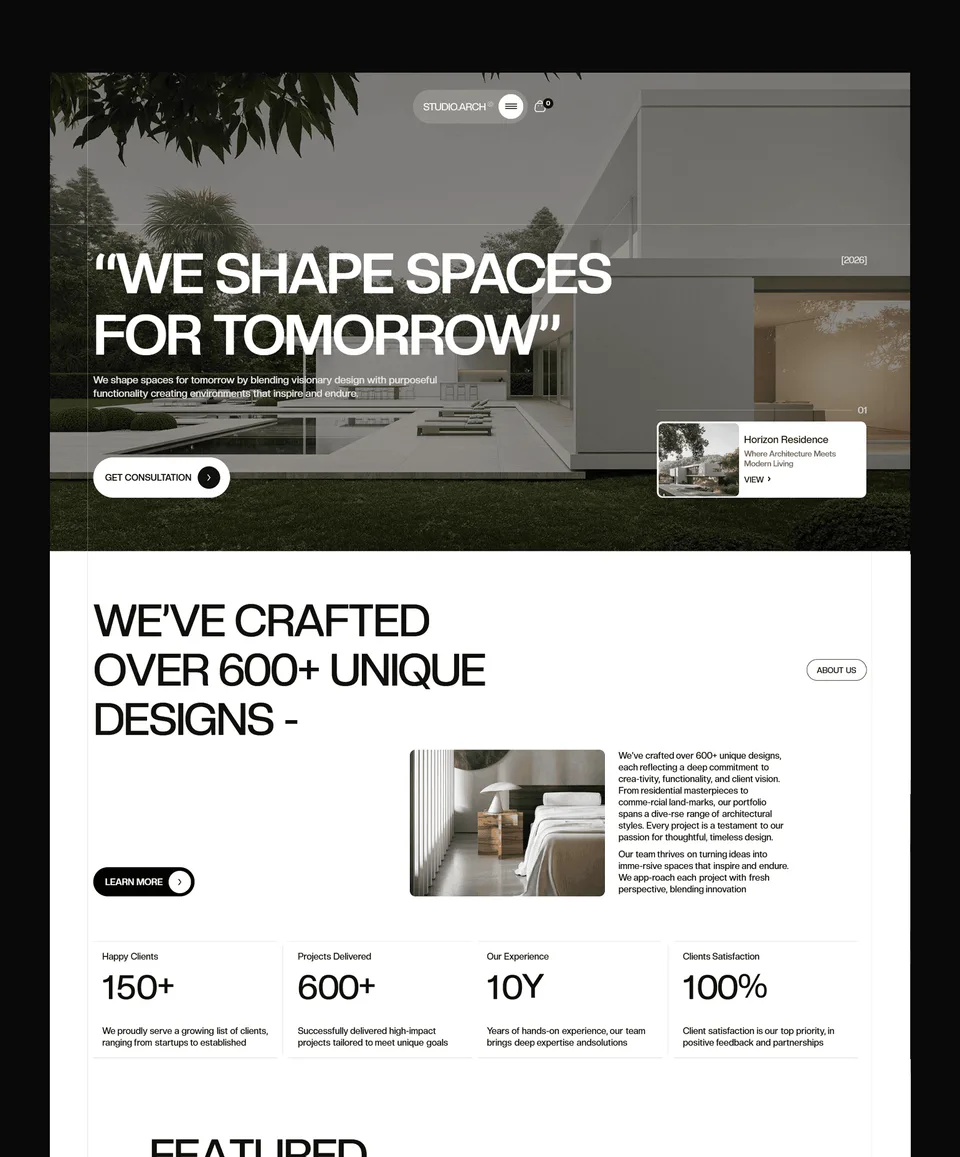
Explore ready-to-use templates for Framer, Webflow, and Figma — designed to help you move fast.

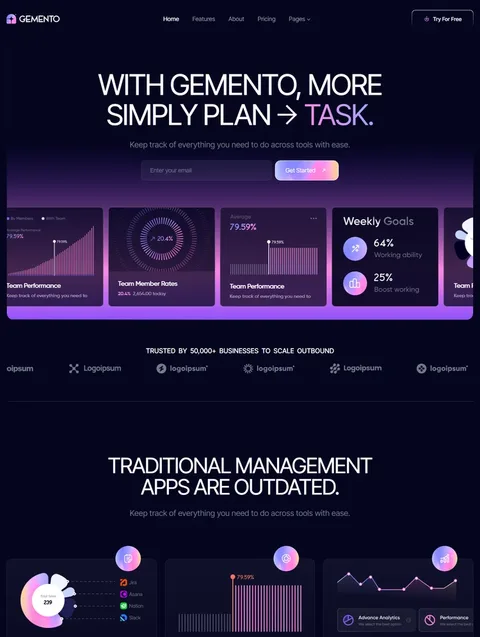
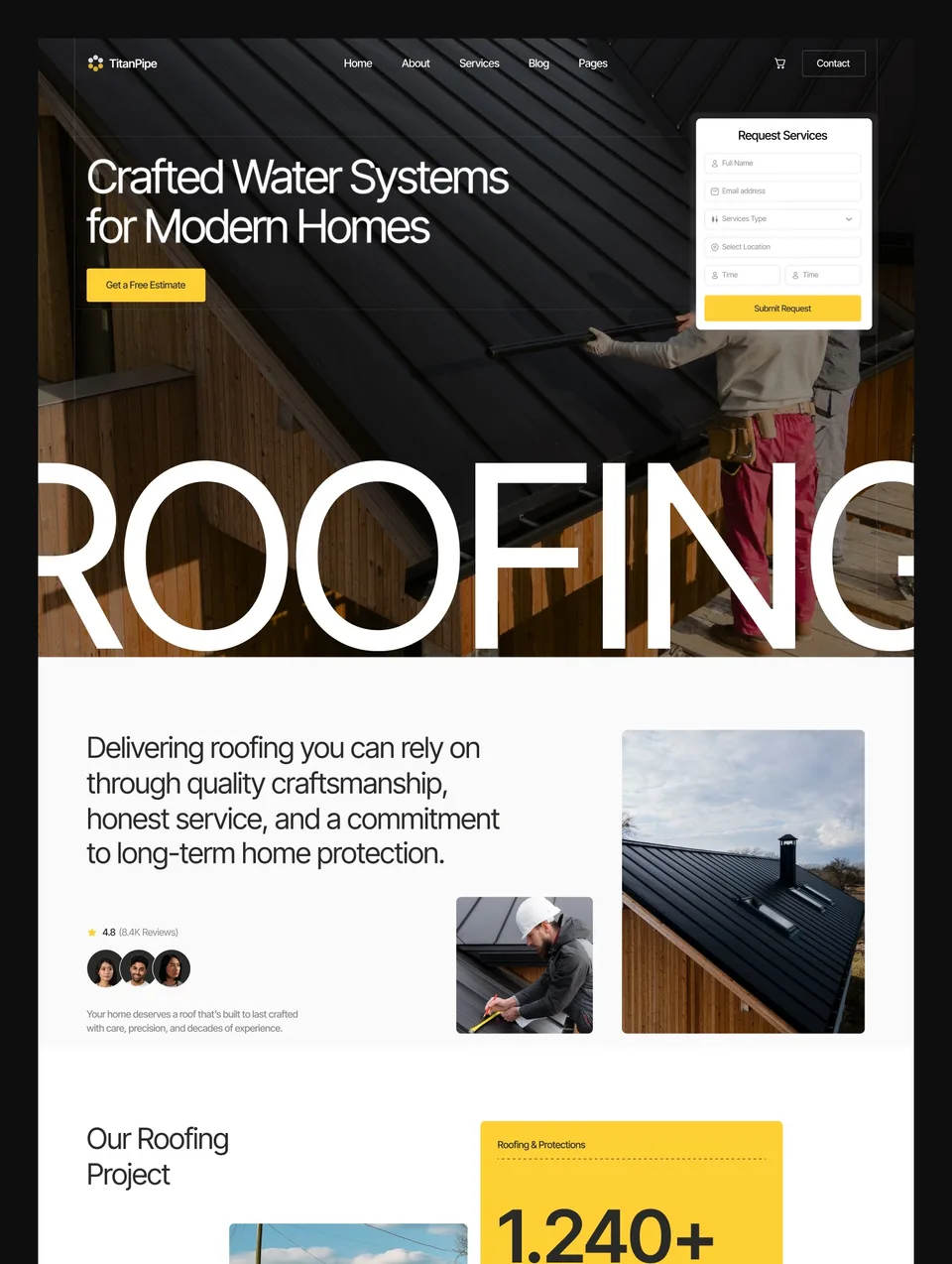
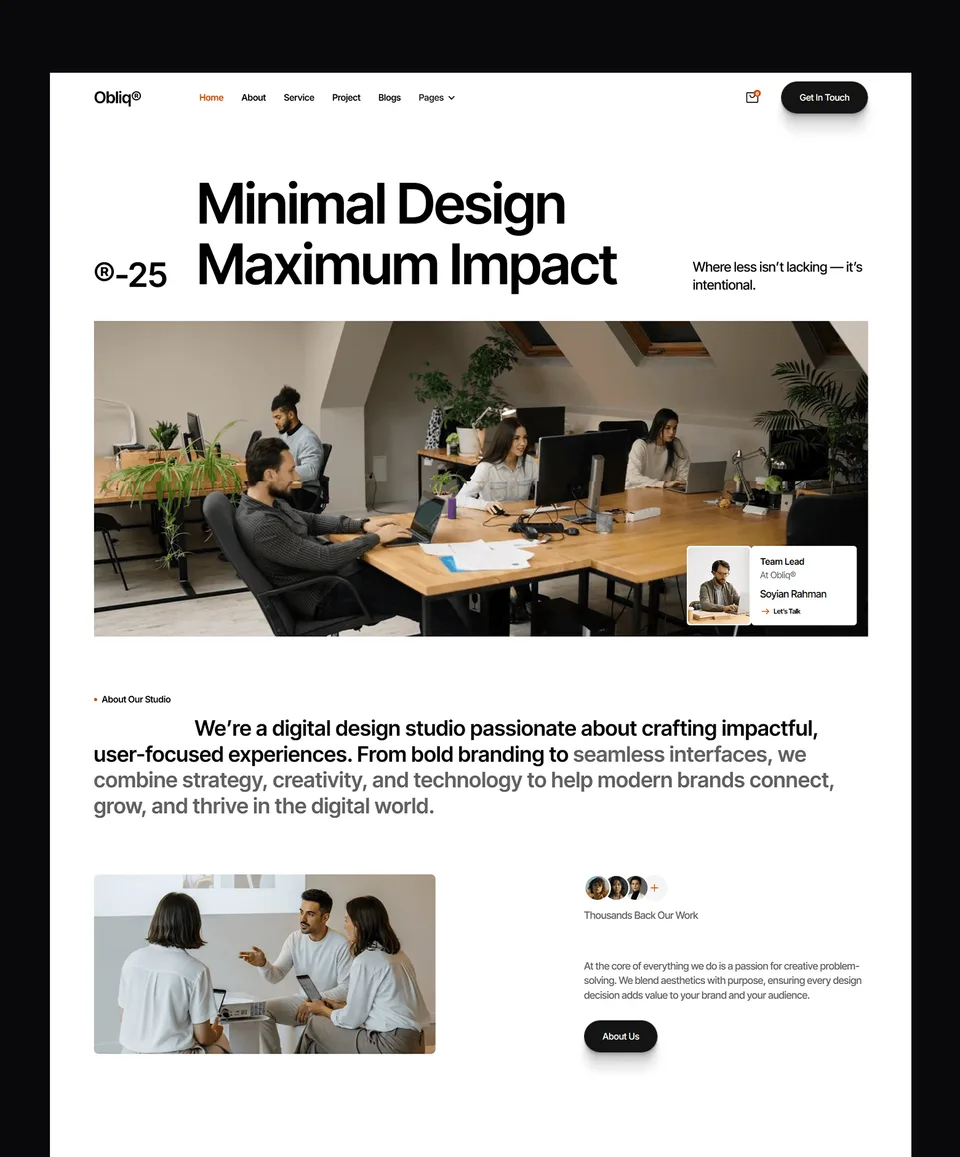
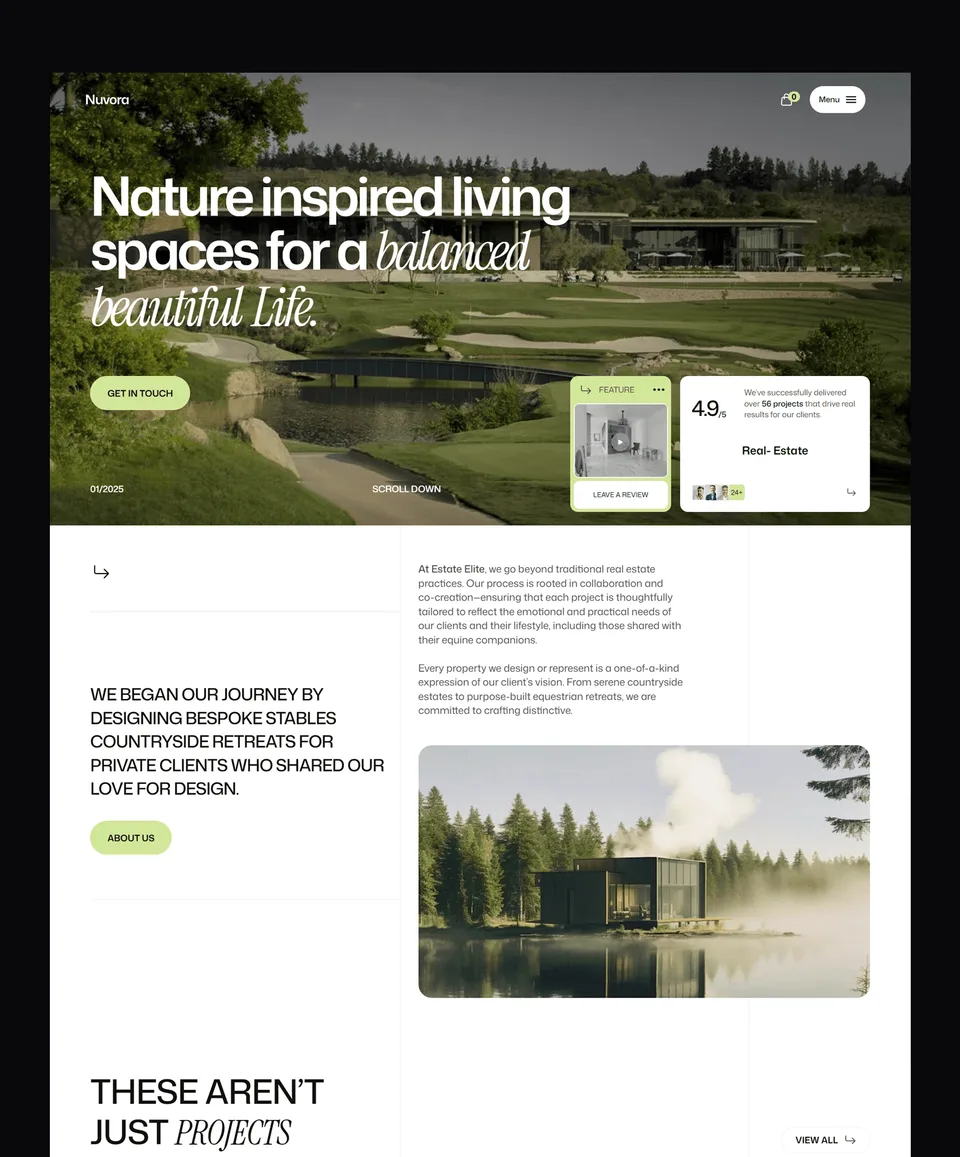
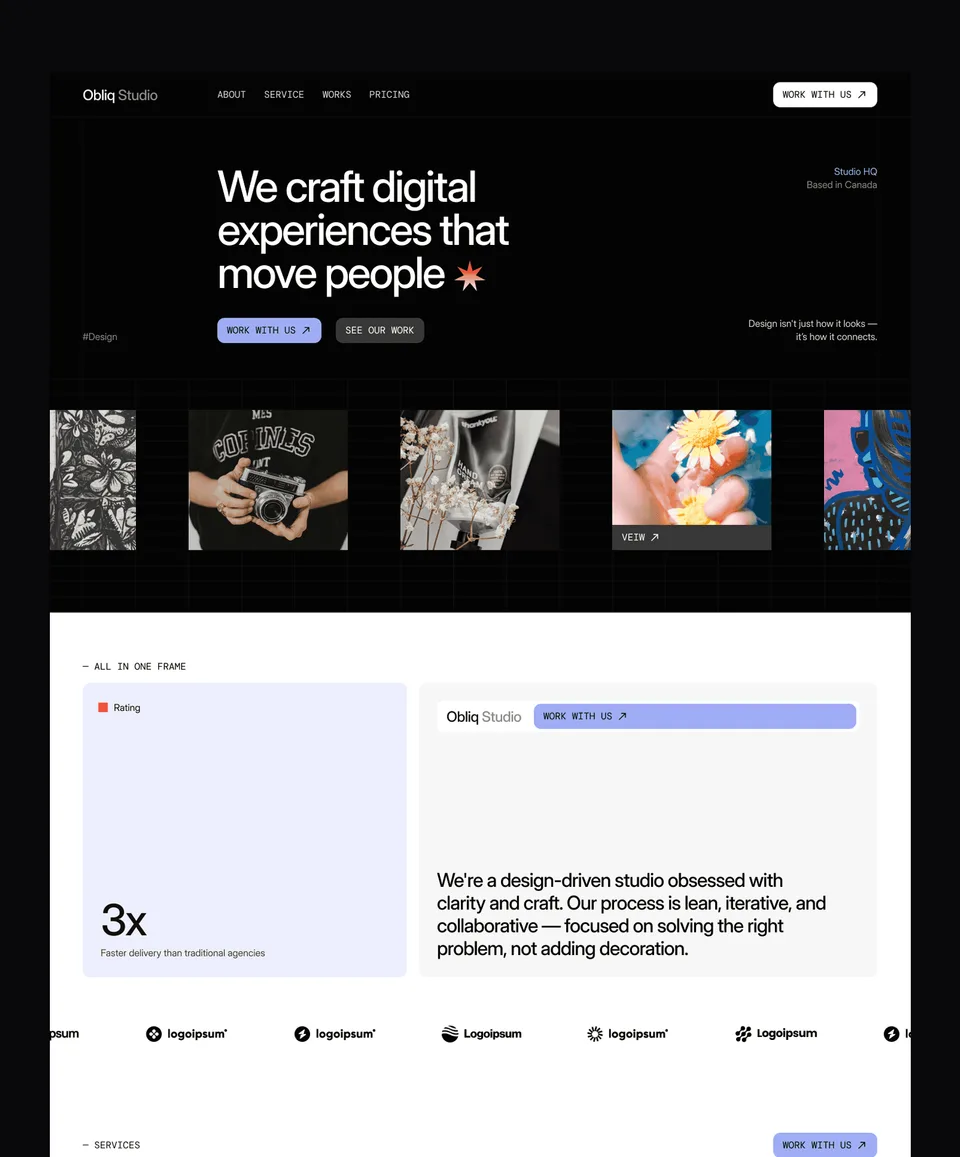
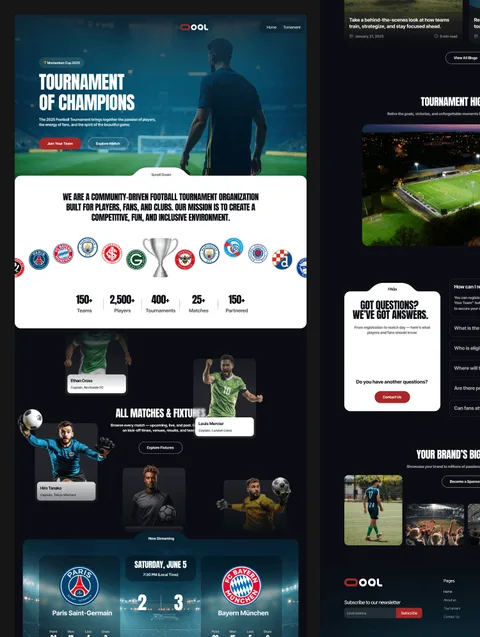
Browse the full Waida Studio template library — 30+ premium designs across Webflow, Framer, and Figma. Built for agencies, SaaS startups, portfolios, real estate brands, and modern creators who want to ship a beautiful website without starting from scratch. Every template includes the matching Figma file and is optimized for fast launch and easy customization.
Why Waida Studio templates
Waida Studio is a template studio focused on doing two things well: shipping designs that feel current, and supporting both major no-code platforms — Webflow and Framer — under the same roof. Most studios pick one. We don't, because the platforms are good at different things, and the right answer depends on what you're building.
Since launching in October 2025, our templates have been used by 200+ customers across 40+ countries. We ship new templates roughly every month, and existing templates get free updates as platforms evolve.
Three things separate our templates from the wider marketplace:
Dual-platform expertise. Most of our designs ship in both Webflow and Framer versions, with the matching Figma file included. You buy the design once and pick the platform that fits your project — or migrate later without buying twice.
Production-ready, not template-shaped. Every template ships with proper CMS structures, working forms, real responsive breakpoints, and SEO-ready metadata fields. You're not getting a pretty homepage with five empty inner pages — you're getting a complete site you can launch this week.
Customization isn't an upsell. If a template is 80% right but needs brand-specific work, our Template Customization service handles the last mile for $499. For fully bespoke builds, our Custom Website service starts at $5,000. Either way, the template you bought is the foundation, not a sunk cost.
How to choose between Webflow, Framer, and Figma
The three platforms solve different problems. Pick based on what you're shipping, not what's most popular.
Choose a Webflow template if you need a content-heavy site, native e-commerce, or a CMS that scales — blogs with hundreds of posts, marketing sites with dozens of dynamic pages, agency client work that requires editor handoff. Webflow has a steeper learning curve, but the ceiling is higher.
Choose a Framer template if you want to ship fast with strong design and animation — portfolios, agency landing pages, SaaS marketing sites, and product launch pages. Framer is closer to Figma in feel, easier to learn, and currently the better choice for animation-led design.
If you're stuck between Webflow and Framer specifically, our deep comparison covers pricing, CMS, e-commerce, SEO, and use cases: Webflow vs Framer.
What's included with every template
Every template purchase from Waida Studio includes:
The full template file for your chosen platform (Webflow, Framer, or both)
The matching Figma file — design source, ready to customize before or after development
All inner pages, components, and CMS structures as shown in the live preview
Responsive design across desktop, tablet, and mobile breakpoints
SEO-ready metadata fields — meta titles, descriptions, OG image slots, schema-friendly structure
A standard commercial license — use on one client project or one of your own sites; resale not permitted
Free updates when platforms add new features that affect the template
Email support for setup questions is included free for 30 days after purchase
If you need help going further than setup — full customization, brand integration, or a fully custom build — see our Customization service or Pricing page.
Frequently Asked Questions
1. Are Waida Studio templates beginner-friendly?
Yes. Every template is built to be edited by someone with basic Webflow or Framer familiarity — no developer required. If you've used either platform for a few hours, you can customize colors, fonts, images, and copy without help. For deeper structural changes, our documentation and email support cover most use cases, and the Customization service handles the rest.
2. Can I customize a template after purchase?
Absolutely — that's the point of starting with a template. You own a license to modify the design, layout, content, and CMS structure for your project. The only thing the license doesn't cover is reselling the template itself. If you'd rather have a designer handle customization for you, our Template Customization service starts at $499.
3. What's the license? Can I use a template for client work?
Each template purchase includes a standard commercial license that covers one project — either one of your own sites or one client site. The full license terms are in our Terms of use. For agencies running multiple client projects, the Get All Access plan at $99/year covers unlimited template usage.
4. Do you offer refunds?
Yes, within reason. Our refund policy covers cases where a template doesn't work as advertised or where you've encountered a technical issue we can't resolve. Refunds are not offered for change-of-mind purchases, since templates are digital goods you have access to as soon as you buy them.
5. What if I need help setting up a template?
Email support is included free with every purchase for 30 days. We typically reply within 24 hours. For setup-only questions like connecting your domain or editing the CMS, this is usually all you need. For deeper customization — branding, layout changes, new sections — our Customization service covers it for $499.