Agency Website Templates
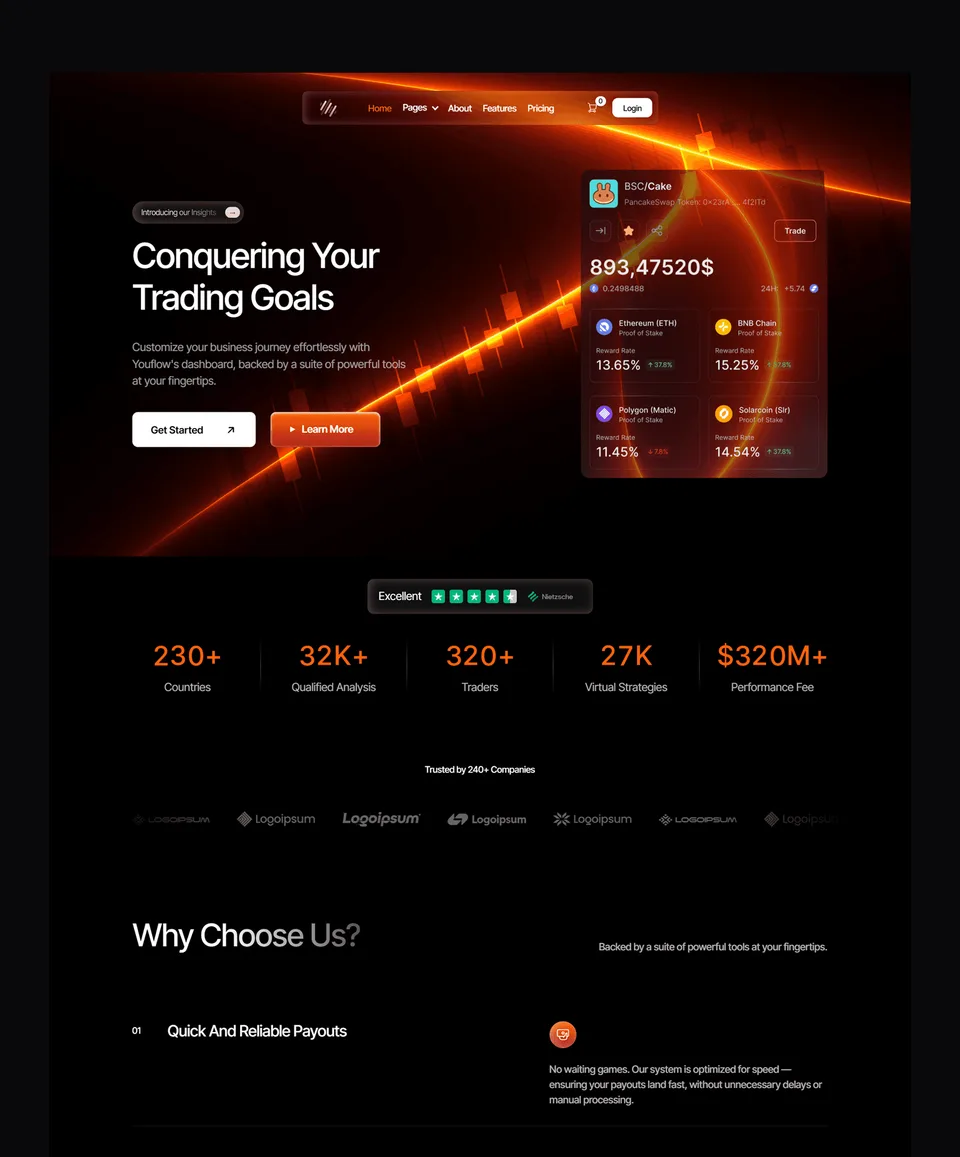
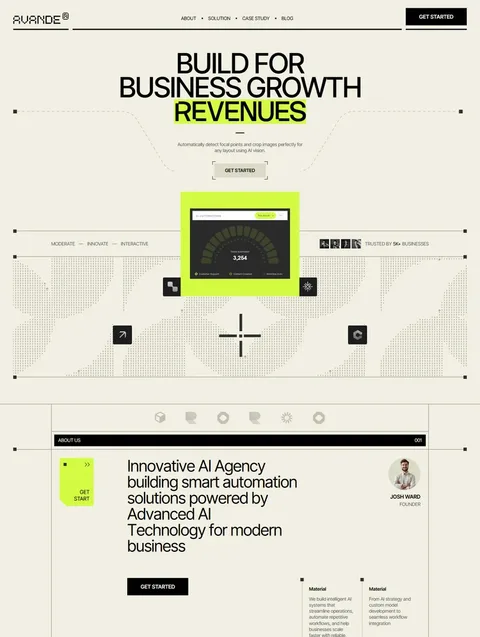
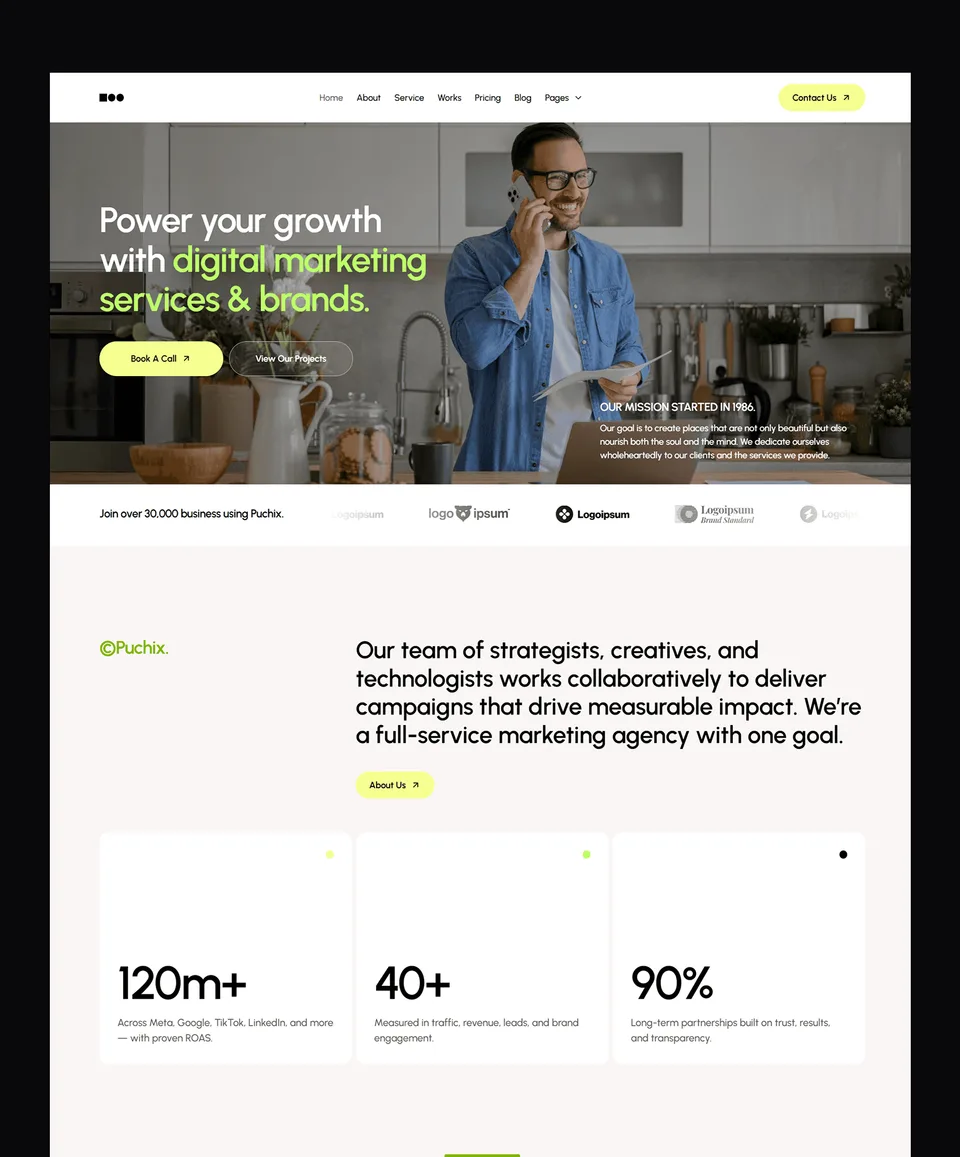
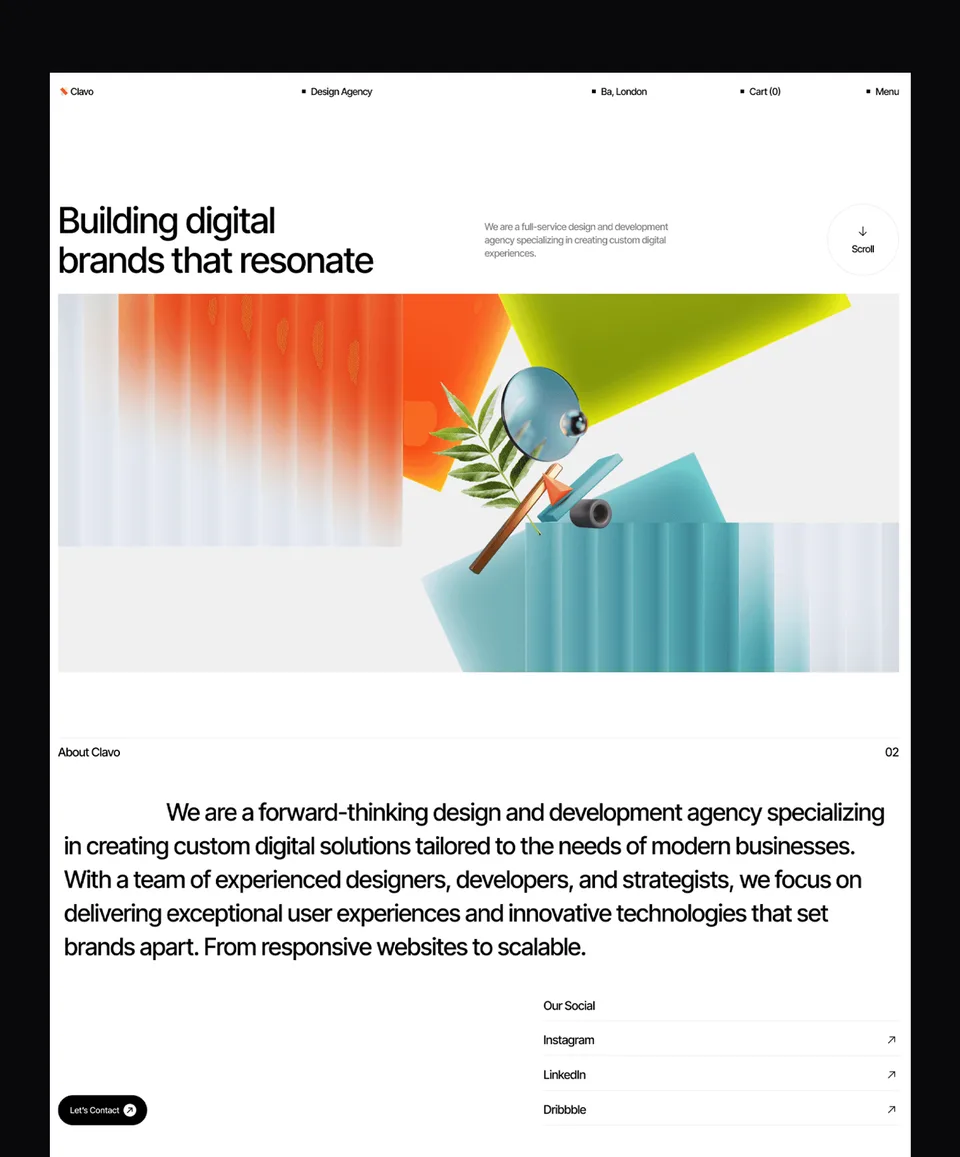
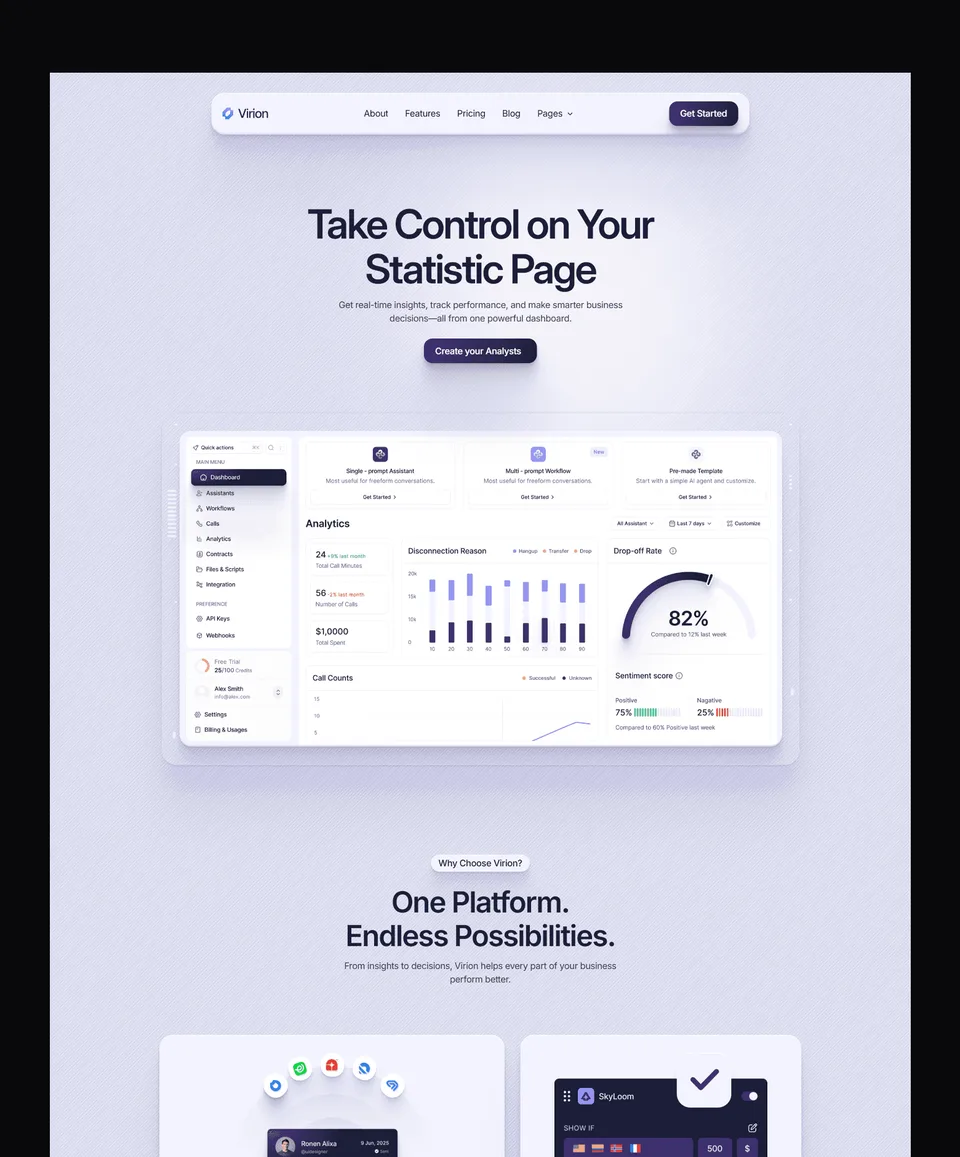
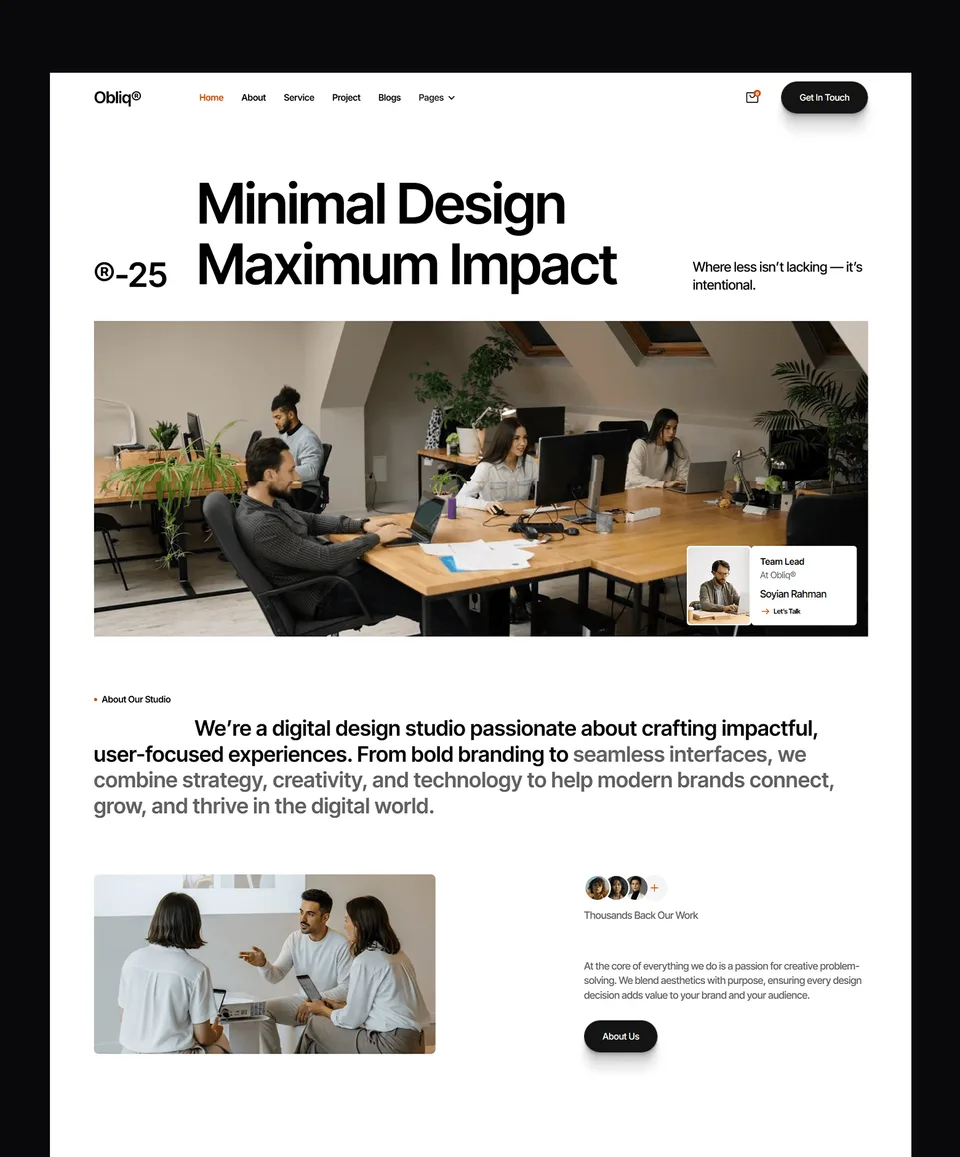
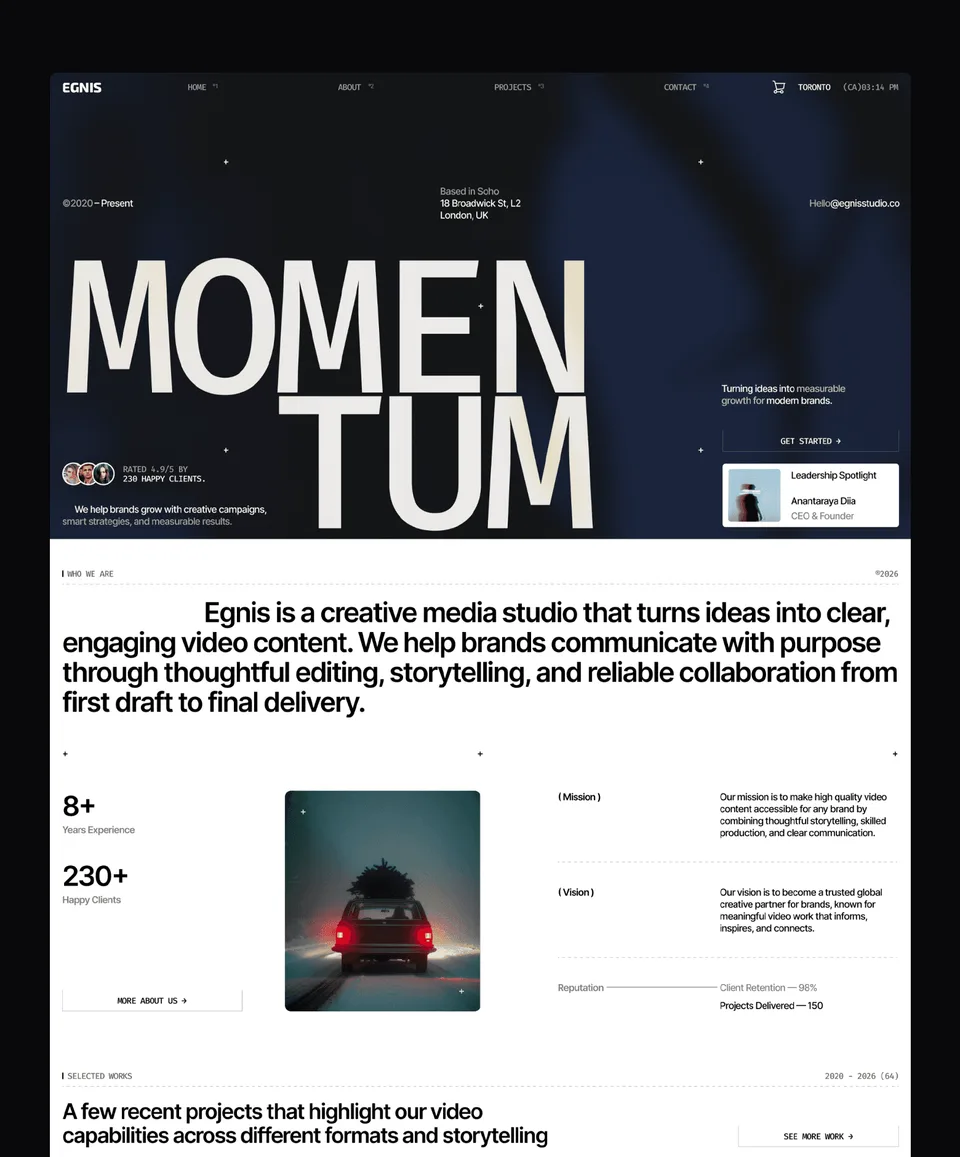
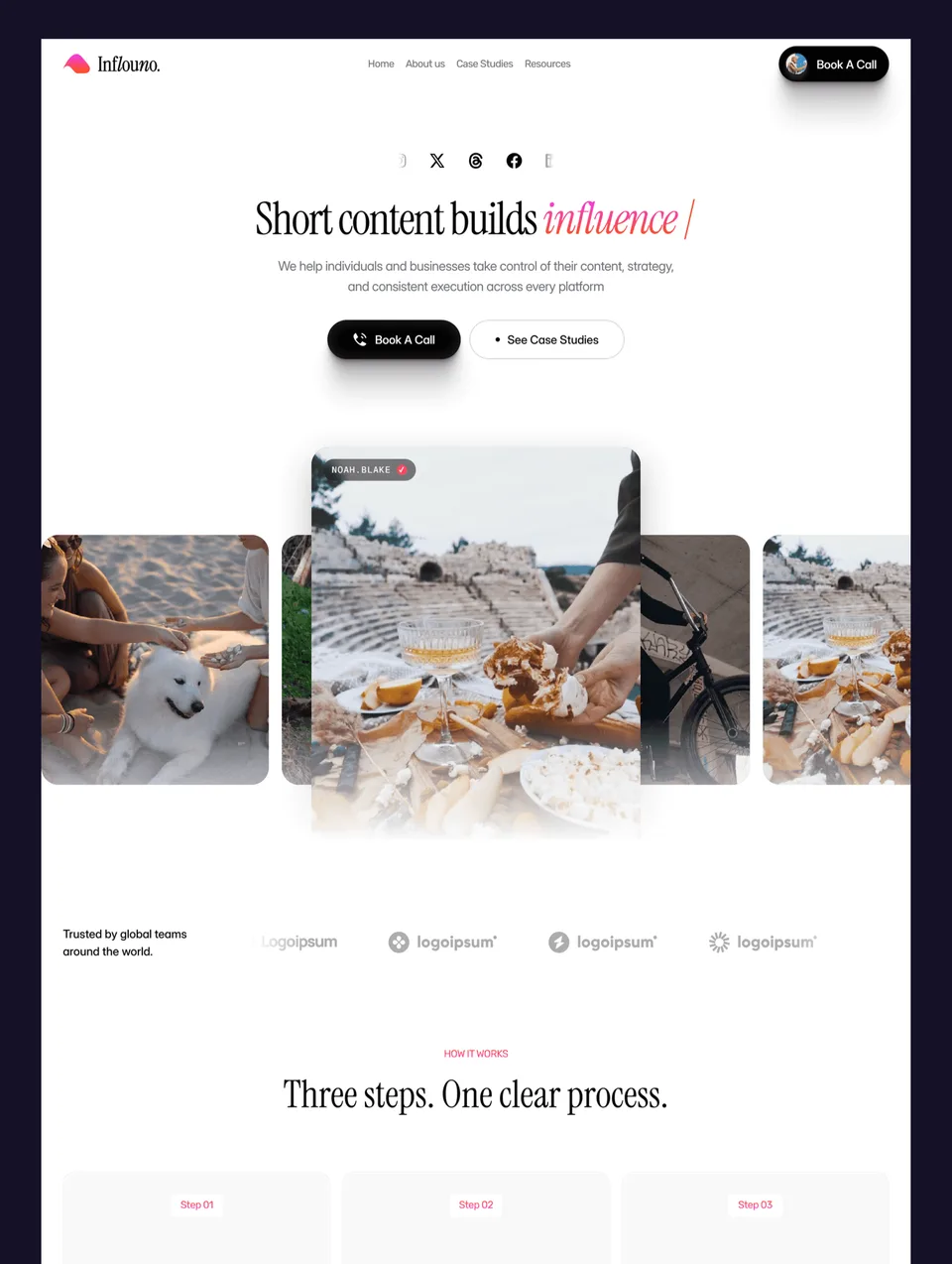
Templates for creative, marketing and development teams that sell services — structured for lead conversion, not just for showing work.











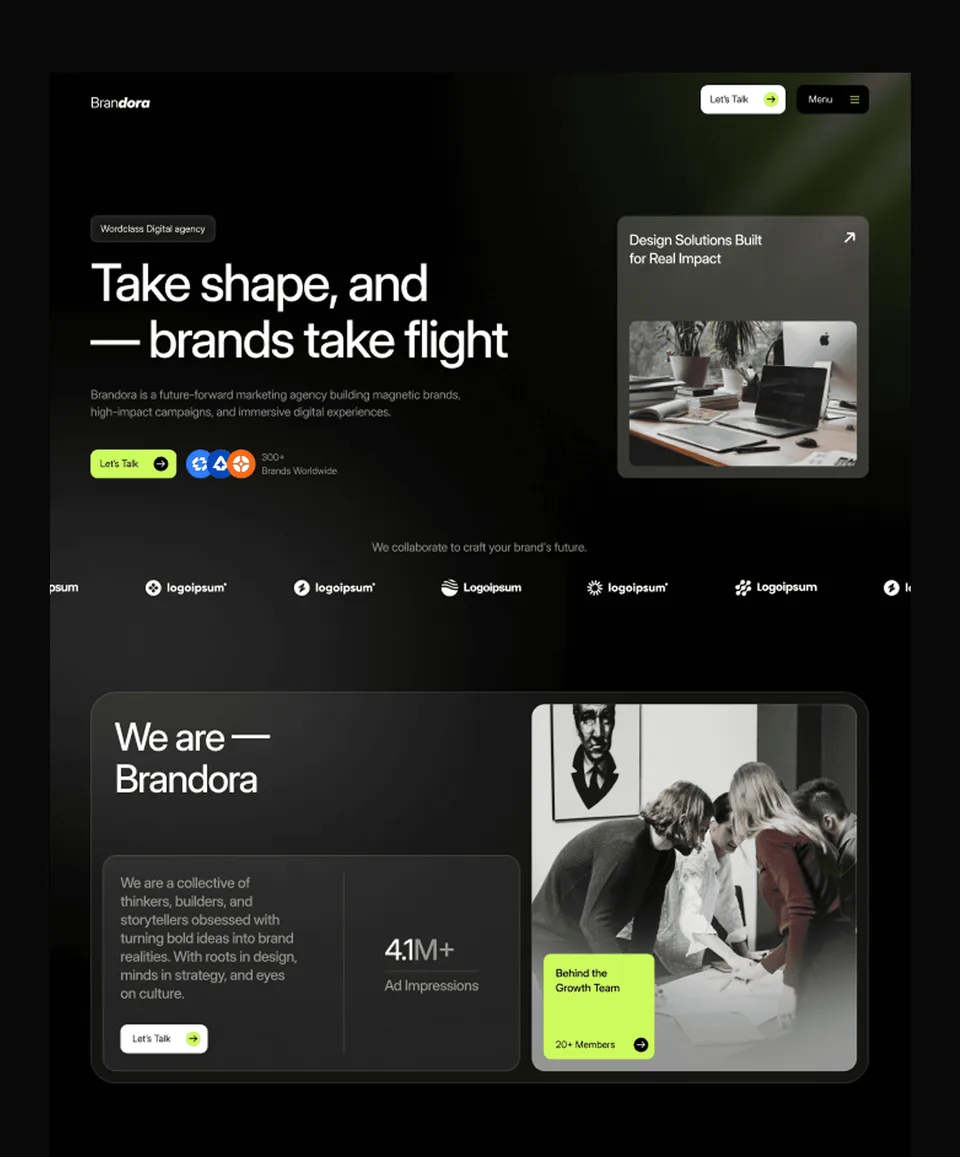

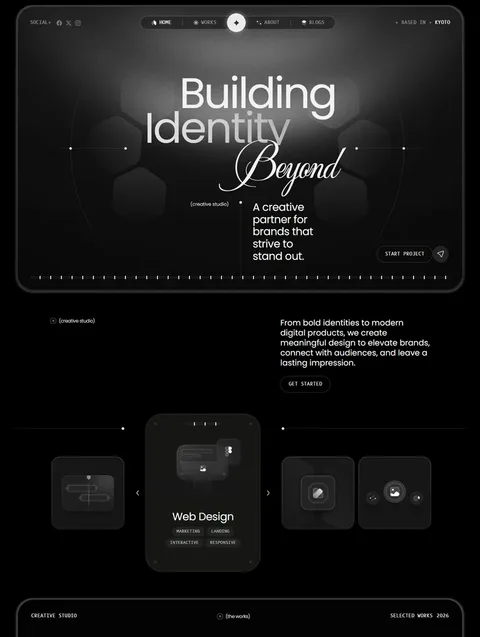

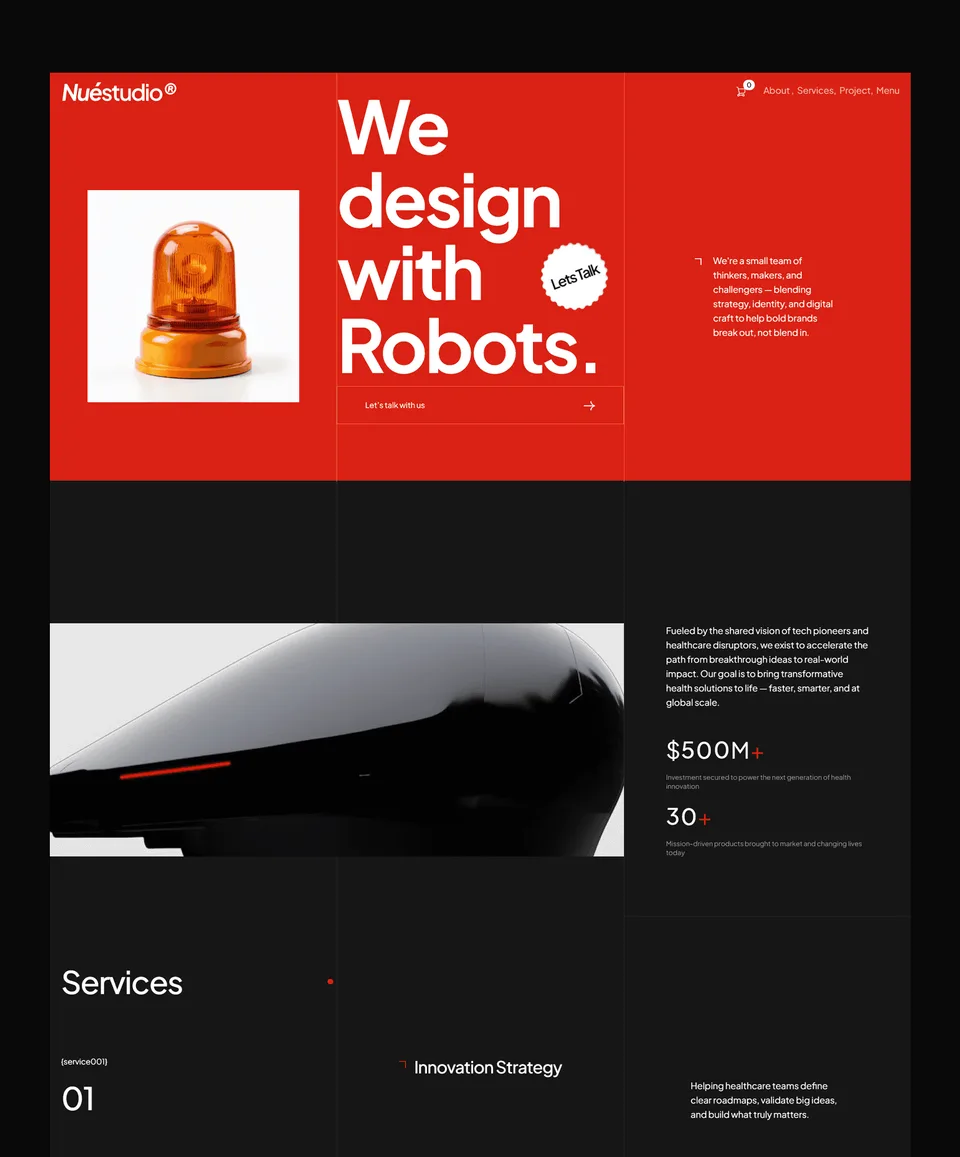

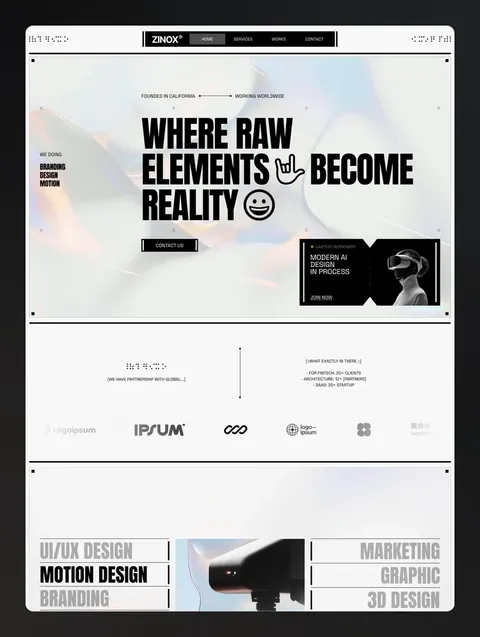







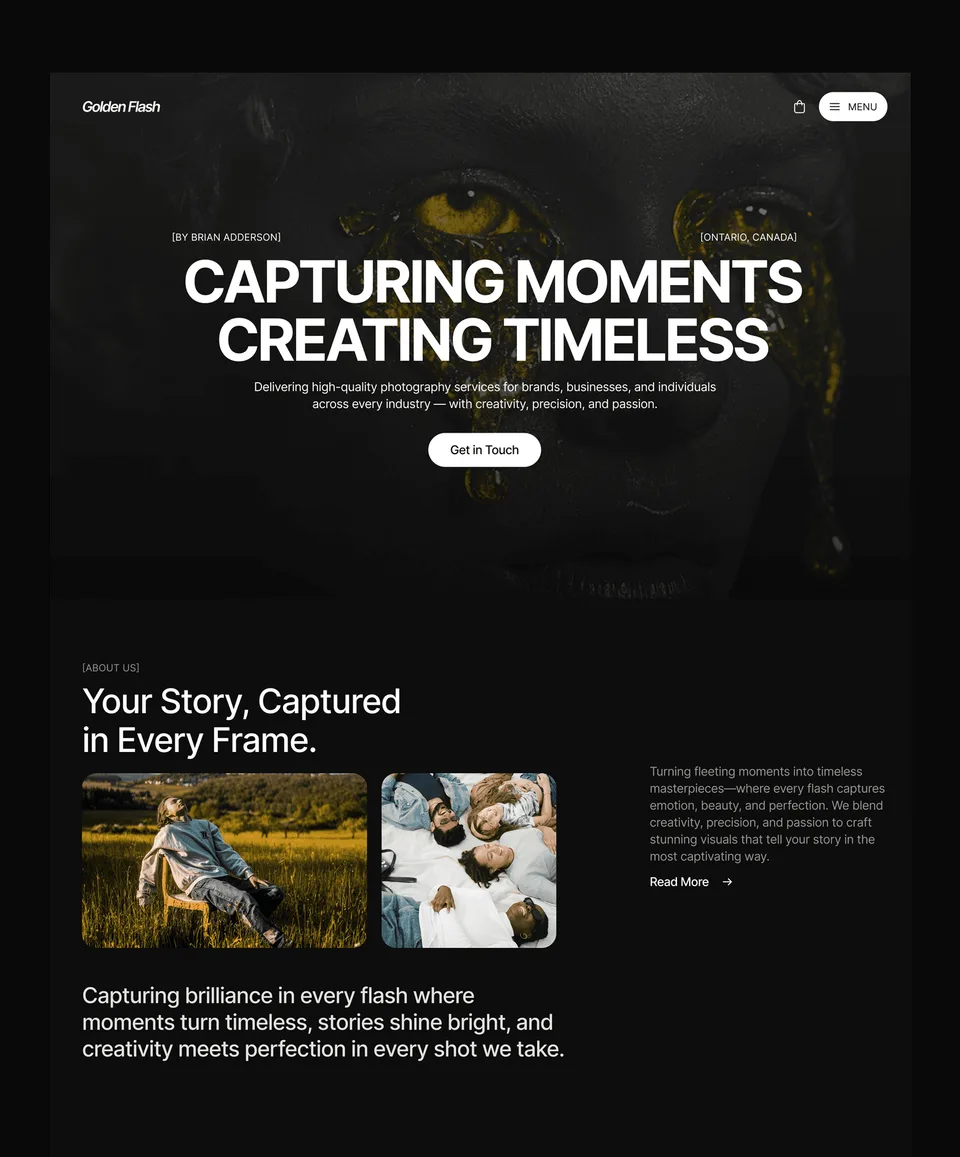



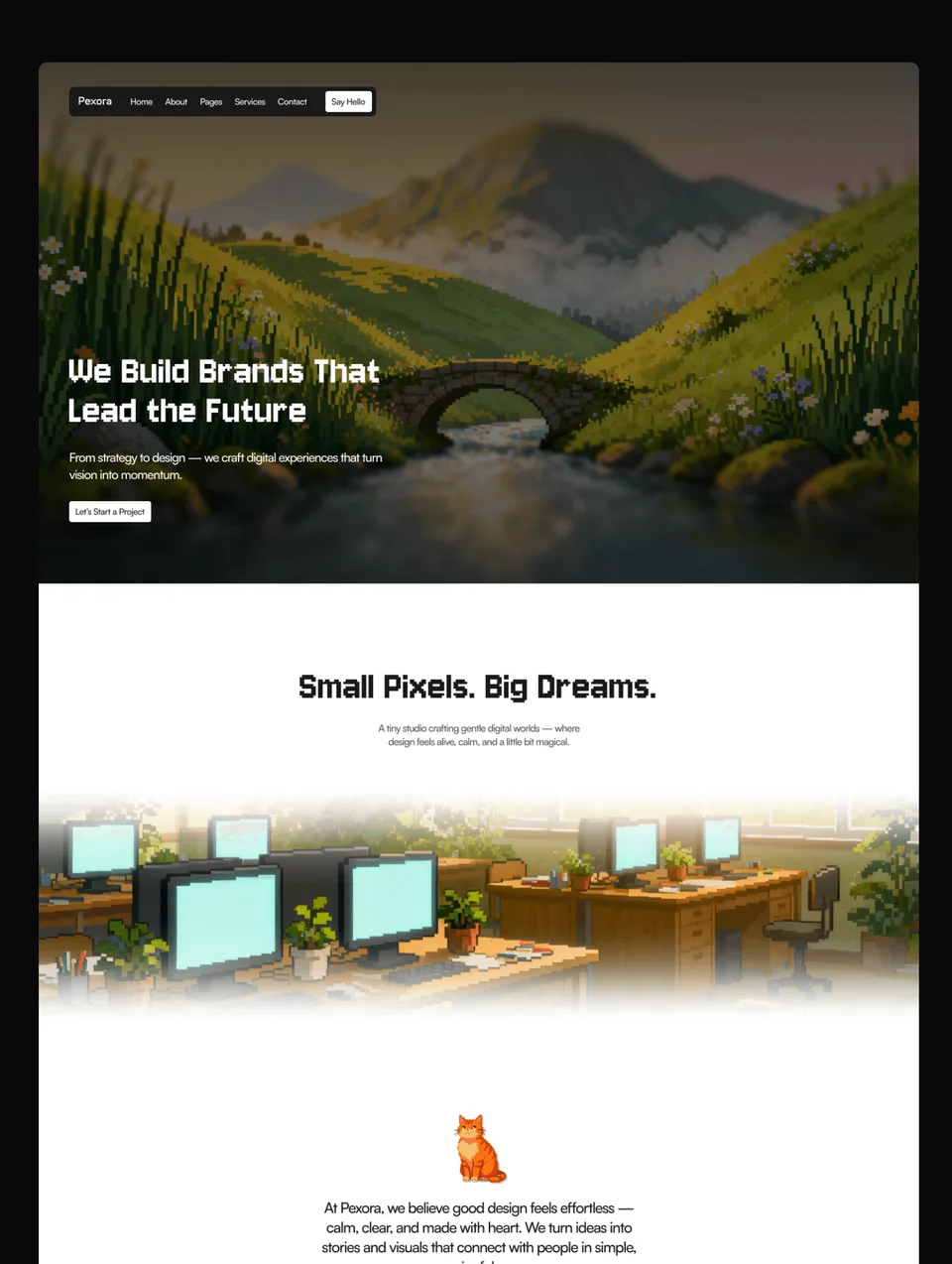

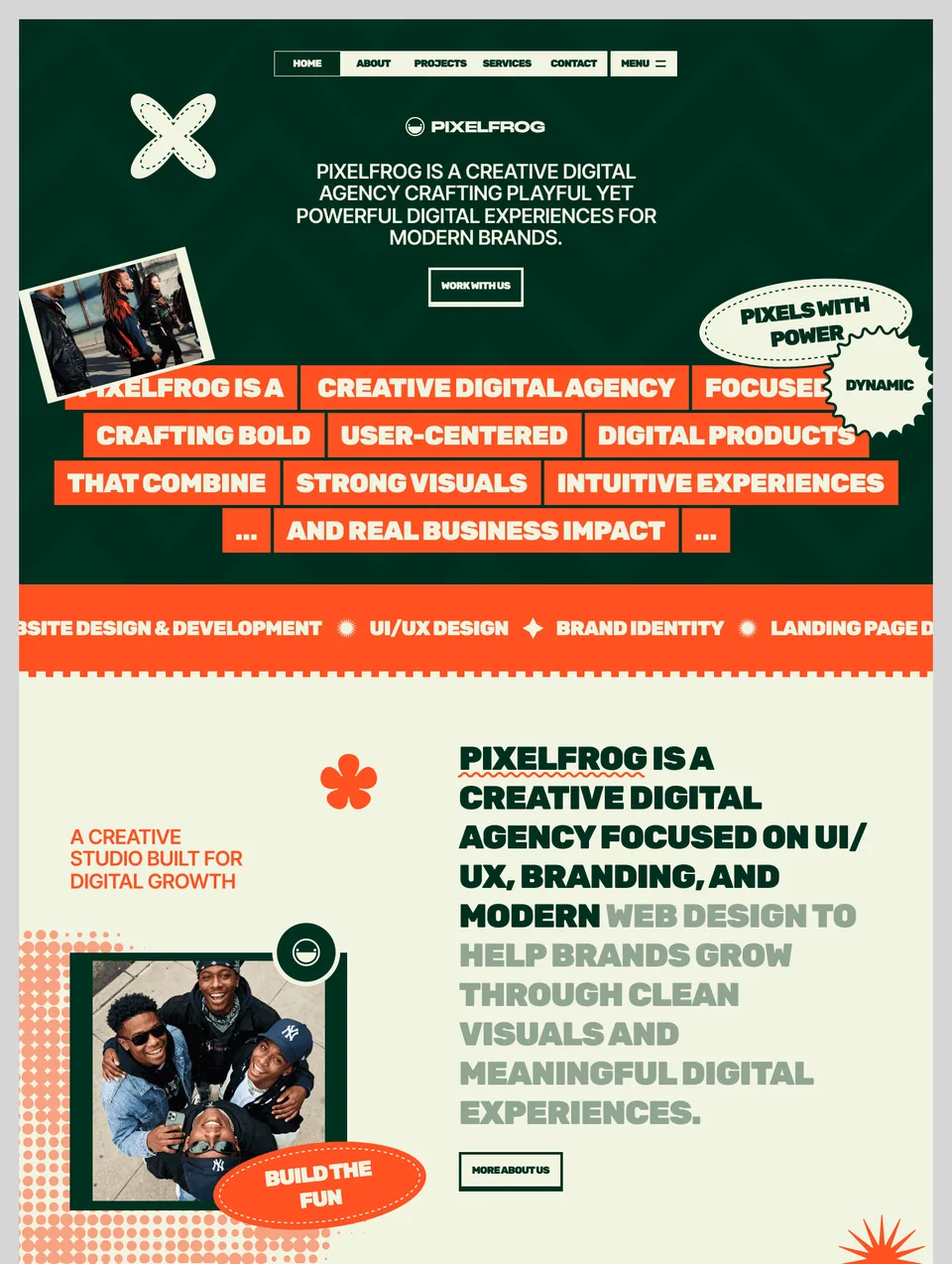

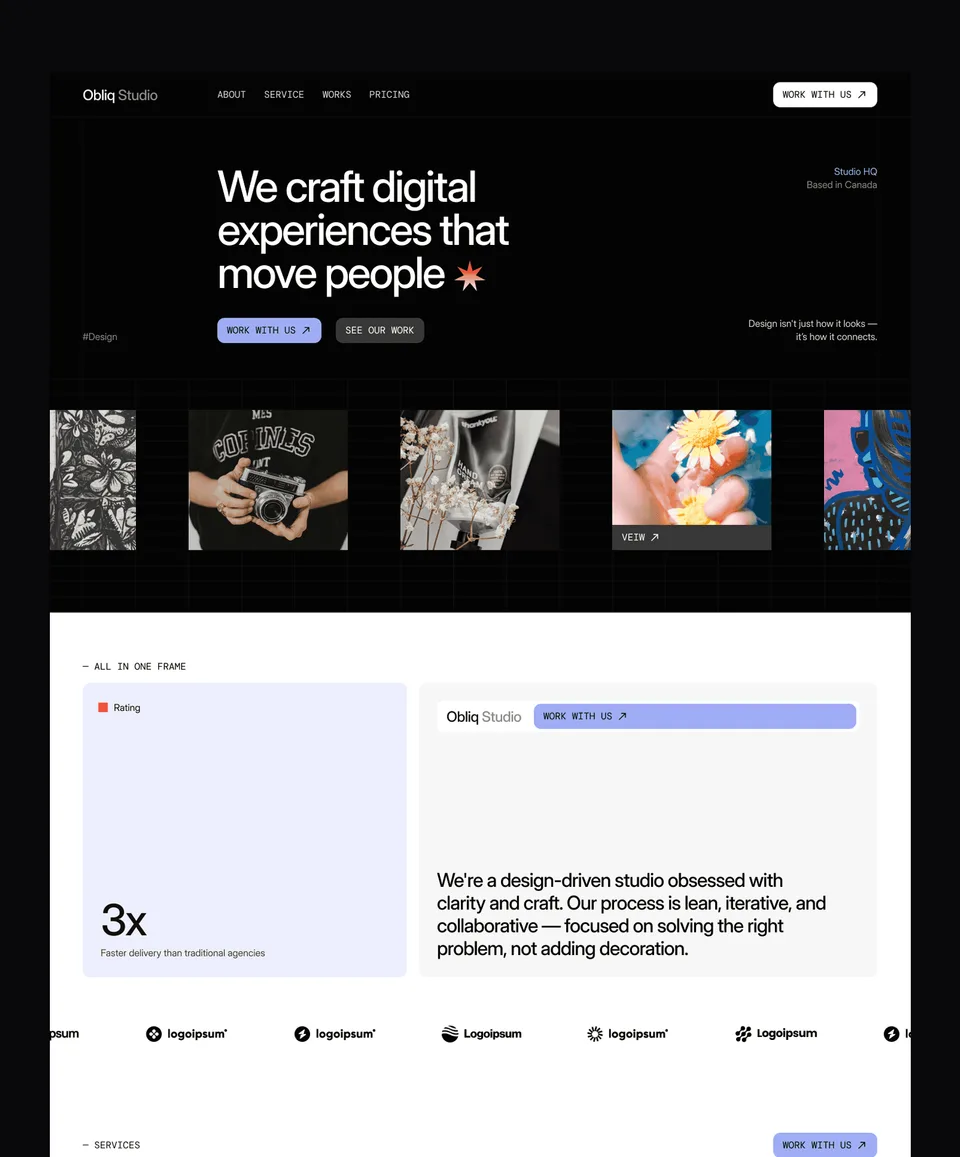

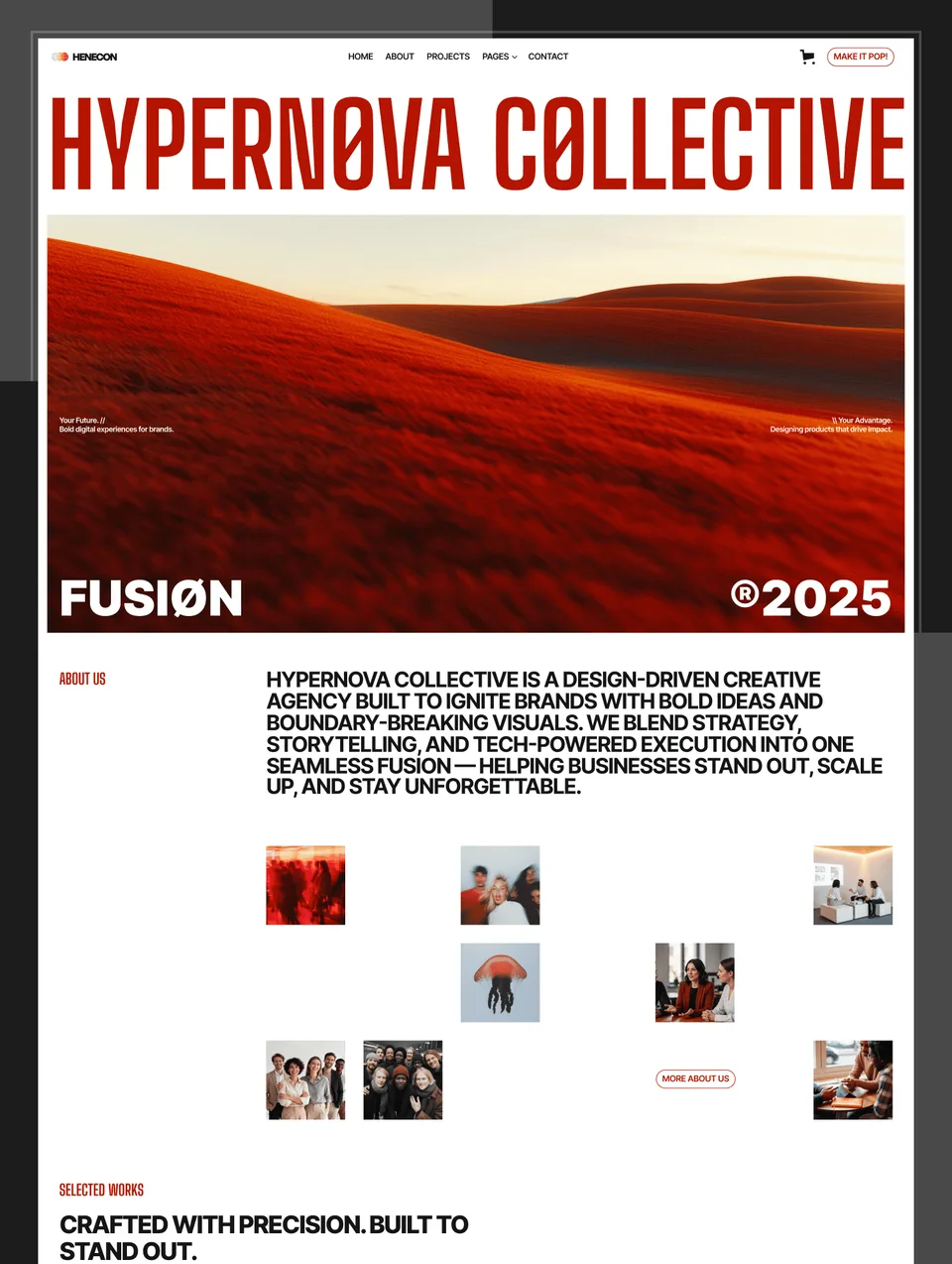

What an agency site has to do
An agency website is a sales document. Its job is to move a stranger from “this looks good” to “these people can solve my problem” to “here is my brief”, and the structure has to carry that argument. That means services described in the client’s language rather than yours, a process section that removes the fear of an opaque engagement, proof in the form of case studies with outcomes, and a contact flow that asks for enough to qualify without asking for so much that nobody finishes.
The 20 agency templates here are built around that sequence. Case studies are a CMS collection rather than a hard-coded page, so the fifth one costs no design time. Services pages are structured to be duplicated per offering. Team profiles exist because buyers of services buy people.
Choosing between agency, portfolio and business
The three overlap and the distinction is about the argument the site is making. Choose an agency template when you sell a service delivered by a team and the site needs to explain how you work. Choose a portfolio template when the work speaks first and you are mostly getting out of its way. Choose a business template when credibility matters more than creative expression — when the visitor needs reassurance rather than delight.
Reusing one template across clients
A single purchase is licensed to one person and covers unlimited projects, so the same agency template can go out to as many clients as you like. If you build regularly, a platform bundle is usually the better economics: every template on that platform, one payment, future releases included. A Pro or Ultra plan adds the sections library, which is what you actually want when you are assembling bespoke pages from parts rather than starting from a whole template.
Every template in this collection is available for Framer, Webflow, HTML, Next.js and Astro, so the choice of design does not force the choice of platform. Buy the one you need, or take a platform bundle or a plan.
Frequently Asked Questions
What's the difference between an agency template and a portfolio template?
Agency templates are structured around lead conversion — services pages, methodology, team profiles, and structured contact flows. Portfolio templates are structured around showcasing work and converting that into project inquiries. The lines blur for solo agencies and small studios; choose the template whose structure matches how your business actually operates.
Can I use one agency template across multiple client projects?
Yes. The licence is per person, not per site: one purchase covers unlimited client projects, so the same agency template can go out to as many clients as you like. A platform bundle adds every template on that platform, and Pro or Ultra add the sections library and template credits, but neither is needed to reuse a template you already own.
Do agency templates include CMS for blog and case studies?
The Webflow and Framer versions come pre-configured with CMS collections for case studies and blog. The Figma versions are design files only (no CMS). Adding new client work or articles is a one-step process once you've connected the template fields to your collections.
How long does it take to launch an agency website from a template?
Most agencies launch in 3 to 7 days. The bottleneck is usually content (writing your services, picking your case studies, drafting your team bios) rather than design or development work.
Are agency templates SEO-friendly?
Yes. Every agency template is built with semantic structure, fast performance, mobile-first responsiveness, and per-page SEO settings (titles, descriptions, OG images). The foundations are built in — just add your content and connect Search Console.