The Complete Guide to Modern Web Design
Hero sections, typography, motion, color, and the principles that separate great websites from forgettable ones — written by the team behind 47+ premium templates.
Updated
Articles in this guide

App Landing Page: What It Needs, with 8 Real Examples (2026)
What a mobile app landing page needs, how to place App Store and Google Play badges correctly, and eight real app sites checked today.

SaaS Landing Page: 8 Real Examples and Templates for 2026
Eight real SaaS landing pages checked live, what each does well, and the templates to start your own from.

Best Landing Page Templates: 10 Picks for 2026
Ten landing page templates for SaaS products, apps, AI tools and services, across Framer, Webflow, HTML and Next.js, with prices and publishing costs spelled out.
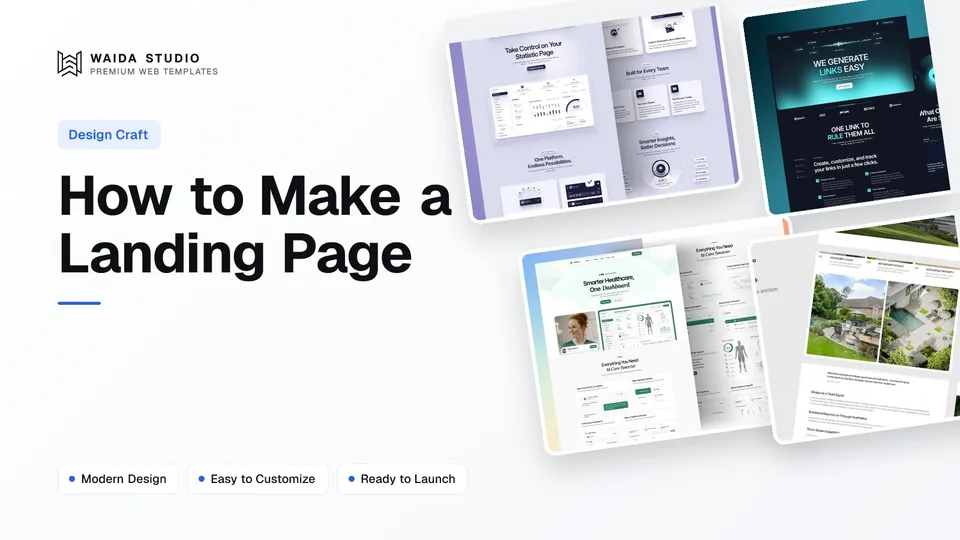
How to Make a Landing Page: A Step-by-Step Guide for 2026
A six-step walk-through for making a landing page in Framer, Webflow or code, from choosing the one action it asks for to publishing and measuring it.

Landing Page Examples: 20 Real Pages and What They Get Right
Twenty real landing pages, checked live today and grouped by the job they do best, with the one idea worth copying from each.

How to Design a Portfolio Website: What Works in 2026
A practical guide to designing a portfolio website: who it is for, the pages it needs, how to write case studies and how to make contact easy.
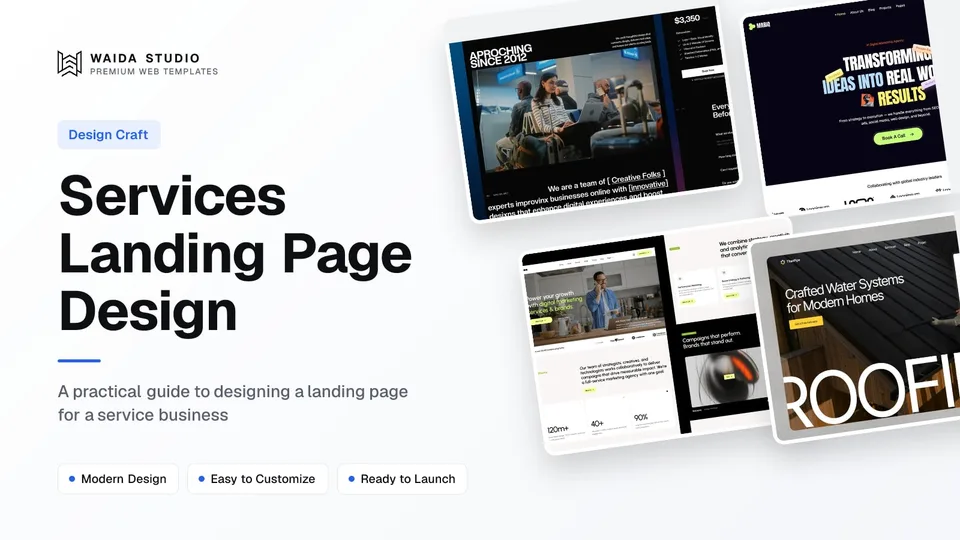
Services Landing Page Design: What Converts in 2026
A practical guide to designing a landing page for a service business: sections, proof, one CTA, and four Waida templates built for it.

Landing Page Design: What Converts in 2026
What separates a landing page that converts from one that doesn't, section by section, with a checklist and examples from Waida's own SaaS templates.

Portfolio Website Examples: 16 Real Sites and What They Get Right
Sixteen real portfolio websites, checked live today and grouped by discipline, with what to copy from each one.
Modern web design is built on a small set of recurring principles: clear hierarchy, intentional motion, restrained typography, deliberate color, and structure that guides the eye toward action. The websites that work — the ones that convert, get cited, get remembered — share these patterns, regardless of what tool they're built in. The websites that don't work usually break the same rules in the same predictable ways.
Why Design Principles Matter More Than Trends
Every two years, web design picks up new visual fashions. Glassmorphism. Brutalism. Big type. Soft pastels. Animated gradients. Most of these come and go in a season, while a few stick. What stays consistent — across decades — is the underlying logic of what makes a website actually work for the people who visit it.
This guide covers that underlying logic. Hierarchy, typography, color, layout, motion, conversion patterns. Not trends, not tools, not platform-specific tricks. The patterns here apply whether you're using Framer, Webflow, Figma, or any other tool that produces websites. Get these right, and your sites will outperform sites that follow whatever's trending — every single time.
Visual Hierarchy
Visual hierarchy is the order in which the eye moves through a page. Done well, the visitor's attention lands on exactly the right element first, then the next most important element, then the next. Done poorly, attention scatters, and the visitor decides too quickly that the page is too much work.
How Hierarchy Actually Works
Three forces drive hierarchy in web design: size, contrast, and position. Large elements draw the eye before small ones. High-contrast elements (dark text on light background, or vice versa) draw the eye before low-contrast ones. Elements positioned above the fold and toward the upper-left draw the eye before elements below the fold or off to the right.
Strong web design uses all three deliberately. The headline is the largest, highest-contrast element above the fold. The primary CTA is the second most prominent — high contrast against its surroundings, positioned in the natural reading path. Secondary content (subheadlines, supporting copy) is sized down so it doesn't compete with the primary message.
Weak hierarchy treats every element with similar weight. Headlines that are too small. CTAs that blend in with their backgrounds. Multiple competing elements in the hero, each fighting for attention. The result: visitors don't know where to look, so they look at nothing.
The Test for Hierarchy
Squint at your design. Whatever's still visible when everything else fades into a blur is your visual hierarchy. If the primary CTA disappears when you squint, it's not strong enough. If the headline merges with the surrounding content, the size or contrast is off. The squint test catches hierarchy problems instantly.
Hero Sections
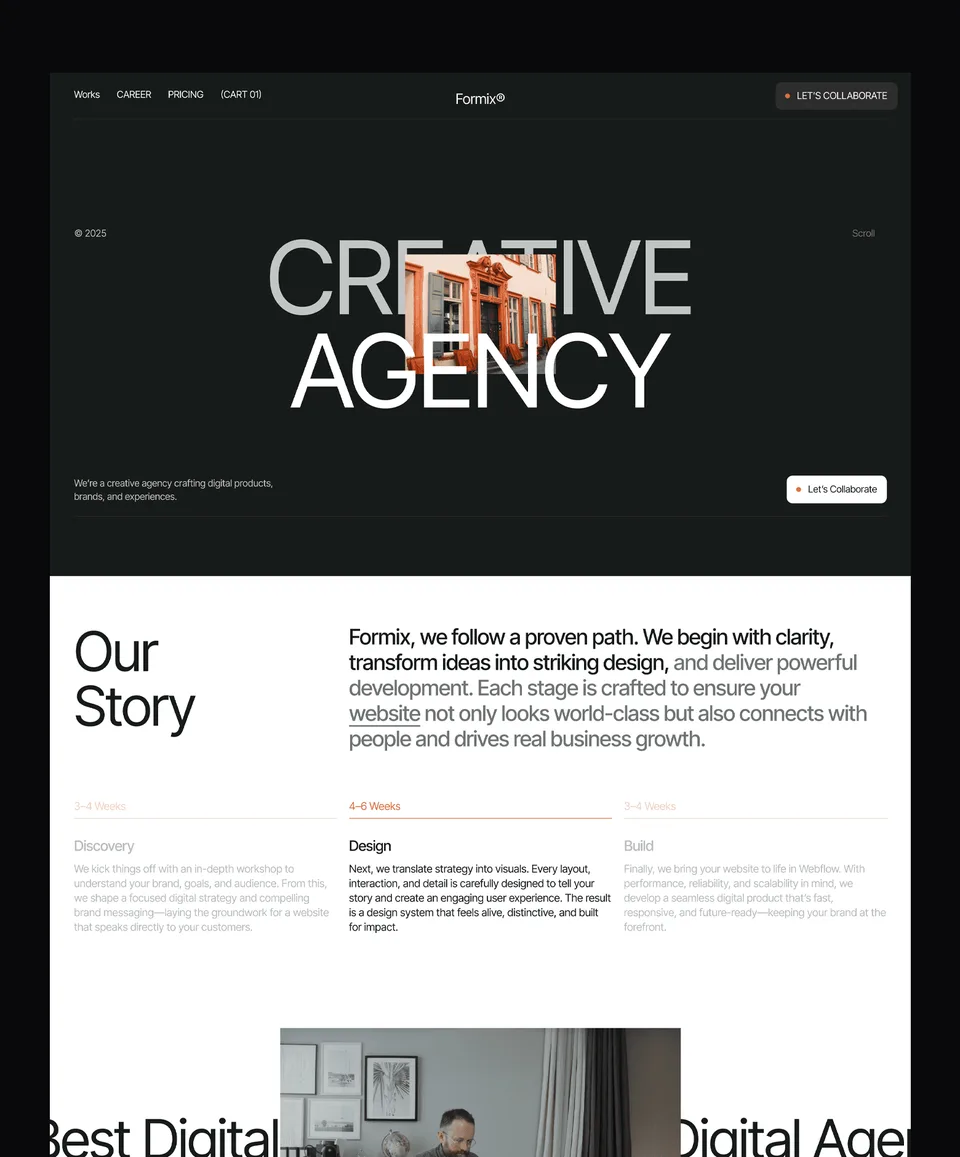
The hero section is the first 800 pixels of vertical space on most websites — the area visible before any scrolling. It's the most valuable real estate on any page because nearly every visitor sees it. Get the hero right, and the rest of the page has a chance. Get it wrong, and the rest doesn't matter.
What a Hero Section Has to Do
The hero answers three questions in under five seconds:
- What is this? The visitor needs to understand what the website is about, not in vague terms but specifically.
- Is it for me? The visitor needs to recognize themselves as the audience the page is speaking to.
- What should I do next? The visitor needs an obvious next step that fits where they are in the decision-making process.
Every effective hero answers all three. Most ineffective heroes fail on one or more — usually the first. Headlines that are clever but don't say what the product is. Subheadlines that describe internal company values rather than visitor outcomes. Vague CTAs ("Get Started") instead of specific ("Start your free 14-day trial").
The Standard Hero Pattern
The pattern that works repeatedly:
- Headline that names what the site is about, in the visitor's language
- Subheadline that adds the specific value proposition or audience clarification
- Primary CTA that's the obvious next step, with high contrast against its background
- Optional secondary CTA for visitors who aren't ready to commit yet (often a "Learn more" or "See pricing" link)
- Visual element (image, illustration, screenshot, animation) that supports the headline rather than decorating around it
The variations on this pattern are nearly infinite, but the underlying job stays the same: tell the visitor what this is, who it's for, and what to do next, in the time it takes them to decide whether to keep reading.
What Makes Strong Heroes
The strongest heroes are specific. They name their audience plainly. They use the words their audience actually uses. They show, rather than describe, what the product or service produces. They make the next step obvious rather than aspirational.
The weakest heroes are vague. Generic taglines ("Empowering teams worldwide"). Abstract value propositions ("Unlock your potential"). Stock illustrations that could go on any website. Heroes like these survive only because the rest of the site does the work the hero should have done — at the cost of every visitor who doesn't make it past the first scroll.
Typography
Typography is the second-largest contributor to whether a website feels premium or cheap. Most visitors can't articulate why one site feels more polished than another, but they can tell. Typography is doing more of that work than they realize.
The Three Decisions That Matter Most
Font choice. Web design today has access to thousands of typefaces, but only a small number actually work well for web use. The strongest websites usually pair one display typeface (for headlines and large text) with one body typeface (for paragraphs and supporting text). Sometimes a third for accents. Anything beyond that gets noisy.
The choice between serif and sans-serif fonts used to define personality (serif = traditional, sans-serif = modern). Today, both work for almost any context, and the personality comes from the specific typeface — not the category. The bigger decision is whether the typography feels intentional.
Size and scale. Most websites use too many type sizes. The fix is a clear scale — usually 4 to 6 sizes total, each with a clear purpose. Headline (largest), section heading, subsection heading, body, small text, caption. Stick to this scale across every page, and the site feels disciplined.
The most common mistake is body text that's too small. On modern displays, 17–19px is the new minimum for comfortable reading. Anything smaller fights the visitor.
Line height and spacing. Tight line height makes text feel cramped; loose line height feels luxurious. The right balance is about 1.5x the font size for body text, slightly tighter for headlines. Spacing between paragraphs and around headings should feel intentional — generous enough that the eye gets a break, tight enough that the content stays connected.
What Separates Strong from Weak Typography
Strong typography looks intentional. The same sizes, weights, and spacing show up consistently across every page. Headlines and body text feel chosen, not defaulted. The reading experience is comfortable on every device.
Weak typography looks accidental. Sizes that don't match a clear scale. Body text that's too small or too large. Random use of italics, uppercase, or weight changes that don't follow any pattern. The site might look fine at first glance, but every page reveals new inconsistencies.
Color
Color is one of the most powerful tools in web design, and one of the easiest to misuse. The strongest websites tend to use a small, deliberate palette — primary brand color, neutral grays, one or two accent colors — applied consistently across every page.
Building a Working Palette
A practical web palette typically includes:
- One primary brand color — the color most associated with the brand, used for major CTAs and brand moments
- One or two accent colors — used sparingly for highlights, alerts, or secondary accents
- A neutral scale — grays from near-black to near-white, used for body text, borders, backgrounds, and dividers
- Semantic colors — green for success, red for errors, yellow for warnings, blue for information, applied only to those specific functions
That's typically 8–12 colors total across the entire site. Anything more starts to dilute brand identity and creates visual noise.
Where Color Goes Wrong
Three common color mistakes:
- Too many brand colors. Sites with three or four colors, all claiming to be "primary" feel scattered. Pick one and let the others be supporting.
- Insufficient contrast. Text needs to meet accessibility contrast minimums (4.5:1 for body text, 3:1 for large text). This isn't just regulatory — it's also why some sites feel hard to read even when they look fine at a glance.
- Using brand color for everything. When every clickable element is brand-colored, nothing stands out. Reserve the brand color for moments that actually need attention — primary CTAs, key brand callouts.
Dark Mode
Dark mode has become standard, and most modern websites need a strategy for it. The simplest approach: design for one mode (usually light), then build a dark mode that flips backgrounds and text without changing the structure. The harder approach: design two distinct modes that each feel native, with separate color and contrast tuning.
For most marketing sites, the simple approach is enough. For brands where dark mode is part of the identity, the deeper investment is worth it.
Layout and White Space
Good layout makes a page feel purposeful. Bad layout makes it feel cluttered or empty. The difference is rarely about the number of elements on the page — it's about how the space between them is handled.
The Role of White Space
White space (the empty area around and between elements) does three things:
- Creates breathing room so the eye can rest between content blocks
- Establishes hierarchy by making important elements feel important and supporting elements feel secondary
- Implies premium quality — luxury brands have used generous white space for decades because it signals confidence
Most web design failures are white-space failures. Pages packed too tightly feel cheap. Pages with random gaps feel sloppy. Pages with consistent, deliberate white space feel intentional and high-end.
Grid Systems
Grids are the underlying structure that organizes elements on a page. Most modern web layouts use 12-column grids on desktop, 8-column on tablet, and 4-column on mobile. The grid is rarely visible to visitors — but it's why everything lines up, why elements feel proportional to each other, and why the page feels balanced.
The strongest layouts use grids consistently. Section padding, gutter widths, and content widths follow a predictable system. Nothing floats arbitrarily.
When to Break the Grid
Grids work best as defaults you can break with intention. The strongest hero sections often break the grid — a headline that spans the full width while the rest of the page sits within a content column. A break in the grid creates emphasis. But unintentional breaks just look messy.
Motion and Animation
Motion is one of the highest-leverage tools in modern web design and one of the easiest to overuse. The right motion makes a website feel alive, polished, and intentional. The wrong motion makes it feel chaotic, slow, or amateurish.
The Principles of Effective Motion
Purpose first. Every animation should answer the question "why does this move?" Motion that serves the content (drawing attention to a CTA, signaling a state change, smoothing a transition) is good. Purely decorative motion usually distracts from the content.
Speed. Most web animations should take 200–400 milliseconds. Faster than that feels jarring. Slower than that feels sluggish. The biggest motion mistake is animations that take too long — usually because the designer wanted the visitor to "appreciate" the motion. Visitors don't. They want to get to the content.
Easing. Linear motion (constant speed from start to finish) feels mechanical. Eased motion (starting slowly, accelerating, then slowing as it ends) feels natural. Modern web design uses easing on nearly every animation because it matches how things move in the physical world.
Restraint. The strongest motion is sparing motion. One or two intentional animations on a page draw attention exactly where intended. Twenty animations create noise that the eye learns to tune out. Most successful sites use motion in 5–10 places per page, not 50.
Common Motion Patterns
A short list of motion patterns that work well in modern web design:
- Fade-in on scroll — sections appear gently as the visitor scrolls into them
- Subtle hover states — buttons lift, links underline, cards shift slightly when hovered
- Loading states — micro-animations that signal progress during data fetches
- Smooth scrolling — page navigation transitions instead of instant jumps
- Page transitions — gentle fades or slides between page navigations
- Parallax (used sparingly) — background and foreground elements moving at different speeds
What doesn't work: aggressive entrance animations on every element, parallax everywhere, hover states that change too dramatically, animations that delay content visibility, and motion that triggers unexpectedly.
Conversion Patterns
Beyond aesthetics, every modern website is also a conversion machine. The best web design integrates conversion thinking from the start rather than bolting it on at the end.
The Universal Conversion Patterns
Clear primary CTA above the fold. The visitor should see the most important next action without scrolling. If they have to scroll to find the button, they often won't.
Repeated CTAs throughout the page. Different visitors are ready to convert at different scroll depths. Strong sites repeat the primary CTA every 1–2 sections — at the top, after key proof points, after benefits, at the end.
Social proof early and often. Logos of customers, testimonials, ratings, and customer counts. The strongest sites place social proof immediately after the hero (within the first scroll) and again deeper in the page near key conversion moments.
Friction removal. Forms with fewer fields. Signup flows that don't require credit cards. Trial offers that don't expire abruptly. Every reduction in friction increases conversion.
Trust building. Money-back guarantees, security badges, real testimonials with photos and names, and recognizable customer logos. These signals build the trust that converts hesitant visitors.
What Most Sites Get Wrong
The most common conversion failures:
- Single CTA at the bottom — visitors who don't make it that far never convert
- Too many competing CTAs — every CTA dilutes the others
- Hidden pricing — visitors who can't find pricing assume it's expensive and leave
- Testimonials without context — quotes from "Sarah K." with no company, role, or photo are barely social proof at all
- Forms with too many fields — every additional field cuts conversion measurably
Strong conversion design isn't manipulation. It's removing the friction that prevents visitors from doing what they actually came to do.
Mobile-First Thinking
More than 60% of website traffic comes from mobile devices. Designing for mobile first isn't a trend — it's the baseline expectation. Sites that look great on desktop but break on mobile lose more than half their potential.
What Mobile-First Actually Means
Mobile-first design starts with the smallest screen and progressively enhances for larger ones. This forces prioritization. On a 375-pixel-wide screen, every element has to earn its place. There's no room for decoration.
The discipline this creates carries up into desktop versions. When the mobile version is tight and clear, the desktop version naturally inherits the same clarity. When designers start desktop-first and squeeze content down to fit mobile, the mobile experience always suffers.
Practical Mobile-First Habits
- Tap targets at least 44px tall — anything smaller is hard to tap accurately
- Body text at least 16–17px — anything smaller forces zoom on most devices
- Critical content above the mobile fold — visible without scrolling on small screens
- Single-column layouts on mobile — multi-column layouts almost always break or feel cramped
- Fast loading on cellular networks — every image and font costs measurable time on slow connections
- Touch-friendly interactions — hover states don't exist on touch devices, so don't rely on them for critical functions
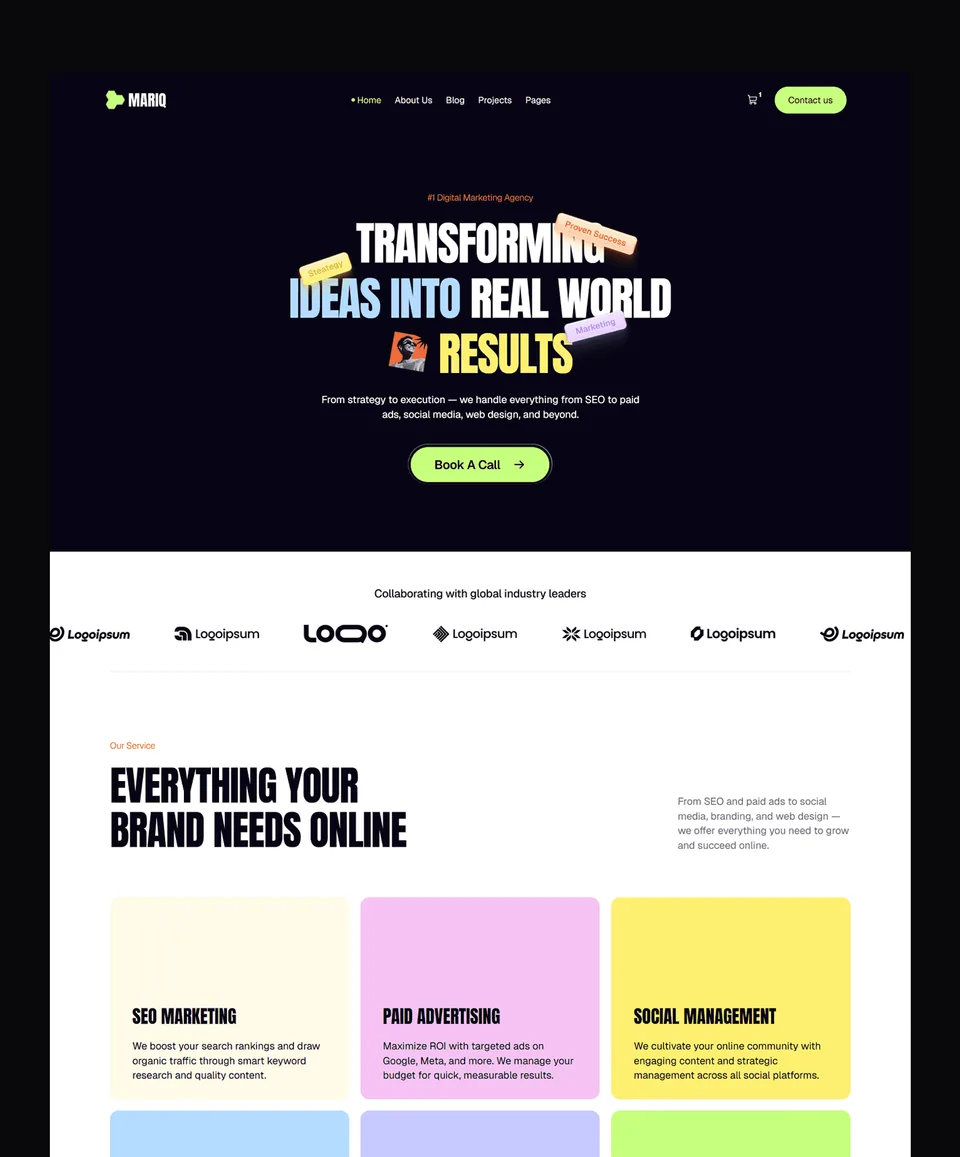
Templates to start from
All 44 templates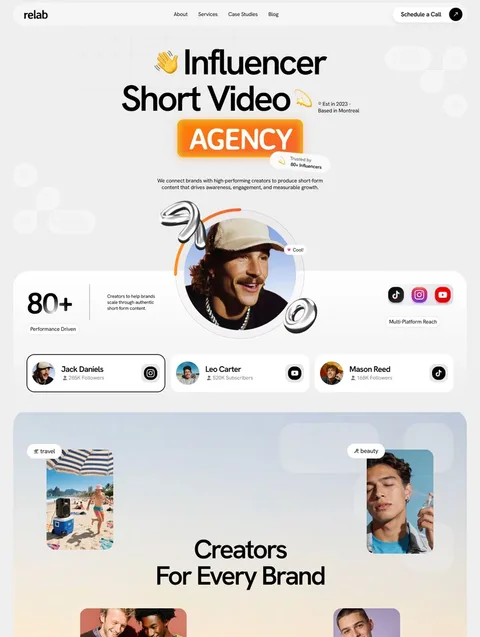


Frequently asked questions
What's the most common web design mistake?
Weak hierarchy. Most websites that don't work fail because the visitor can't tell where to look first. Headlines too small, primary CTAs that blend into their backgrounds, multiple competing elements in the hero — these are the patterns that make visitors leave before reading anything. Fixing hierarchy fixes more problems than any other single change.
How many fonts should a website use?
Usually two. One for headlines and large text, one for body and supporting text. Some sites add a third for accent use (like quotes or labels). More than three fonts almost always hurts the design — the page starts feeling chaotic instead of polished.
Should every section have an animation?
No. Strong web design uses motion in 5–10 places per page, not on every element. Animation should serve the content — drawing attention, signaling state, and smoothing transitions. Decorative motion distracts visitors from what they're actually trying to do.
What's the right color count for a website?
Most strong websites use 8–12 colors total: one primary brand color, one or two accents, a neutral scale of 5–8 grays, and semantic colors for success, error, and warning states. More than that creates visual noise. Less than that limits expression.
How do I know if my hero section is strong enough?
Apply the squint test. Squint at your hero until the details blur. If you can still tell what the site is about, who it's for, and what to do next, the hero is strong. If everything blurs into ambiguity, the hero needs more contrast, clearer hierarchy, or more direct copy.
Where to Go from Here
Three paths depending on what you need next.
If you want templates designed around these principles — browse the Waida Studio templates, each built with strong hierarchy, intentional typography, restrained color, and tested conversion patterns.
If you want deeper guides on specific design topics — explore the design cluster articles in our Learn section. Topics include hero section design, typography hierarchy, color palette systems, motion design principles, and more.
If you want a custom site built around these principles — see our customization services. Template Customization at $499 personalizes a Waida Studio template to your brand. Custom Website starts at $5,000 for a fully bespoke design and development.