Real Estate Website Templates
Templates for agents, brokers and developments — structured around listings, locations and enquiries.


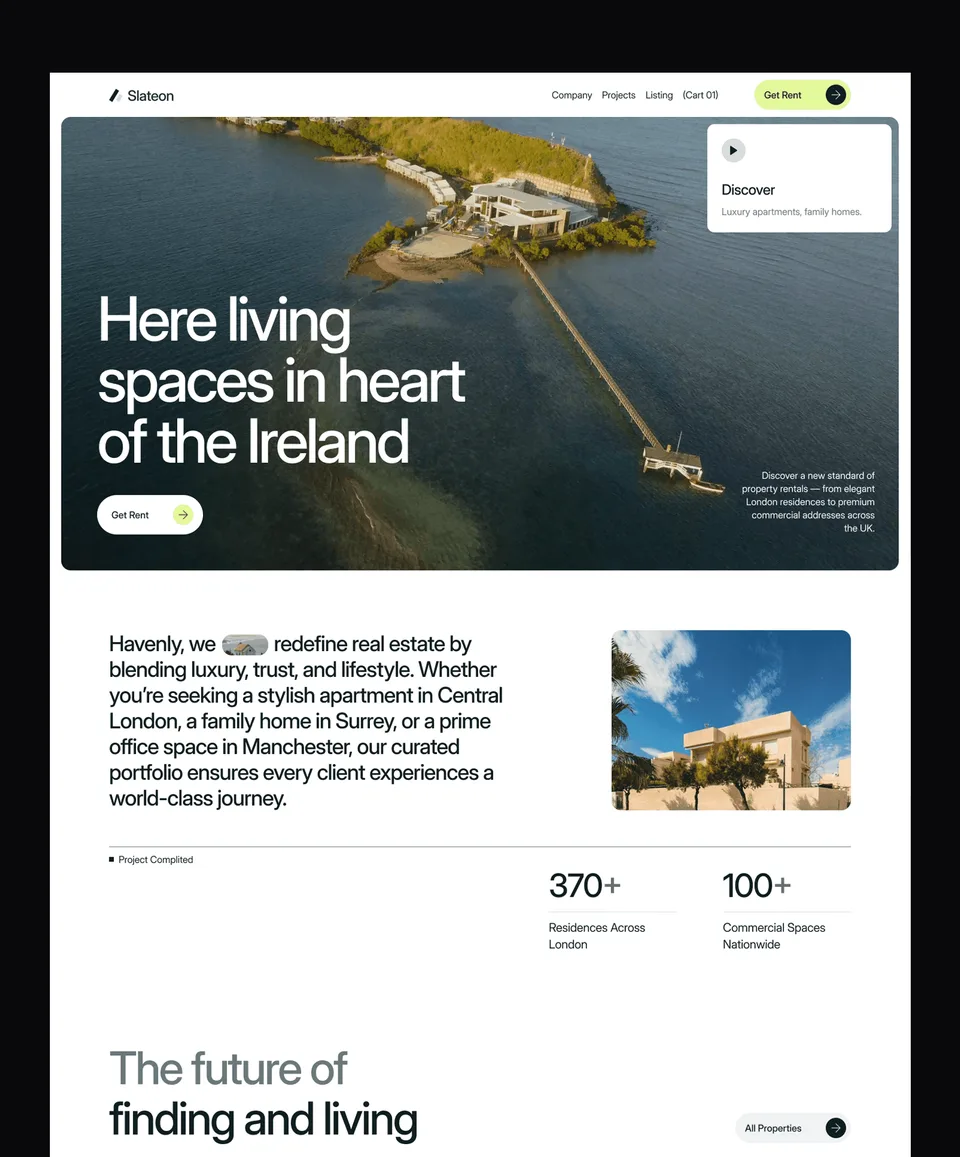

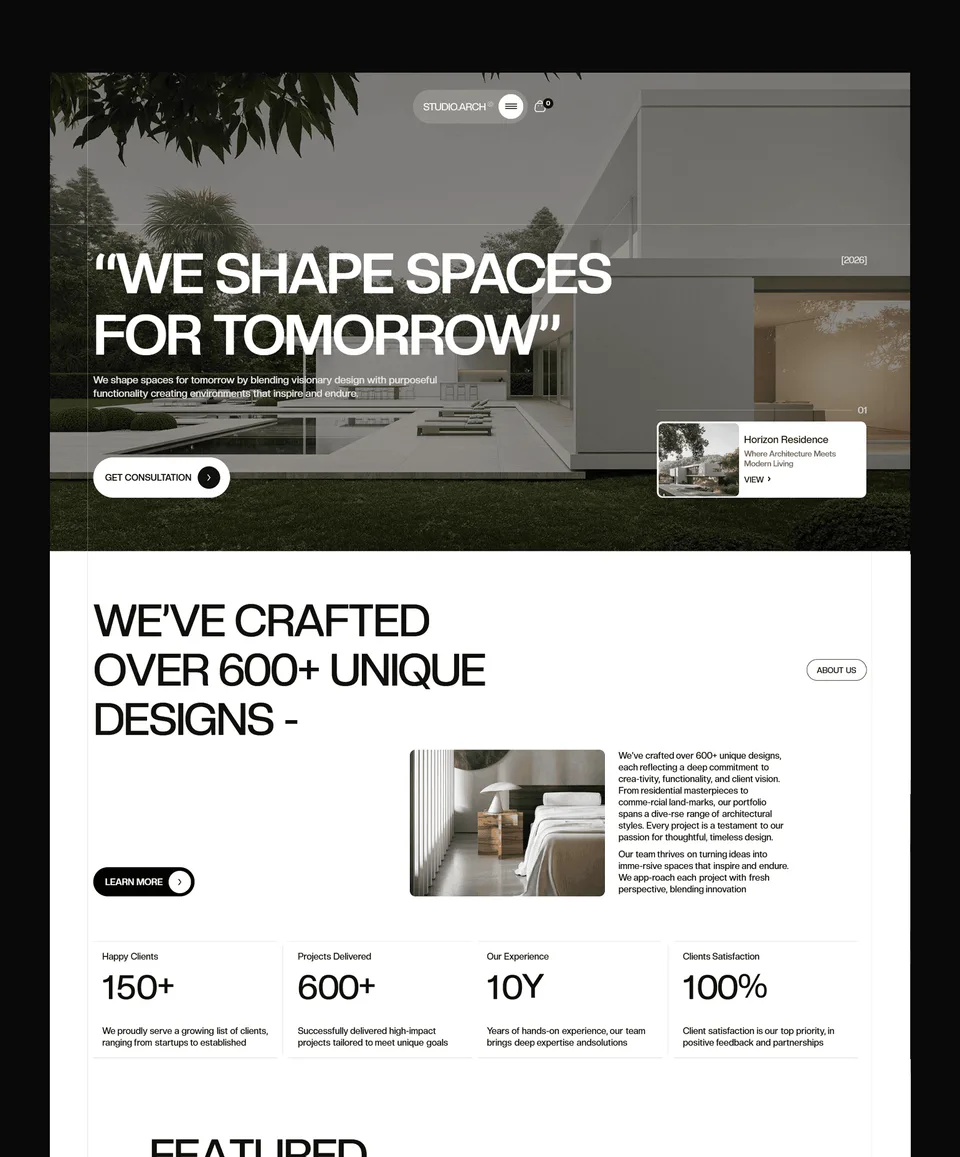

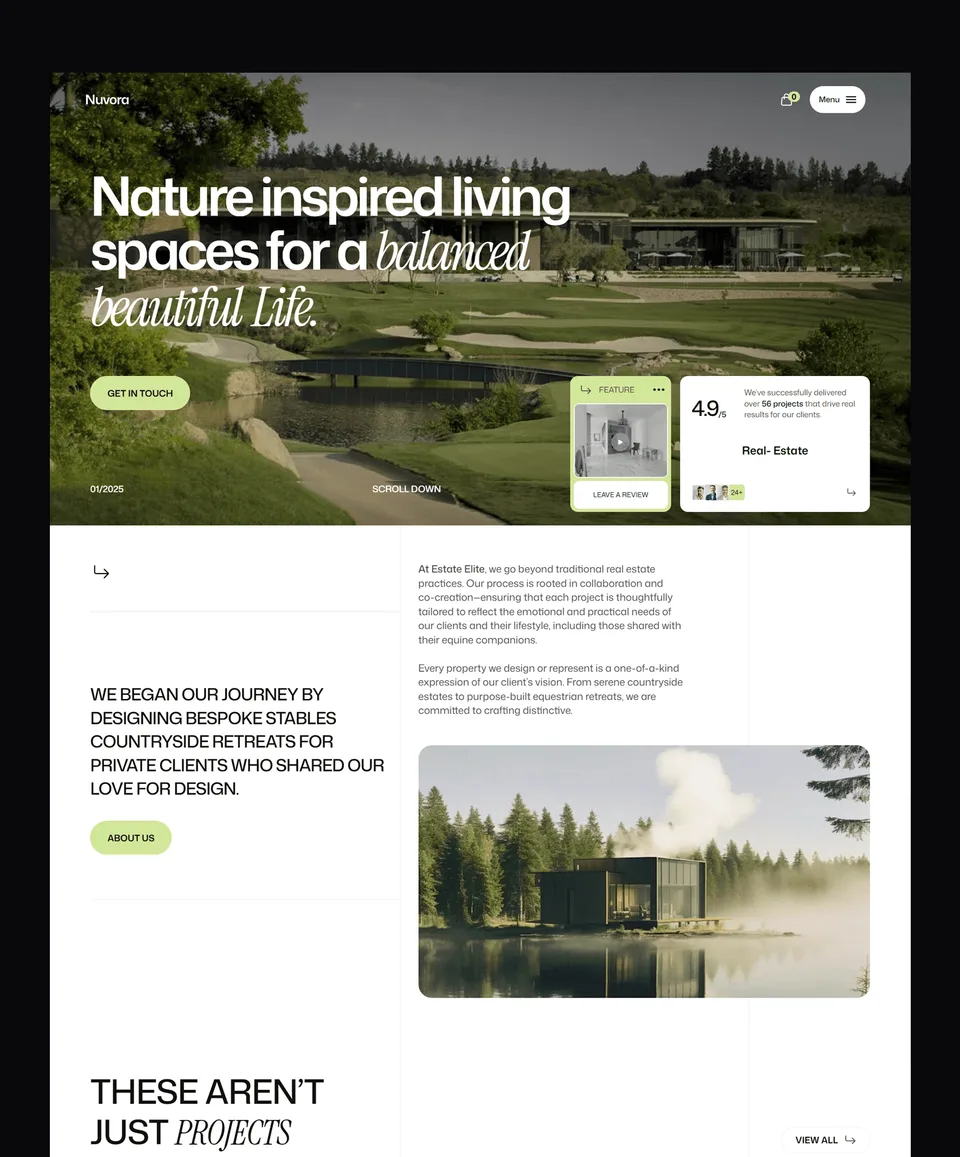

Property sites are listing sites
Whatever else it does, a property website is a browsing tool. Visitors arrive wanting to filter, compare and enquire, and they do it on a phone more often than not. The four real estate templates here are built around that: listing grids that stay legible with many entries, property detail pages with room for galleries, specifications, location and an enquiry form, and a structure that makes an individual property easy to share.
They suit residential and commercial agents, individual developments, and brokers presenting a curated portfolio. For a single landmark development, the detail layouts also work as a standalone site.
Listings and how they are managed
The Framer and Webflow versions store properties in a CMS collection, so adding one is a form and removing a sold property is a toggle. That matters more here than in most categories, because property inventory changes weekly and the worst thing a property site can do is show something that has gone.
The code versions keep listings as typed content files, which is straightforward for a small, stable portfolio and easy to point at a real data source when the portfolio is not.
Enquiries are the conversion
Nobody buys a house from a website, so the only conversion that matters is the enquiry. Every template puts a contact route on the property itself rather than only in the navigation, and the forms are short by design — a long qualification form on a property page is a good way to lose someone who was merely curious and would have become a viewing.
Every template in this collection is available for Framer, Webflow, HTML, Next.js and Astro, so the choice of design does not force the choice of platform. Buy the one you need, or take a platform bundle or a plan.
Frequently Asked Questions
Can I manage property listings without editing code?
Yes, in the Framer and Webflow versions: properties live in a CMS collection, so adding, editing and unpublishing a listing is filling in fields. The HTML, Next.js and Astro versions keep listings as content files.
Do these templates support property search and filtering?
The listing layouts include filtering by the attributes each template defines, such as type, location and price band. Live search against an external property feed is custom work rather than something a template can assume.
Are they suitable for a single development?
Yes. The property detail layouts work well as a standalone site for one development, with the listing grid repurposed for unit types or phases.
Can I connect an MLS or portal feed?
Not out of the box. The code versions are the practical route: listings are typed content, so pointing them at a feed is a data-source change rather than a redesign.
Do the templates work well on mobile?
Yes, and it matters here more than most: property browsing skews heavily to phones. Listing grids, galleries and enquiry forms are all designed mobile-first and tested across breakpoints.