Portfolio Website Templates
Portfolio website templates for designers, photographers, studios and freelancers whose work has to carry the argument.





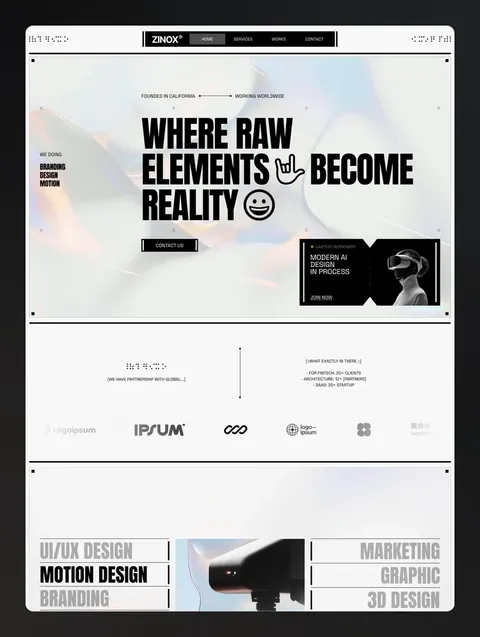

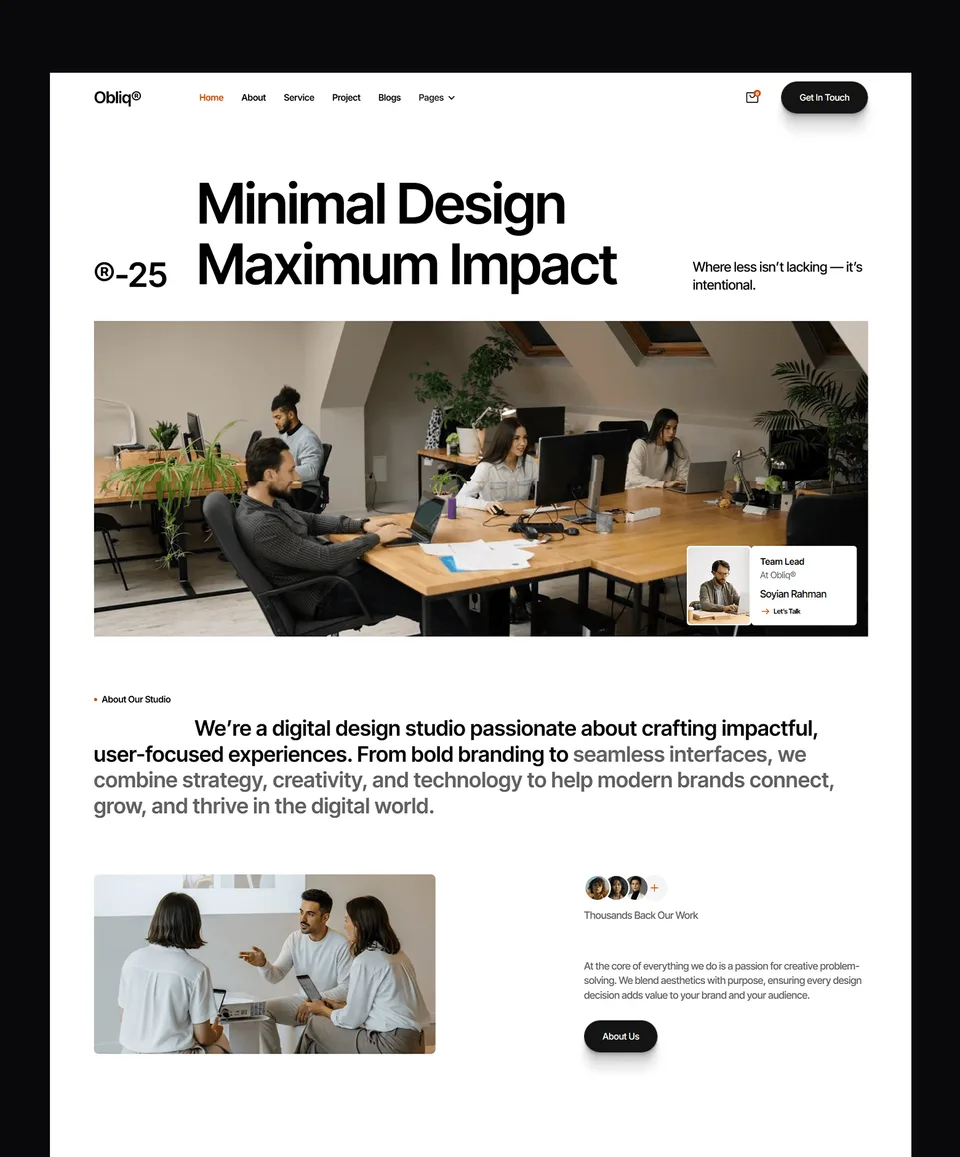

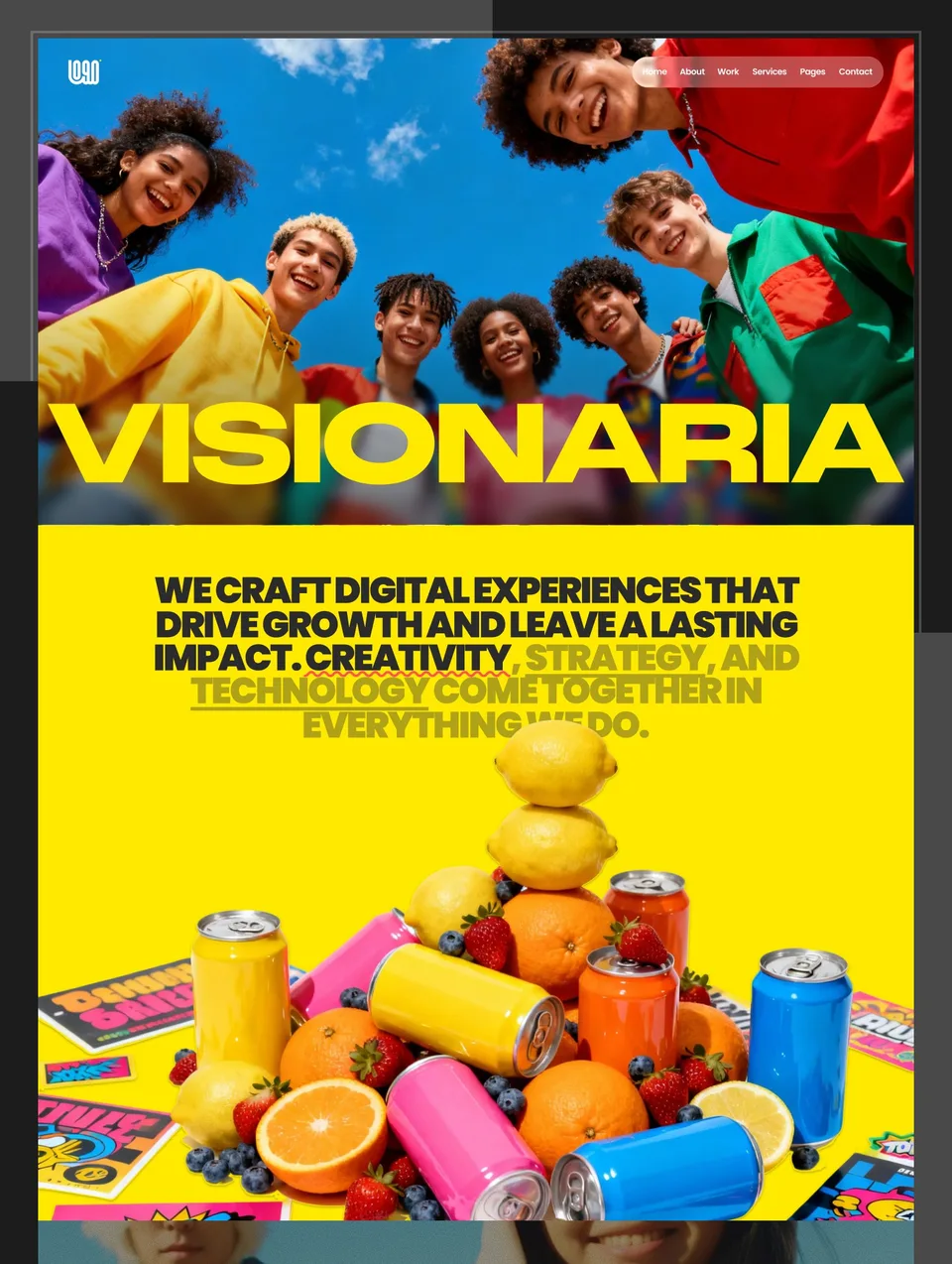

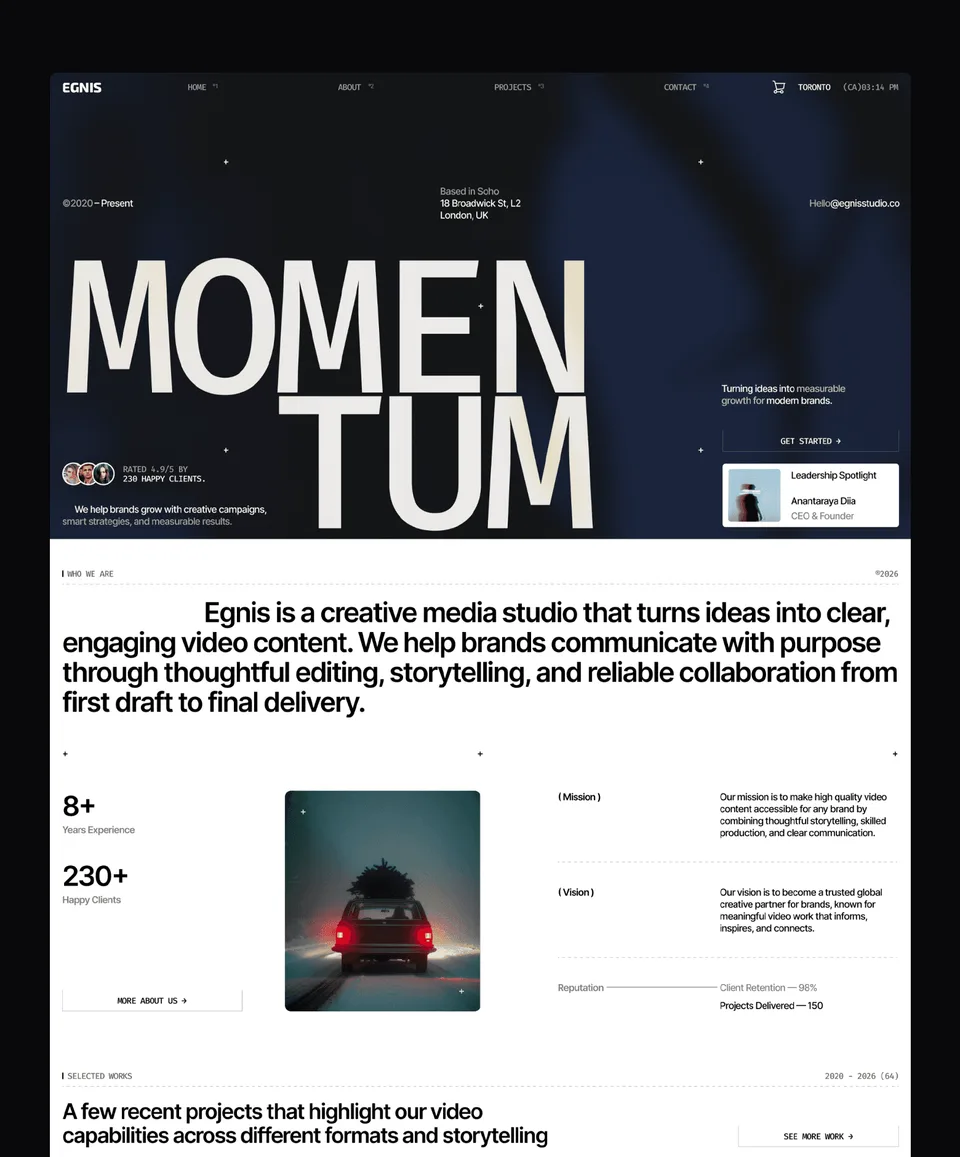

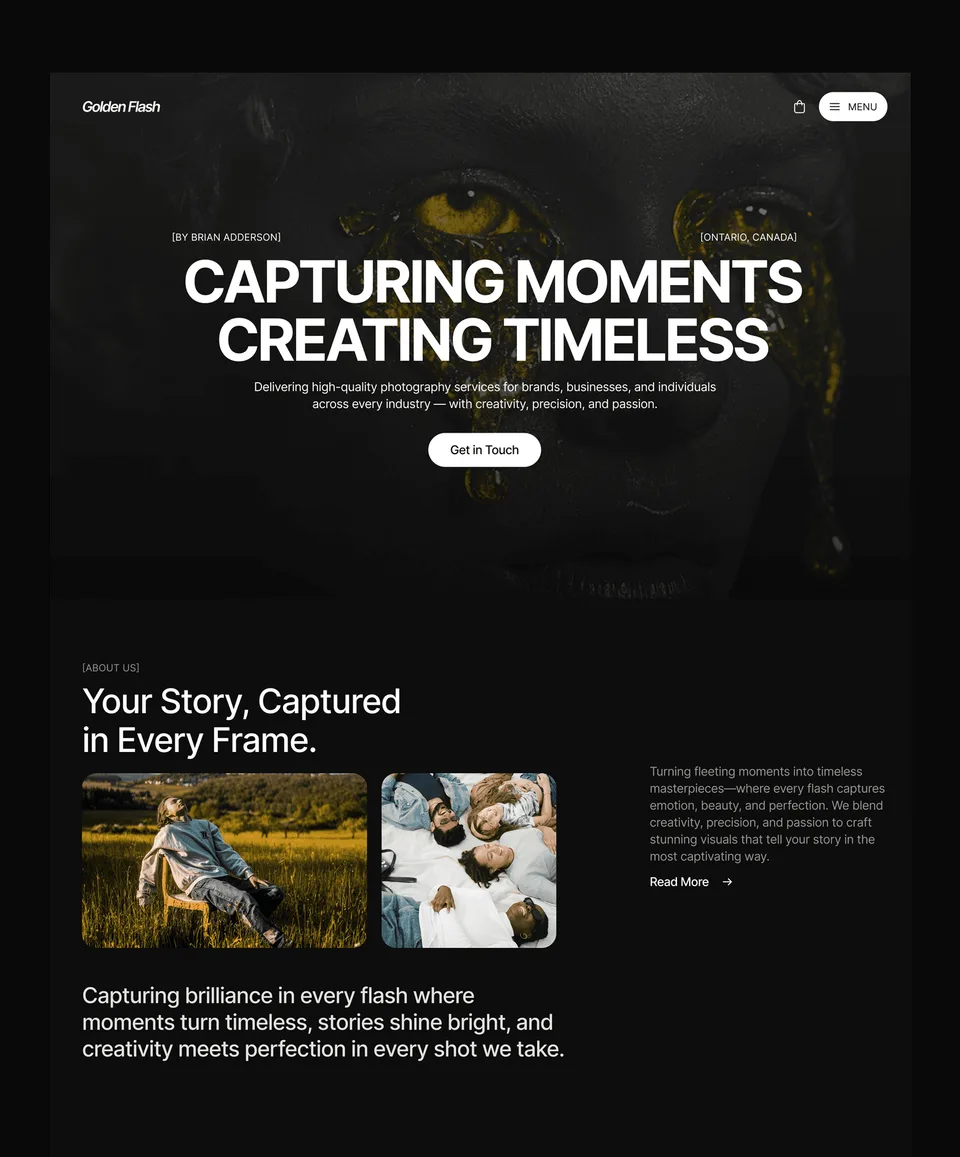

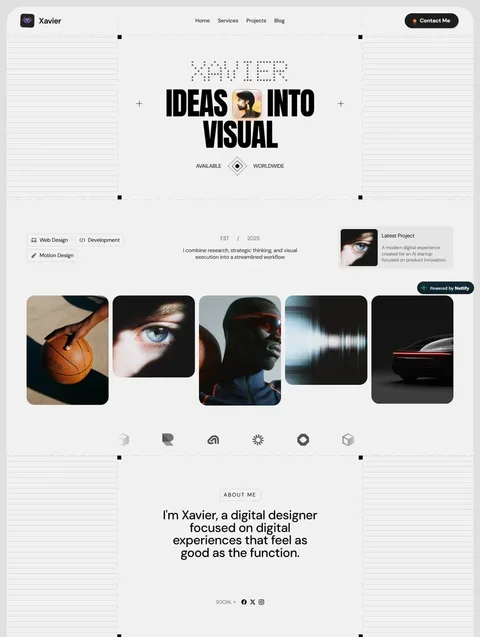

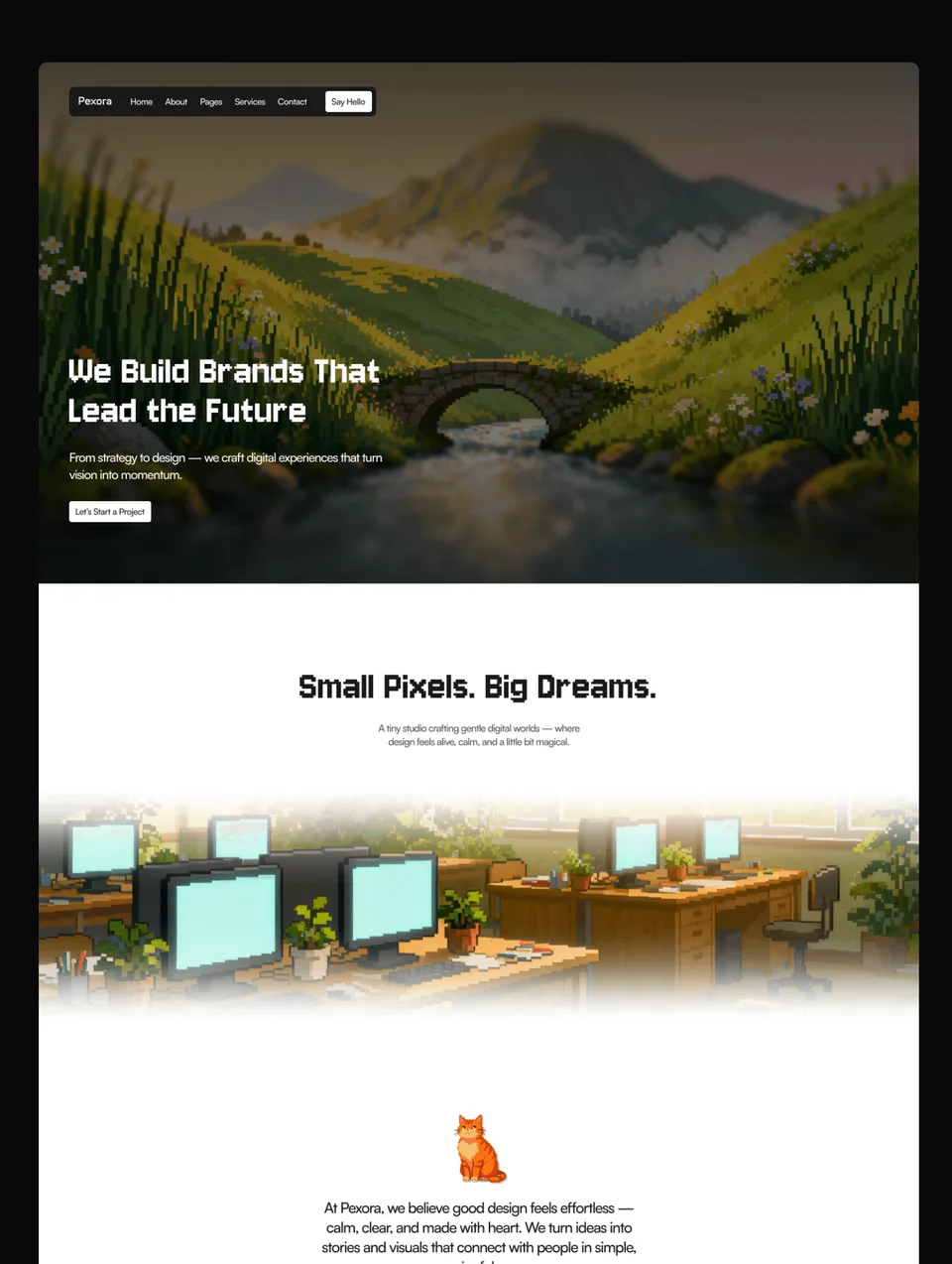

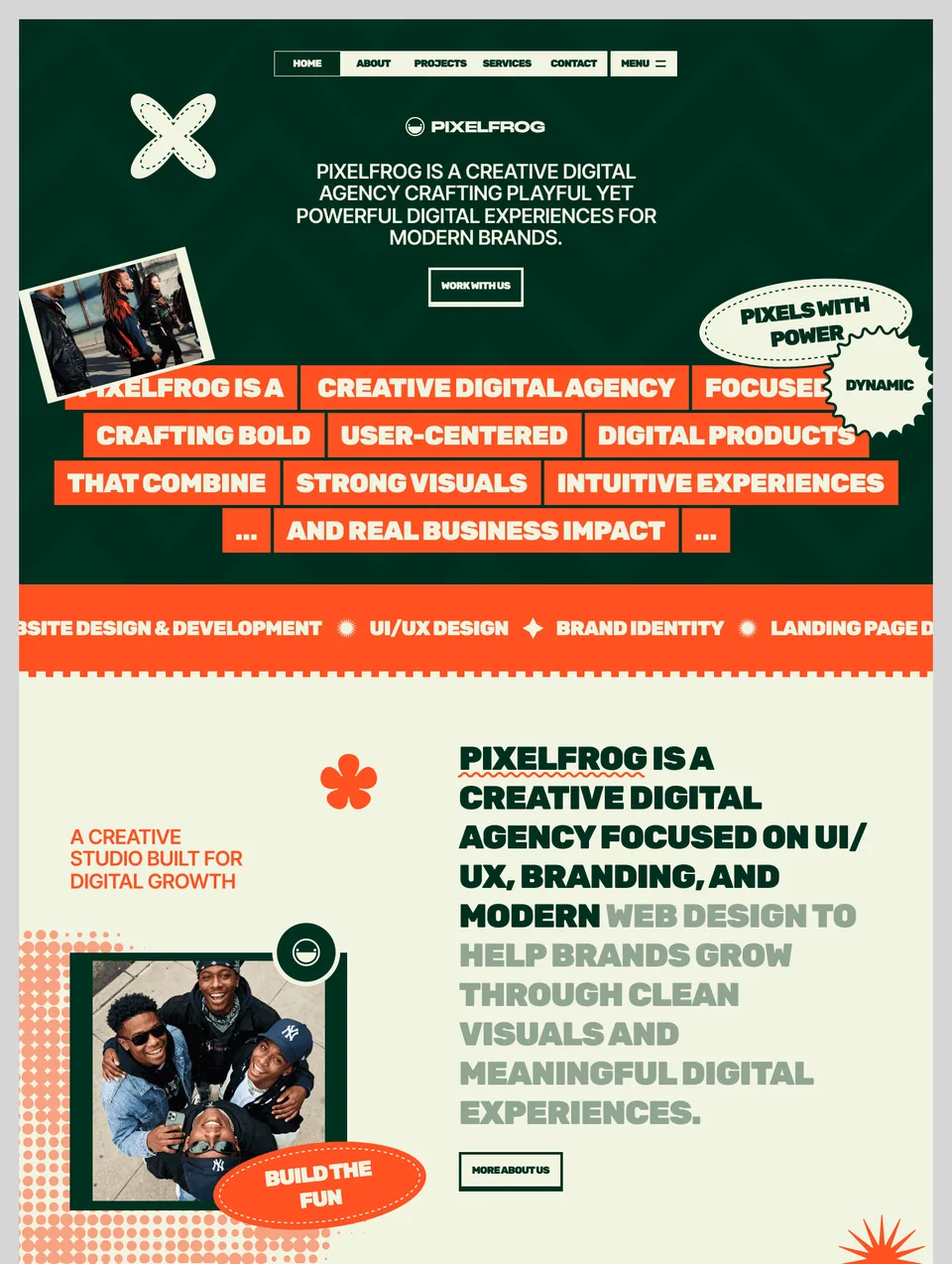

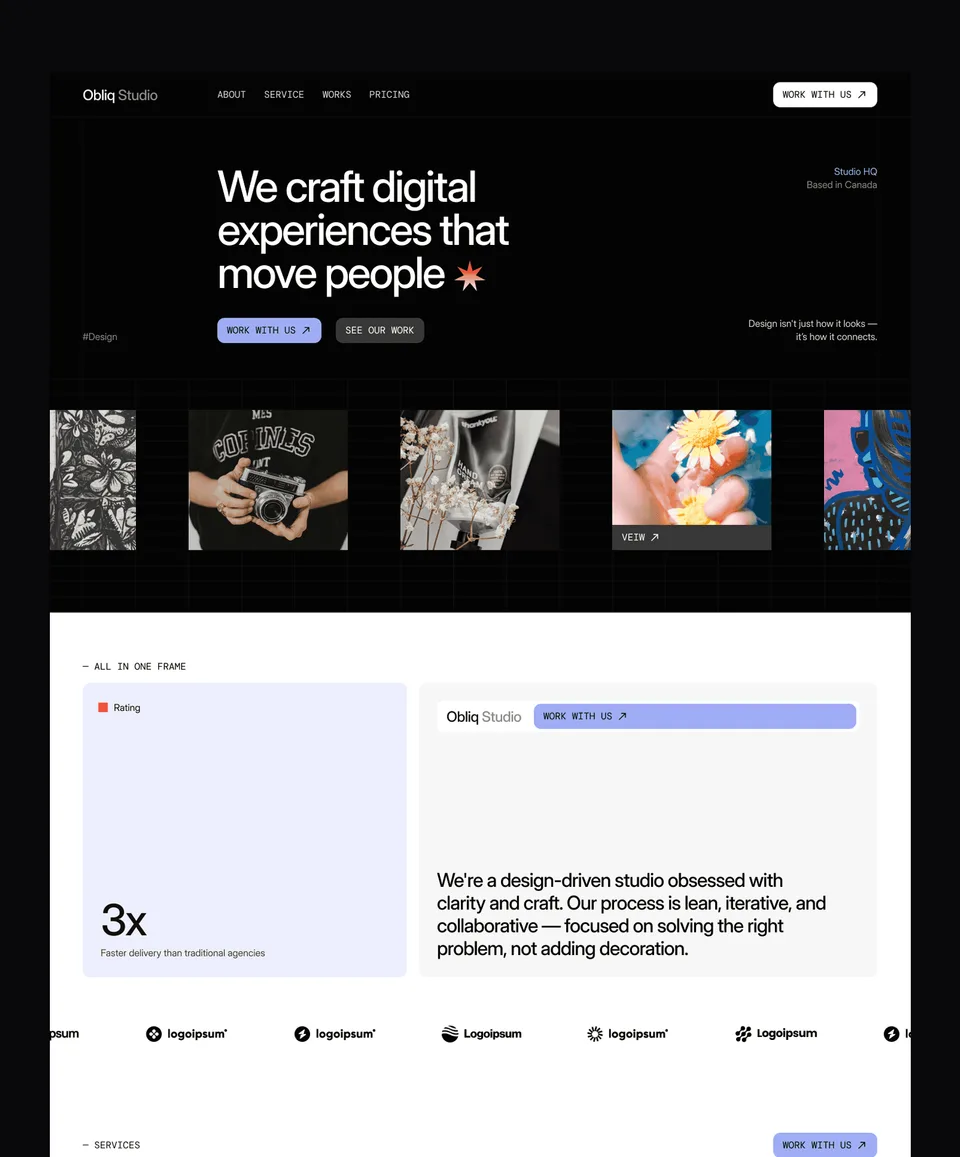

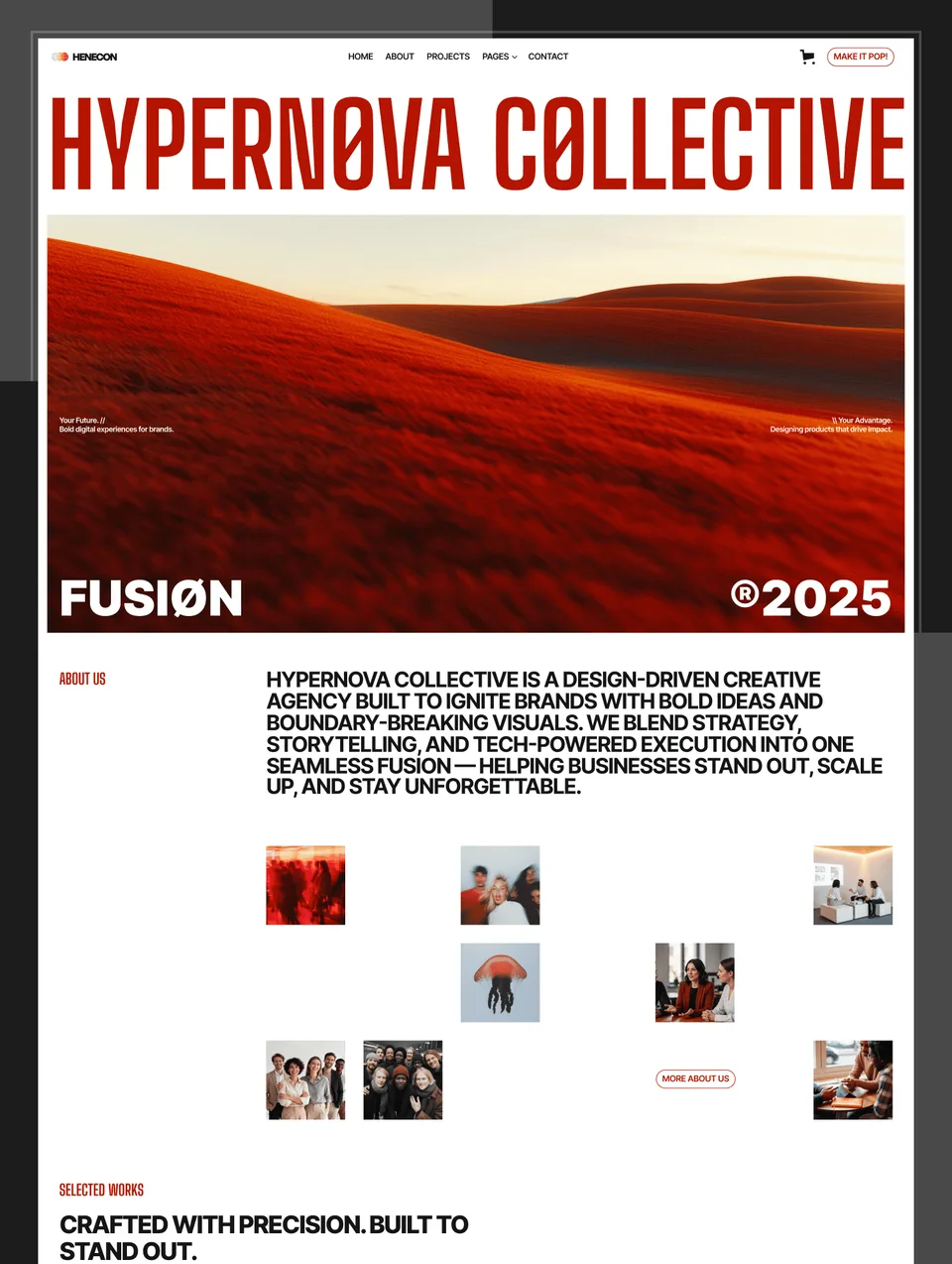

Let the work lead
A portfolio has one job: make someone want to hire you, quickly. Everything else is in service of that, and most portfolios fail by putting the designer’s cleverness in front of the client’s question. The visitor wants to know what you do, see whether the work resembles their problem, and find out how to reach you — usually in that order, usually in under a minute.
These 13 portfolio templates are built around a project grid that stays readable at four pieces or forty, and a project detail layout with room for context rather than just images. The case-study structure — problem, approach, outcome — is what turns a gallery into evidence, and it is the part freelancers most often skip.
Which one fits your discipline
- Editorial, type-led layouts for brand and graphic designers, where the typography is part of the pitch.
- Image-first grids for photographers and art directors, with full-bleed detail pages and video posters.
- Structured, text-heavier layouts for product and UX designers, where the reasoning matters more than the render.
If you are a studio rather than an individual, look at the agency templates instead: they carry services, process and team, which a portfolio deliberately does not.
Keeping it current
The reason most portfolios go stale is friction. The Framer and Webflow versions store projects in a CMS collection, so adding work is filling a form rather than duplicating a page and hoping you caught every hard-coded reference. The code versions keep projects as typed content files, which is the same idea with a text editor.
Every template in this collection is available for Framer, Webflow, HTML, Next.js and Astro, so the choice of design does not force the choice of platform. Buy the one you need, or take a platform bundle or a plan.
Free portfolio website templates
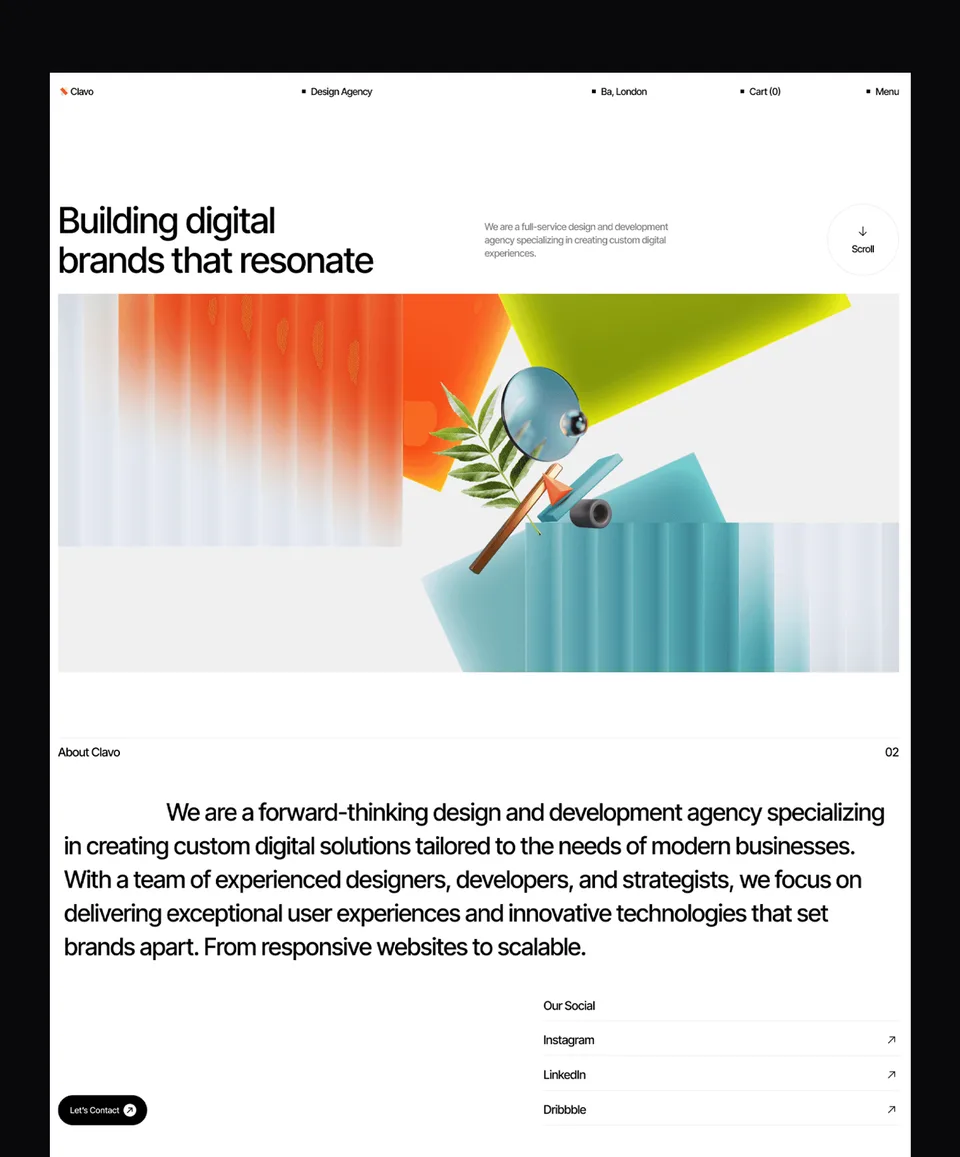
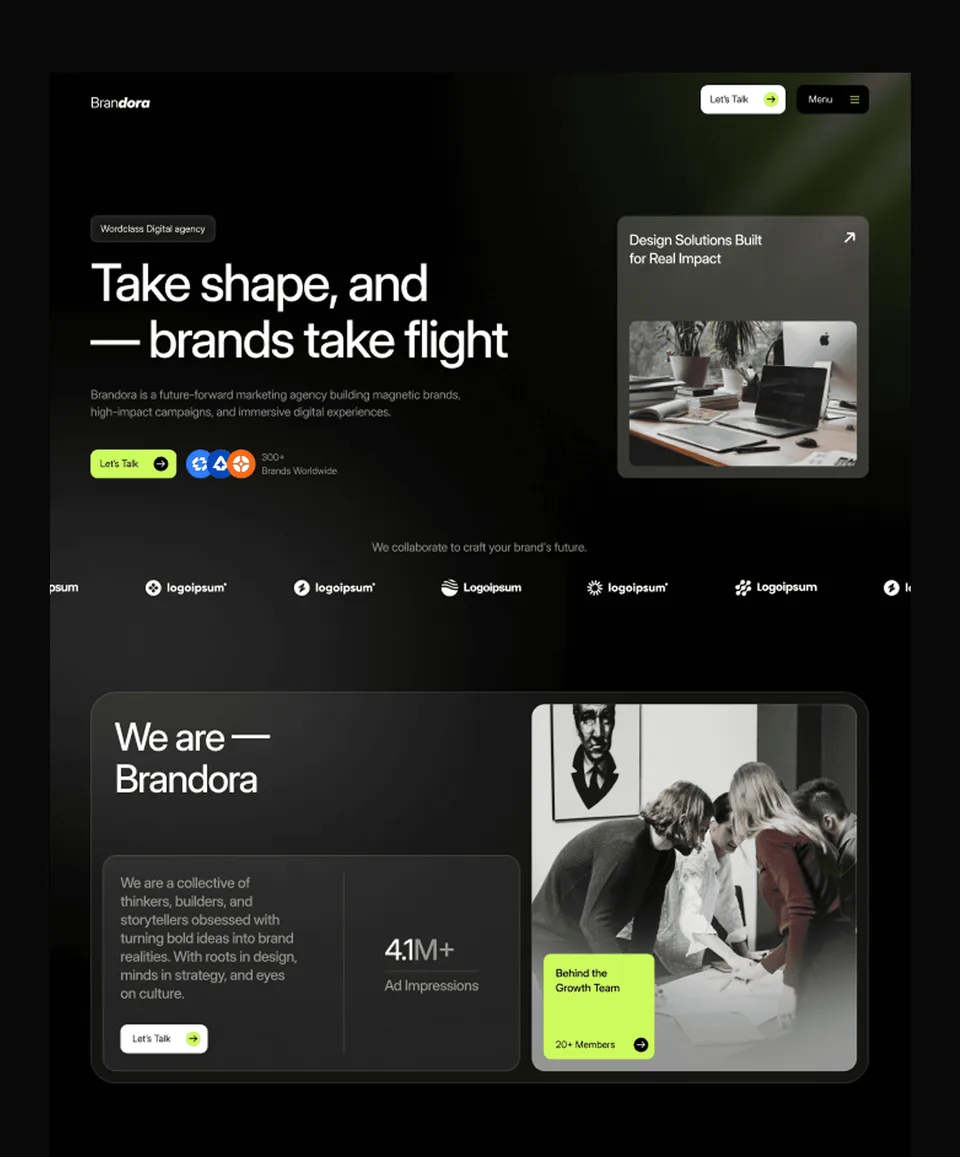
Six of these portfolio website templates are free as Framer templates: Obliq, Formix, Brandora, Egnis, Golden Flash and Clavo. They are complete sites, not cut-down demos, and you can use them for client work. Sign in, choose Remix free, and Framer copies the whole project into your account. Their Webflow, HTML, Next.js and Astro versions are paid; free Framer templates explains how the free ones work.
Portfolio website templates by platform
- Framer is the quickest route to a portfolio you will keep updating yourself: visual editing, smooth motion, and projects in a CMS. The best Framer portfolio templates compares picks.
- Webflow suits a larger portfolio with many case studies, where its CMS and control over structure pay off. See the best Webflow portfolio templates.
- HTML is the simplest to host, almost anywhere and usually for free, and suits a portfolio that changes a few times a year.
- Next.js and Astro are for designers who code, or who have a developer: the projects live in content files you edit in your own tools.
Still choosing between the two visual builders? Webflow vs Framer sets out the differences, including what each costs to host.
Frequently Asked Questions
How many projects should a portfolio show?
Six to ten strong pieces beats thirty mixed ones. Visitors judge you on the weakest thing they see, not the average, and a shorter portfolio is also far easier to keep current.
Can I add case studies after launch?
Yes. The Framer and Webflow versions store projects in a CMS collection, so adding one is filling in fields rather than building a page. The HTML, Next.js and Astro versions keep projects as content files you copy and edit.
Do portfolio templates work for freelancers as well as studios?
Yes, and 13 templates give you room to pick a tone. If you also need to sell services with a process and a team, the agency templates are structured for that and portfolio templates are not.
Can I password-protect client work?
Framer and Webflow both offer page passwords on their own plans, and every template includes a styled password page so a protected project still looks finished.
Will the layout hold up with different image shapes?
Yes. The grids are built on aspect-ratio containers rather than fixed heights, so portrait, landscape and square work sit together without breaking the rhythm.
Are there free portfolio website templates?
Yes. Six are free as Framer templates: Obliq, Formix, Brandora, Egnis, Golden Flash and Clavo. They are complete sites you can use commercially; their Webflow and code versions are paid.
Which platform is best for a portfolio website?
Framer for a visual portfolio you will update yourself, Webflow for a larger site with many case studies, and HTML, Next.js or Astro if you or a developer prefer working in code. Every template in this collection is available on all five.