Every Framer template, one payment.
All 39 Framer templates, lifetime access, future releases included. Or start a plan and unlock templates with credits.
24 Free Framer Templates. The Kind You’d Actually Ship.
A pack of 24 Framer templates for landing pages, portfolios, and small SaaS sites. Free, no catch. Sign in and remix any of them.







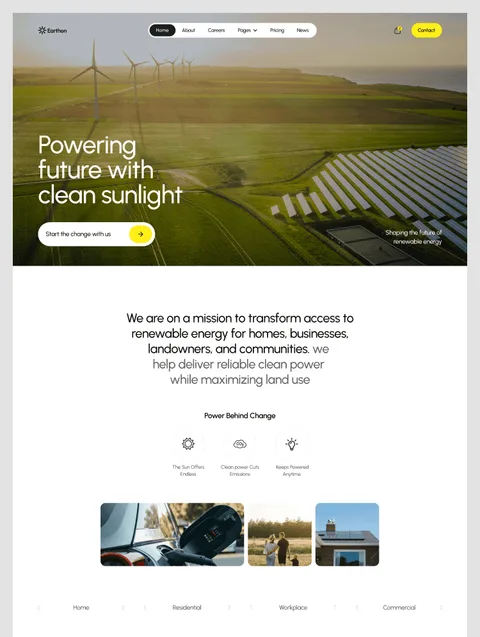

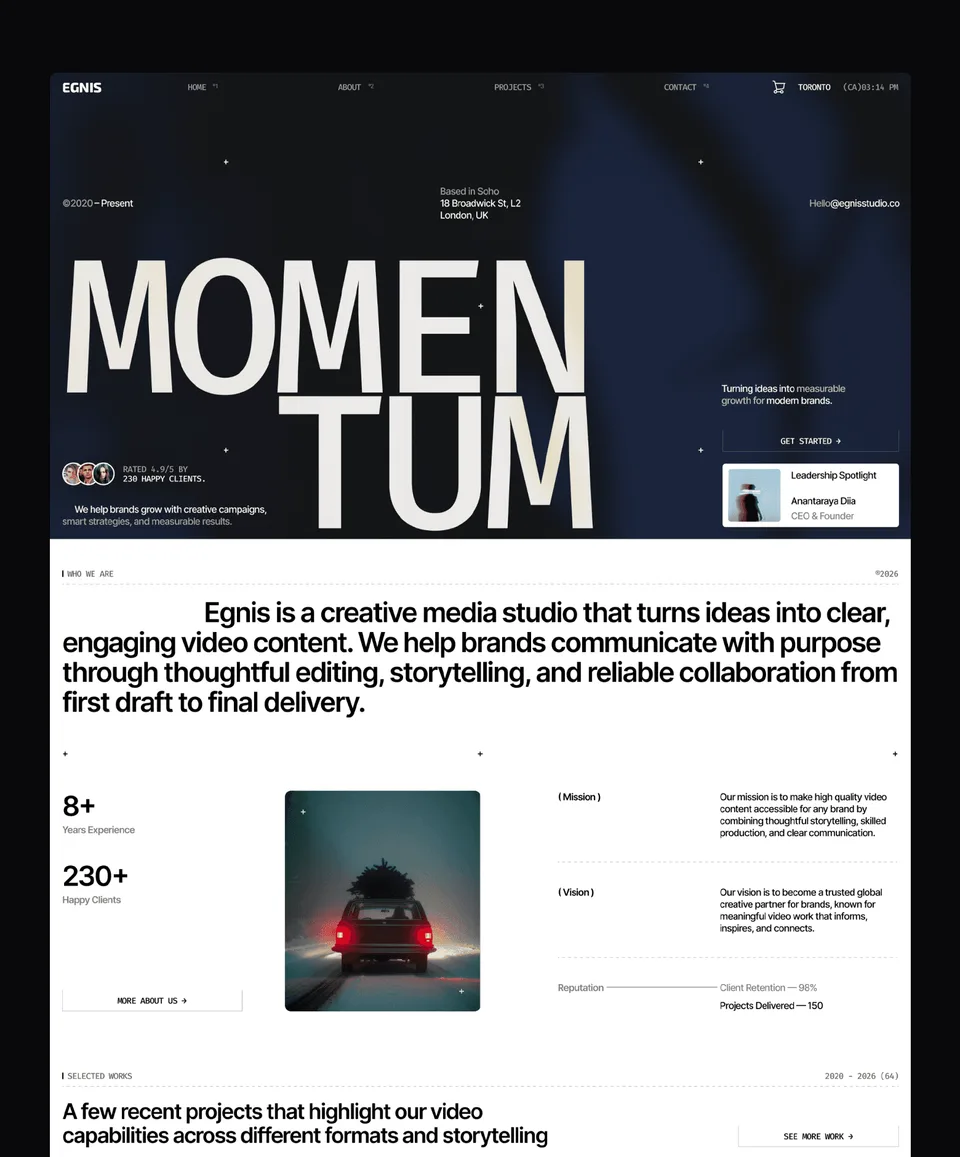

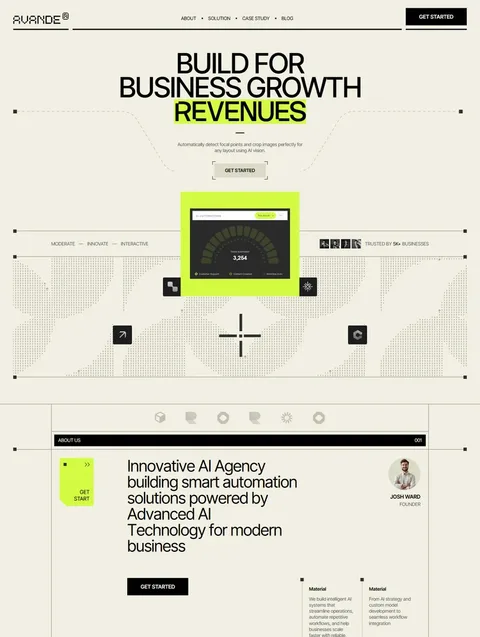

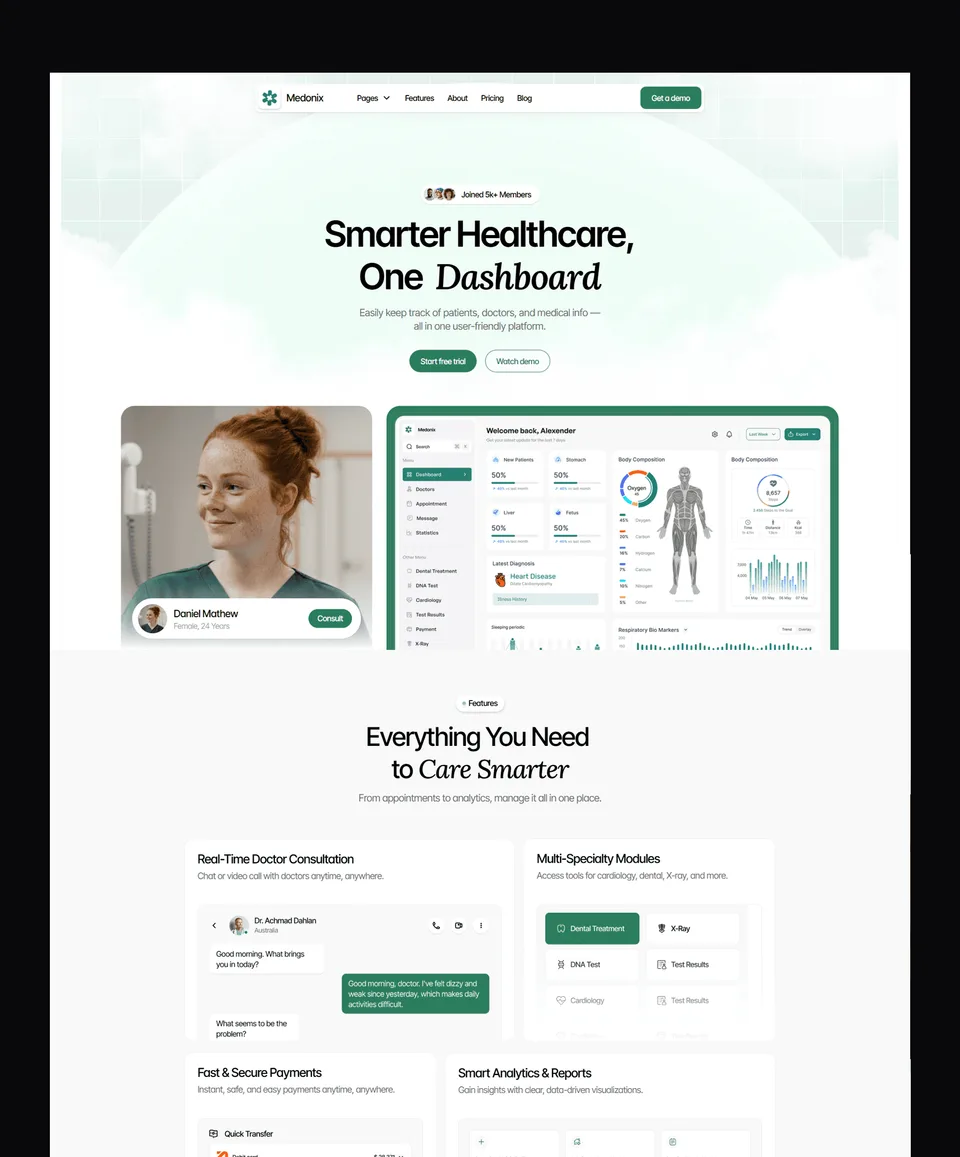

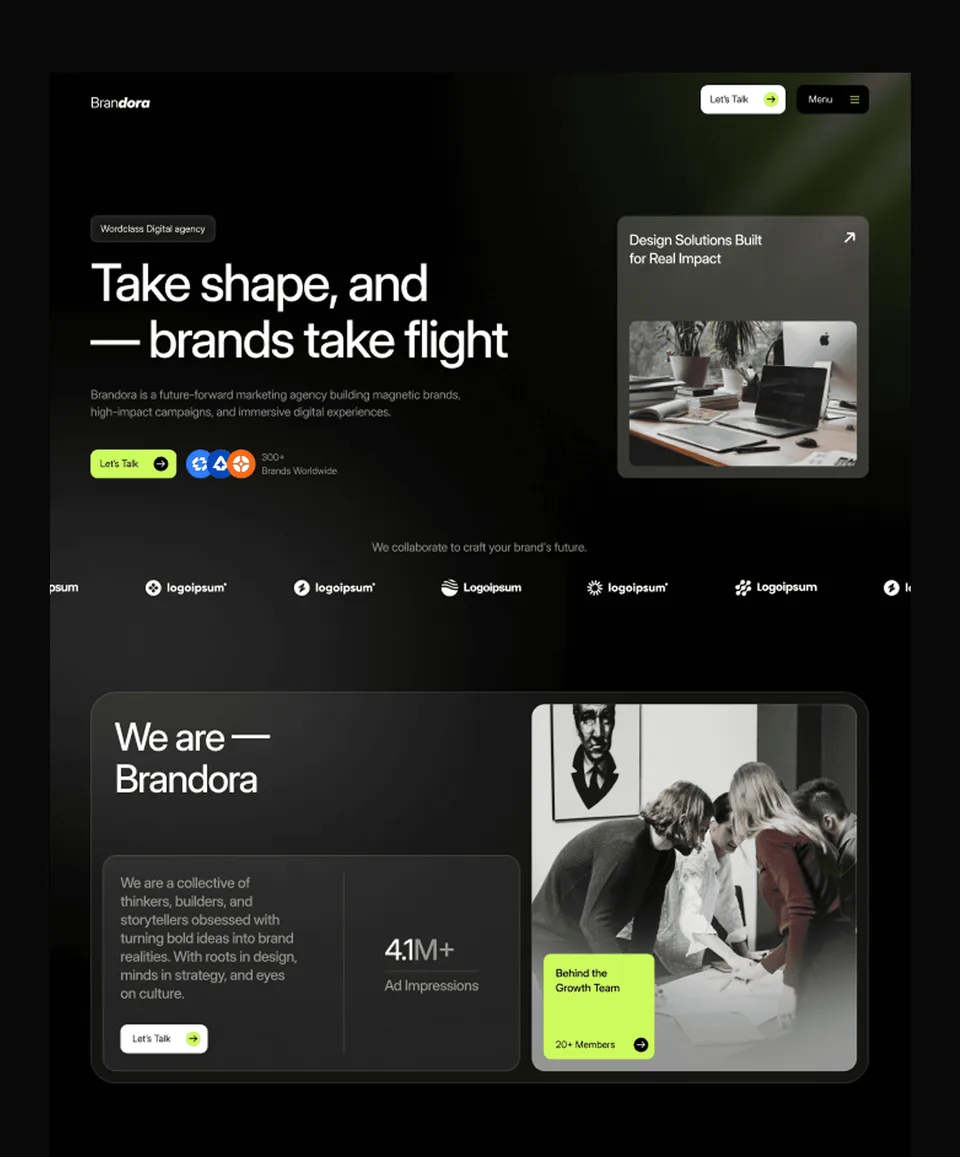

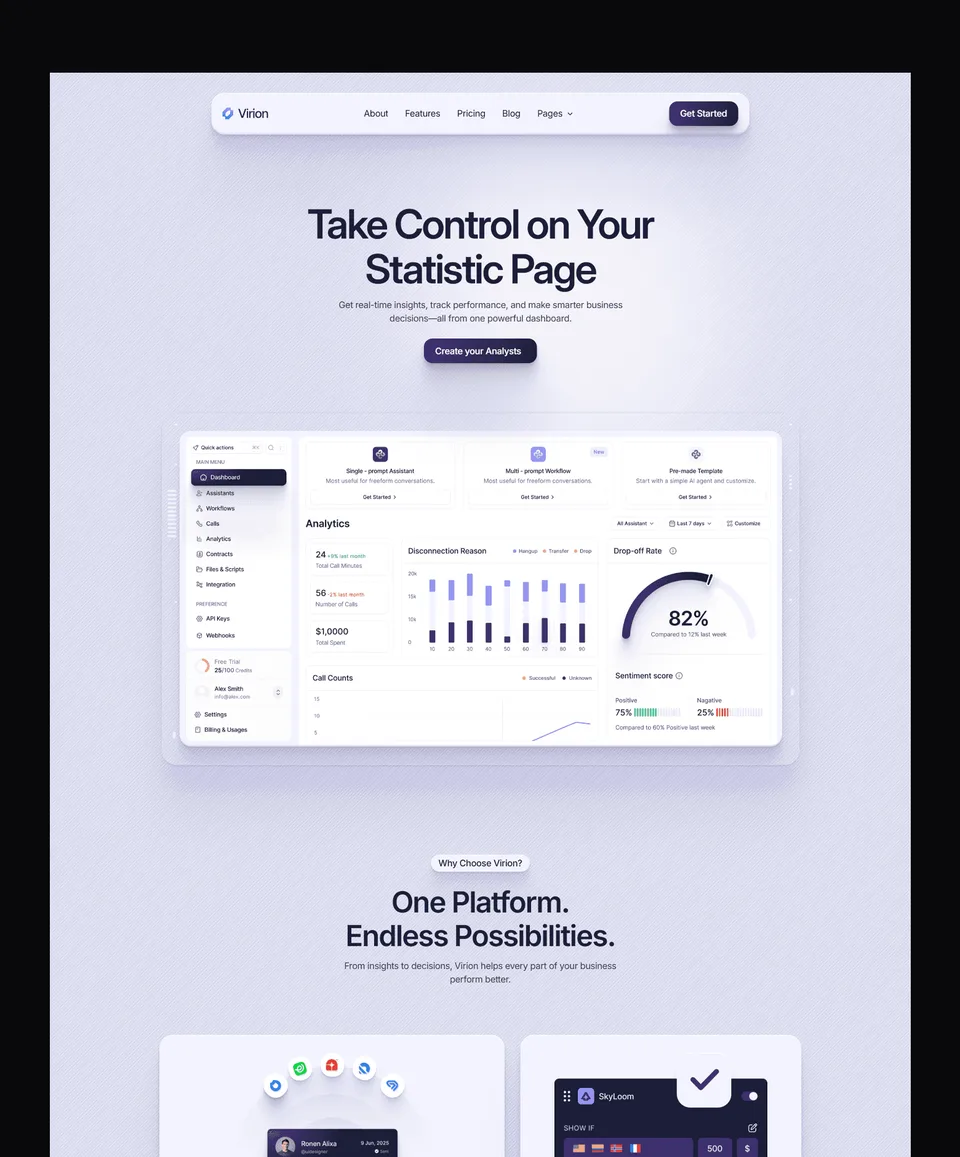

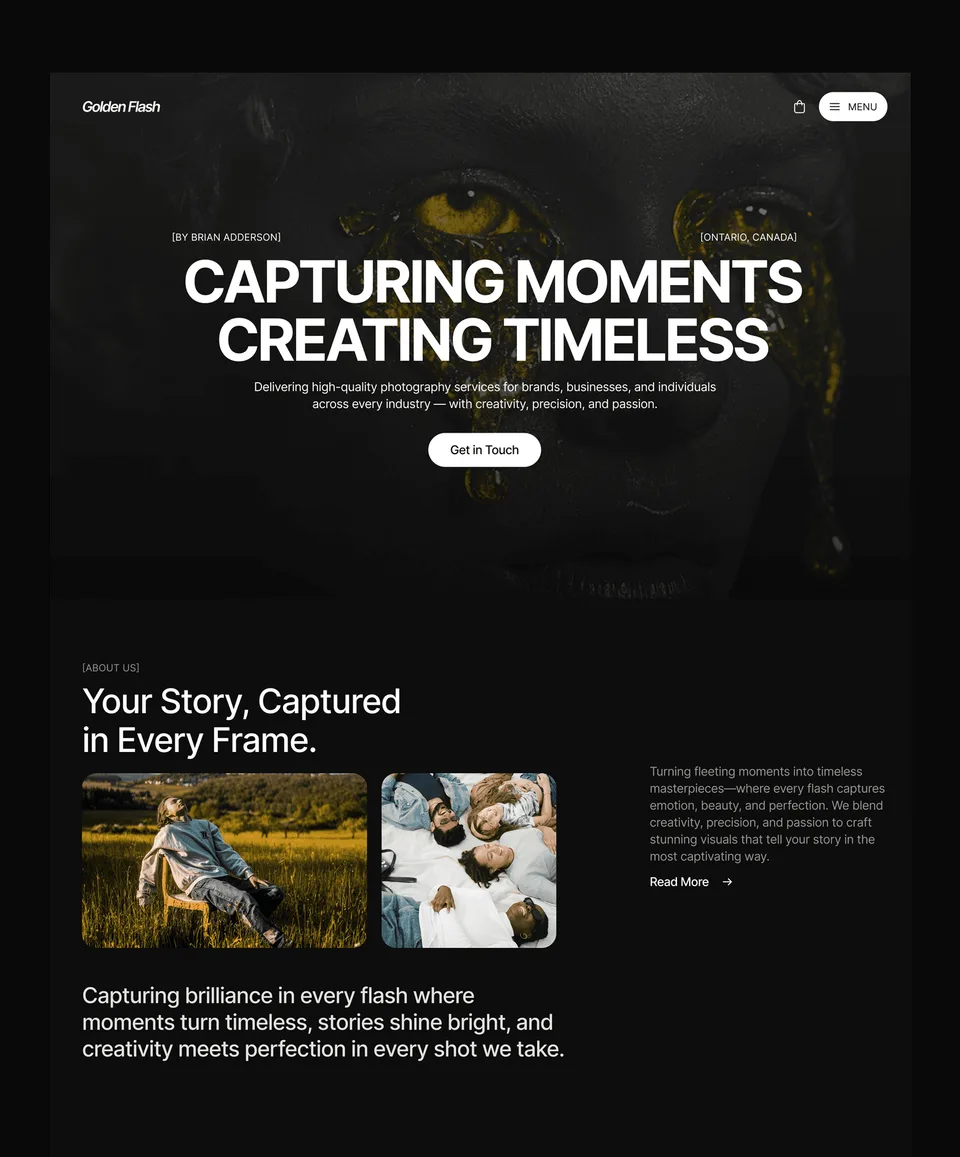

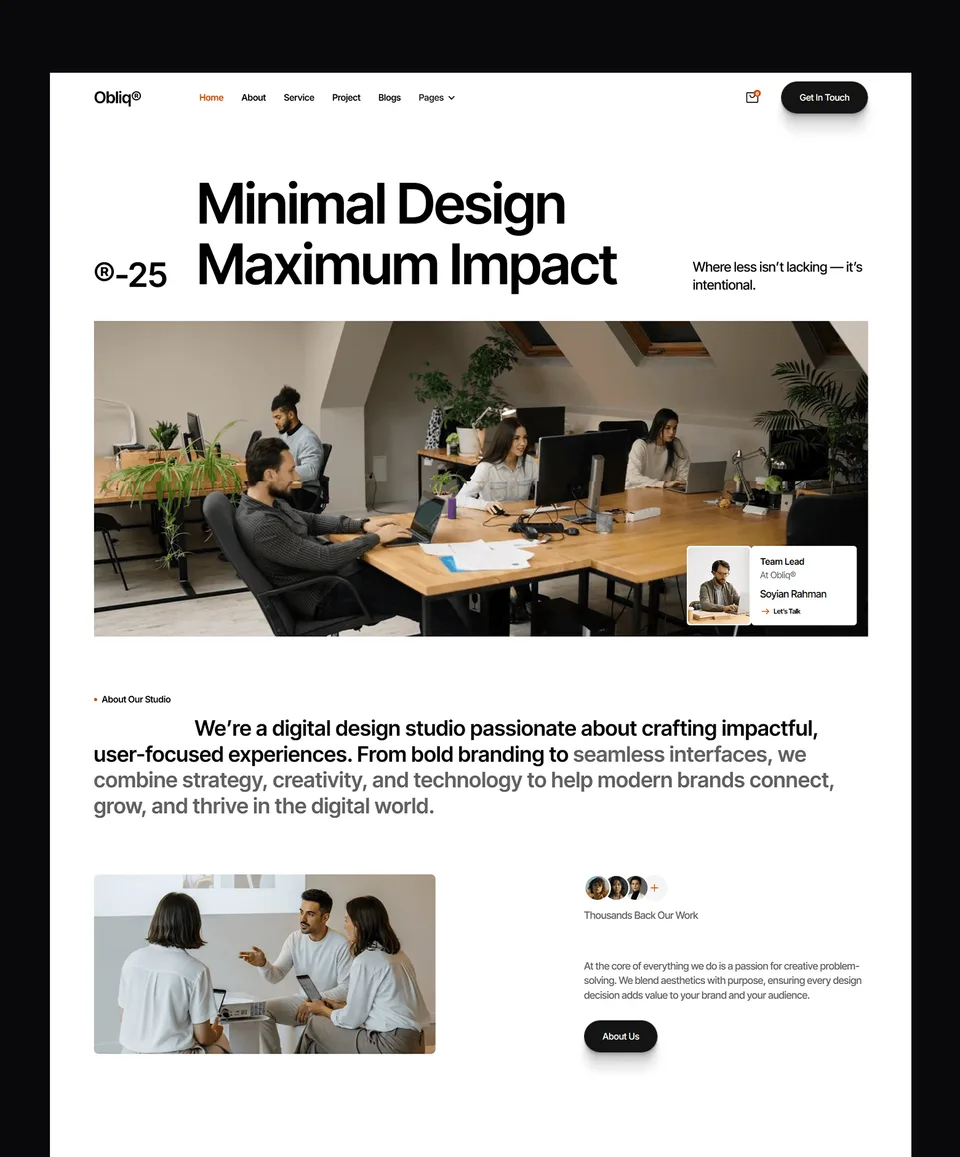

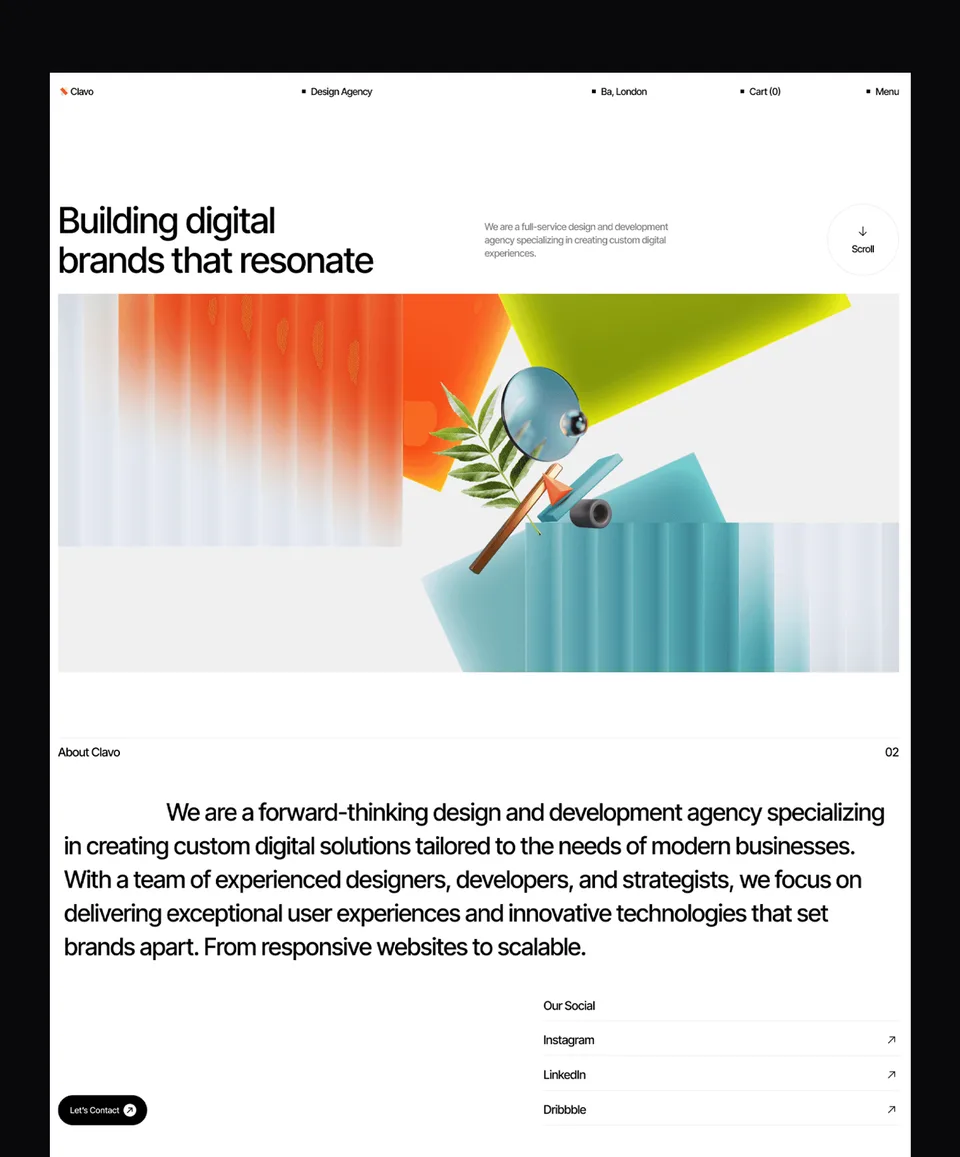

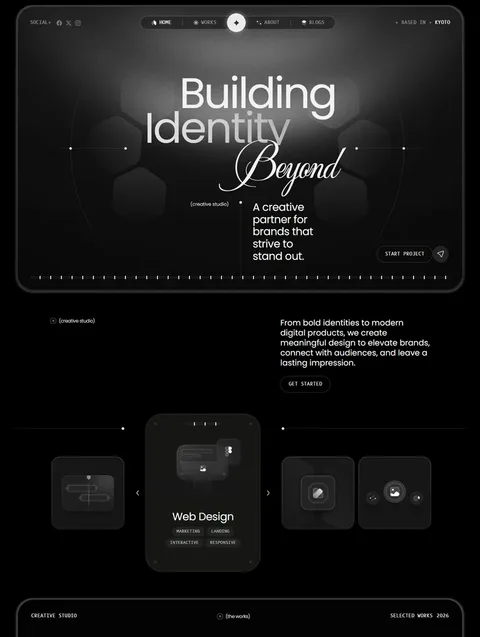


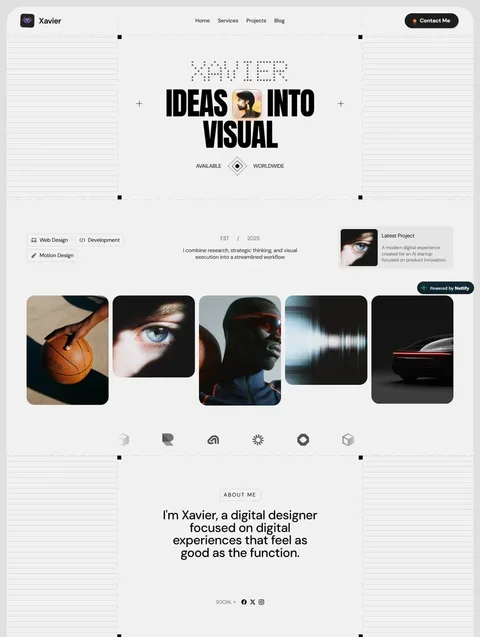

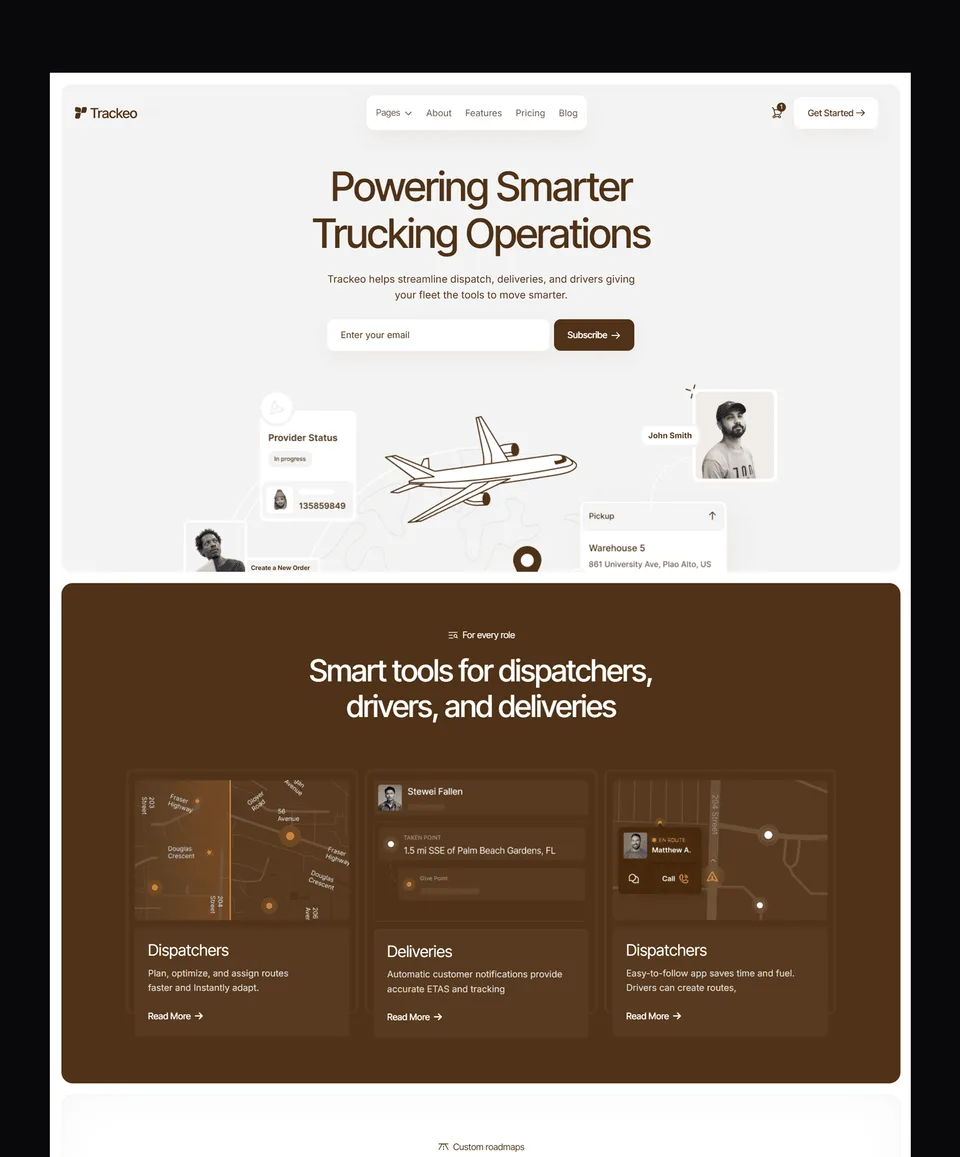

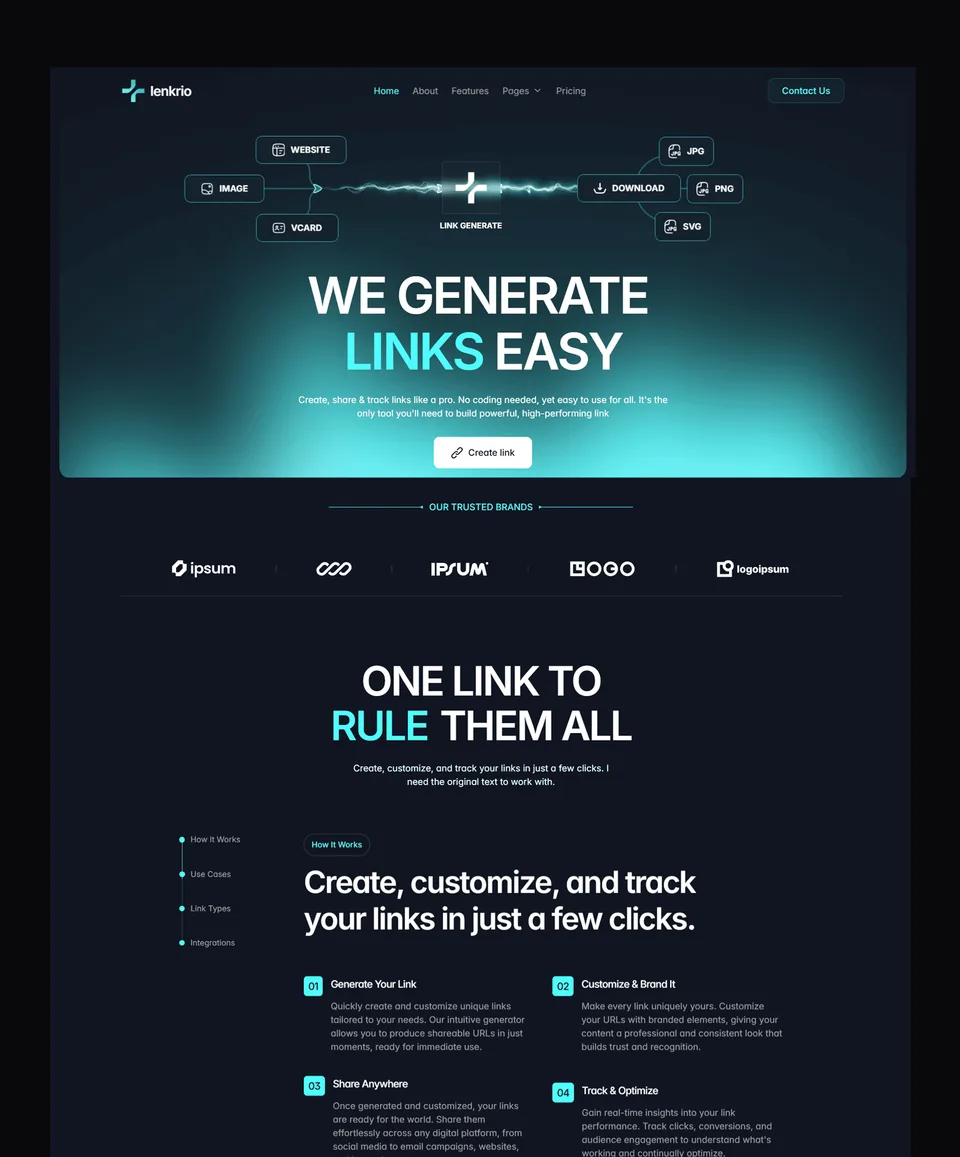

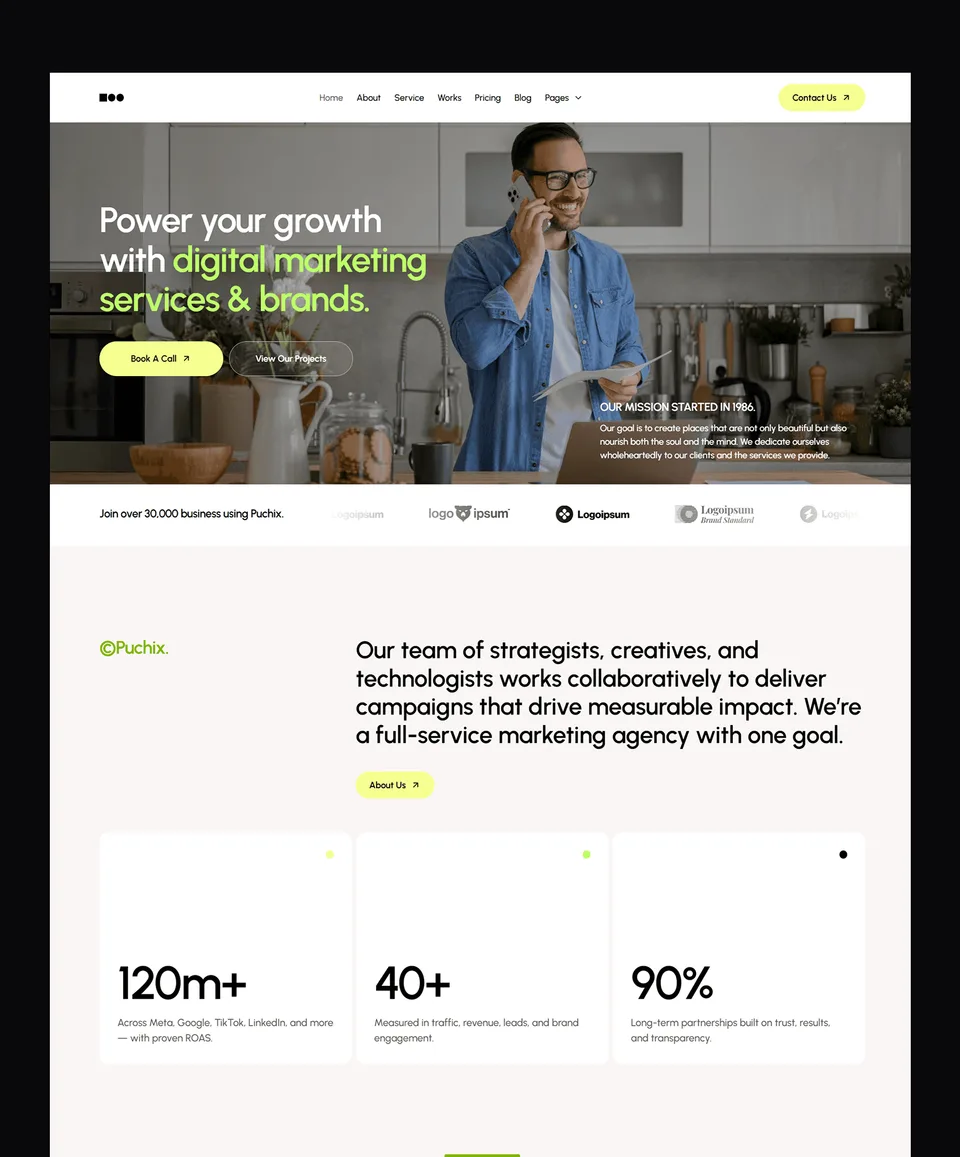

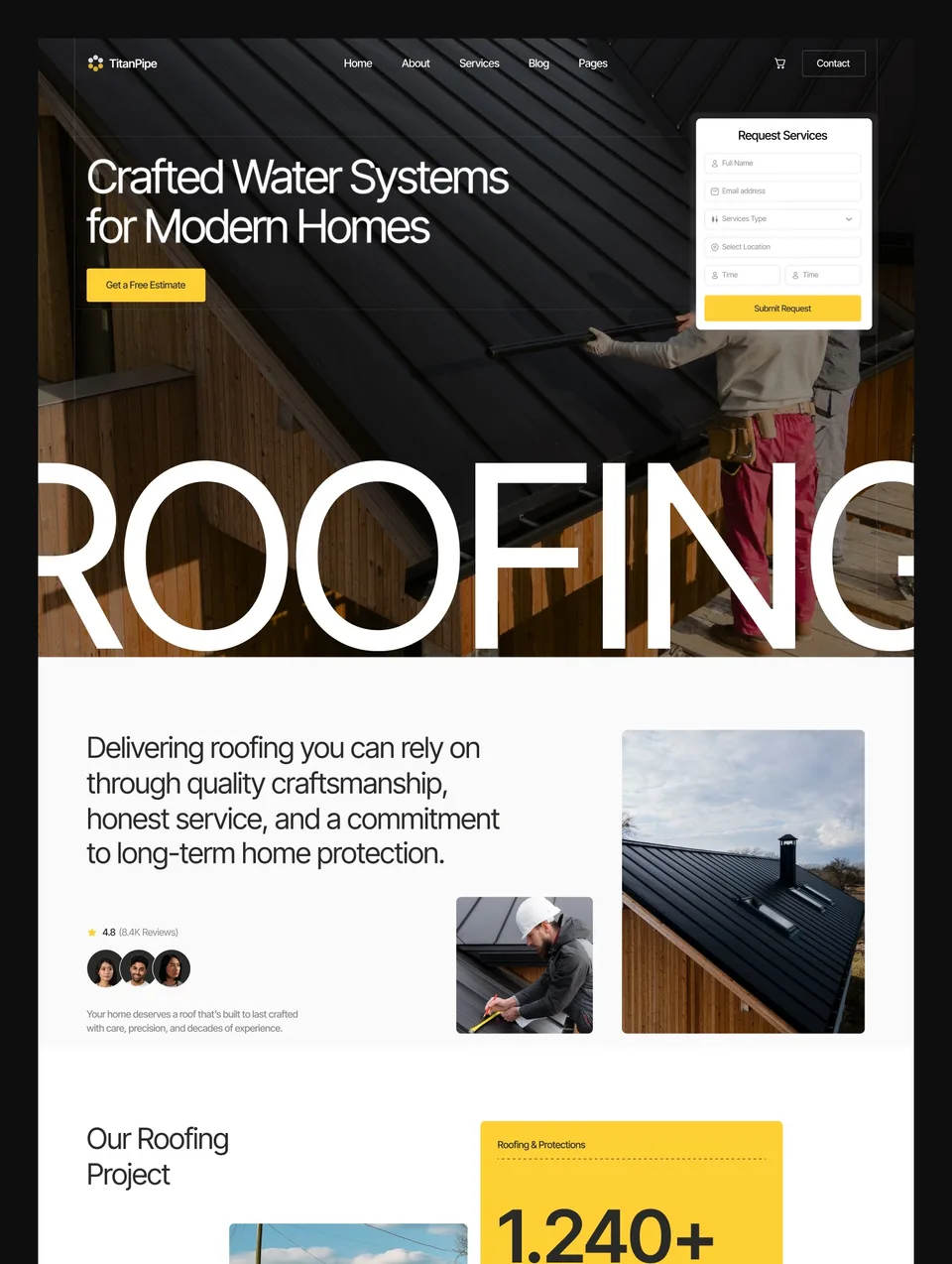

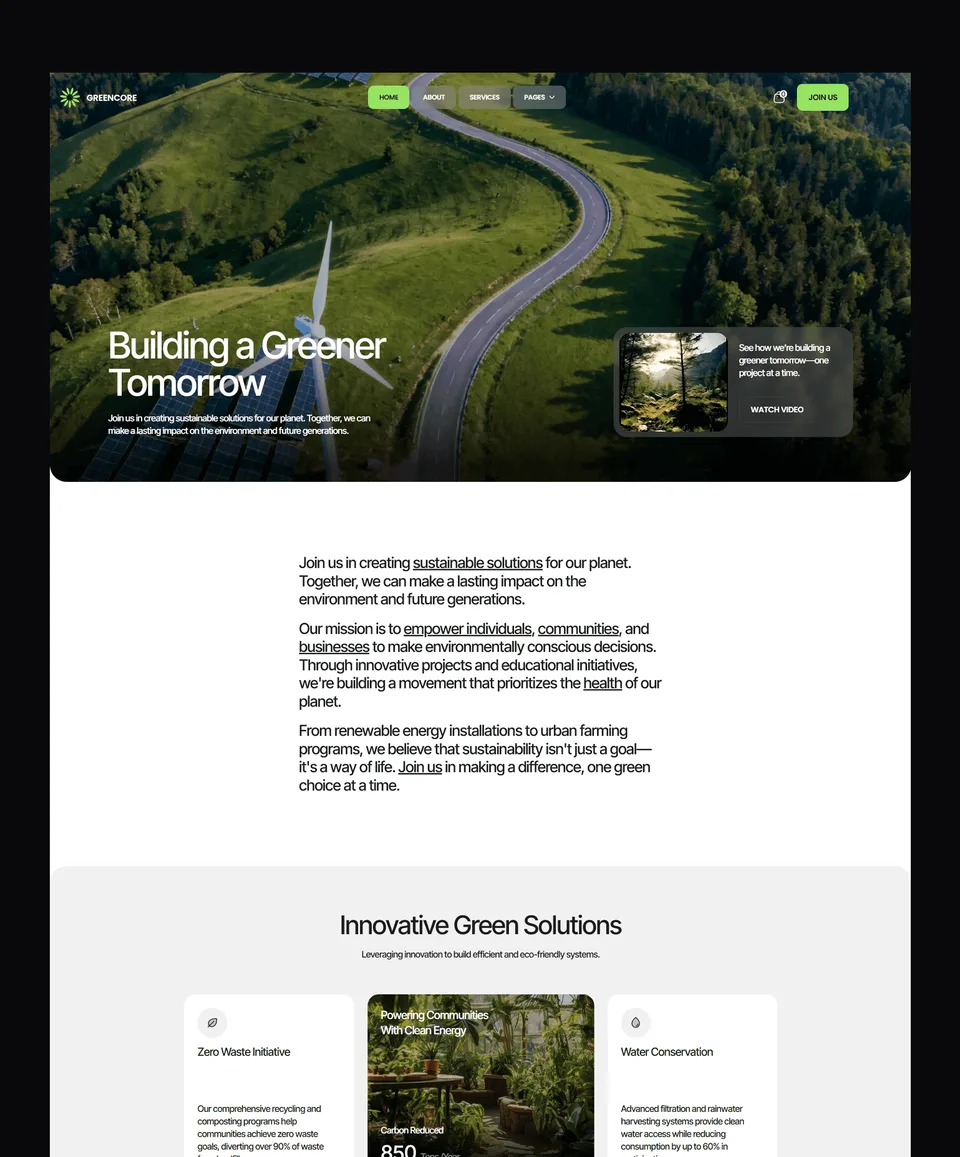

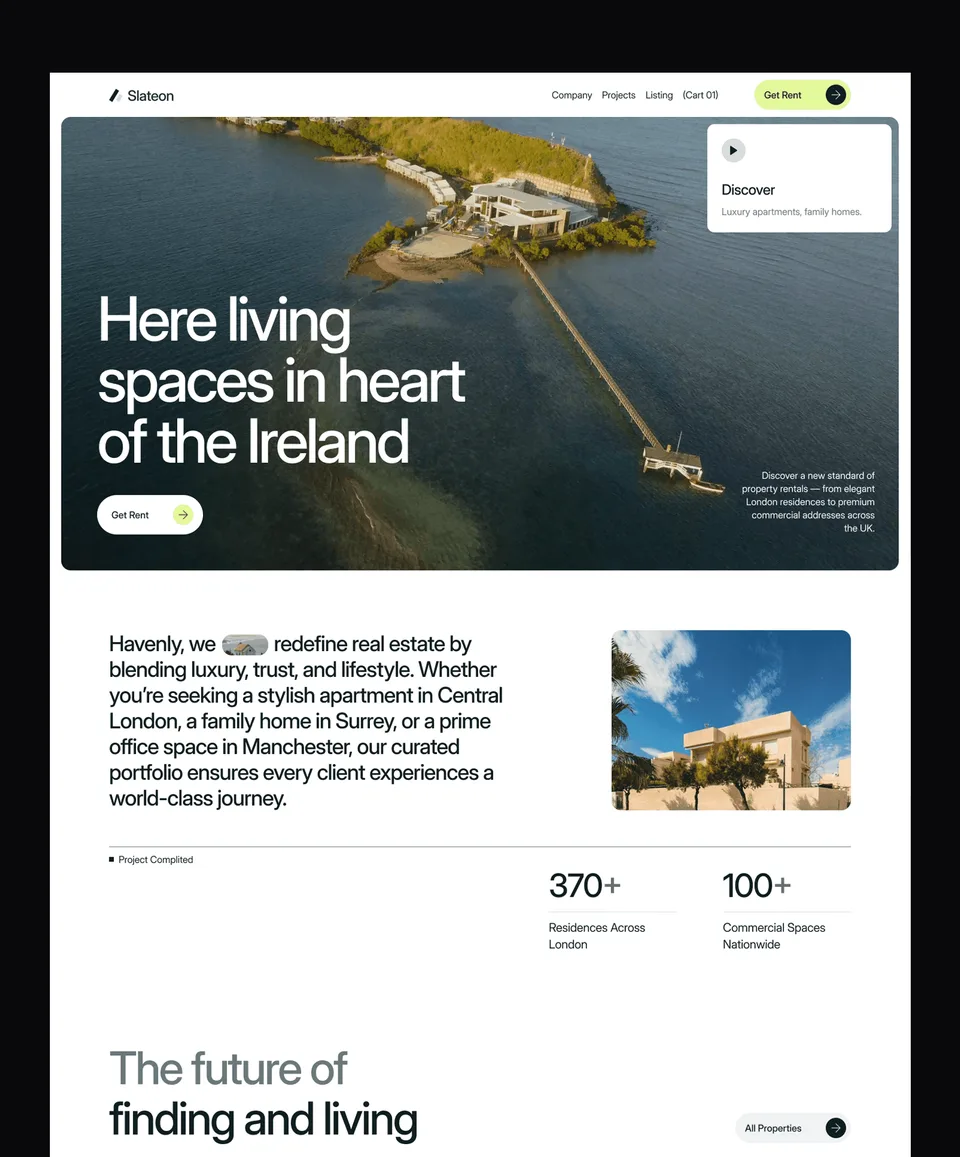

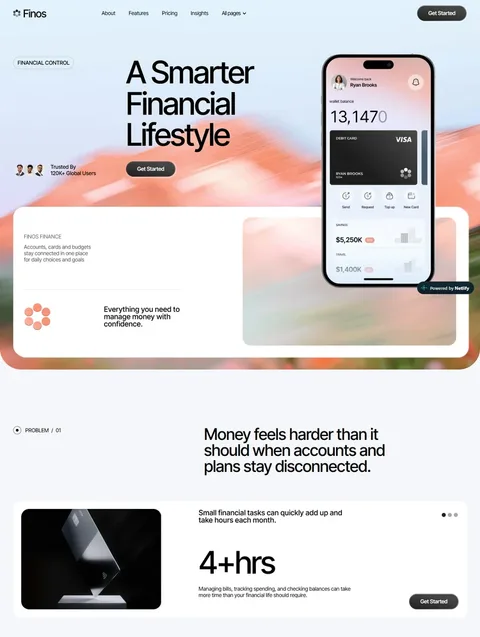

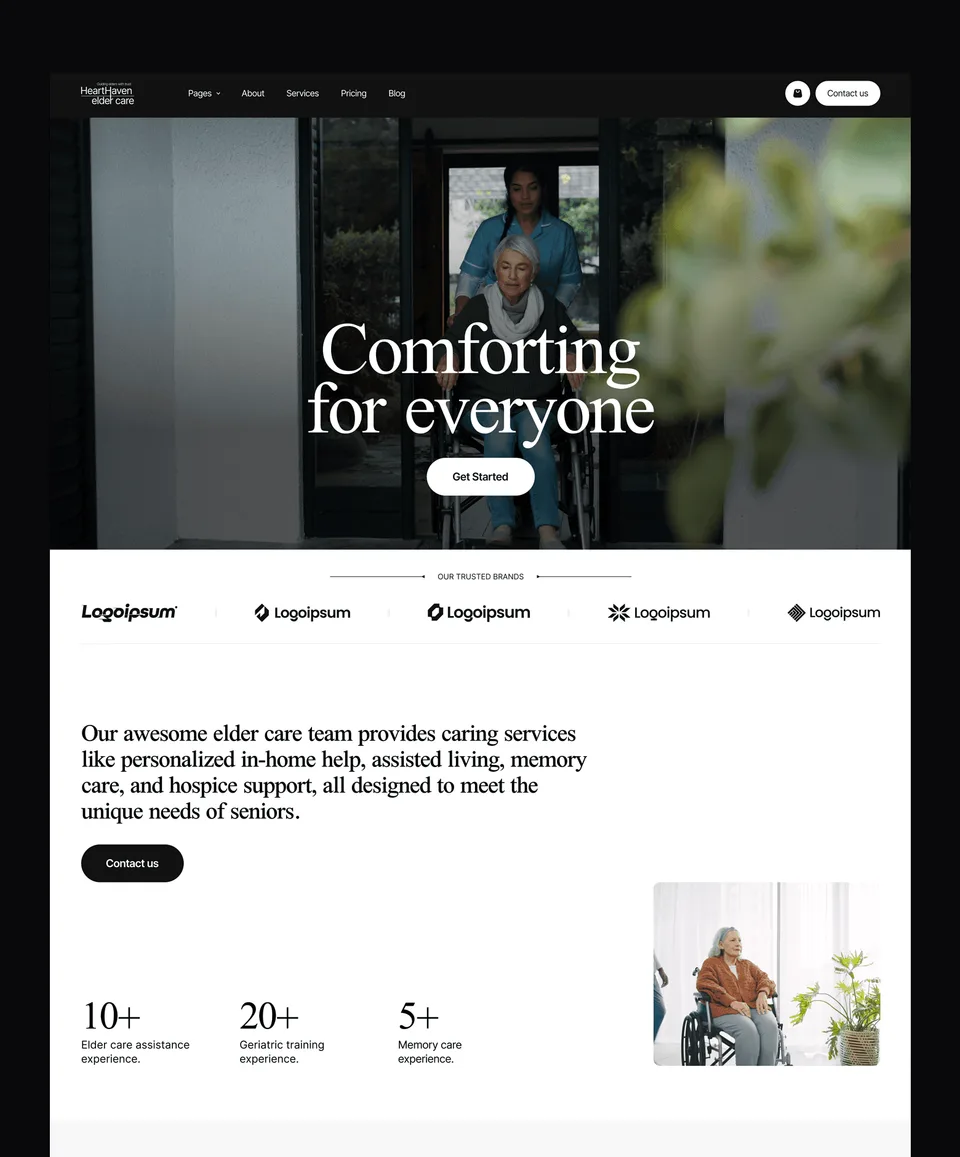

Complete sites, not samples
Every free Framer template here is a whole website: the full page set the design was drawn for, with the CMS collections wired up and filled with sample content so you can see the structure before you replace it. They are built to the same standard as the paid Framer templates: layouts use Framer's stacks and grids rather than absolute positioning, components are reusable, styles are named consistently, and every page is checked at mobile, tablet and desktop widths.
Nothing has been removed to push you toward a paid version. There is no trial period and no page held back.
How to get a free Framer template
- Create a free Waida Studio account. It takes an email address, and no card.
- Open the template you want and choose Remix free.
- Framer opens and copies the whole project into your own workspace. If you are not signed in to Framer, it asks you to sign in or make a free Framer account first.
- Edit it like any Framer project. Your copy is independent of ours, so nothing you change touches the original and nothing of ours changes yours.
What it costs to go live
The template costs nothing, and Framer lets you build and publish on a free Framer subdomain. Putting the site on your own domain needs one of Framer's paid site plans, which Framer bills you for directly; we never see that payment. Is Framer worth it goes through what the plans cost and when the free plan stops being enough.
What to change first
Start with colours and fonts. Framer applies them from one place, and they carry most of what makes the site look like ours rather than yours. Then replace the copy page by page, then the images, and only then touch the layout. Moving sections around on the first pass is the quickest way to lose the spacing that makes a template look finished. If you would rather hand the whole job over, there is a customization service.
When a paid template is the better start
The free set leans toward agencies, SaaS products, portfolios and service businesses. For an online shop, or a kind of site the free set does not cover, the rest of the Framer catalogue is where to look; the guide to agency templates and the portfolio templates guide weigh free and paid picks together. If you expect to build several Framer sites, the Framer Bundle covers every Framer template for one payment.
Looking for free templates on other platforms? Free website templates explains what is free across the catalogue and what is not.
What the licence allows
Free templates can be used for personal and commercial work, client sites included, with no limit on the number of projects and no credit required. What you cannot do is resell or redistribute a template, list it as a template of your own, or repackage it into a kit. The full terms are on the terms page.
Frequently Asked Questions
Are the free Framer templates really free?
Yes. They are complete multi-page sites built to the same standard as the paid ones, with no trial period and nothing stripped out. You can use them for personal and commercial work.
How do I get a free Framer template?
Create a free Waida Studio account, open the template and choose Remix free. Framer copies the whole project into your own workspace, where every page, component and CMS collection is yours to edit.
Do I need a paid Framer plan?
Not to build. You can remix a template, edit it and publish it on a free Framer subdomain. A custom domain needs one of Framer's paid site plans, billed by Framer, not by us.
Can I use a free Framer template for client work?
Yes. The licence covers your own sites and your clients' alike, with no limit on the number of projects. You cannot resell or redistribute the template itself. No credit or attribution is required.
Are the Webflow and code versions free too?
For two templates, yes: Zelda and Medonix are free on every platform, Webflow, HTML, Next.js, Astro and the Figma file included. For the rest, only the Framer builds are free; all but Earthon also come as paid HTML, Next.js and Astro templates, and all but Earthon and Lenkrio as paid Webflow templates.
Is the Figma file included?
No. The Figma design file behind each template is a separate $19 purchase, or part of the $49 Figma Bundle; Zelda's and Medonix's are free. You do not need it to use the Framer template.
How are the free templates different from the paid ones?
Not in how they are built or how complete they are. The difference is the design and the kind of site each one was drawn for. The free set covers agencies, SaaS, portfolios and service businesses, and has no e-commerce templates.