Best Webflow Portfolio Templates: 12 Picks for Designers, Photographers and Studios in 2026
Twelve Webflow portfolio templates for photographers, filmmakers, designers and studios: nine of ours and three from independent designers, with who each one suits.

The best Webflow portfolio templates in 2026 are Egnis and Golden Flash for photographers and filmmakers, Formix and Obliq for designers whose work spans disciplines, Zinox and Obliq Studio for a bold editorial look, and, from independent designers, Format for a one-page portfolio and Kaito for a clean freelance site. Twelve picks in all, with who each one suits.
Bias disclosure: nine of these twelve are Waida Studio templates. We made them and we sell them. The other three are by independent designers on the Webflow Marketplace, and we earn nothing from them. Our Framer portfolio list covers the same ground on Framer.
How We Picked
A portfolio template has one job: to make your work look as good as it is, and then get out of the way. We judged each one on:
- Work first. Layouts that give projects space, and hold up with your images rather than only the demo content.
- Projects in the CMS. Case studies stored as CMS items, so adding a project is filling in a form, not rebuilding a page.
- A clean build. Consistent class names and reusable components, which matters in Webflow more than anywhere, because you edit the structure directly.
- Honest scope. A page count that matches what the site needs. A one-page portfolio and a fifteen-page studio site are both right for someone.
The 12 Picks at a Glance
Template | Best for | Made by |
|---|---|---|
Photographers, videographers and filmmakers | Waida Studio | |
Photographers and photo studios | Waida Studio | |
Freelance designers with varied work | Waida Studio | |
Design studios and visual designers | Waida Studio | |
Independent creators with a bold identity | Waida Studio | |
Editorial, monochrome studio sites | Waida Studio | |
Designers and developers who want a full studio site | Waida Studio | |
A lean portfolio for a small creative team | Waida Studio | |
Boutique studios with a playful voice | Waida Studio | |
A one-page portfolio | Bryn Taylor | |
Freelance designers who want a clean, modern site | Jacob Nielsen | |
A black-and-white portfolio with playful motion | Shikhar Sharda |
The 12 Best Webflow Portfolio Templates for 2026
1. Egnis — Premium

Egnis is the pick for moving-image work. It is built for photographers, videographers, filmmakers and film and TV creators, with visual-first layouts, minimal navigation and generous space, so the reel and the stills carry the site. At thirteen pages, it has room for a full body of work.
2. Golden Flash — Premium

Golden Flash is a dark, cinematic template for photographers, photo studios and visual artists. Large image presentations, clean grids and immersive case-study layouts put photography first, and bold typography gives the site a confident voice without competing with the pictures.
Check out Golden Flash template
3. Formix — Premium

Formix suits freelance designers and small studios whose work spans disciplines: branding, web, illustration, motion and photography can sit side by side without being forced into one mould. At fifteen pages it is one of the fuller builds here, with room for services and a proper case-study structure.
4. Obliq — Premium

Obliq is a refined portfolio for design studios and visual designers who handle a range of work, from branding to product and web. Clean layouts and deliberate typography give each project a polished presentation, and every page steers a prospective client towards getting in touch.
5. Obliq Studio — Premium

Obliq Studio is Obliq's louder sibling: large type, generous whitespace and intentional asymmetry for creators and studios with strong visual identities. It runs to fifteen pages and suits anyone who wants the site itself to be part of the portfolio.
Check out Obliq Studio template
6. Zinox — Premium

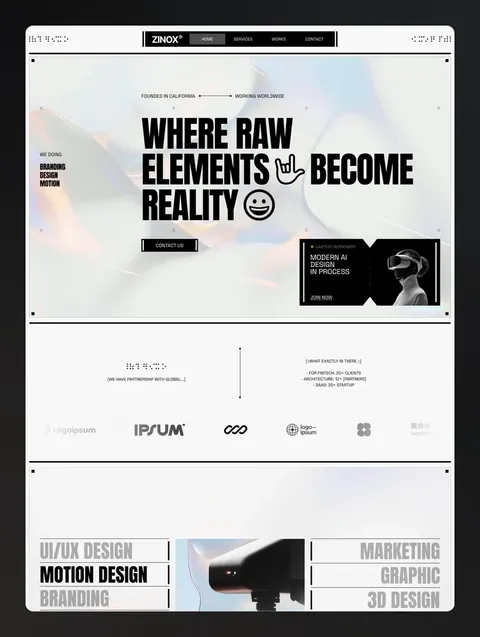
Zinox is a bold editorial template with a sharp monochrome look and oversized typography, for creative studios, branding teams and independent designers. Underneath, reusable components, consistent class naming and a flexible design system make it straightforward to rework in the Webflow Designer.
7. Brandora — Premium

Brandora is built for designers, developers and small creative teams who want the whole studio site: services, work, team, process and a blog, with CMS-powered projects and posts. At fifteen pages, it is as complete as anything on this list.
8. Visonaria — Premium

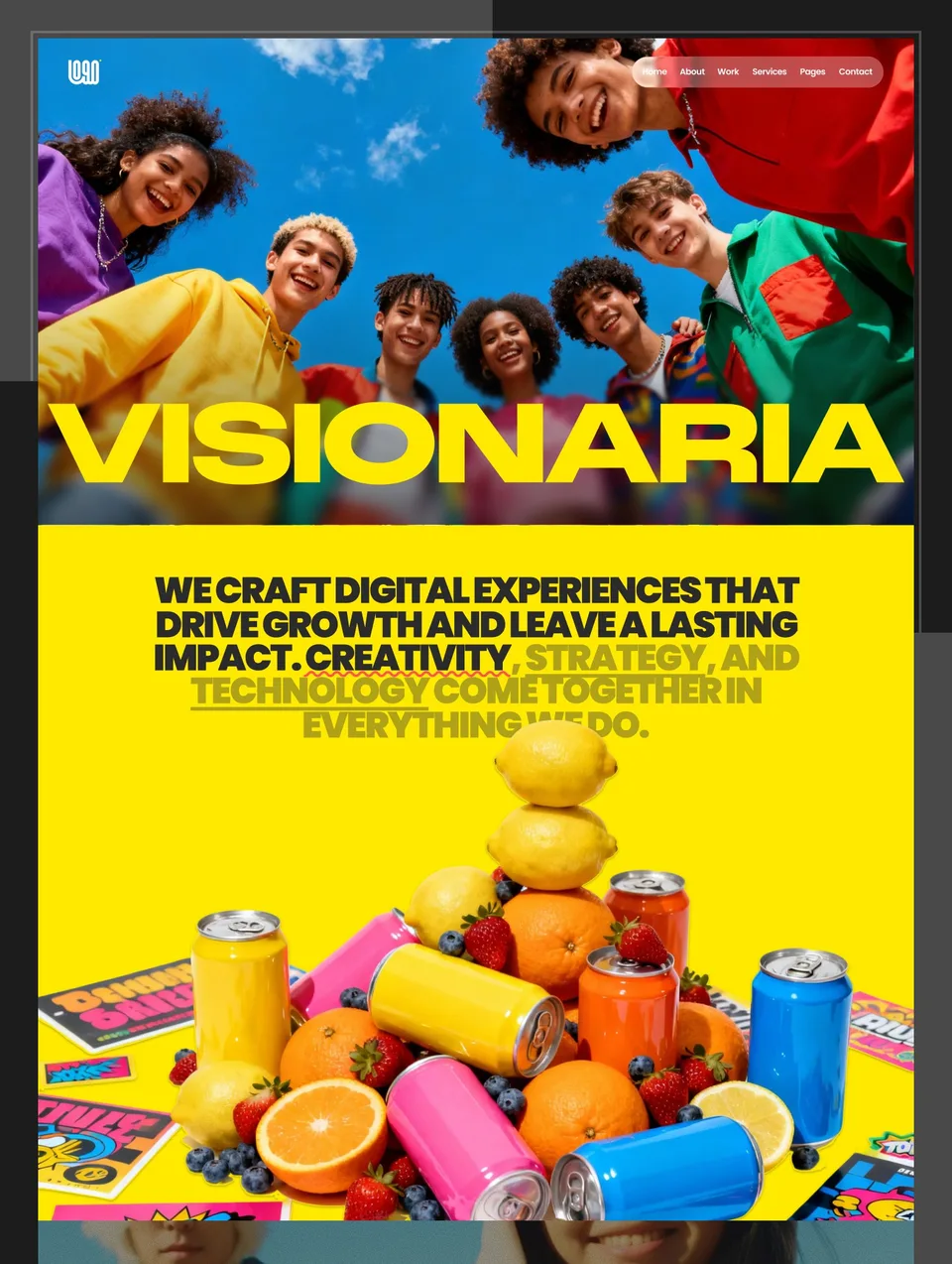
Visonaria keeps things lean at nine pages: projects front and centre, with services, about and contact always a click away. It suits a small creative team or a freelancer who wants a finished site quickly rather than a large build to fill.
9. Pexora — Premium

Pexora takes its look from pixel art, with bold hero imagery and a warm, handcrafted voice, for boutique design studios and creative agencies that want to feel approachable. A CMS-powered blog and projects collection keep new work easy to add.
10. Format — Premium [External]
Format, by Bryn Taylor, is a clean, minimal one-page portfolio for designers, freelancers and creatives. If all you need is your work, a short introduction and a way to reach you, a single well-made page is often the better choice, and Format does that without padding.
See Format on the Webflow Marketplace
11. Kaito — Premium [External]
Kaito, by Jacob Nielsen, is a clean, modern portfolio for freelance designers and creatives. It keeps the aesthetic restrained so that the work sets the tone, which makes it a safe foundation if you are not sure yet how your portfolio should look.
See Kaito on the Webflow Marketplace
12. TheoFolio — Premium [External]
TheoFolio, by Shikhar Sharda, is a black-and-white portfolio for creatives who like simplicity with a touch of play: subtle animations and fun interactions keep a monochrome layout from feeling cold.
See TheoFolio on the Webflow Marketplace
What to Look For in a Webflow Portfolio Template
A CMS collection for projects. If you add work regularly, projects belong in a CMS collection with a template page, so each new case study inherits the design. Check the template's project page, not only its home page.
The right Webflow plan. A portfolio can be built for free on a webflow.io address. Publishing it on your own domain costs $15 a month on Webflow's Basic plan, but Basic has no CMS, so a portfolio that keeps its projects in the CMS needs Premium at $25 a month (both billed yearly; prices checked on 11 September 2026). Webflow vs Framer compares what each platform costs.
Room for words. Clients hire designers who can explain their decisions. A template whose project pages have space for the brief, the approach and the result will serve you better than a wall of thumbnails.
Portfolio templates for Webflow
All 14 portfolio templates


Frequently asked questions
Are these Webflow portfolio templates free?
No. All twelve are premium Webflow templates: nine from Waida Studio and three from independent designers on the Webflow Marketplace. Five of our designs (Egnis, Golden Flash, Formix, Obliq and Brandora) are free as Framer templates if you would rather build on Framer.
Which Webflow plan do I need for a portfolio?
You can build on Webflow's free Starter plan and publish to a webflow.io address. For your own domain, Basic costs $15 a month billed yearly but has no CMS; a portfolio that keeps its projects in the CMS needs Premium at $25 a month billed yearly. Prices checked on 11 September 2026.
Can I use a Webflow portfolio template for client work?
Waida Studio templates are licensed to one person for unlimited projects, your own and your clients' alike. Templates bought on the Webflow Marketplace are covered by Webflow's own template licence, so check its terms for those.
Are the same designs available on other platforms?
Yes, for our nine. Each one also comes as a Framer, HTML, Next.js and Astro template, and each has a Figma file sold separately, so you can keep the design if you change platform.
Do I need to know how to code to use a Webflow template?
No, but it helps to understand how layout works. Webflow's Designer is visual, yet it mirrors HTML and CSS closely, so it has a steeper learning curve than Framer. Changing text, images and CMS content needs no technical knowledge at all.
All nine of our picks are in the catalogue: browse all Webflow templates, or narrow to portfolio templates across every platform. If Webflow feels heavier than you need, the same designs are available for Framer, and five of them, Egnis, Golden Flash, Formix, Obliq and Brandora, are among our free Framer templates.

More from Kazi
Related articles
More in Webflow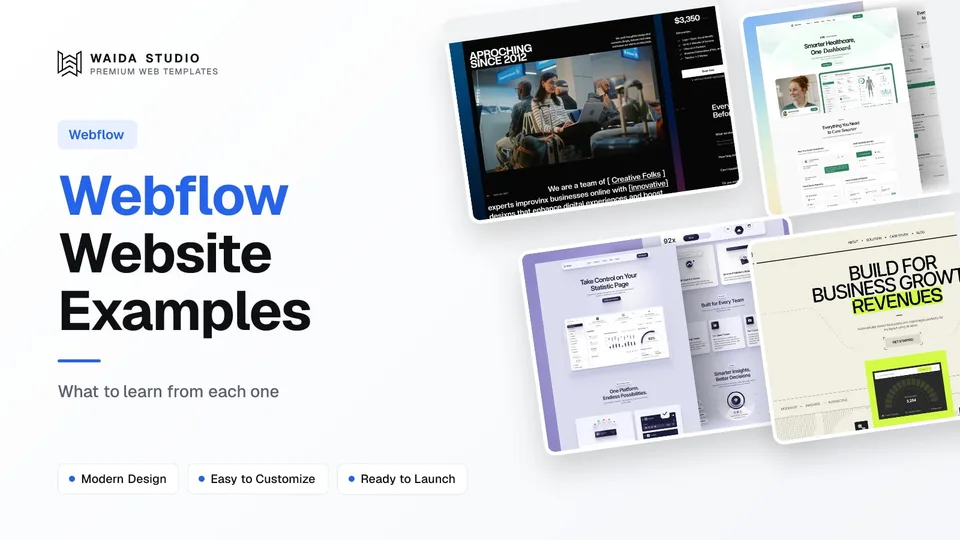
Webflow Website Examples: 20 Real Sites Built with Webflow in 2026
Twenty real company websites that run on Webflow, each checked in its live page source, grouped by type with what each one does well.
Best Free Webflow Templates: 10 Picks for 2026
Ten free Webflow templates checked on their own pages today, with who each suits and what the Webflow site plan costs once you publish.
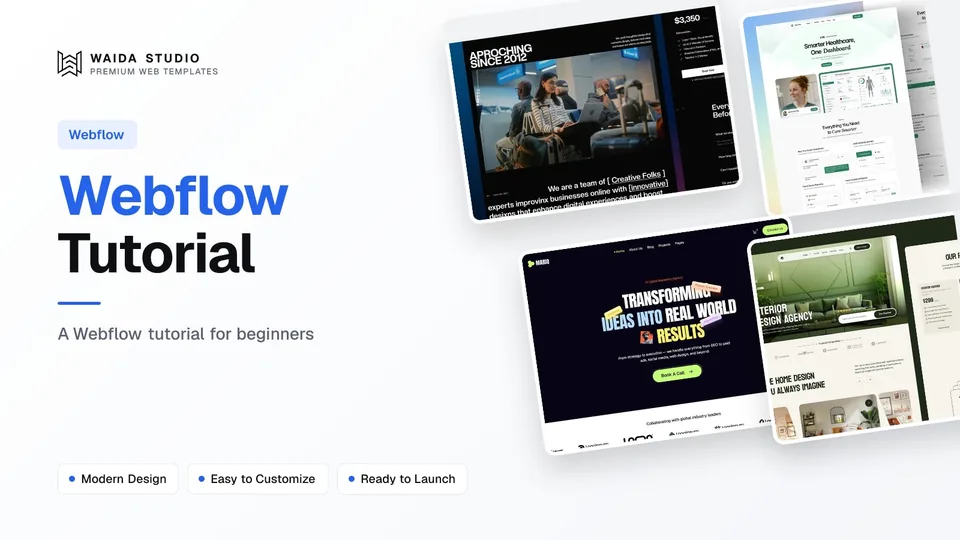
Webflow Tutorial: How to Build Your First Site in 2026
A step-by-step Webflow tutorial for beginners, from a free account and a template to a published site on your own domain.