Nonprofit Website Design: What a Charity Site Needs in 2026
What a nonprofit website needs in 2026: a clear mission, a donate path that takes a few taps, the documents donors check, and a site that meets Google's Ad Grants policy.
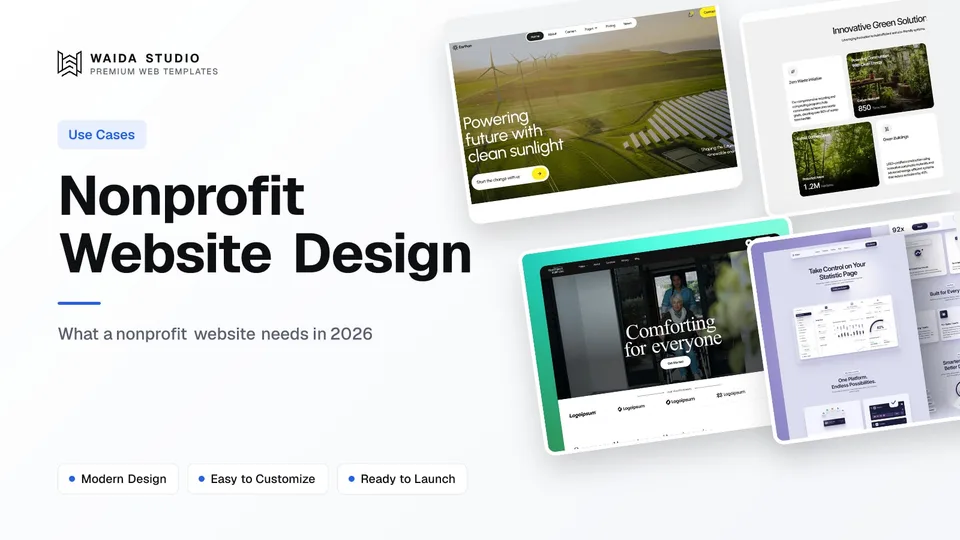
Good nonprofit website design does three jobs. It says what the organisation does, and for whom, in one screen. It takes a donor from any page to a completed gift in a few taps. And it shows where the money goes. Events, volunteering and news hang off those three.
The Pages a Nonprofit Website Needs
Nine page types cover most small and mid-sized nonprofits. Build the home page, the programme pages and the donate page first, because they carry the mission and the money. The rest answer what a donor, volunteer, funder or journalist wants to check before they commit.
Page | What the visitor wants from it | Why it matters |
|---|---|---|
Home | What do you do, for whom, and what can I do about it? | The mission in one sentence, plus one primary action |
About and mission | Who runs this, since when, and why | Where funders and journalists check who is behind the work |
Programmes (one page each) | What exactly happens with the money | Each programme gets its own heading, story and search intent |
Impact | Proof that the work works | Dated figures and one person's story, side by side |
Donate | A fast, secure way to give | The page every other page points to |
Get involved | Volunteering, events, partnerships | For supporters who give time rather than money |
Financials and governance | Annual report, Form 990, board list, EIN | Answers the due-diligence questions before anyone asks them |
News | Recent activity | Shows the organisation is active, and gives search and ad traffic somewhere to land |
Contact | Address, email, phone, a press contact | A real address and a named contact are trust signals |
A very small organisation can fold Impact into the programme pages and Financials into About. Keep Donate as its own page either way: Google's Ad Grants policy, covered below, expects donation links to lead to a secure page dedicated to donations.
Keep the Donate Path Short
A donor should reach a completed gift in three steps from any page: tap Donate, choose an amount, pay. Put the Donate button in the header of every page, in a colour nothing else on the site uses, and send it to one page with one job.
- A Donate button in the header of every page, visible on a phone without opening the menu
- Three or four suggested amounts, each tied to an outcome you can stand behind, plus a field for a custom amount
- A choice between a one-off and a monthly gift on the same screen
- Only the fields the payment needs: name, email, and a card or wallet
- A thank-you page and a receipt that say what happens next
The donate page is a landing page: one intent, one action, nothing that leads away from it. The structure is the one covered in how to make a landing page, with the form in place of the sign-up button.
Processing fees. Every gift loses a little to the payment processor, so check the charity rates before you choose one. PayPal's fee page lists a rate of 1.99% plus a fixed fee of $0.49 for domestic charity transactions in US dollars, subject to application and pre-approval. Stripe offers a nonprofit fee discount on request to registered nonprofits in eligible regions whose Stripe volume is at least 80% tax-deductible donations; its page does not publish the rate.
Receipts. In the US, the IRS says the written acknowledgment for a contribution of $250 or more must name the organisation, state the amount of a cash contribution, and say whether any goods or services were provided in return, with a good-faith estimate of their value if so. Make sure the receipt your donation tool sends carries those items.
A website template gives you the button and the page layout. The payment itself comes from a donation tool you embed or link to. The design job is to make that handover feel like one site: the same logo, the same colours, and no surprise pop-ups between the button and the form.
Show Where the Money Goes
Donors and funders check a nonprofit before they give, so put the evidence one click from the home page. A Financials page with the annual report, recent Form 990s, the board list and your EIN answers most due-diligence questions before anyone has to email.
US law already makes much of this public. The IRS requires an exempt organisation to make its exemption application and annual returns available for public inspection, each return for three years, and to provide copies to people who request them, within 30 days for a written request. Posting the documents on your site means fewer people need to ask.
The IRS list of documents subject to disclosure also says that, private foundations aside, an exempt organisation is not required to disclose the name and address of any contributor. Publish the returns, but never list donors without their permission.
Third-party profiles help too. Candid awards Seals of Transparency at Bronze, Silver, Gold and Platinum levels as an organisation adds more to its profile, from the basics up to goals, strategies and metrics. If you have earned one, show it on the donate page and in the footer.
On the Impact page, give every number a date and a definition. A figure with a year and a unit, such as the number of families housed in 2025, is checkable; "thousands helped" is not. Pair the figures with one person's story, told with their consent.
Build the Site to Qualify for Google Ad Grants
Google Ad Grants gives qualifying nonprofits up to $10,000 per month in search ads on Google.com, and the website is part of the application. Google's Ad Grants website policy reads like a design brief, so build to it from the start.
Requirement | What Google's website policy asks for |
|---|---|
Domain | The nonprofit owns the domain, and the domain hosts the site directly, with no automatic redirect to a donation portal or a social media page. A .org is not required. |
Content | Substantial original content on the key pages: home, about, mission, programmes and contact. No "under construction" pages or placeholder text. |
Mission | The mission stated prominently, plus a physical address, an EIN or an annual report, or all three |
Navigation | A clear menu and no broken links, including placeholder social media icons left over from a website template |
Speed and mobile | Pages that load quickly and work on phones and tablets |
HTTPS | The entire site served over HTTPS, with no mixed content |
Donations and ads | Donation links that work and lead to a secure page dedicated to donations, and no AdSense ads on the site |
Two of those rows catch template users. Before you apply, replace or remove every placeholder social icon, demo page and line of sample copy. And keep a real website on the domain you submit, with its own donate page, instead of forwarding the domain to a fundraising platform.
Meeting the policy is necessary, not a guarantee. The same page says Google reserves the right to grant or deny any organisation's application.
Accessibility, Speed and Structured Data
A nonprofit answers to the widest possible public, so the basics matter more here than on most sites. Three checks cover most of it: text contrast, load time, and organisation details that search engines can read.
Contrast. WCAG 2.2 asks for a contrast ratio of at least 4.5:1 for normal text and 3:1 for large text. Pale text laid straight over a photograph often fails it, so put a solid or darkened panel behind the words in the hero.
Speed. web.dev sets a good Largest Contentful Paint at 2.5 seconds or less, measured at the 75th percentile of page loads. Google's Ad Grants policy names large, unoptimised image files as a common cause of slow sites, so compress the hero photograph and keep video off the top of the page.
Structured data. Schema.org has an NGO type, a subtype of Organization, and a nonprofitStatus property for the organisation's legal status. Mark up the name, logo, address and status once, in the layout every page shares.
What Hosting Costs
A small nonprofit site can run for the price of a domain plus an entry-level hosting plan. The catch is the free tiers: Framer and Webflow both publish free sites on their own subdomains, and Ad Grants asks for a domain the nonprofit owns. Budget for the first paid plan.
Platform | Free plan | First plan with your own domain |
|---|---|---|
Framer | Free Framer domain, 1 GB bandwidth | Basic, $10 a month on yearly billing |
Webflow | webflow.io subdomain | Basic, $15 a month billed yearly |
Those figures come from Framer's pricing page and Webflow's pricing page on the day this guide was written, so check them before you budget. Framer describes its Free plan as ideal for non-commercial use, but a custom domain still needs a paid plan. For the full picture, see how much a website costs and the Framer pricing guide.
Templates to Start From
Waida Studio has no template built specifically for charities, and we would rather say so than pretend. These three are our own templates and the closest fits in the catalogue: one made with environmental organisations in mind, one built for sharing impact and stories, and one for care providers. Plan to add the Donate button and the donation page yourself.
Earthon

Earthon is an 11-page template for sustainability-driven brands, environmental organisations and eco-focused businesses. It is a Framer template, free with a free Waida account. The Figma file is sold separately for $19.
Greencore

Greencore is a 15-page template for sustainability and agriculture brands, with sections for sharing impact, services and stories. It is free on Framer with a free Waida account, $79 on Webflow, $39 as HTML and $49 for Next.js or Astro. The Figma file is sold separately for $19.
Oldage

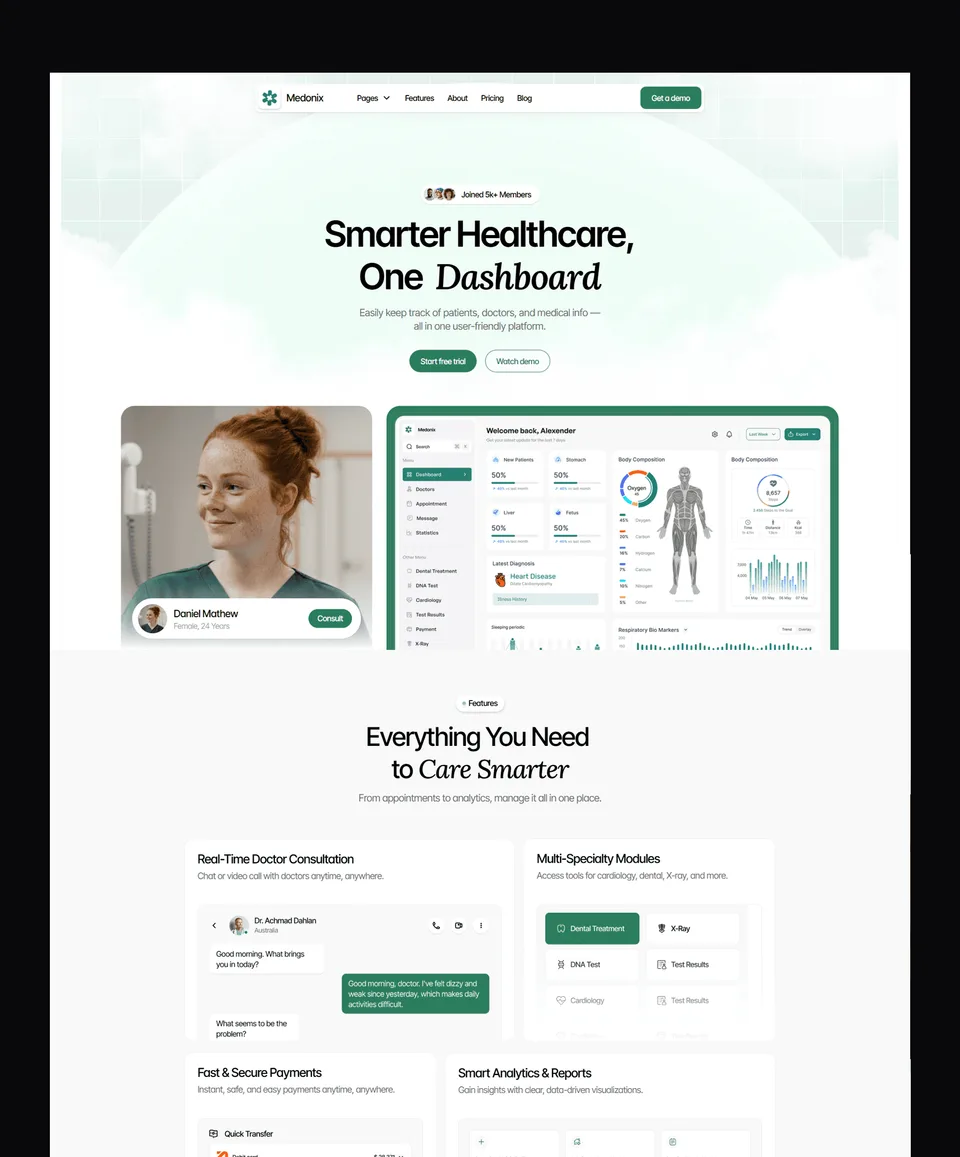
Oldage is a 14-page template for elderly care, health clinics and medical practices, which makes it the closest fit for a care charity or a community health organisation. It is free on Framer with a free Waida account, $59 on Webflow, $39 as HTML and $49 for Next.js or Astro. The Figma file is sold separately for $19.
For more options, browse the business templates, the professional services templates or the full set of free Framer templates. Every template comes with a licence for unlimited projects, including client work, as set out in the terms. That matters if you are a freelancer or an agency building the site for a charity.
Templates to start from
All 40 templates



Frequently asked questions
What pages does a nonprofit website need?
A home page, about and mission, one page per programme, impact, donate, get involved, financials and governance, news, and contact. A very small organisation can merge impact into the programme pages and financials into the about page.
Does a nonprofit need a .org domain?
No. Google's Ad Grants website policy says a .org is not a strict requirement. Other domains such as .com or .ngo are fine, as long as the organisation fully owns and controls the website hosted on that domain.
How much is the Google Ad Grant for nonprofits?
Google Ad Grants offers qualifying nonprofits up to $10,000 per month in search ads on Google.com. The website has to meet Google's website policy, which includes HTTPS, substantial original content and a domain the nonprofit owns.
Does a nonprofit have to put its Form 990 on its website?
The IRS requires exempt organisations to make their annual returns available for public inspection for three years and to provide copies to people who request them. Putting the returns on a Financials page is a simple way to be open about it.
What should a donation receipt include?
For a US contribution of $250 or more, the IRS says the written acknowledgment must name the organisation, state the cash amount, and say whether goods or services were provided in return, with a good-faith estimate of their value.
Is there a free template for a nonprofit website?
Waida Studio has no charity-specific template, but Earthon, Greencore and Oldage are free on Framer with a free Waida account. They are the closest fits in the catalogue for environmental and care organisations.
A nonprofit website works when a stranger can tell what you do in one screen, give in a few taps, and check where the money goes without emailing anyone. Build the mission, programme and donate pages first, then the Financials page, then test the whole site against the Ad Grants website policy.
To start from a template, browse the Framer templates, where Earthon, Greencore and Oldage are free with a free Waida account. If you would rather hand the build over, template customisation is $499 with 7-day delivery.

More from Kazi
Related articles
More in Use Cases
Dental Website Design: What a Practice Site Needs in 2026
What a dental practice website needs in 2026: service pages, a booking path that works on a phone, honest reviews, and the privacy and accessibility rules behind them.
Art Portfolio Website: What to Include in 2026
What an art portfolio website needs in 2026: the pages, how to curate and size your images, where to build it and how to sell prints or take commissions.
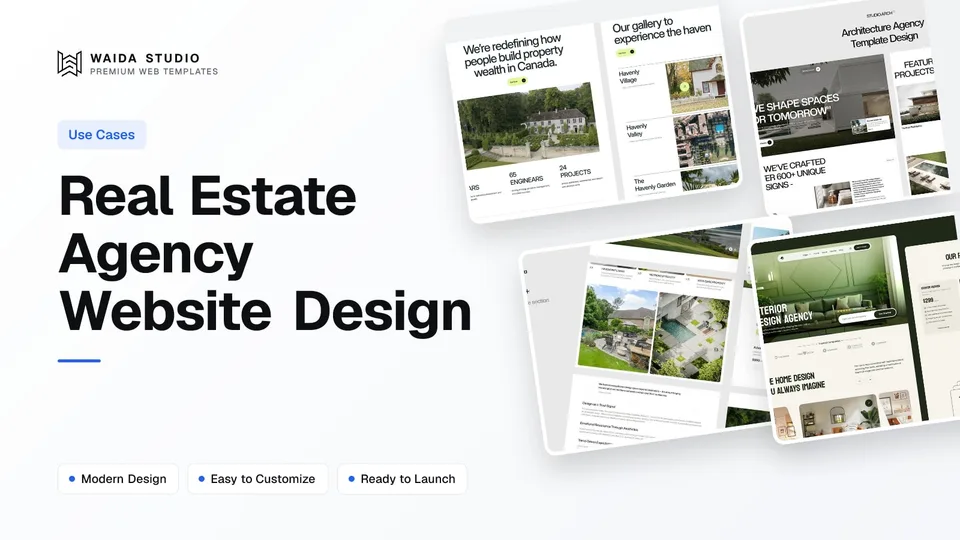
Real Estate Agency Website Design: What Works in 2026
The pages a property agency needs, the three ways to handle listings, the advertising and accessibility rules that shape the copy, and what a build actually costs.