Accounting Firm Website Design: What Earns Clients in 2026
What an accounting firm website needs in 2026: services by client type, clear fees, named accountants, a secure route for documents and the rules on advertising.
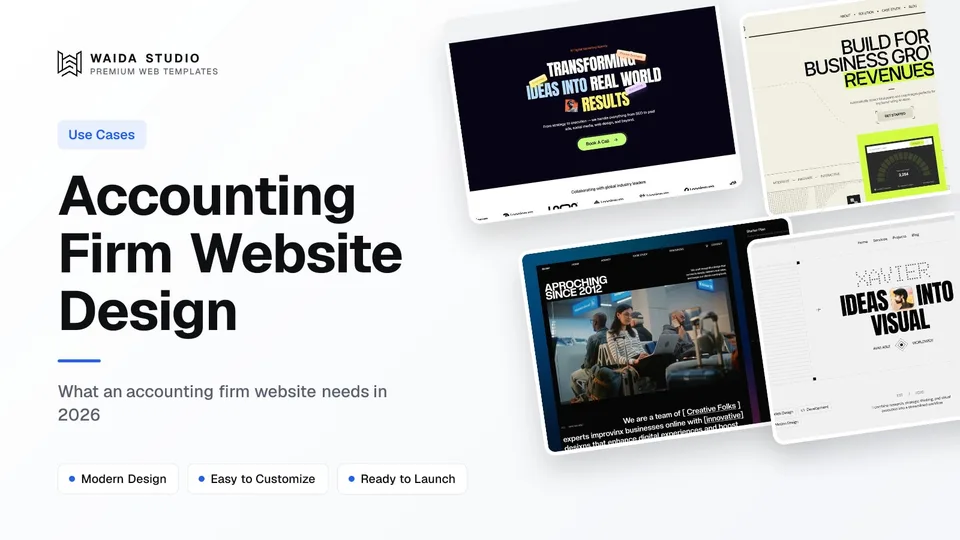
Good accounting firm website design tells a visitor in one screen who you serve, which services you offer and how to start. It needs service pages by client type, published fees or fee ranges, named accountants with credentials, a booking path, and a secure portal for documents instead of a contact form.
This guide covers the pages, the fee question, the federal rules that touch an accounting firm's website, the technical basics and what a site costs if you start from a template. It is a design guide, not legal advice: check your state board of accountancy and your professional body before you publish.
The Pages an Accounting Firm Website Needs
Seven page types cover most practices, from a sole practitioner to a regional firm. Service pages and the team page do the selling. The fees page answers the question most visitors arrive with, and the portal link keeps documents out of email.
Page | What the visitor wants from it | Why it earns work |
|---|---|---|
Home | Do you work with people or businesses like me? | Sorts individuals, small businesses and specialist clients in one screen |
Services (one per offer) | Exactly what is included, and when it is delivered | Gives each search and each referral its own landing page |
Who we serve | Do you know my industry? | Industry pages (contractors, medical practices, non-profits) match how owners search |
Fees or pricing | Roughly what will this cost? | Removes the biggest reason people leave without calling |
Team | Who will handle my return or my books, and are they qualified? | Clients hire a person; credentials are the proof |
Resources or blog | Tax deadlines, checklists, plain explanations | Earns search traffic and repeat visits every filing season |
Contact and client portal | How do I start, and where do I send documents? | The one path every other page points to |
A sole practitioner with two or three services can fit most of this on one long page. The guide to making a small business website walks through that smaller build step by step.
Organise Services by Client Type
Visitors search by their situation, not by your service catalogue, so group services by who they are for. An owner looking for "bookkeeping for contractors" wants to land on a page that says contractors in the heading, not on a list of twelve services.
- Individuals and families: personal tax returns, tax planning, estate and trust returns.
- Small businesses: bookkeeping, payroll, business tax returns, quarterly estimates.
- Growing companies: outsourced controller or fractional CFO work, financial statements, budgeting.
- Specialist work: IRS notices and representation, audits and reviews, industry niches you actually serve.
Each service page should answer the same four questions: what is included, what the client provides, when the work is delivered and how pricing works. Add a short section on which software you work in if clients care about it, and link to the matching industry page. Only list industries where you have clients today; a niche page with nothing behind it reads as filler.
Publish Fees, or at Least Fee Ranges
Publishing fees is allowed and usually helps, because cost is the question a prospective client cannot comfortably ask first. For work before the IRS, Treasury's own rules spell out what fee information a practitioner may publish and the conditions that come with it.
Circular 230, section 10.30 lets a practitioner publish fixed fees for specific routine services, hourly rates, ranges of fees for particular services and the fee for an initial consultation. Three conditions sit alongside that permission, and each one shapes how you design the page:
- Say who pays the costs. Any fee statement about matters where costs may be incurred must disclose whether the client is responsible for them.
- Published rates hold for 30 days. A practitioner may charge no more than a published rate for at least 30 calendar days after the schedule was last published, so date your fee page and change it deliberately.
- Keep a copy. For direct mail and e-commerce communications, the section requires a copy of the actual communication to be kept for at least 36 months; archiving each version of your fees page is the simple way to have one.
A fees page that works for most firms shows a starting price for each service, what moves the price up, and a fixed fee for the first consultation if you charge one. Ranges are honest when the work really varies; "Contact us for pricing" on every line is the version visitors skip.
Advertising Rules That Shape the Copy
The same section of Circular 230 bars any public communication containing a false, fraudulent, coercive, misleading or deceptive statement in IRS matters. On a website that rules out guaranteed refunds, invented results and implied links to the IRS. State board and professional rules add their own requirements on top.
- Credentials, stated exactly. Section 10.30 says enrolled agents may not use the term "certified" or imply an employer or employee relationship with the IRS, and it gives acceptable wording such as "enrolled to practice before the Internal Revenue Service".
- No promised outcomes. "We'll get you the biggest refund" is a claim about a result you cannot control. Describe what you do instead.
- Testimonials with permission. Use real clients, named or described, only with their written consent, and never write reviews yourself.
- The CPA title. Who may call themselves a CPA, and how a firm name may use it, is set by each state's board of accountancy. Check your state's rules before you write the header and the team page.
Team bios carry most of the trust on an accounting site. Give each person a photo, their credential, how long they have practised, what they specialise in and the kinds of clients they handle. The law firm website design guide covers the same balance of credentials and advertising rules for another regulated profession.
Keep Client Documents Out of the Contact Form
Never ask for tax documents or Social Security numbers through a website contact form or by email. Send clients to a secure portal instead. For tax preparers this is a legal duty as well as good practice, because federal rules treat them as financial institutions for data security.
The FTC's Safeguards Rule definitions say an accountant or other tax preparation service in the business of completing income tax returns is a financial institution. The Rule's security requirements include encrypting customer information in transit over external networks and at rest, and multi-factor authentication for anyone accessing an information system.
The website itself rarely holds that data, and it should stay that way. Design the contact path around it:
- Keep the enquiry form to name, email, phone, the service and a short message, and say on the form not to include tax documents or ID numbers.
- Put a clear "Client portal" link in the header, pointing to the secure portal your practice software provides.
- Explain the document process on the contact page: what happens after someone books, and how they will be asked to upload files.
- Serve the whole site over HTTPS, and check the padlock on the contact page after every change of host or domain.
Technical Basics: Speed, Local Search and Structured Data
Most accounting clients are local, so local search matters more than design flourishes. Fill out your Google Business Profile, show the office address and hours on the site, keep the pages fast, and describe the firm with structured data so search engines know what kind of business it is.
- Structured data. Schema.org has an AccountingService type, a kind of FinancialService under LocalBusiness. Google's local business structured data guide requires a name and an address, recommends hours, phone and URL, and asks for the most specific subtype that fits.
- Speed. Google's Largest Contentful Paint guidance sets a good target of 2.5 seconds or less, measured at the 75th percentile of page loads. Compress the hero image and skip autoplaying video.
- Seasonal content. Deadline reminders and checklists published before filing season are the articles people search for every year. Update them rather than writing new ones.
- One office, one page. A firm with several offices should give each its own page with its address, hours and team.
Accounting Firm Templates You Can Start From
Waida Studio does not have an accounting-specific template, so these are the closest fits from our own catalogue; we made them, so weigh that. Each has the structure an accounting practice needs: service pages, a team or about page, pricing or plan blocks and a contact path. Expect to replace the imagery and copy.
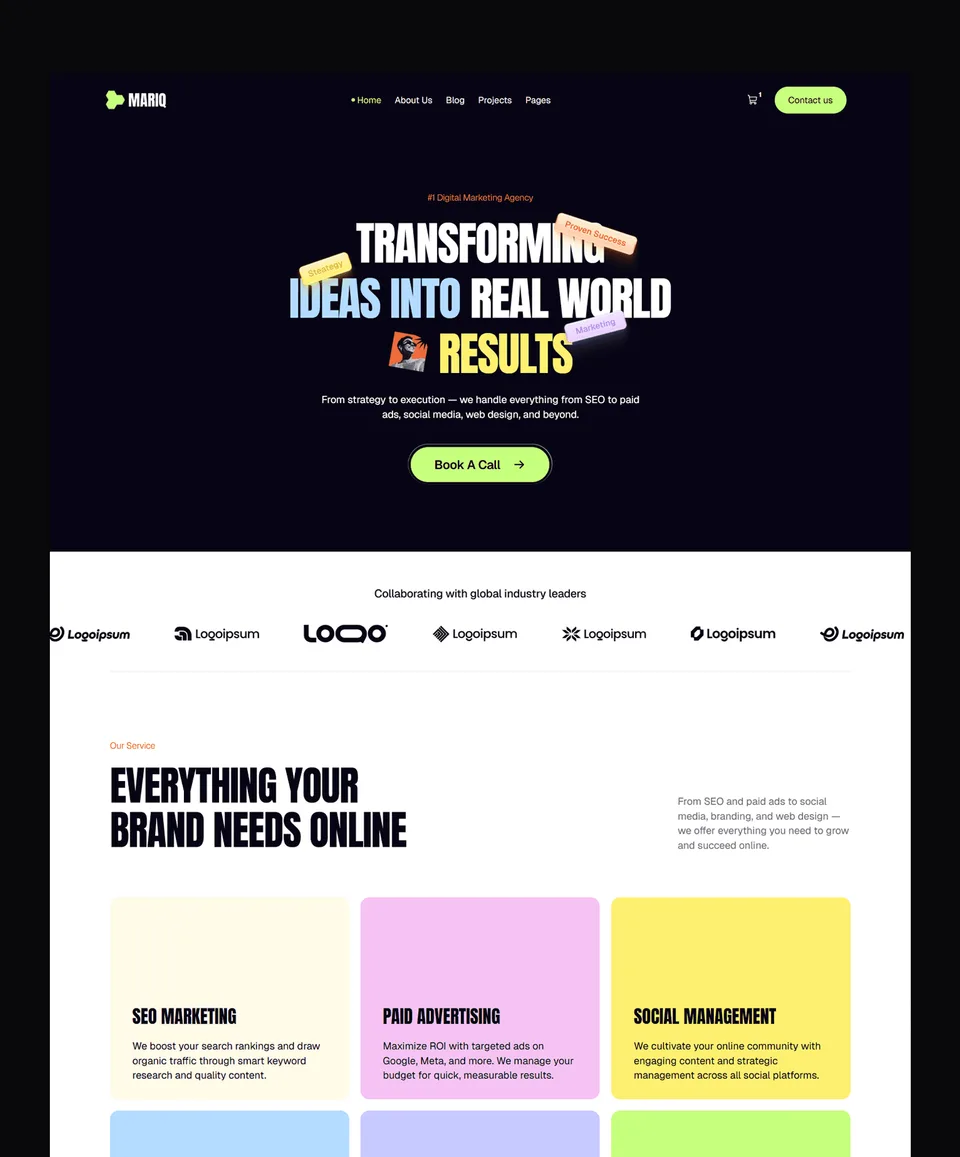
Mariq, for a firm with several services

Mariq is an 11-page template built for marketing agencies, startups and creative teams, with CMS-powered pages for services and case studies. For an accounting firm, the CMS makes it easy to run one page per service and one per industry, and to add resources each filing season.
Free on Framer with a Waida account, $79 on Webflow, $39 on HTML and $49 on Next.js or Astro. The Figma file is $19 separately.
Avande, for advisory and fractional CFO work

Avande was made for AI consultancies and automation agencies, with solutions pages, case studies, a blog and pricing. Its editorial, technical look, with animated dashboard gauges, suits a firm selling advisory, forecasting or outsourced finance work, where the pricing blocks map onto monthly packages.
Free on Framer with a Waida account, $99 on Webflow, $39 on HTML and $49 on Next.js or Astro.
Zelda, if the budget is zero

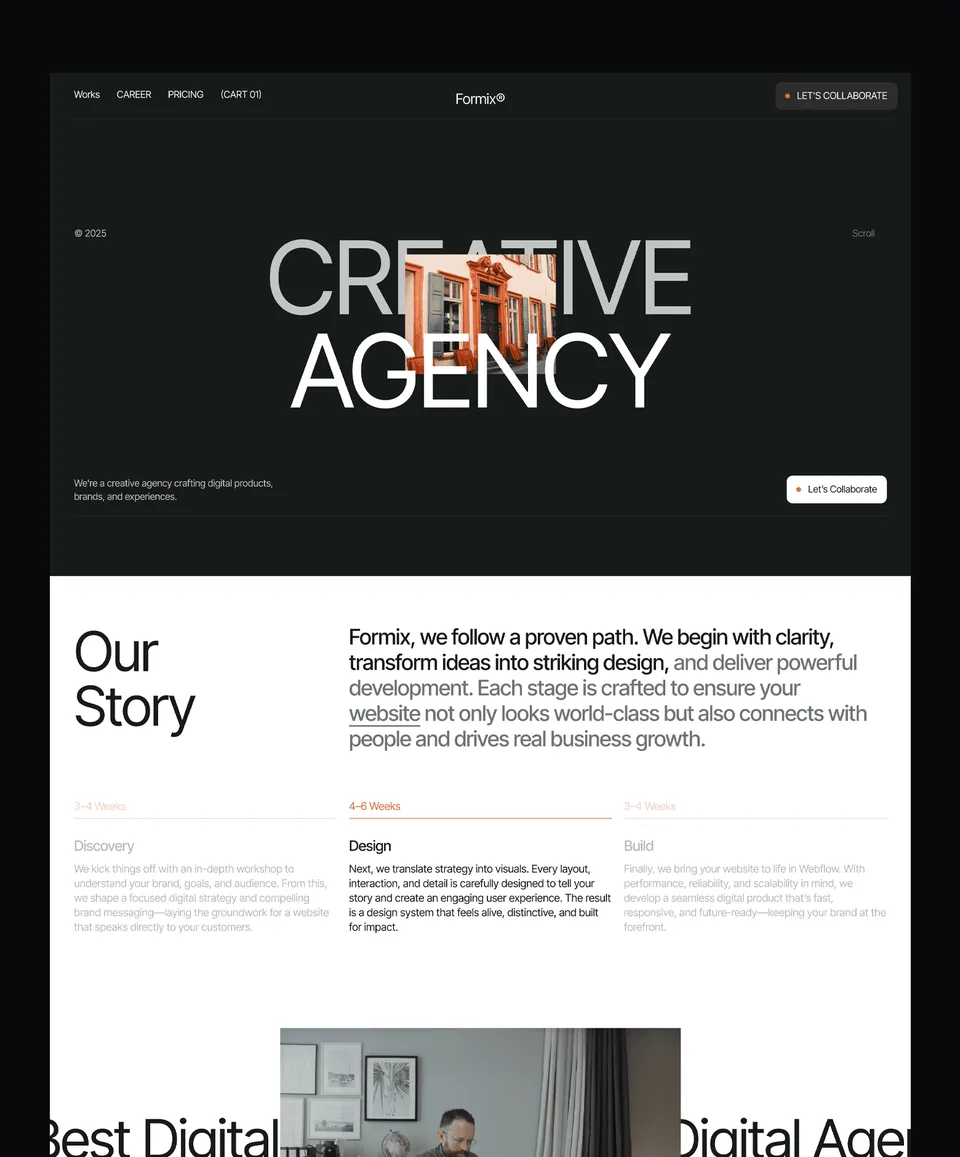
Zelda is a 13-page template designed for creative studios and agencies, and it is free on Framer, Webflow, HTML, Next.js and Astro with a free Waida account, Figma file included. Its dark studio styling needs the most rework for an accounting audience, but it costs nothing to test your page structure.
More options are in the professional services templates, where the pages for advisory and consulting firms are grouped.
What an Accounting Firm Website Costs
Starting from a template, an accounting firm website costs between nothing and a few hundred dollars, plus hosting and your portal software. A done-for-you customisation or a fully custom build costs more, and the table shows each route with today's Waida prices.
Route | What you get | Price |
|---|---|---|
Free template | Zelda on any platform; Mariq and Avande free on Framer, with a free Waida account | Free |
One template | One template on one platform, unlimited projects | $39 to $99 for the three above |
Pro plan | One template credit every quarter, plus unlimited sections | $12 a month, billed yearly |
Platform bundle | Every template on one platform, one payment | $159 Framer or Webflow; $99 HTML, Next.js or Astro |
Template customisation | Your copy, colours and images on a template, 7-day delivery | $499 one-time |
Custom website | A full custom build with design system and CMS | $5,000 one-time |
Every option uses the same Waida licence: one person, unlimited projects, including commercial and client work, with no attribution required. Plans are compared on the pricing page, and the customisation service covers the two done-for-you options. For the wider market, see how much a website costs.
Templates to start from
All 44 templates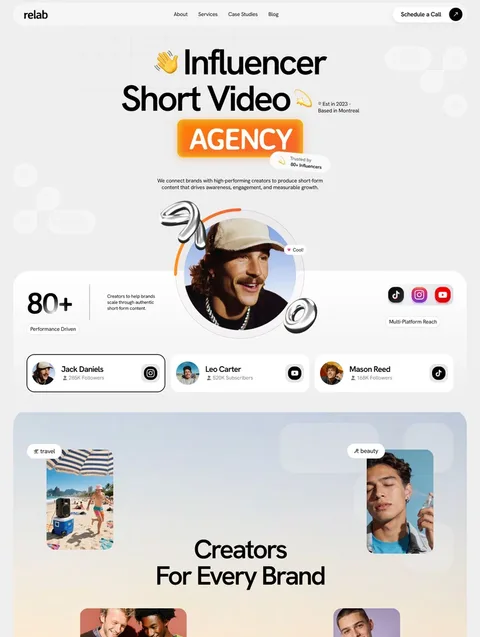


Frequently asked questions
What pages should an accounting firm website have?
A home page, one page per service, industry pages for the clients you serve, a fees page, a team page with credentials, a resources section and a contact page with a link to your secure client portal.
Should an accounting firm publish its fees online?
Usually yes. Circular 230 section 10.30 allows practitioners to publish fixed fees, hourly rates, fee ranges and initial consultation fees, as long as the statement says whether clients pay costs and published rates are honoured for at least 30 days.
Can clients send tax documents through a website contact form?
They should not. The FTC Safeguards Rule treats tax preparers as financial institutions and requires customer information to be encrypted in transit and at rest, so documents belong in a secure client portal, not a form or email.
Can an enrolled agent call themselves certified on their website?
No. Circular 230 section 10.30 says enrolled agents may not use the term certified or imply an employment relationship with the IRS, and suggests wording such as enrolled to practice before the Internal Revenue Service.
What schema type should an accounting firm use?
Use the schema.org AccountingService type, a subtype of FinancialService and LocalBusiness. Google requires the business name and address, and recommends opening hours, a phone number and the page URL.
How much does an accounting firm website cost with a template?
From free to $99 for a Waida template, depending on platform, plus hosting. Zelda is free on every platform with a free account, and Waida's template customisation service costs $499 with 7-day delivery.
Start with service pages grouped by client type, a fees page with real numbers or honest ranges, and team bios with exact credentials. Keep documents in a secure portal, keep every claim one you can stand behind, and check your state board's rules before launch. The professional services templates run from free to $99 depending on platform, and Zelda is free everywhere with a free account.
If your practice is closer to general business services, the business website templates cover a wider range of layouts.

More from Kazi
Related articles
More in Use Cases
Landscaping Website Design: What Wins Quotes and Contracts in 2026
What a landscaping or lawn care website needs in 2026: project photos that sell the work, one page per service, a quote form that collects the right details and a page for every area you cover.
Plumbing Website Design: What Wins Plumbing and HVAC Calls in 2026
What a plumbing or HVAC website needs in 2026: a phone number that works in an emergency, one page per job type, licences customers can check and a page for every area you serve.

Cleaning Website Design: What Books Cleaning Jobs in 2026
What a cleaning company website needs in 2026: a fast quote or booking path, a clear list of what each clean includes, checkable trust signals and a page per area you serve.