Insurance Agency Website Design: What Wins Quotes in 2026
What an independent insurance agency website needs in 2026: pages by coverage line, a short quote form, honest reviews, consent for calls and local search basics.

Good insurance agency website design tells a visitor in one screen which coverage you write, where you are licensed and how to get a quote. It needs a page for each coverage line, named agents, a short quote form with clear consent for follow-up calls, real reviews and a phone number on every page.
This guide covers the pages, the quote form, the rules on reviews and calling leads, local search and what a site costs if you start from a template. It is a design guide, not legal advice: check your state insurance department and your carrier agreements before you publish.
The Pages an Insurance Agency Website Needs
Seven page types cover most agencies, from a one-person office to a multi-location independent agency. Coverage pages and the quote form do the selling. The agent pages and reviews answer the question every shopper has: will a real person help me when I need to make a claim?
Page | What the visitor wants from it | Why it earns business |
|---|---|---|
Home | Do you insure people or businesses like me, here? | Sorts personal, business and specialty buyers in one screen |
Coverage pages (one per line) | What this policy covers, and what you need from me to quote it | Gives each search, such as "home insurance agent near me", its own landing page |
Get a quote | The fastest way to a price | The one path every other page points to |
Agents and team | Who will I deal with, and are they licensed? | Insurance is bought from people; names and licences are the proof |
Claims help | What do I do after an accident, a storm or a break-in? | Shows existing clients you are still there after the sale |
About and carriers | Are you independent, and which companies do you work with? | Explains why an agent beats buying direct |
Contact and locations | Where are you, when are you open, what is the number? | Matches the details on your Google Business Profile |
A small agency with two or three lines can fit most of this on one long page and grow from there. The guide to making a small business website walks through that smaller build step by step.
Organise Pages by Coverage Line, Not by Carrier
People search for the cover they need, not for the company behind it, so build one page per coverage line and group them by buyer. Someone looking for a landlord policy wants a page that says landlord insurance in the heading, not a grid of carrier logos.
- Personal lines: auto, home, renters, condo, umbrella, motorcycle and boat.
- Life and health: term and whole life, Medicare plans and individual health, if you are licensed for them.
- Commercial lines: business owner's policies, general liability, workers' compensation, commercial auto, professional liability.
- Niches you actually write: contractors, restaurants, trucking, landlords. Only list a niche when you have clients in it today.
Each coverage page should answer the same four questions in plain words: what the policy covers, what it usually leaves out, what you need from the client to quote it and how long a quote takes. End every page with the quote button and the phone number. Leave out premium figures unless you can stand behind them, because rates depend on the person, the property and the carrier.
Design the Quote Form So People Finish It
Ask for the least you need to call someone back, then collect the rest by phone or in a follow-up form. A first step of name, phone, email, ZIP code and coverage type is enough to start. Long forms that ask for a driver's licence number or a Social Security number up front lose people and collect data you then have to protect.
- One form per coverage line, or a first question that branches, so a renter never sees questions about a fleet of trucks.
- Say what happens next: who calls, roughly when, and that a quote does not commit them to anything.
- Keep sensitive data out of the website. Tell people not to type policy numbers, ID numbers or medical details into the form, and move that step to your agency management system or a secure portal.
- Show the phone number beside the form. Many insurance buyers would rather talk, especially for business cover.
If you or a lead partner will follow up with autodialled or prerecorded calls or texts, the consent wording on the form matters. Under the FCC's TCPA rule, 47 CFR 64.1200, telemarketing calls to mobile numbers using an automatic dialling system or a prerecorded voice need the person's prior express written consent.
The same section defines that consent as a written agreement, which may be signed electronically, that names the phone number and carries a clear and conspicuous disclosure. The disclosure must say that the person authorises those calls and that agreeing is not a condition of buying anything. Put that sentence next to an unticked checkbox, not in the footer, and ask a lawyer to review the exact wording.
Licences, Reviews and the Rules That Shape the Copy
Insurance is licensed state by state, so the site should say clearly where your agents can sell. The NAIC's producer licensing overview says anyone who wishes to sell, solicit or negotiate insurance in the United States must be licensed as a producer, and that historically each state has had its own licensing requirements.
- List licensed states and licence numbers on the agent pages and in the footer. Check your state insurance department's advertising rules before you write the header.
- Describe your carrier relationships accurately. Only show a carrier's name or logo if your appointment or agreement allows it, and never imply you are the carrier.
- Promise service, not prices. "Guaranteed lowest rates" is a claim about a result you cannot control for every buyer. Say what you do instead: compare several companies, review the policy every year, help with claims.
- Explain claims honestly. Say who handles a claim and how you help, without suggesting the agency decides claims.
Reviews are where agencies most often get into trouble. The FTC's rule on consumer reviews and testimonials makes it a violation for a business to write, create or sell a review that misrepresents whether the reviewer exists or had experience with the business, or to buy one. Use real reviews from real clients, with their permission.
The rule's review suppression section also bars a business from misrepresenting that the reviews it displays on its site represent most or all of the reviews submitted, when negative ones have been held back. In practice, embed your Google reviews as they are, or link to them, rather than hand-picking only five-star quotes into a section labelled "what our clients say".
Local Search: Google Business Profile and Structured Data
Most agency clients come from nearby, so the Google Business Profile matters as much as the website. Use the same agency name, address, phone and hours on both. Google's Business Profile guidelines say your name should reflect your real-world business name as used on your storefront, website and stationery.
The same guidelines use an insurance example for solo agents of a branded agency. If one agent is the only public-facing practitioner at a branded location, it is best to share a single profile named in the form "Allstate: Joe Miller". Where several agents work from one office, the office gets its own profile, and each agent's profile carries only that agent's name.
- Structured data: Schema.org has an InsuranceAgency type, a kind of LocalBusiness and FinancialService. Mark up the name, address, phone, opening hours and the areas you serve on the contact or location page.
- One page per office if you have several, each with its own address, hours, map and agents.
- Speed on phones. Google's Core Web Vitals set good thresholds of 2.5 seconds for Largest Contentful Paint, 200 milliseconds for Interaction to Next Paint and 0.1 for Cumulative Layout Shift, measured at the 75th percentile of page loads.
- HTTPS everywhere, and check the padlock on the quote page after every change of host or domain.
What an Insurance Agency Website Costs
A template-based agency site costs from nothing to a few hundred dollars before hosting, and a full custom build costs thousands. The bigger cost is usually time: writing a page for every coverage line and collecting agent photos and licence numbers. The table below uses Waida Studio's own prices, checked today.
Route | What you pay Waida | Best when |
|---|---|---|
Free template, Framer | $0 with a free account (Mariq, Puchix, Zelda and others) | You can write the copy and edit the pages yourself |
Paid code version | $39 for HTML, $49 for Next.js or Astro, per template | A developer will host and maintain the site |
Pro plan | $12 a month billed yearly, one template credit every quarter | You want several templates and the sections library |
Template customisation | $499, delivered in 7 days | You want your logo, colours and copy put in for you |
Full custom build | $5,000 one-time | You need a design system and layouts made for your agency |
Hosting and platform plans are billed separately by Framer, Webflow or your host. For a wider look at the costs, see how much a website costs, and the current plans are on the pricing page. Every Waida licence covers one person and unlimited projects, including client work, under the licence terms.
Waida Templates That Adapt to an Insurance Agency
Waida Studio does not have an insurance-specific template yet. These three are our own professional-services templates with the structure an agency needs: services, a team, results and a contact path. They are labelled here as Waida's own, and each needs insurance copy and your coverage pages added.
Mariq

Mariq has 11 pages with services, case studies and CMS-powered content, which map onto coverage pages and client stories. It is free on Framer with a free account, $79 on Webflow, $39 in HTML and $49 for Next.js or Astro.
Puchix

Puchix has 14 pages built around positioning, services, results and a structured contact form, a good fit for a quote-led agency site. It is free on Framer with a free account, $79 on Webflow, $39 in HTML and $49 for Next.js or Astro.
Zelda

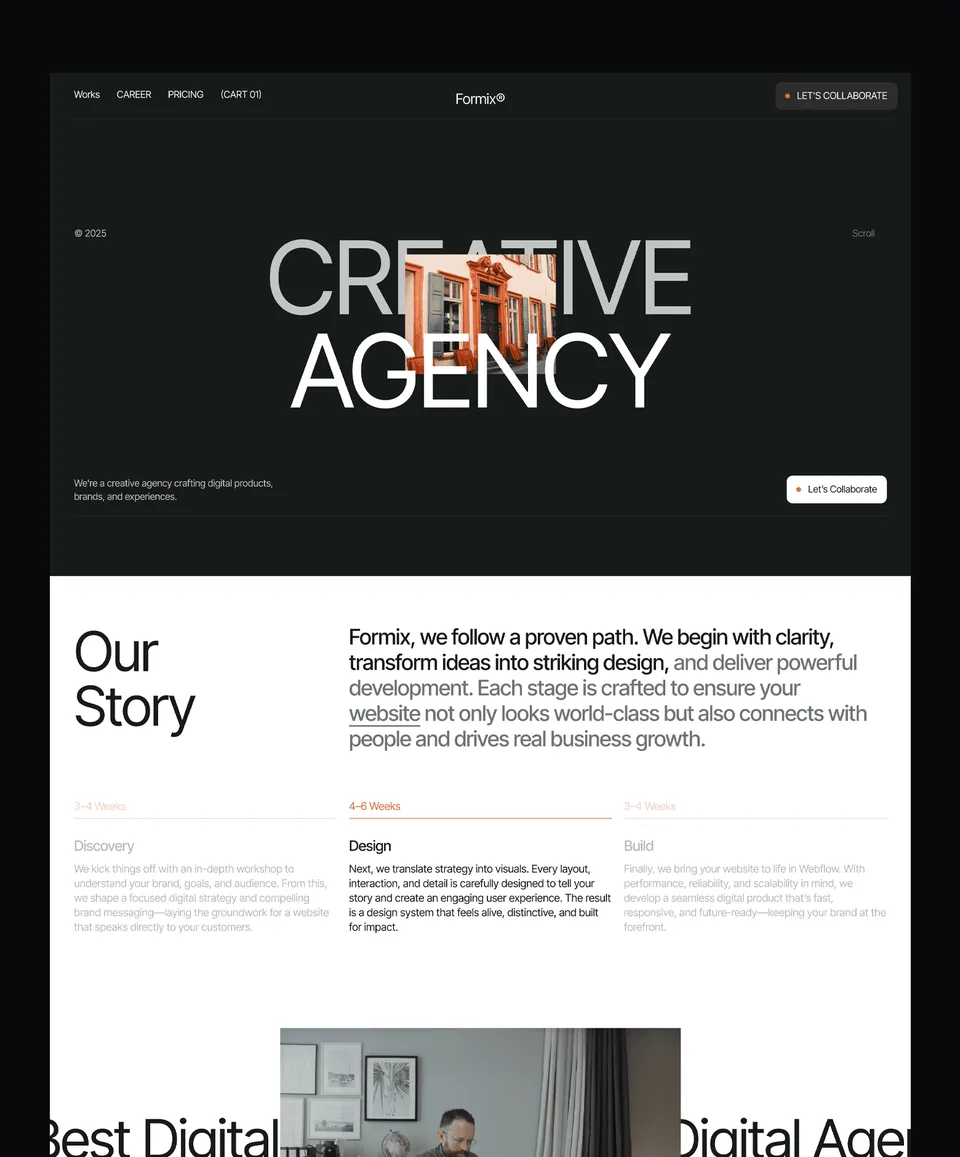
Zelda is a dark, 13-page template with services, about and team pages and a contact page with structured intake. It suits an agency that wants a premium look, and it is free on every platform, Figma file included, with a free Waida account.
More options are in the professional services templates. For regulated firms with similar trust problems, see the accounting firm website design guide and the law firm website design guide.
Launch Checklist for an Insurance Agency Website
Before launch, check the details a shopper or a regulator would check first: licences, phone numbers, consent wording and reviews. Most problems on agency sites are small and easy to fix before anyone sees them.
- Every coverage page ends with the quote button and the phone number.
- Agent pages show a photo, licensed states and licence numbers.
- The quote form asks only for what you need to call back, and warns against typing ID or policy numbers.
- Call and text consent sits beside an unticked checkbox, with wording reviewed by a lawyer.
- Reviews are real, used with permission, and not filtered to hide the negative ones.
- Name, address, phone and hours match the Google Business Profile exactly.
- The site loads quickly on a phone and every page is served over HTTPS.
Templates to start from
All 44 templates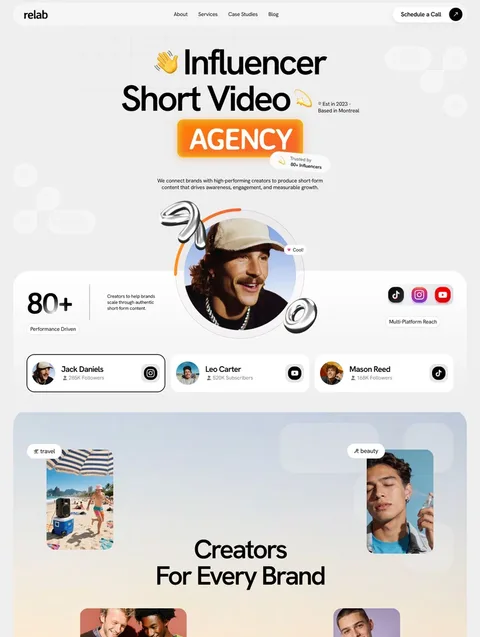



Frequently asked questions
What pages does an insurance agency website need?
A home page, one page per coverage line, a quote request page, agent and team pages, claims help, an about page that explains your carrier relationships, and contact details for each office.
Should an insurance agency website show prices?
Usually not as fixed figures, because premiums depend on the person, the property and the carrier. Explain what affects the price and how quickly you can quote instead.
Do I need consent on my insurance quote form?
If you will follow up with autodialled or prerecorded calls or texts, the FCC's TCPA rule requires prior express written consent with a clear disclosure. Have a lawyer review the exact wording on your form.
Can an insurance agency show reviews on its website?
Yes, if they are real reviews from real clients, used with permission. The FTC's reviews rule bars fake or bought reviews and misrepresenting a hand-picked selection as all the reviews you received.
Should agents list their licence numbers on the website?
Listing licensed states and licence numbers on agent pages lets a visitor check them with the state. Check your state insurance department's advertising rules before you publish.
Can I use a free template for an insurance agency website?
Yes. Waida's Mariq and Puchix are free on Framer with a free account, and Zelda is free on every platform. You add your coverage pages, agents and quote form.
An insurance agency website wins quotes when it is easy to scan: a page for each coverage line, agents with their licences, a short quote form with honest consent wording and real reviews. Get those right before you spend time on animation or stock photography.
To start quickly, pick one of the professional services templates or browse the Framer templates. Mariq and Puchix are free on Framer with a free account and Zelda is free on every platform; code versions cost $39 to $49, and customisation costs $499 if you want it done for you.

More from Kazi
Related articles
More in Use Cases
Accounting Firm Website Design: What Earns Clients in 2026
What an accounting firm website needs in 2026: services by client type, clear fees, named accountants, a secure route for documents and the rules on advertising.

Landscaping Website Design: What Wins Quotes and Contracts in 2026
What a landscaping or lawn care website needs in 2026: project photos that sell the work, one page per service, a quote form that collects the right details and a page for every area you cover.

Plumbing Website Design: What Wins Plumbing and HVAC Calls in 2026
What a plumbing or HVAC website needs in 2026: a phone number that works in an emergency, one page per job type, licences customers can check and a page for every area you serve.