Is Framer Worth It in 2026? An Honest Review for Designers, Founders, and Freelancers
A clear-eyed look at whether Framer is worth paying for in 2026. Real pricing, what you actually get, where it falls short.

Short answer: Yes, for most designers, founders, and small agencies. Framer is worth it when the site is a portfolio, a marketing or SaaS landing page, or a visually led client site, and the plans most people need cost $10–$30 a month. It stops being worth it for heavy e-commerce, large blogs, thousands of CMS items, or custom application logic.
Bias disclosure: Waida Studio publishes Framer templates and customizes Framer sites for clients, so we have a commercial interest in Framer being a good tool. We've tried to write this honestly, including the parts where Framer doesn't fit, because recommending the wrong tool to the wrong person doesn't serve anyone.

Waida Studio's Pexora template in the Framer editor: the page's sections in the layers panel, and the selected section's size and layout on the right.
What Framer Actually Costs in 2026
The pricing page is honest — but the sticker price isn't always the bill you'll see. Framer has four tiers as of 2026:
Plan | Billed yearly | Billed monthly | Best for |
|---|---|---|---|
Free | $0 | $0 | Prototyping, learning, no custom domain |
Basic | $10/mo | $15/mo | Personal sites, freelancers, students |
Pro | $30/mo | $45/mo | Most agencies, startups, marketing teams |
Enterprise | Custom | Custom | Custom limits, SSO, dedicated support |
Two things to know about that pricing structure:
It's per site, not per workspace. Each site you publish to a custom domain needs its own subscription. An agency with five client sites pays five times. There's no volume discount.
Editors and locales are separate line items. Basic and Pro allow up to 10 people with edit access; each additional editor costs $20/month, and editors who only update content cost $10/month. Each additional language locale costs $20/month. For a freelancer publishing one site this isn't relevant. For a multilingual agency site with multiple client editors, the bill can land 2–4× the sticker price.
For most individual users — designers, freelancers, founders running one or two sites — the practical cost is $10–$30/month. That's the number to weigh against value.
What You Get for the Money
Framer at the Basic and Pro tiers is, frankly, more capable than its price suggests. Here's what's bundled:
Hosting on AWS infrastructure. Sites are pre-rendered and served via Amazon CloudFront's global CDN. SSL certificates are issued and renewed automatically. DDoS protection, anti-spam, and a web application firewall are all included. You don't pay separately for hosting — it's part of the subscription. For a fuller breakdown, see our Framer hosting guide.
A visual editor designed for designers. The canvas behaves more like Figma than like a traditional website builder. If you've worked in Figma, the muscle memory transfers — frames, components, breakpoints, properties panel. The handoff problem most designer-developer workflows face just doesn't exist here, because there's no handoff.
A built-in CMS. Define collections (blog, projects, team), add fields, and connect them to template pages. The CMS supports cross-collection references to rich text. It's enough to power most portfolio, marketing, and content sites without an external backend.
Animation and interaction primitives. Hover states, scroll animations, page transitions, component-level interactions — all built into the design tool, no plugin needed. Hardware-accelerated via the Web Animations API.
SEO defaults. Sitemap.xml and robots.txt are generated automatically. Per-page meta titles, descriptions, and Open Graph tags. Pages are server-rendered for fast first loads and clean indexing. Framer doesn't ship structured data automatically — you add JSON-LD manually — but the technical baseline is strong out of the box. See our Framer SEO guide for the full picture.
Forms, analytics, and translations. Built-in form handling. Native analytics on paid plans. AI-powered translation for multilingual sites.
That's a lot for $10–$30/month. The closest comparable bundle from a traditional stack — design tool + hosting + CDN + SSL + CMS + analytics — would cost more, take longer to set up, and require more ongoing maintenance.
Where Framer Falls Short
Honest list of what Framer doesn't do well:
Large-scale content sites. The CMS caps out at 2,500 items on Pro, or 40,000 with add-ons. For a portfolio site or a small blog, that's plenty. For a content publication with thousands of articles, an SEO programmatic project, or a documentation site with hundreds of pages, you'll hit limits, and the editing experience gets clunky.
Real e-commerce. Framer has form-based "buy" workflows and integrations with payment providers, but it's not a serious e-commerce platform. If you're running a real store with inventory, variants, abandoned cart flows, and shipping logic, Shopify or Webflow Commerce will serve you better.
Web applications with custom logic. Framer is a website builder, not an app builder. User authentication, databases, conditional logic, and custom backends aren't in scope. For applications, Bubble, Lovable, or a real codebase are the right call.
Per-site pricing for agencies. This is the legitimate complaint. An agency running ten client sites pays for ten Framer subscriptions, which adds up fast. Webflow's workspace structure is more agency-friendly here.
Plugin ecosystem. Framer has a growing plugin marketplace, but it's smaller than Webflow's app store and far smaller than WordPress's plugin universe. If your project depends on niche third-party tools, check that they integrate before committing.
Limited control over robots.txt and canonicals. Robots.txt isn't fully editable, and custom canonical tags require the Enterprise plan. For most sites this doesn't matter — Framer's defaults are correct. For complex SEO setups with multi-domain canonicals or specific crawl rules, you'll feel the constraint.
Who Framer Is Worth It For
Framer is genuinely a good answer for these profiles:
Independent designers building portfolios. This is the core use case. Framer was built for designers, the canvas behaves like Figma, motion is first-class, and portfolio sites typically don't need the features Framer lacks. If you're a designer, photographer, illustrator, or creator with a personal site, Framer is hard to beat in 2026.
Founders shipping marketing and SaaS landing pages. Fast to build, fast to load, no engineering bottleneck. A founder can ship a credible marketing site in a weekend and iterate weekly without involving a developer. For early-stage startups specifically, this is enormous leverage.
Small agencies producing client sites. Yes, the per-site pricing isn't ideal — but the speed at which a designer can ship a polished, animated, CMS-powered client site outweighs the subscription cost on most engagements. Agencies that adopt Framer typically deliver more sites per quarter than they did pre-Framer.
Designers wanting to ship without engineering handoff. If your background is design and you want to publish without learning HTML/CSS/React or hiring a developer for every change, Framer is one of the smoothest paths to actually shipping in 2026.
Who Should Look Elsewhere
Framer probably isn't worth it if you fit one of these profiles:
You need a complex e-commerce store. Shopify, Webflow Commerce, or BigCommerce.
You're running a content publication with thousands of articles. Ghost, WordPress, or a headless CMS like Sanity + a static site generator.
You're building a web application with user accounts and custom logic. Bubble, Lovable, Webflow with significant custom code, or a real codebase.
You manage 20+ client sites and per-site pricing is a deal-breaker. Webflow's workspace pricing is more agency-friendly at scale.
Your project's value depends on a specific WordPress plugin or feature. Stay on WordPress.
Worth It vs. the Alternatives
A quick honest read on the most common comparisons:
Framer vs. Webflow. Framer is designer-friendlier and cheaper at the entry tier. Webflow has more depth on CMS-heavy sites and e-commerce. For portfolios, marketing sites, and SaaS landing pages, Framer usually wins on speed-to-launch. For content-heavy sites and stores, Webflow usually wins.
Framer vs. Squarespace/Wix. Framer offers more design freedom and produces faster-loading sites. Squarespace and Wix are simpler if you want to publish a basic site quickly without thinking about layout much.
Framer vs. WordPress. WordPress has the plugin ecosystem and the content depth. Framer has the design tooling and the speed. The choice usually comes down to whether your site is a content engine (WordPress) or a designed marketing site (Framer).
Framer vs. coding it yourself. If you're comfortable with React/Next.js and have time, custom code wins on flexibility but loses on speed. Framer is the answer when shipping in 2 weeks beats shipping in 2 months.
The Honest Verdict
Framer is worth it if your project lives in the territory it was built for — designed marketing sites, portfolios, SaaS landing pages, agency sites, founder-built early-stage launches. At the Basic ($10/mo) or Pro ($30/mo) tier, the value-to-cost ratio is genuinely strong in 2026.
Framer is not worth it if your project is mostly e-commerce, mostly content publishing at scale, or mostly application logic. Forcing those projects onto Framer leads to workarounds that get worse over time.
The mistake people make is buying Framer because it looks beautiful in demos, then discovering their actual use case wasn't a fit. Pick the tool for the job — and if the job is the kind of site Framer was designed for, the subscription pays for itself fast.
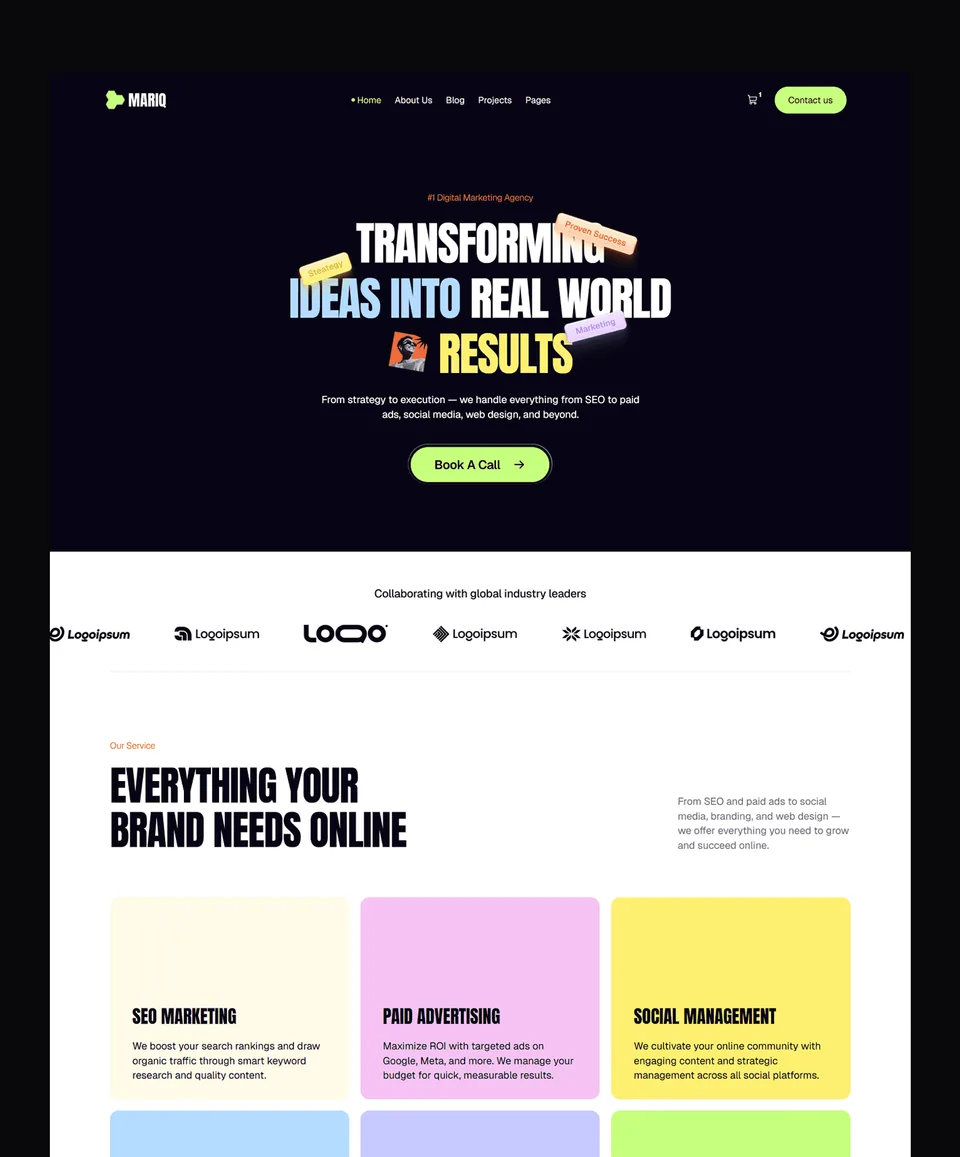
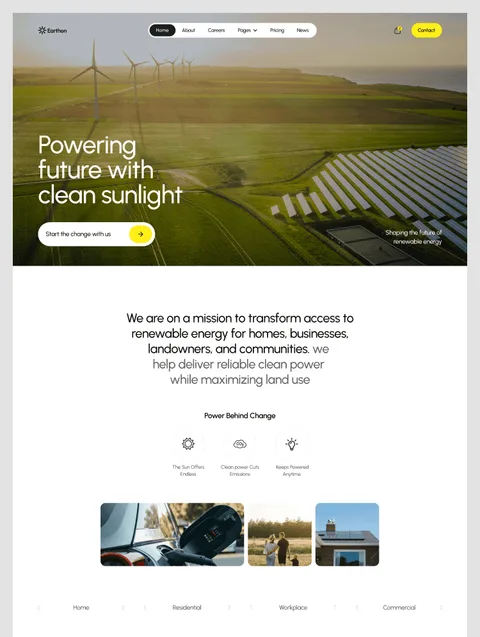
If it is worth it for you, the Framer templates are the quickest way to see what the platform can do without building from nothing. The free ones cost nothing to try.
Framer templates to start from
All 35 Framer templates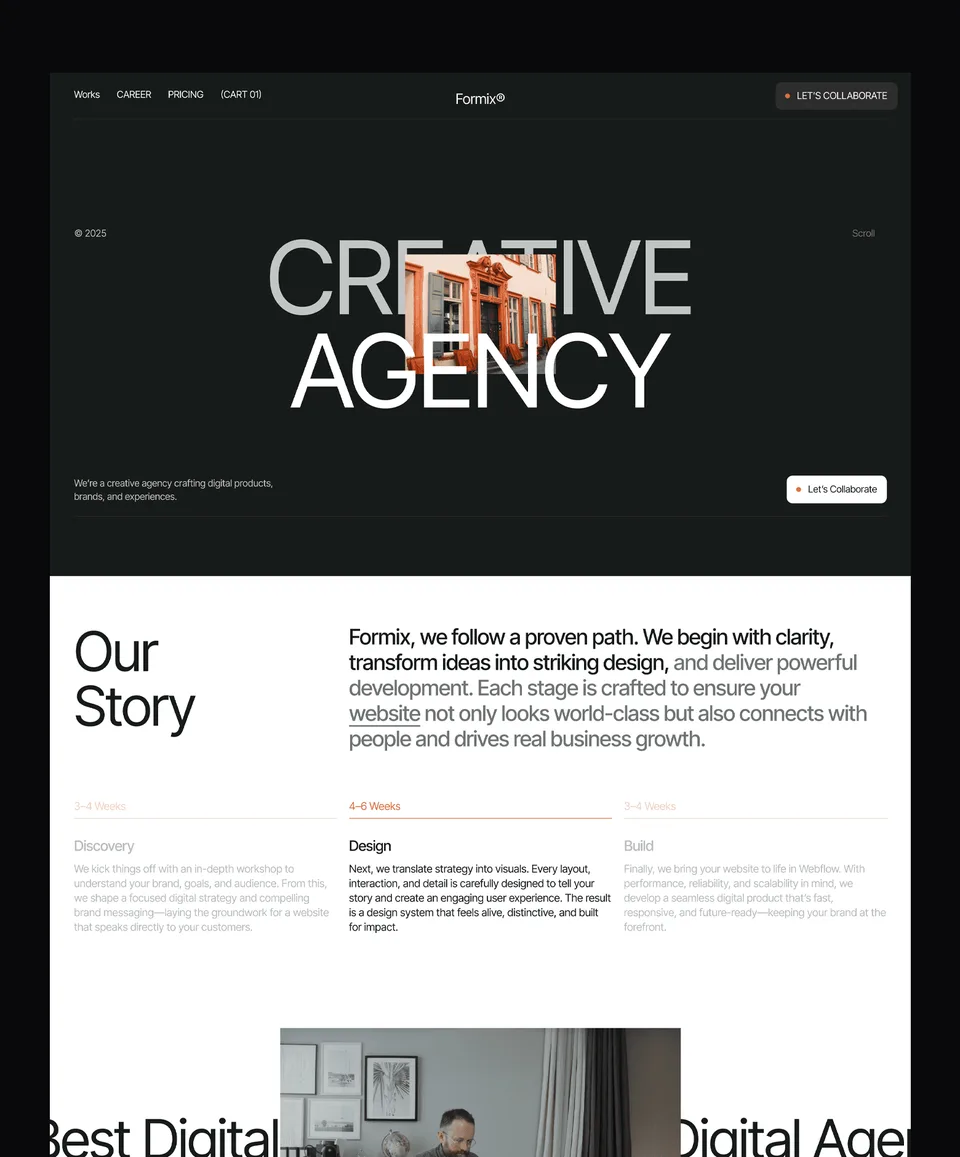


Frequently asked questions
Is Framer's free plan enough for a real website?
Not for a public-facing site, no. The free plan can't connect a custom domain — your site stays on a yoursite.framer.website subdomain, which looks unprofessional and hurts SEO. For real sites, you need at least the Basic plan at $10/month.
Can I cancel Framer and keep my site?
Not in the way most people mean. If you cancel, your published site comes down. You can export your design as static HTML/CSS/JS using third-party tools like Framer Export ($14.99 per site) and host it elsewhere — but you lose the visual editor, CMS, and forms. For most users, staying subscribed is the right call.
How does Framer compare to Webflow on price?
Framer's Basic at $10/month is cheaper than Webflow's entry-level paid plan. At the Pro tier ($30/month), the two are roughly comparable for what most teams need. Webflow is friendlier for agencies managing many sites; Framer is friendlier for individual creators and small teams.
Is Framer worth it for agencies?
For small agencies (1–5 client sites at a time), yes — the per-site cost is manageable and the speed-to-launch advantage is real. For larger agencies (10+ active client sites), the per-site pricing model becomes a meaningful expense, and Webflow's workspace pricing may make more sense.
Can I really build a serious site in Framer without code?
Yes. The vast majority of Framer sites in 2026 are built without any custom code. Framer's visual editor handles layout, CMS, animation, forms, and SEO. Custom code (HTML embeds, custom components) is available when you need it but rarely required for marketing sites or portfolios.
For a deeper look at the platform, see our complete Framer guide.

More from Kazi
Related articles
More in Framer
Figma to Framer: How to Move a Design in 2026
How to move a Figma design into Framer with Framer's free plugin: preparing the file, copying and pasting, fixing fonts and breakpoints, and publishing.

Best Framer SaaS Templates: 10 Landing Page Picks for Startups in 2026
Ten Framer templates for SaaS and AI startups, from single landing pages to full product sites. Seven are free, with who each one suits.

Framer Pricing in 2026: Every Plan, the Free Plan and the Student Discount
Free, Basic, Pro and Enterprise compared: what the free plan allows, how the student discount works, and the costs beyond the plan.